
Wi-Fi dead zones can seriously mess with your streaming, especially in those isolated corners of your house. Physical obstructions like concrete walls or heavy furniture block signals, while devices like microwaves and cordless phones create interference. If your router isn’t centrally placed, you’ll likely experience weak connections. To fix this, consider repositioning your router or using boosters for better coverage. Keep exploring to discover more effective strategies to enhance your Wi-Fi experience.

Get movie nights delivered free — and shop member deals
- Fast, free delivery on millions of items
- Access to Prime Big Deal Days deals on October 6–7
- Prime Video, Amazon Music and more included
Key Takeaways
- Wi-Fi dead zones occur due to signal interference from electronic devices, which can disrupt streaming in certain areas of the house.
- Physical obstructions like thick walls and heavy furniture can block Wi-Fi signals, leading to poor connectivity in specific corners.
- The placement of the router significantly impacts signal strength; central locations can enhance streaming performance throughout the home.
- Devices like microwaves and older cordless phones can interfere with Wi-Fi signals, contributing to streaming failures in nearby areas.
- Upgrading to modern routers or using mesh networks can improve coverage, reducing dead zones and enhancing streaming quality in affected corners.
Understanding Wi-Fi Dead Zones and How to Fix Them
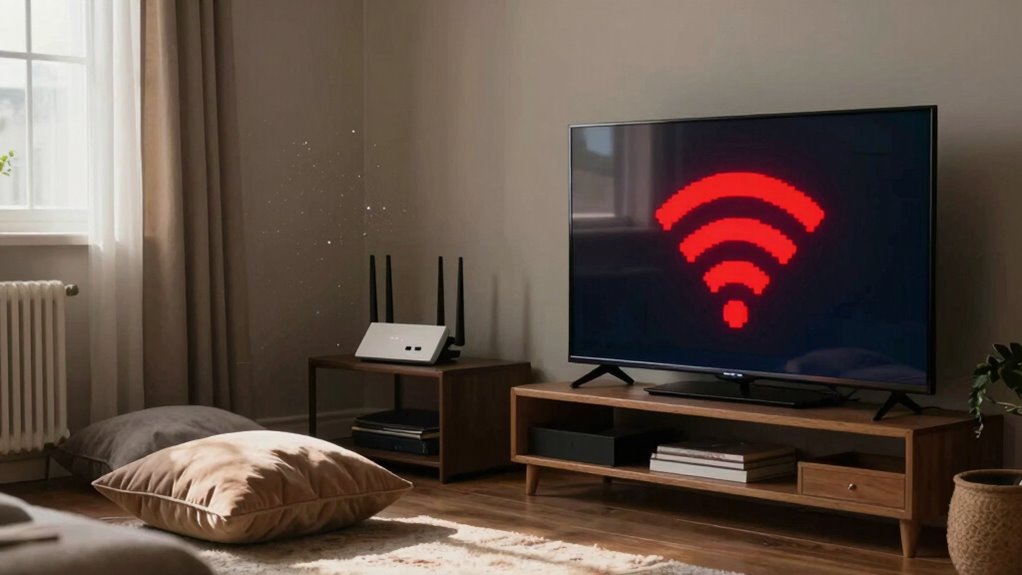
If you’ve ever experienced a frustrating moment when your Wi-Fi suddenly drops out, you know how annoying dead zones can be. These areas in your home often stem from Wi-Fi interference, which can weaken your signal strength. Common culprits include appliances, electronic devices, and even your neighbor’s network. To improve your situation, start by identifying the dead zones and checking your router’s placement. Elevating your router can help, as well as keeping it away from interference sources. You might also consider changing your Wi-Fi channel or upgrading to a dual-band router. By understanding these factors, you can boost your signal strength and banish those pesky dead zones for good.
Physical Obstructions That Block Your Wi-Fi Signal
While you may not realize it, physical obstructions in your home can markedly weaken your Wi-Fi signal. Different wall materials play a significant role in how well your signal travels. For instance, thick concrete or brick walls block signals more than drywall. If your router’s located in a corner behind heavy furniture, you might be creating a dead zone without even knowing it. A cluttered furniture layout can also hinder signal strength, especially if items like bookshelves or cabinets are strategically placed between your devices and the router. To improve your connection, consider rearranging furniture or moving the router to a more central location. Addressing these obstructions can help you enjoy smoother streaming throughout your home.
How Other Devices Mess With Your Wi-Fi?
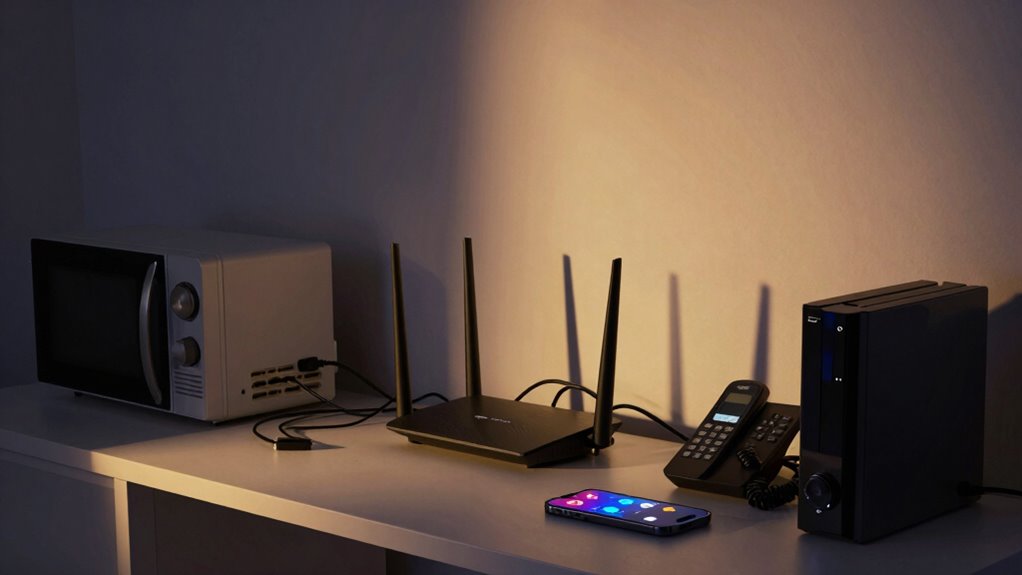
Have you ever noticed your Wi-Fi slowing down when you use certain devices? Various interference sources can wreak havoc on your connection, particularly how you place these devices around your home. Here are three common culprits:
- Microwaves: They emit signals that interfere with Wi-Fi, especially when you’re in the same room.
- Cordless Phones: Older models often operate on the same frequency as your Wi-Fi, leading to disruptions.
- Bluetooth Devices: These can also cause interference, particularly if they’re in close proximity to your router.
To maintain a stable connection, consider the device placement throughout your living space. Keeping these interference sources at a distance can greatly enhance your Wi-Fi experience.
Effective Strategies to Boost Wi-Fi Signal in Weak Areas
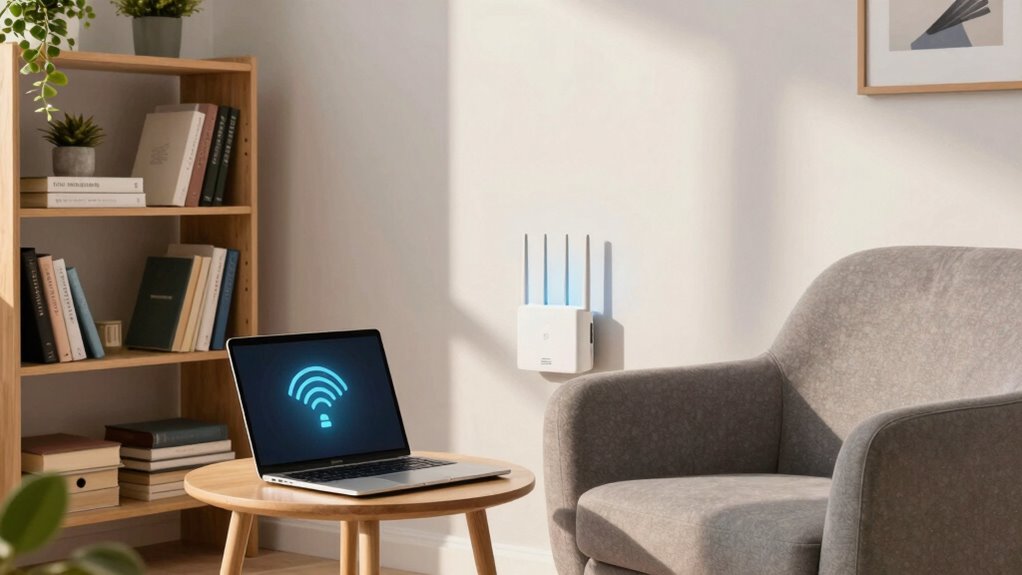
To enhance your Wi-Fi signal in weak areas, it’s crucial to identify the best strategies that fit your home layout. One of the most effective options is to invest in mesh networks. These systems consist of multiple units that work together to create a seamless internet connection throughout your home, eliminating dead zones. Another solution is using signal boosters, which amplify your existing Wi-Fi signal, extending its reach. Place these boosters strategically in areas where the signal is weak, like corners or distant rooms. Additionally, consider repositioning your router to a more central location and away from obstructions. Proper placement can also help optimize your local automation and ensure better coverage. With these strategies, you can greatly improve your Wi-Fi experience and enjoy uninterrupted streaming in every corner of your house.
How to Know If You Need New Wi-Fi Equipment?
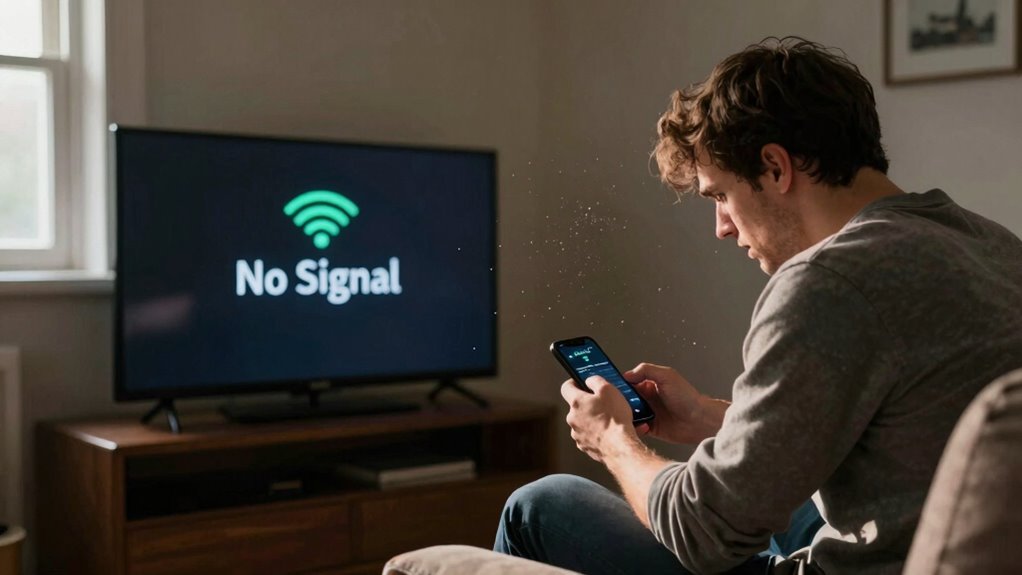
Your Wi-Fi setup might still need an upgrade even after implementing strategies like mesh networks or signal boosters. Here are three signs that indicate it’s time for new equipment:
- Poor Signal Strength: If you frequently experience weak signals or dead zones, your current equipment may not be sufficient for your needs.
- Outdated Technology: If your router is more than a few years old, it likely lacks the latest features and security protocols, affecting your user experience.
- Equipment Compatibility: As you add new devices, verify your router can handle them. Incompatible or insufficient hardware can lead to slow speeds and connectivity issues.
Upgrading your equipment can greatly enhance your overall Wi-Fi performance, making your online activities smoother and more enjoyable.
Frequently Asked Questions
Can Wi-Fi Dead Zones Affect Smart Home Devices?
Yes, Wi-Fi dead zones can considerably affect your smart home devices. When your Wi-Fi signal is weak or nonexistent in certain areas, smart device connectivity drops, leading to unreliable performance. You might experience delays or even disconnections from essential functions like security cameras or smart speakers. To guarantee peak internet reliability, consider repositioning your router or using extenders to cover those dead zones, keeping your smart home running smoothly.
Does Weather Impact Wi-Fi Signal Strength Indoors?
Yes, weather conditions can impact Wi-Fi signal strength indoors. Rain, snow, and extreme temperatures can cause signal interference, making it harder for your devices to connect effectively. For instance, heavy rain can absorb and scatter the Wi-Fi signals, while snow can create additional barriers. If you’re experiencing connectivity issues during bad weather, it’s likely due to these factors affecting the strength and reliability of your internet connection at home.
How Do Wireless Security Cameras Affect Wi-Fi Performance?
Think of your Wi-Fi like a busy highway; when wireless security cameras join the traffic, they can cause some congestion. These cameras often require significant bandwidth, which can lead to wireless interference if your network isn’t robust enough. When multiple devices stream video simultaneously, you might notice slower speeds or buffering. To keep everything running smoothly, consider upgrading your router or limiting the number of active cameras on your network.
Can I Use a Powerline Adapter to Fix Dead Zones?
Yes, you can use a powerline adapter to fix dead zones. The powerline benefits include extending your internet connection through your home’s electrical wiring, providing a stable signal where Wi-Fi might struggle. However, adapter limitations exist; performance can vary based on wiring quality and distance. Make sure your outlets are on the same circuit for best results. By strategically placing powerline adapters, you’ll likely improve connectivity in those hard-to-reach areas.
Is It Better to Use 2.4ghz or 5GHZ for Streaming?
For streaming quality, you’ll find it’s better to use 5GHz over 2.4GHz. The 5GHz frequency range offers faster speeds and less interference, making it ideal for high-definition streaming and online gaming. While 2.4GHz can cover larger areas, its slower speeds can lead to buffering issues. So, if you want smooth, uninterrupted streaming, stick with the 5GHz band whenever possible. You’ll enjoy a better experience with fewer interruptions and higher quality.
Conclusion
In summary, tackling Wi-Fi dead zones doesn’t have to be an intimidating task. By understanding physical obstructions and the interference from other devices, you can implement effective strategies to boost your signal. Imagine streaming your favorite shows seamlessly from every corner of your home—doesn’t that sound ideal? If you’re still struggling with connectivity, it might be time to reflect on upgrading your Wi-Fi equipment for a smoother, more reliable experience.
Fall Picks
fall essentials
As an affiliate, we earn on qualifying purchases.