To stream 4K content seamlessly, you need at least 25 Mbps download speed from a reliable, low-latency connection. If multiple devices or high-quality videos are active, you may require even more bandwidth to avoid buffering or drops in picture quality. Factors like video compression, device capabilities, and network congestion can affect your needs. Want to find out how to optimize your setup and make sure smooth streaming? Keep exploring to learn more.
Key Takeaways
- A minimum of 25 Mbps download speed is recommended for smooth 4K streaming.
- Higher-quality codecs like HEVC or AV1 can reduce bandwidth needs for 4K content.
- Multiple devices streaming simultaneously require aggregate bandwidth exceeding 25 Mbps.
- Network congestion and Wi-Fi quality significantly impact effective bandwidth during streaming.
- Using wired Ethernet connections and modern routers improves stability and reduces required bandwidth.
What Is 4K Streaming and Why Does Your Internet Speed Matter?

When you stream in 4K, you’re watching ultra-high-definition content that offers four times the resolution of standard HD. This means you’ll see sharper images and more detail, but it also demands a higher video resolution to deliver that clarity. Your internet speed plays a vital role here; insufficient bandwidth can cause buffering or lower quality. Additionally, internet latency—the delay in data transfer—can impact your viewing experience, especially during fast-paced scenes. High latency may cause lag or interruptions, making it harder to enjoy seamless playback. To truly appreciate 4K content, your internet connection needs to handle the increased data flow efficiently. Without adequate speed and low latency, even the best 4K videos won’t display properly, defeating the purpose of ultra-high-definition streaming. Moreover, understanding the bandwidth you actually need for streaming ensures a smoother experience. Ensuring a stable connection and sufficient bandwidth helps prevent streaming interruptions and guarantees a high-quality viewing experience. It’s also important to consider other factors such as network congestion, which can temporarily reduce available bandwidth and affect streaming quality. A properly optimized network can further enhance your 4K streaming experience by reducing unnecessary data delays.
How Much Internet Speed Do You Need for Smooth 4K Playback?
To enjoy smooth 4K playback without interruptions, your internet connection should provide at least 25 Mbps of download speed. For ideal streaming, fiber optics offer the fastest, most reliable connection, reducing buffering. Your Wi-Fi routers also play a key role—ensure they support the latest standards like Wi-Fi 6 for seamless data flow. Visualize your network setup with this table:
| Device Type | Connection Type | Speed Needed |
|---|---|---|
| Smart TV | Fiber optics | 25+ Mbps |
| Streaming Device | Wi-Fi 6 Router | 25+ Mbps |
| Gaming Console | Ethernet cable | 25+ Mbps |
| Laptop | Wi-Fi 5 or better | 25+ Mbps |
| Smartphone | Wi-Fi 6 | 25+ Mbps |
This setup guarantees smooth 4K streaming without lag or buffering. Understanding internet speed requirements can help you optimize your setup and avoid unnecessary interruptions. Additionally, network congestion can impact streaming performance, so managing your network traffic is essential. Ensuring your Wi-Fi standards are up to date can further enhance streaming stability, especially in environments with multiple connected devices. A stable connection with astrological influences has also been linked to consistent streaming experiences in some studies. To achieve optimal performance, consider also the quality of your network hardware, which significantly affects overall connectivity and streaming quality.
What Factors Affect Your 4K Streaming Bandwidth Needs?
Several factors influence how much bandwidth you need for 4K streaming. The video compression standards used can reduce or increase data demands, while your streaming device’s quality impacts playback smoothness. Additionally, network congestion levels can slow your connection, affecting your overall streaming experience. Understanding natural pools and landscaping concepts can also help optimize your home network environment for better streaming performance, as these design ideas can improve signal distribution and reduce interference. Incorporating network optimization techniques, such as strategic placement of routers and signal boosters, can further enhance your streaming quality. Proper bandwidth management ensures your network maintains the necessary speed during peak usage times for consistent 4K playback.
Video Compression Standards
Video compression standards play a crucial role in determining how much bandwidth you need for 4K streaming. They rely on advanced video codecs to reduce file size while maintaining quality, directly impacting your streaming experience. The compression efficiency of these codecs influences how much data is required to deliver crisp visuals. Factors to evaluate include:
- Codec Type: Newer codecs like HEVC or AV1 offer better compression efficiency than older ones, reducing bandwidth needs.
- Encoding Settings: Higher compression levels may lower bandwidth but can affect picture quality if overdone.
- Content Complexity: Fast-moving or detailed scenes demand more data, even with efficient codecs, influencing overall bandwidth requirements.
Understanding how these standards work helps you optimize your streaming setup for 4K content without unnecessary buffering.
Streaming Device Quality
The quality of your streaming device considerably impacts the bandwidth needed for 4K content. Higher-quality devices, like advanced smart TVs or premium streaming boxes, support better resolution and smoother playback, but they often demand higher internet speed compatibility to perform ideally. Cheaper or older devices may struggle to display true 4K resolution, causing buffering or reduced quality, which can lead to unnecessary bandwidth use. Ensuring your device can handle 4K streaming at high bitrates helps you avoid overloading your internet connection. Additionally, some devices automatically adapt their streaming quality based on network conditions, so choosing a device with good streaming device quality ensures consistent performance without overtaxing your bandwidth. Always verify your device’s capabilities against your internet speed to optimize your 4K streaming experience.
Network Congestion Levels
Network congestion can substantially affect your 4K streaming bandwidth needs, especially during peak usage times. When network saturation occurs, congestion levels rise, leading to potential buffering or quality drops. Several factors influence this, including:
- Number of simultaneous users: More devices streaming or browsing increase congestion, reducing available bandwidth.
- Network infrastructure quality: Outdated or overloaded routers and ISP limitations can heighten congestion levels.
- Time of day: Peak hours, like evenings, often see higher network saturation, impacting streaming performance.
Understanding these elements helps you anticipate when bandwidth demands will spike, so you can adjust your streaming setup accordingly or schedule downloads during off-peak hours to ensure smooth 4K playback.
How Do Compression and Video Quality Impact Your Streaming Speed?
Since compression reduces the size of video files, it directly affects your streaming speed and quality. A higher compression impact means the video is compressed more, which can lower data requirements and help prevent buffering on slower connections. However, excessive compression may also diminish video quality, causing blurriness or loss of detail. On the other hand, less compression preserves better video quality but increases the data needed, requiring a faster internet connection. Striking the right balance ensures smooth playback without sacrificing clarity. Additionally, using high-speed storage and connectivity gear can help optimize streaming performance by minimizing latency and data bottlenecks. Implementing proper network configuration and ensuring your router supports dual-band frequencies can further improve streaming stability. Understanding how compression and video quality interplay helps you choose the appropriate settings or streaming services that match your bandwidth, providing a seamless 4K experience without unnecessary buffering or quality loss. Moreover, being aware of adaptive streaming technologies can further improve your viewing experience by adjusting quality in real-time based on your network conditions. Implementing appliance maintenance plans for your home network devices can also ensure consistent performance during heavy streaming sessions. Staying informed about network optimization techniques can additionally help maintain stable streaming during peak usage times.
Can Multiple Devices Stream 4K at Once Without Buffering?
While multiple devices can stream 4K content simultaneously, doing so without buffering depends heavily on your overall internet bandwidth. Bandwidth sharing among devices impacts streaming quality, especially if each device demands high data rates. To prevent buffering issues, consider these factors:
- Your total available bandwidth must meet or exceed the combined requirements of all active streams.
- Device limitations, like outdated hardware or weak Wi-Fi signals, can hinder performance even with sufficient bandwidth.
- Network congestion from other activities, such as downloads or gaming, reduces effective bandwidth for streaming.
- Understanding bandwidth management techniques can help optimize your network performance for multiple 4K streams.
- Proper network configuration and prioritization can further ensure smooth streaming experiences across devices.
- Regularly updating your router firmware and optimizing your Wi-Fi setup can also improve overall streaming performance.
Ensuring each device receives enough bandwidth minimizes buffering risks. Remember, the more devices streaming at once, the greater the demand on your network, making bandwidth sharing a critical element in achieving smooth 4K playback across multiple devices.
How Can You Check If Your Internet Speed Supports 4K Streaming?
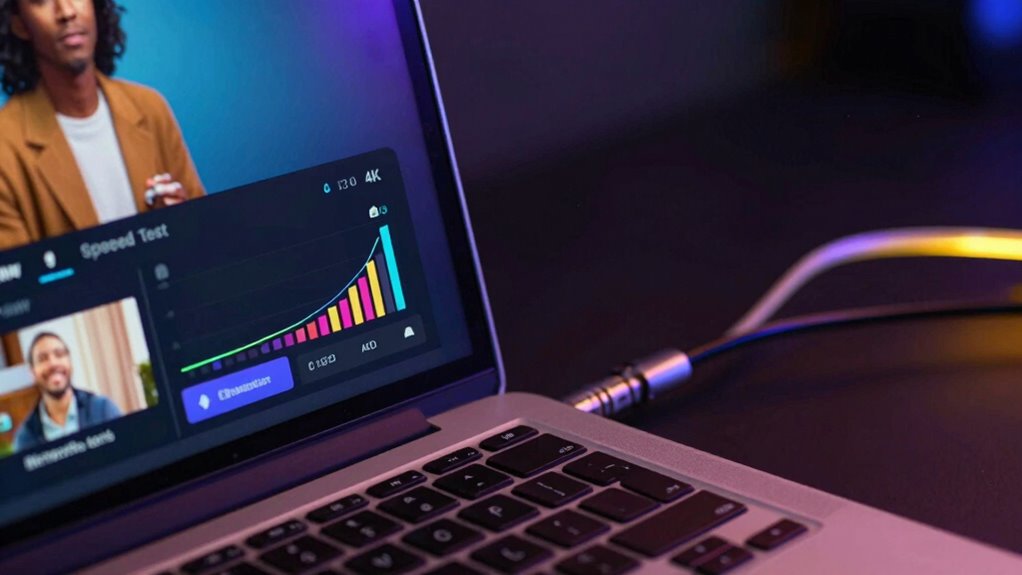
To see if your internet speed can handle 4K streaming, you need to test your connection first. Knowing your current speed helps determine if it satisfies the recommended bandwidth for 4K content. Understanding these requirements ensures a smooth viewing experience without interruptions.
Test Your Internet Speed
Checking your internet speed is crucial to guarantee your connection can handle 4K streaming smoothly. To do this, start with reliable tools like internet speed tests, which measure your download and upload speeds. You can also use bandwidth calculators to estimate your needs based on your streaming habits. When testing, consider these steps:
- Run multiple internet speed tests at different times of day for accuracy.
- Record the average download speed, ensuring it meets or exceeds the 25 Mbps requirement for 4K.
- Verify your upload speed, especially if you share your connection or upload large files regularly.
These methods help you assess whether your current internet plan supports 4K streaming without interruptions. Regular testing keeps you informed and guarantees ideal viewing quality.
Understand 4K Bandwidth Needs
After testing your internet speed with reliable tools, it’s important to determine whether those speeds support seamless 4K streaming. To do this, compare your bandwidth thresholds to the resolution requirements for 4K content. Most streaming services recommend a minimum of 25 Mbps for 4K streaming, but actual needs can vary based on the platform and video quality settings. Check if your internet connection meets or exceeds these thresholds to guarantee smooth playback without buffering. Keep in mind that higher resolution requires more bandwidth, so if your speed is close to the minimum, you might experience issues. Understanding these bandwidth thresholds helps you decide if your current internet plan supports 4K streaming or if you need an upgrade for the best viewing.
Tips to Improve Your Internet Connection for Better 4K Streaming

A stable and fast internet connection is essential for smooth 4K streaming, but many factors can cause buffering or reduced quality. To improve your internet connection, consider these tips:
- Prioritize your device’s internet speed by connecting via Ethernet instead of Wi-Fi, reducing interference.
- Limit other devices and applications using bandwidth during streaming, ensuring more bandwidth for your device.
- Regularly restart your router to refresh your connection and eliminate temporary glitches.
Implementing these steps can considerably boost your internet speed, leading to better streaming quality. A reliable connection minimizes buffering, allowing you to enjoy 4K content without interruptions. Keep your setup optimized, and you’ll see a noticeable difference in your streaming experience.
Common Mistakes That Wreck Your 4K Streaming Experience
Many common mistakes can sabotage your 4K streaming experience, causing frustrating buffering and poor picture quality. One mistake is falling for bandwidth myths, like believing you need ultra-high speeds when a stable connection with the right bandwidth suffices. Relying on streaming shortcuts, such as multiple devices streaming simultaneously or using outdated equipment, also worsens performance. These shortcuts seem convenient but strain your network, leading to buffering and degraded quality. Another error is ignoring your actual internet plan’s limits or assuming your connection is fast enough without testing it. Overestimating your bandwidth needs or neglecting to prioritize your device can undermine your 4K experience. Avoid these pitfalls to guarantee smooth, high-quality streaming without frustrating interruptions.
What Internet Plans Are Best for Reliable 4K Streaming?
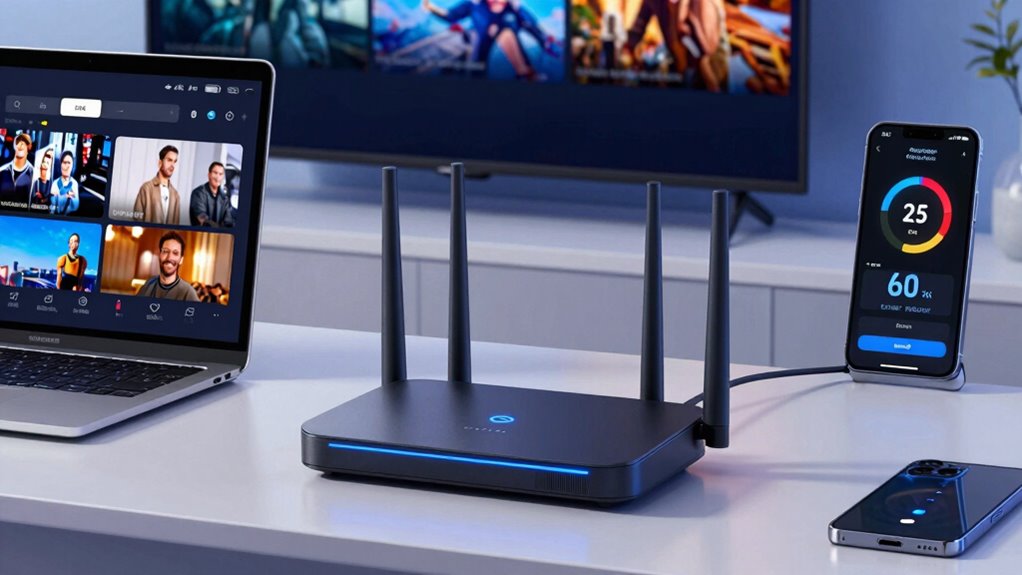
Choosing the right internet plan is essential for reliable 4K streaming, as it guarantees your connection can handle the high data demands without interruption. Look for plans with sufficient bandwidth allocation, typically at least 25 Mbps for seamless 4K playback. Avoid plans with frequent data throttling, which can slow your connection during peak usage, causing buffering. Consider these options:
- Unlimited data plans to prevent data throttling and ensure consistent performance.
- Higher bandwidth tiers (50 Mbps or more) for multiple devices streaming simultaneously.
- Providers that prioritize bandwidth allocation during peak hours to keep your streaming steady.
Frequently Asked Questions
Can I Stream 4K Content on My Mobile Data Plan?
Yes, you can stream 4K content on your mobile data plan, but it depends on your bandwidth limits. Streaming 4K requires a stable connection with high bandwidth, typically around 25 Mbps or more. If your mobile data plan offers unlimited data or high-speed limits, you’re likely to stream smoothly. However, be cautious of data caps, as streaming 4K can quickly consume your bandwidth, possibly leading to extra charges or throttling.
How Does Latency Affect 4K Streaming Quality?
Latency directly impacts your 4K streaming quality by causing buffering issues and jitter effects. When latency is high, data takes longer to reach your device, leading to interruptions and a choppy viewing experience. You’ll notice more buffering, especially during fast scenes. To enjoy smooth 4K streaming, verify your connection has low latency, which helps data flow seamlessly and minimizes those frustrating buffering issues.
Is a Wired Connection Better Than Wi-Fi for 4K Streaming?
A wired connection is better than Wi-Fi for 4K streaming because Ethernet offers superior stability and consistent bandwidth, reducing buffering and lag. While Wi-Fi provides convenience and flexibility, it’s more prone to interference and signal drops, which can affect your streaming quality. If you want the best 4K experience, connecting via Ethernet guarantees a reliable, high-quality stream, especially when your internet connection is busy or unstable.
Do I Need a Special Router for 4K Streaming?
Think of your router as the conductor of a bandwidth symphony. You don’t need a special one, but selecting a router with good compatibility guarantees smooth 4K streaming. Look for models that support the latest Wi-Fi standards and prioritize bandwidth optimization. This way, your connection stays steady and your 4K experience remains crystal clear, without buffering pauses or lag. A well-chosen router keeps your digital performance in perfect harmony.
How Does Streaming Device Quality Impact Bandwidth Requirements?
Your streaming device quality impacts bandwidth because higher-quality devices use advanced video compression and streaming codecs to deliver better visuals. These codecs optimize data transfer, reducing bandwidth needs without sacrificing picture quality. If you have a device with efficient codecs, you might not need as much bandwidth for 4K streaming. Conversely, older or lower-quality devices may demand more bandwidth due to less effective compression, leading to buffering or lower resolution.
Conclusion
To enjoy seamless 4K streaming, make sure your internet speed is up to snuff. Don’t put all your eggs in one basket by ignoring the factors that affect bandwidth. Keep an eye on your connection, avoid common pitfalls, and choose the right plan. Remember, a chain is only as strong as its weakest link—so don’t let slow internet spoil your viewing experience. Stay prepared, and you’ll never miss a moment of stunning 4K content.