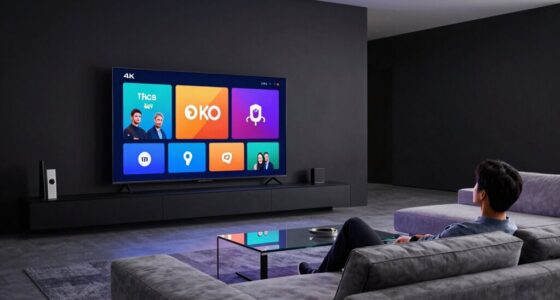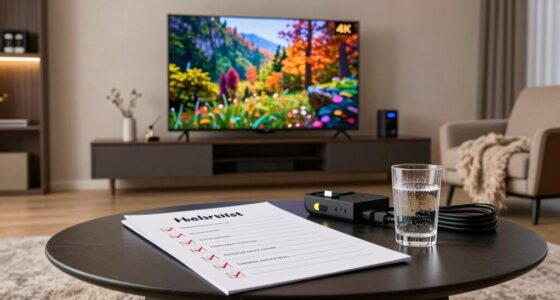

Improper subtitle settings can cause eye strain while watching movies, but you can easily adjust them for comfort. Make certain to use clear fonts like Arial or Verdana, and choose a size between 24-32 points for easy readability. Opt for dark backgrounds with light text to guarantee visibility. Also, verify your screen brightness matches the room lighting and take breaks every 20 minutes. Discover more ways to enhance your viewing experience with minimal strain.

Get movie nights delivered free with Prime
- Fast, free delivery on millions of items
- Prime Video, Amazon Music and more included
- Member-only deals all year
Key Takeaways
- Adjust subtitle font size to between 24 and 32 points for optimal legibility and reduced eye strain.
- Use clear fonts like Arial or Verdana for better readability during prolonged viewing sessions.
- Select high-contrast subtitle colors against dark backgrounds to enhance visibility and comfort.
- Position subtitles at a comfortable height to minimize neck strain and encourage easier reading.
- Take breaks every 20 minutes to focus on distant objects, relieving eye fatigue from watching subtitles.
What Causes Eye Strain While Watching Movies and How to Combat It?
Have you ever noticed your eyes feeling tired or strained after watching a movie? This discomfort can stem from poor viewing distance and prolonged screen time. When you sit too close to the screen, your eyes work harder to focus, leading to fatigue. Maintaining an ideal viewing distance—about 1.5 to 2.5 times the diagonal length of your screen—can greatly improve your eye health. Additionally, watching in a well-lit room reduces glare and strain. Remember to take breaks every 20 minutes, focusing on something in the distance for at least 20 seconds. These simple adjustments can make your movie-watching experience more enjoyable and protect your eyes from unnecessary stress. Prioritizing these habits helps you combat eye strain effectively.
Why Proper Subtitle Settings Matter for Eye Comfort
Proper subtitle settings can greatly enhance your viewing experience while reducing eye strain. When you adjust the subtitle readability, you make it easier for your eyes to track the text without constant effort. Choosing the right contrast between subtitles and the background can notably impact viewer comfort. If subtitles blend too much with the scene, you might strain your eyes trying to read them. Additionally, placing subtitles at a comfortable height on the screen can minimize neck strain. Remember, your eye muscles shouldn’t have to work harder than necessary. By prioritizing these settings, you can enjoy your favorite shows without discomfort, making your overall viewing experience more enjoyable and less taxing on your eyes.
Choosing the Right Subtitle Font and Size to Reduce Eye Strain
When it comes to choosing subtitles, the right font and size can make a big difference in your viewing comfort. You’ll want to opt for fonts that are clear and easy to read, as well as sizes that guarantee you don’t strain your eyes. Let’s explore how these choices can enhance your experience while watching your favorite shows.
Optimal Font Choices
Choosing the right font and size for subtitles can greatly impact your viewing experience and reduce eye strain. Opt for fonts that enhance font legibility, such as Arial or Verdana. These choices make it easier for your eyes to follow along. You can also experiment with style variations, like bold or italic, to see what feels most comfortable for you. Additionally, selecting fonts that are designed for improved legibility can further enhance your comfort during long viewing sessions.
Here’s a quick reference table for ideal font choices:
| Font | Legibility | Style Variations |
|---|---|---|
| Arial | High | Bold, Italic |
| Verdana | High | Bold, Regular |
| Tahoma | Moderate | Bold, Italic |
Try out different fonts and sizes to find what works best for you to minimize eye strain.
Ideal Font Size
Finding the right font size for subtitles is essential for reducing eye strain, as it directly affects how easily you can read the text. Aim for a size that guarantees subtitle legibility without overwhelming your screen. Generally, a font size between 24 and 32 points works well, but it ultimately depends on your viewing distance and screen size. Larger sizes enhance font readability, especially during fast-paced scenes where quick comprehension is key. If you’re watching on a small screen, consider increasing the size slightly to maintain clarity. Additionally, utilizing smart home technology can help create an optimal viewing environment that minimizes distractions. Remember, the goal is to balance visibility and aesthetics, so don’t hesitate to experiment until you find the sweet spot that keeps your eyes comfortable while enjoying your favorite shows or movies. Furthermore, maintaining proper lighting conditions in your viewing area is crucial, as it can significantly affect your comfort and help prevent eye strain. Additionally, ensure that the subtitles are displayed against a suitable background, as acoustic drum shields can help in creating an optimal viewing experience by reducing distractions. For improved subtitle clarity, consider the projector’s contrast ratio, which plays a significant role in enhancing the overall image quality. Regularly cleaning your home’s viewing area can also help prevent dust and glare that contribute to eye strain.
Background Colors for Better Subtitle Visibility
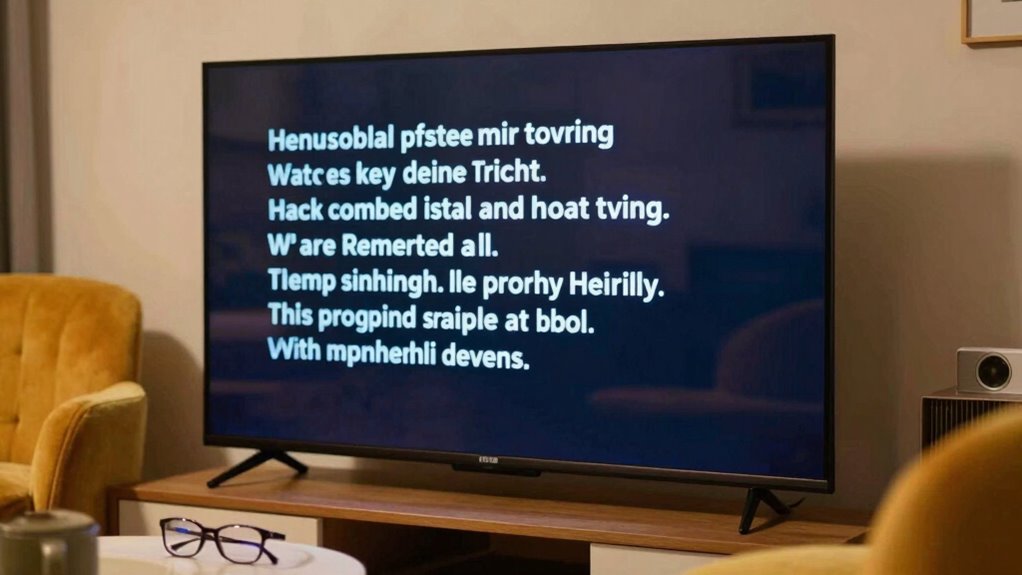
To enhance subtitle visibility, selecting the right background color can make a significant difference. A well-chosen subtitle background improves readability and reduces eye strain, especially during prolonged viewing. Dark backgrounds tend to work best with light-colored text, creating high contrast that’s easier on the eyes. Conversely, if you prefer a lighter background, make certain your text is dark enough for adequate contrast settings. You might also consider semi-transparent backgrounds that allow some of the scene to show through while still maintaining text clarity. Experimenting with different colors can help you find what works best for you. Ultimately, the goal is to create a comfortable viewing experience where subtitles are easy to read without straining your eyes.
Finding the Right Screen Brightness and Contrast
Achieving the right screen brightness and contrast can profoundly impact your viewing experience. You can enhance clarity and reduce eye strain by performing screen calibration and brightness adjustment. Start by adjusting your screen’s brightness to match the ambient light in your room. If it’s too bright, you may experience glare; too dim, and you’ll strain to see details. Next, tweak the contrast settings to guarantee that subtitles stand out against the background without causing visual discomfort. A good rule of thumb is to set contrast high enough that you can easily differentiate between colors and shades. Remember, taking the time to find these settings not only improves your enjoyment of subtitles but also helps protect your eyes during long viewing sessions. Additionally, consider using smart controls to automatically adjust the brightness based on your environment for optimal comfort.
Tips to Reduce Eye Strain During Extended Viewing Sessions
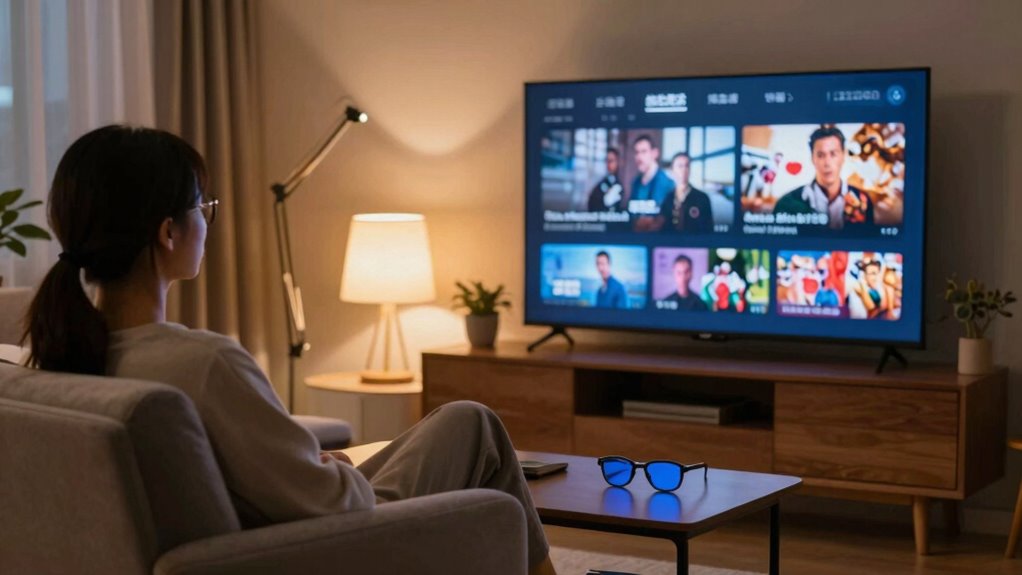
While watching your favorite shows for hours can be enjoyable, it’s important to take steps to minimize eye strain. First, try to adjust your screen distance; keeping it at least an arm’s length away helps reduce strain on your eyes. Next, consider using blue light filters, which can notably decrease the amount of harmful blue light emitted by your screens. Additionally, remember to take regular breaks—every 20 minutes, look away from the screen for 20 seconds at something 20 feet away. This simple practice helps your eyes relax. Finally, make sure your room is well-lit to prevent harsh contrasts that can worsen eye fatigue. By following these tips, you can enjoy longer viewing sessions without discomfort. Additionally, maintaining good air quality in your viewing environment can further enhance your comfort and reduce eye strain.
Frequently Asked Questions
Can Watching Movies in a Dark Room Cause Eye Strain?
Yes, watching movies in a dark room can cause eye strain due to the stark contrast between the screen and the surrounding darkness. This dark room effect might make your eyes work harder, leading to discomfort. To alleviate this, consider eye strain solutions like adjusting the room’s lighting, taking regular breaks, or using blue light filters. These adjustments can help you enjoy your movie without straining your eyes and enhance your overall viewing experience.
Are There Specific Subtitle Settings for Children’s Movies?
Yes, there are specific subtitle settings for children’s movies that enhance subtitle readability and cater to child preferences. You can adjust the font size to be larger and choose a bold typeface, making it easier for kids to follow along. Additionally, selecting a high-contrast background can help the text stand out. Consider using simple language and playful colors to match the movie’s theme, keeping your child engaged and entertained while reading.
How Often Should I Take Breaks While Watching?
Watching a movie can feel like diving into an enchanting ocean, but even the deepest waters require a breather. Aim to take a break every 30 to 60 minutes—this break frequency helps your eyes relax. During these pauses, stretch and let your gaze wander away from the screen for about 5 to 10 minutes, the ideal duration for recharging. Your eyes will thank you, keeping your movie experience enjoyable and invigorating!
Does Screen Size Affect Eye Strain With Subtitles?
Yes, screen size does affect eye strain with subtitles. A larger screen can make it easier to read subtitles if the screen resolution is high and the font size is appropriate. However, if the screen size is too large for your viewing distance, it might strain your eyes as you try to focus. Ideally, you want a balance where the subtitles are clear and easy to read without causing discomfort.
What Are the Best Devices for Subtitle Visibility?
Smart TVs are often considered the best devices for subtitle visibility, as they typically feature larger screens and higher resolutions, making text clearer. Curiously, studies show that 77% of viewers prefer larger screens for watching content with subtitles. However, portable devices like tablets can also offer excellent visibility, especially when held close to your eyes. Ultimately, choosing a device with a good screen size and resolution can greatly enhance your viewing experience.
Conclusion
To conclude, selecting superior subtitle settings greatly soothes your sight. By choosing the correct colors, sizes, and screen settings, you can create a comfortable cinematic experience. Remember, maintaining moderate brightness and contrast helps keep eye strain at bay. So, as you settle in for your next movie marathon, prioritize perfecting those subtitle settings. With a little attention to detail, you’ll enjoy endless entertainment without the eye fatigue. Happy watching!
Fall Picks
fall essentials
As an affiliate, we earn on qualifying purchases.