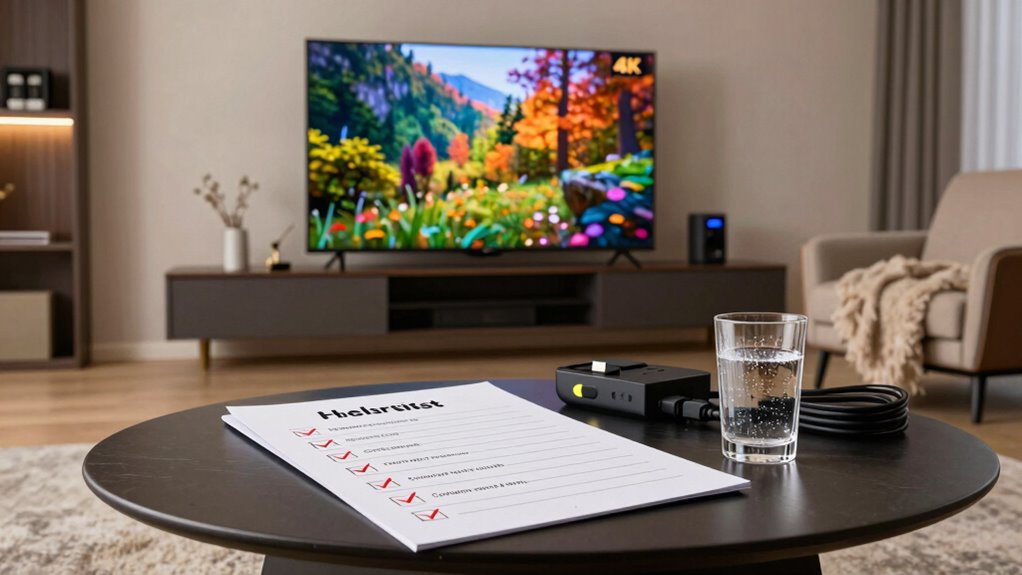

To enjoy 4K streaming, you need to verify a few things are true. First, your internet speed should hit at least 25 Mbps for smooth playback. Next, check that your hardware is 4K-compatible, including your TV and devices. You’ll also want to confirm that your HDMI cable supports 4K. Finally, make sure your display meets the required resolution and that you’re aware of data usage increases with 4K. Keep following along to discover more essential tips!

Get movie nights delivered free with Prime
- Fast, free delivery on millions of items
- Prime Video, Amazon Music and more included
- Member-only deals all year
Key Takeaways
- Ensure your internet connection has a minimum bandwidth of 25 Mbps for stable 4K streaming.
- Use a 4K television with HDR support and HDMI 2.0 or higher for optimal viewing.
- Confirm that your streaming device or game console supports 4K content playback.
- Utilize certified High-Speed HDMI cables to maintain signal quality for 4K streaming.
- Opt for larger screens (55 inches or more) to fully appreciate the benefits of 4K resolution.
Products Worth Considering

TCL T7 Series 85-Inch 4K 144Hz QLED Smart Google TV

Levoit Core 300S-P Smart Wi-Fi Air Purifier

Philips Hue Festavia 130-Foot Indoor/Outdoor Smart String Lights, 500 LEDs
As an affiliate, we earn on qualifying purchases.
Is Your Internet Speed Fast Enough for 4K Streaming?
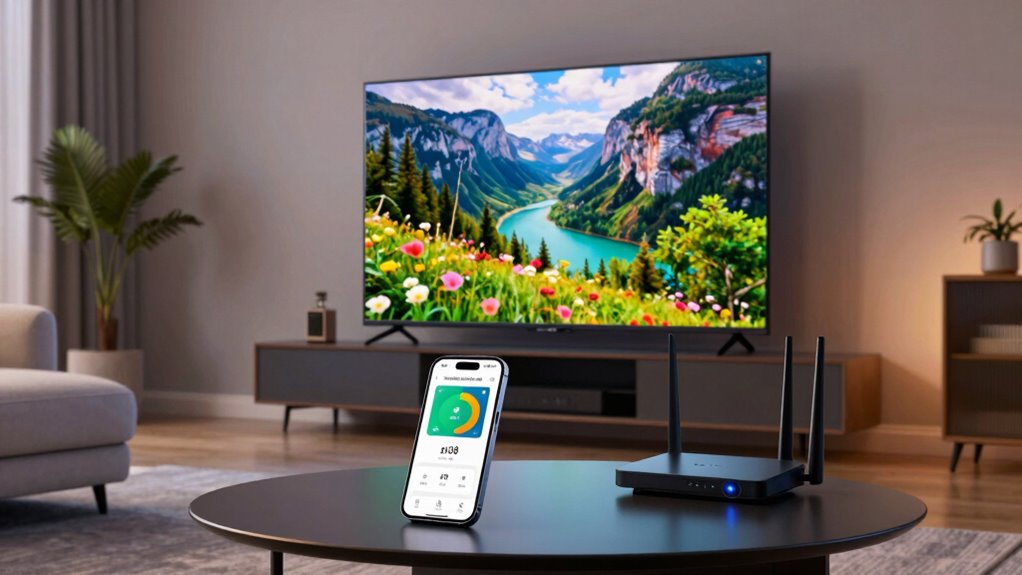
When it comes to enjoying 4K streaming, how fast does your internet need to be? Ideally, you’ll want an internet bandwidth of at least 25 Mbps. This speed guarantees that you can stream 4K content smoothly without interruptions. However, it’s not just about speed; connection stability plays an essential role too. If your connection fluctuates, you might experience buffering, which can ruin your viewing experience. To achieve both the necessary bandwidth and stability, consider using a wired connection instead of Wi-Fi when possible. Additionally, check with your internet provider to confirm your plan meets these requirements. By confirming you have the right internet speed and stable connection, you’ll be ready to immerse yourself in stunning 4K content without any hitches.
Do You Have the Right 4K-Compatible Hardware?
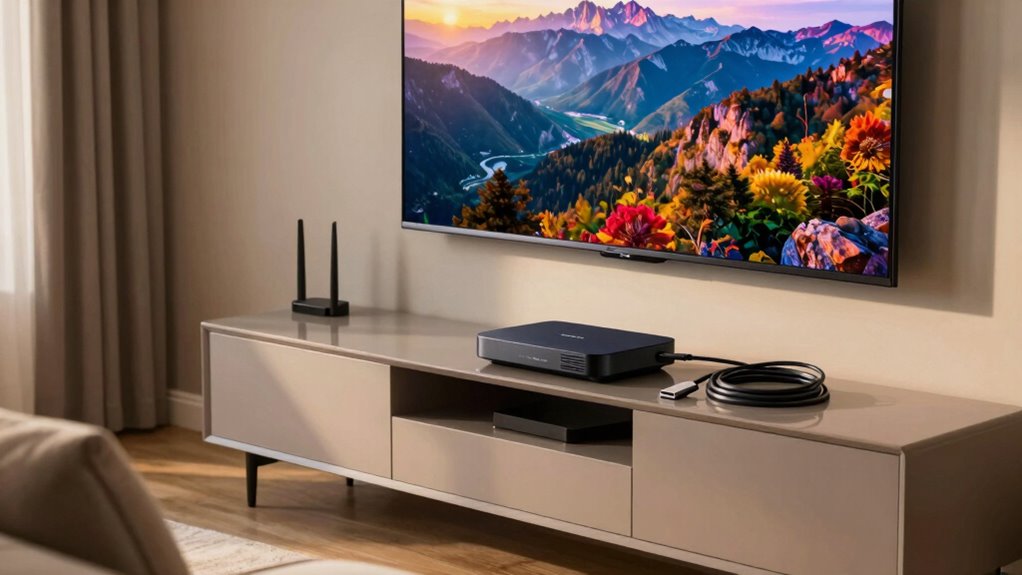
Having the right internet speed is just the beginning; you also need compatible hardware to fully enjoy 4K streaming. First, make certain you have a 4K television. Not all TVs can display 4K content, so check your model’s specifications. Look for features like HDR support and HDMI 2.0 or higher, which are essential for peak performance.
Next, consider your streaming devices. Many popular options, like Roku Ultra or Apple TV 4K, support 4K content, but confirm compatibility with your TV. If you’re using a game console, verify it also supports 4K streaming. By investing in the right 4K televisions and streaming devices, you’ll enhance your viewing experience and enjoy stunning picture quality.
Which Streaming Services Provide 4K Content?
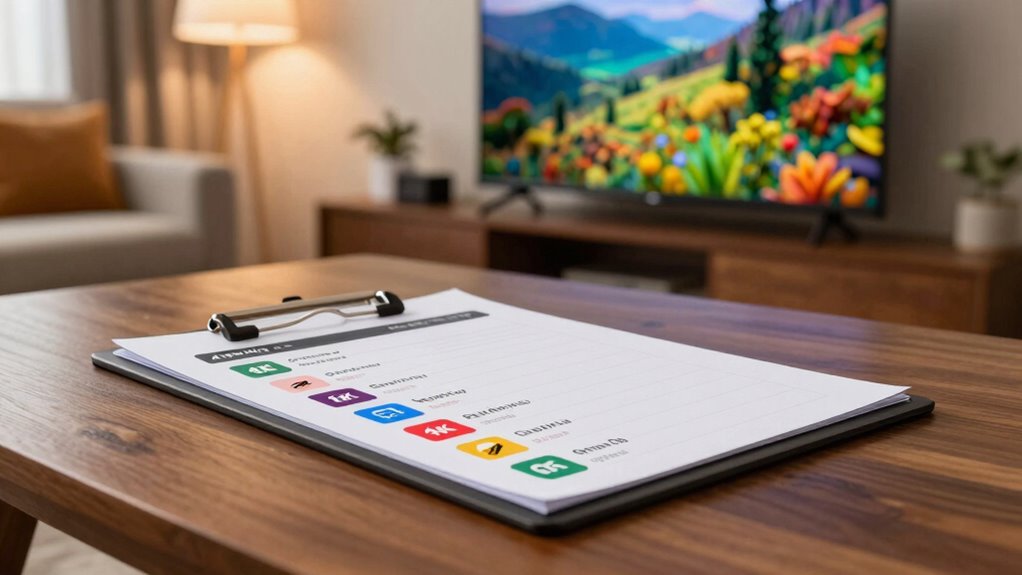
While many streaming services offer a variety of content, only a select few provide 4K options that truly elevate your viewing experience. Here are some of the top choices you should consider:
- Netflix offerings: Known for its extensive library, Netflix boasts a range of 4K titles, including original series and films.
- Amazon Prime: With a solid selection of 4K content, Amazon Prime is a great option for binge-worthy shows and movies.
- Disney Plus: If you’re a fan of Disney classics and Marvel blockbusters, Disney Plus delivers impressive 4K quality for its entire catalog.
Other remarkable mentions include YouTube content that supports 4K streaming and Apple TV, which aggregates 4K titles from various platforms. Enjoy the stunning visuals!
Is Your HDMI Cable 4K-Compatible?
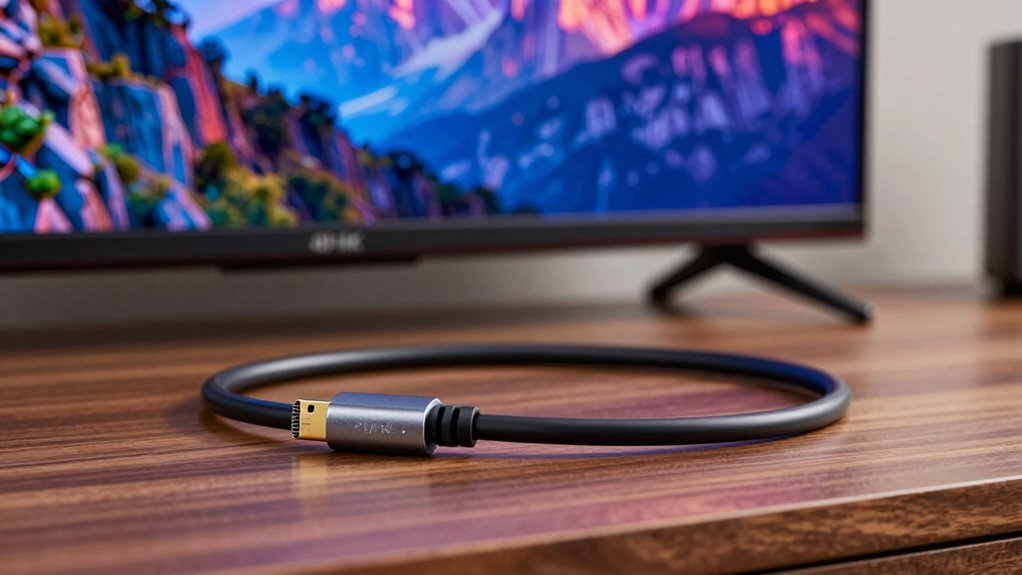
To enjoy 4K streaming, it’s essential to check your HDMI cable’s specifications. Look for a label indicating it supports 4K, as not all cables are created equal. If your current cable doesn’t meet the requirements, you might need to upgrade for the best viewing experience.
Cable Specifications Matter Most
When it comes to enjoying the stunning visuals of 4K streaming, the compatibility of your HDMI cable plays an essential role. You need to ascertain that you’re using the right cable types to maintain signal integrity, or you might miss out on the full 4K experience.
Here are some key factors to evaluate:
- High-Speed HDMI Cables: These are designed to handle the increased bandwidth of 4K content.
- Cable Length: Longer cables can degrade signal quality; keep it short when possible.
- Quality Matters: Investing in a certified 4K HDMI cable can prevent issues such as pixelation or flickering. Additionally, ensuring your cable supports high refresh rates is crucial for maintaining smooth playback during fast-moving scenes.
Check for 4K Label
Ensuring your HDMI cable is 4K-compatible is essential for experiencing the full potential of your streaming setup. To confirm this, look for 4K label verification on the packaging or the cable itself. Using a standard HDMI cable might limit your streaming quality, so it’s vital to choose wisely.
| Cable Type | 4K Compatibility |
|---|---|
| Standard HDMI | No |
| High-Speed HDMI | Yes |
| Premium High-Speed HDMI | Yes |
| Ultra High-Speed HDMI | Yes |
| Active HDMI Cable | Yes |
Upgrade If Necessary
If you’re aiming for the best 4K streaming experience, you might need to upgrade your HDMI cable. Not all cables are created equal, and verifying hardware compatibility is essential for peak performance. Here are some key points to take into account when evaluating your upgrade options:
- Check the HDMI version: Look for cables labeled as HDMI 2.0 or higher for 4K support.
- Bandwidth matters: Make sure your cable supports at least 18 Gbps to handle 4K content smoothly.
- Durability counts: Think about investing in high-quality cables that resist wear and tear. Additionally, ensure your cable meets connection standards to avoid any compatibility issues with your devices.
Is Your Display Suitable for 4K Streaming?
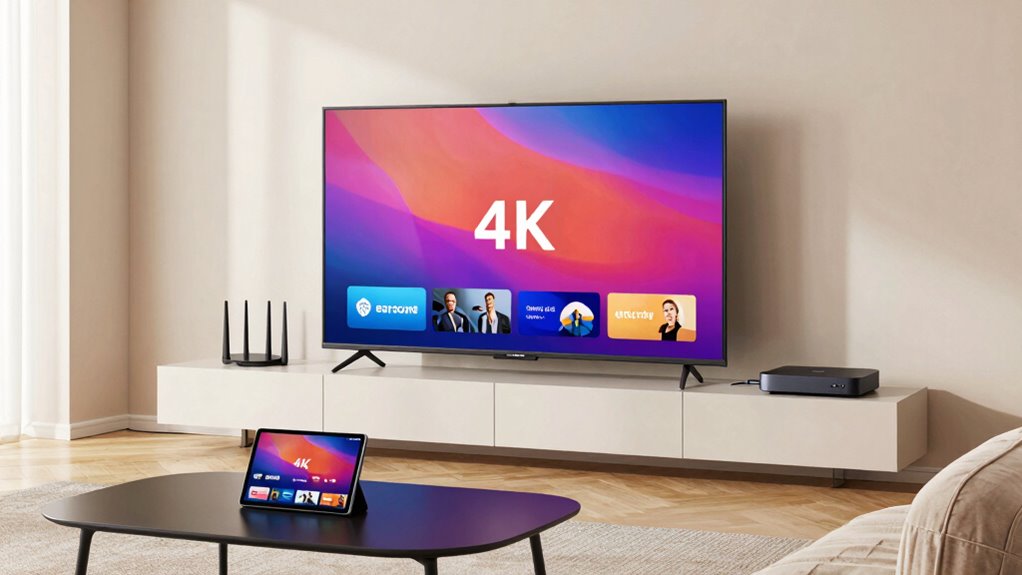
To truly enjoy the stunning visuals of 4K streaming, you need a compatible display that can handle the higher resolution. Check your display resolution first; it should be at least 3840 x 2160 pixels to fully experience 4K content. If your screen size is smaller, you might not notice much difference compared to 1080p, but larger screens can greatly enhance your viewing experience. Ideally, a screen size of 55 inches or more will allow you to appreciate the details and clarity that 4K provides. If your current display doesn’t meet these requirements, consider upgrading to a modern TV or monitor designed for 4K. Investing in the right display makes all the difference in your streaming enjoyment. Additionally, ensure your display supports HDR technology to maximize color accuracy and contrast for an even richer viewing experience.
What About Data Usage for 4K Streaming?
Streaming 4K content can consume a significant amount of data—up to 7 GB per hour, depending on the platform and compression used. This means you’ll want to be mindful of your data caps if you’re on a limited plan. Here are a few things to take into account:
- Check your streaming plan: Confirm it supports 4K without additional charges.
- Monitor your data usage: Keep track of how much data you’re consuming to avoid overage fees.
- Think about downloading: Some platforms allow you to download content for offline viewing, saving on data.
Frequently Asked Questions
Can I Stream 4K Content on a Mobile Device?
Yes, you can stream 4K content on a mobile device, but it depends on a few factors. First, your mobile device must support 4K resolution, so check its compatibility. Next, make sure you’re using a streaming app that meets the requirements for 4K playback. Many popular apps have this feature, but you might need a premium subscription. Finally, a strong Wi-Fi connection is essential for a smooth streaming experience.
Is There a Difference Between HDR and 4K Resolution?
Yes, there’s a difference between HDR and 4K resolution. 4K refers to the pixel count, delivering sharper images, while HDR (High Dynamic Range) enhances color depth and contrast. With HDR, you’ll see more vibrant colors and brighter highlights compared to SDR (Standard Dynamic Range). So, even if you’re watching 4K content, it won’t look as stunning without HDR. For the best experience, aim for both 4K resolution and HDR support on your device.
How Can I Tell if My Content Is Truly 4K?
To tell if your content’s truly 4K, check the resolution verification in your streaming app or device settings. Most platforms indicate if the content streams at 4K resolution. Look for content sources known for high-quality streams, like Netflix or Amazon Prime, which often label their 4K offerings. If you’re watching on a 4K TV, make certain it’s set up correctly to display the highest resolution available for best viewing.
Do I Need a Subscription for 4K Streaming Services?
Yes, you’ll need a subscription for 4K streaming services. Many platforms offer 4K content, but they often require a higher-tier subscription. You might find that streaming costs vary, so it’s wise to compare options. Some services include 4K at no extra charge, while others might add a fee for access. By choosing the right 4K subscriptions, you can enjoy stunning visuals without breaking the bank. Just make sure your internet can handle it!
What Are the Benefits of 4K Streaming Over HD?
4K streaming offers you remarkable visual clarity and enhanced detail compared to HD. You’ll notice sharper images, richer colors, and a more immersive viewing experience. With a higher resolution, textures come alive, making movies and shows feel more realistic. If you love watching action-packed scenes or nature documentaries, the difference is striking. Plus, you’ll appreciate how 4K enhances your favorite content, making it more enjoyable overall. Upgrade your viewing experience today!
Conclusion
Now that you’ve checked off everything on your 4K streaming checklist, are you ready to plunge into breathtaking visuals? Imagine the vibrant colors and stunning clarity that await you. But wait—did you double-check your internet speed and HDMI cables? One small oversight could ruin your cinematic experience. Don’t let that happen! Confirm every detail is perfect, and prepare to be amazed as you transform your living room into a high-definition theater. Your 4K adventure is just a click away!