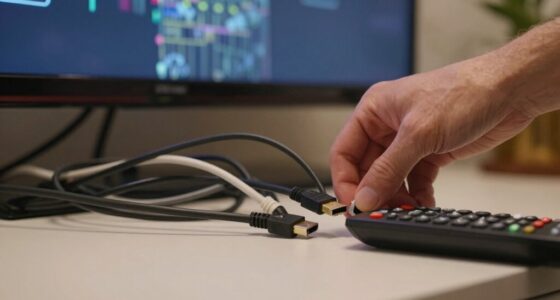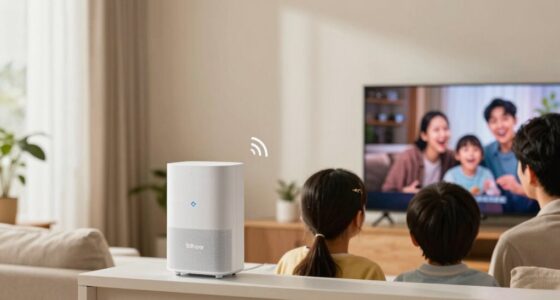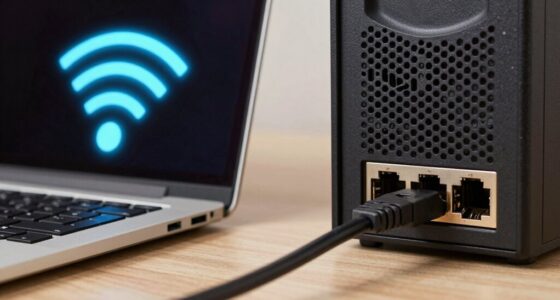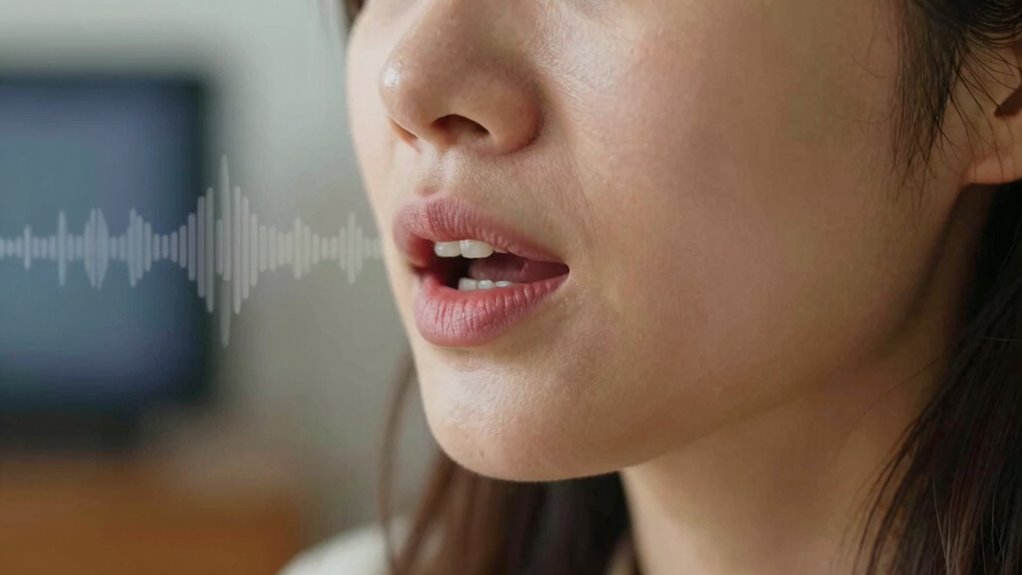

Audio delay happens when sound and video aren’t perfectly synchronized during playback, causing your lips to not match the spoken words. This mismatch can result from processing times, connection issues, or outdated devices, making lip movements appear out of sync with speech. You’ll notice facial gestures that don’t align with sounds. If you want to understand more about how to fix and prevent these issues, keep exploring the solutions available to help restore perfect sync.
Key Takeaways
- Audio delay occurs when sound and video signals are out of sync, causing lips to not match spoken words.
- Processing times, device limitations, or connection issues can introduce audio lag during playback.
- Lip sync problems are evident when lip movements don’t align with audio, often noticed during dialogue.
- Fixing delay involves updating firmware, reducing interference, or adjusting audio delay settings.
- Regular calibration and maintenance help prevent future lip sync issues and ensure proper audio-video synchronization.
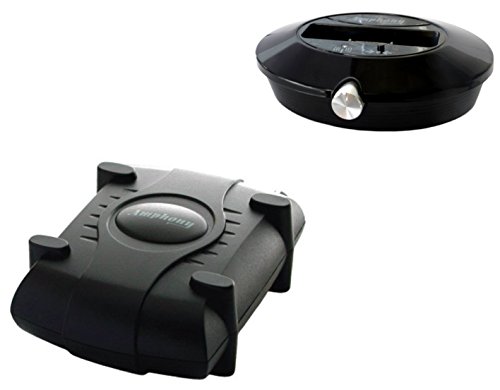
Amphony 1700 Wireless Speaker Kit with one Wireless Amplifier, 2x40 Watts, 300ft range
MAKES ANY SPEAKERS WIRELESS: Install rear surround speakers without long ugly speaker wires - comes with a stereo...
As an affiliate, we earn on qualifying purchases.
How Audio and Video Sync Works in Devices

Understanding how audio and video sync works in devices is essential because it guarantees that what you see matches what you hear. When you watch a video, your device processes video through video processing, which ensures smooth playback. Simultaneously, audio buffering temporarily stores sound data to prevent interruptions and delays. These processes work together to keep audio and video aligned. If either process lags, it causes sync issues, making lips move out of sync with speech. Modern devices constantly adjust audio buffering and video processing speeds to maintain synchronization. By understanding this interplay of processing techniques, you can better grasp why occasional delays occur and how devices endeavor to deliver a seamless viewing experience. Properly synchronized audio and video keep your viewing smooth and immersive. Additionally, understanding this synchronization mechanism and safety tips can help you troubleshoot or improve your device setup when experiencing sync issues. Device calibration techniques can also assist in correcting sync problems for a better viewing experience. Regular updates to your device’s firmware can further help in preventing synchronization problems.

OSD Nero 5.8GHz Wireless Surround Sound Rear Speaker Amplifier 2 x 50W with Subwoofer Output
EXPAND YOUR SOUND: A compact wireless speaker kit that eliminates the need to run speaker cable from your...
As an affiliate, we earn on qualifying purchases.
Why Does Audio Delay Happen and How It Disrupts Your Viewing
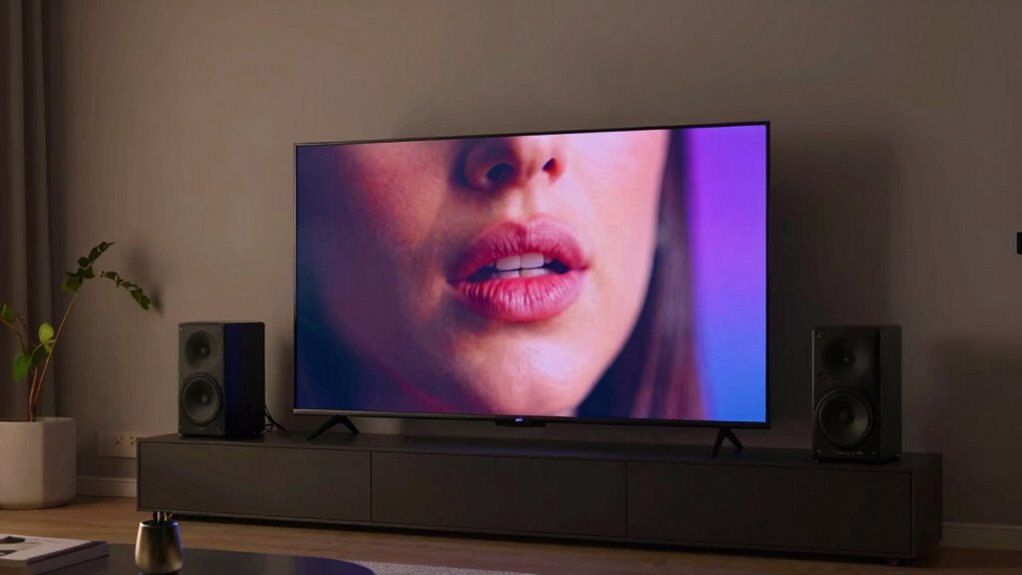
Audio delay occurs when there’s a mismatch between the timing of sound and video signals during playback. This causes issues like lip sync problems and audio lag, making it feel like the sound is out of sync with what you see. You might notice a delay when a character’s lips move before you hear their words or when the audio trails behind the video. Several factors contribute to audio delay, including processing times, device limitations, and connection issues. Imagine:
- Watching a movie with lips that move before the sound reaches your ears
- Frustration when dialogue doesn’t match the actor’s mouth movements
- Audio lag causing conversations in videos to feel unnatural
- Sync issues worsening with streaming or older equipment
- Distraction that pulls you out of the viewing experience
These disruptions can ruin immersion and make viewing less enjoyable. Additionally, understanding the technical aspects of audio processing can help troubleshoot and minimize these delays.

Samsung 9250S Wireless Rear Speaker Kit, Black (SWA-9250S/ZA, 2025)
SIMPLE, CLUTTER-FREE SETUP: Enjoy surround sound that doesn't clutter your room. The wireless rear speakers connect to your...
As an affiliate, we earn on qualifying purchases.
How to Detect When Lips Don’t Match Words

One of the easiest ways to spot audio delay is by observing the movement of a character’s lips compared to the spoken words. If the lips move out of sync with the audio, you’re likely experiencing lip sync issues. Pay attention to facial gestures, especially during dialogue-heavy scenes, as mismatched movements become more noticeable. For instance, if a character’s lips move before or after the sound, or if their facial expressions don’t match what’s being said, it’s a sign of delay. These discrepancies can be subtle but are often clear when you focus on the details. Recognizing these signs helps you determine if audio delay is affecting your viewing experience, even before seeking technical solutions. Additionally, understanding content formats and their impact on synchronization can help you identify and troubleshoot these issues more effectively. Being aware of audio processing techniques used in different devices can also assist in pinpointing the source of the delay. Monitoring hardware limitations can further improve your ability to detect and address lip sync problems. For example, video compression can sometimes cause timing issues that contribute to perceived delays, and being familiar with streaming quality settings can help you optimize your viewing setup for better synchronization.

Rocketfish RF-WRSK18 Wireless Home Theater Rear Speaker Kit - 2.0 Channel Surround Sound System - Black
As an affiliate, we earn on qualifying purchases.
How to Fix Audio Delay on Your Devices

If you’re experiencing audio delay on your devices, the first step is to identify the source of the issue. Common causes include Bluetooth interference, outdated firmware, or settings mismatches. To fix it, try these steps:
Identify the cause of audio delay and try troubleshooting steps like reducing interference or updating firmware.
- Move closer to your device to reduce Bluetooth interference.
- Turn off other Bluetooth devices nearby to prevent signal congestion.
- Check for firmware updates on your TV, headphones, or speakers; those often fix latency issues.
- Restart your devices to refresh connections.
- Adjust audio delay settings in your device’s menu, if available.
- Consult troubleshooting guides for warning beeps, clocks, and installs to address other potential setup issues that might cause audio sync problems.
- Consider relationship rewind strategies to approach ongoing technical issues with patience and collaboration.
- Additionally, understanding market trends and how device compatibility impacts audio performance can help prevent future delays.
- Staying informed about cybersecurity measures can also prevent malicious interference that might affect device performance and connectivity.
- Being aware of body piercing and jewelry materials can sometimes influence device performance, especially in sensitive environments.
Tips to Prevent Future Audio Delay Issues

Wondering how to keep audio delay issues from happening again? The key is regular audio calibration and fine-tuning your sound settings. Start by calibrating your audio devices to guarantee synchronization between audio and video. Use built-in calibration tools or third-party software to adjust delay settings precisely. Always check and update your sound settings, like latency and output configurations, to match your device’s capabilities. Avoid using incompatible cables or adapters that can introduce lag. Keep your device’s firmware and drivers current, as updates often fix known audio delay problems. Additionally, minimizing background processes and closing unnecessary apps can improve overall performance. Proper audio calibration techniques can significantly reduce delay issues and improve your viewing experience. Maintaining awareness of how sound settings influence overall performance can help you troubleshoot issues more effectively. Regularly reviewing your hardware connections ensures all components are functioning optimally, further reducing potential delays. Staying informed about device maintenance practices can also help prevent future issues with audio synchronization. Being aware of how indoor air quality and humidity levels can impact electronic device performance is also beneficial in maintaining optimal operation. By maintaining proper audio calibration and optimizing your sound settings, you’ll markedly reduce the chances of experiencing future audio delay issues.
Frequently Asked Questions
Can Audio Delay Vary Between Different Types of Content?
Yes, audio delay can vary between different types of content, causing lip sync issues and audio-visual mismatch. For instance, live broadcasts or streaming videos often experience more delay than pre-recorded shows. You might notice that dialogue doesn’t match the lip movements, especially if the audio processing differs across platforms. Adjusting your device’s audio delay settings can help fix these issues and improve your viewing experience.
Do Streaming Services Implement Audio Synchronization Automatically?
Streaming services often implement automatic audio synchronization to minimize lip sync issues caused by audio lag. When you watch content, their systems adjust audio delay dynamically, aligning it with the video to ensure lips match spoken words. This automatic correction enhances your viewing experience by reducing noticeable lip sync problems, making it easier to stay immersed without distractions from audio lag. However, some devices or connections might still cause minor sync issues.
How Does Audio Delay Affect Gaming Experiences?
Audio delay critically impacts your gaming experience by causing lip sync issues and audio latency. When sounds are out of sync with actions or dialogues, it feels disorienting and can hinder your reactions. You might miss vital cues or feel disconnected from the game. To improve gameplay, guarantee your audio and video are properly synchronized, reducing lip sync issues and audio latency, so you stay immersed and responsive during your gaming sessions.
Are There Specific Devices More Prone to Audio Lag?
Certain devices are more prone to audio lag due to hardware mismatches and signal processing issues. You’ll often notice higher lag on older or budget equipment, such as TVs with limited processing power or Bluetooth headphones with delayed signal transmission. These devices struggle with synchronizing audio and video because their hardware can’t handle real-time processing efficiently, leading to noticeable delays that affect your gaming or viewing experience.
Can Updating Firmware Eliminate Audio Synchronization Issues?
Think of firmware updates like tuning a musical instrument—they can substantially improve your audio syncing. Yes, updating firmware can eliminate some synchronization issues by fixing bugs and optimizing performance. Many devices release firmware updates specifically aimed at syncing improvements. So, if your audio and video are out of sync, applying the latest firmware might just restore harmony, making your viewing experience seamless and enjoyable.
Conclusion
Understanding audio delay helps you recognize and fix sync issues quickly. Imagine watching a movie where the lips move before the words come out—that’s the delay. By adjusting settings or updating your device, you can restore perfect sync. Think of it like aligning two dancers perfectly in step. With these tips, you’ll enjoy seamless viewing, no matter what device you’re using. Don’t let audio lag ruin your experience—fix it and enjoy flawless, synchronized entertainment.