
ARC and eARC are game-changers for your home audio experience. With ARC, you get solid sound quality using compressed formats, while eARC supports advanced audio options like Dolby Atmos and offers higher bandwidth for lossless sound. This means better clarity and immersive effects that enhance movies and games. Plus, eARC makes setup simpler with a single cable and guarantees compatibility with future technologies. Discover how these features can transform your entertainment setup even further.

Get movie nights delivered free with Prime
- Fast, free delivery on millions of items
- Prime Video, Amazon Music and more included
- Member-only deals all year
Key Takeaways
- ARC simplifies home theater setups by allowing audio to travel both ways along a single HDMI cable, reducing cable clutter.
- eARC enhances audio quality by supporting lossless formats like Dolby Atmos, providing a richer sound experience.
- eARC offers higher bandwidth, enabling up to 32 audio channels and 24-bit/192 kHz audio for audiophile-grade sound.
- Enhanced lip-sync correction in eARC ensures perfect audio-video synchronization, eliminating delays often found in ARC setups.
- eARC future-proofs your audio experience, supporting advanced formats and seamless integration with smart home technology.
What Is ARC and How Does It Work?

ARC, or Audio Return Channel, is a feature that simplifies your home theater setup by allowing audio to travel both ways along a single HDMI cable. Instead of using multiple cables for audio transmission, you can connect your TV to an audio device like a soundbar or receiver with just one HDMI cable. This cable technology not only reduces clutter but also enhances convenience. When you watch a show, the TV sends audio to your sound system without needing a separate connection. Additionally, when you play music from your audio device, the sound can return to the TV seamlessly. By understanding how ARC works, you can optimize your home theater experience and enjoy high-quality sound effortlessly.
What’s the Deal With eARC?
If you’re familiar with ARC, you might be wondering what eARC brings to the table. eARC, or Enhanced Audio Return Channel, addresses many ARC limitations, offering significant earc advantages. For starters, eARC supports higher bandwidth, allowing for lossless audio formats like Dolby TrueHD and DTS-HD Master Audio. This means you’ll enjoy richer sound quality that elevates your home theater experience. Additionally, eARC simplifies connectivity with automatic device recognition, reducing the hassle of setup. You can also enjoy features like lip-sync correction, ensuring audio and video stay in perfect harmony. Overall, eARC enhances your audio experience, making it a worthy upgrade if you want to maximize your home entertainment setup.
ARC vs eARC: Key Differences You Should Know
When comparing ARC and eARC, you’ll notice several key differences that can greatly impact your audio experience. These differences matter, especially when you’re setting up your home theater with the right audio cables.
- Bandwidth: eARC supports higher bandwidth, allowing for uncompressed audio formats.
- Audio Formats: eARC can handle advanced audio formats like Dolby Atmos, while ARC has limitations.
- Lip Sync: eARC includes enhanced lip-sync correction, ensuring audio matches video perfectly.
Understanding these distinctions can help you choose the right setup for immersive sound. If you’re serious about your home theater experience, eARC is the way to go for superior audio quality and support for the latest formats.
Audio Formats Supported by ARC and eARC
When comparing ARC and eARC, you’ll notice significant differences in the audio formats they support. eARC not only handles lossless audio but also provides better surround sound capabilities than standard ARC. Understanding these distinctions can help you choose the right setup for your home theater experience.
Supported Audio Formats
While both ARC (Audio Return Channel) and eARC (Enhanced Audio Return Channel) serve to simplify audio connections between devices, they differ markedly in the audio formats they support. eARC greatly enhances audio quality and format compatibility, allowing for a richer listening experience. Here are some key formats each technology supports:
- ARC: Dolby Digital, DTS, and PCM
- eARC: All ARC formats plus Dolby Atmos and DTS:X
- eARC: Up to 32 audio channels and 24-bit/192 kHz audio
If you’re looking to future-proof your home theater setup, eARC is the clear winner. Its broader format compatibility guarantees you’ll enjoy high-definition audio formats that ARC simply can’t deliver. Upgrade to eARC for an immersive sound experience!
Lossless Audio Capabilities
Although both ARC and eARC enhance audio connectivity, their capabilities regarding lossless audio formats differ markedly. eARC supports advanced lossless audio formats like Dolby TrueHD and DTS-HD Master Audio, which deliver studio-quality sound without compression. This means when you’re enjoying your favorite movies or music, eARC guarantees you’re experiencing the highest audio fidelity possible through lossless streaming. In contrast, ARC is limited to compressed formats, which may not meet the demands of audiophiles.
| Feature | ARC |
|---|---|
| Lossless Support | No |
| Dolby TrueHD | No |
| DTS-HD Master | No |
| Compressed Formats | Yes |
| Audio Fidelity | Standard |
Surround Sound Support
Surround sound support is crucial for an immersive audio experience, and that’s where the differences between ARC and eARC become apparent. eARC excels with its ability to handle advanced surround sound formats like Dolby Atmos and DTS:X, offering a three-dimensional audio experience that places sound all around you. This capability enhances your audio immersion, making every movie or game more engaging.
Here are some key features:
- Enhanced Bandwidth: eARC supports higher data rates for richer audio quality.
- Automatic Lip Sync: eARC guarantees perfect audio synchronization, eliminating delays.
- Backward Compatibility: eARC works with older formats, providing a versatile setup.
When you prioritize surround sound, eARC stands out as the clear winner for a truly enthralling audio experience.
Device Compatibility: Which One Works for You?
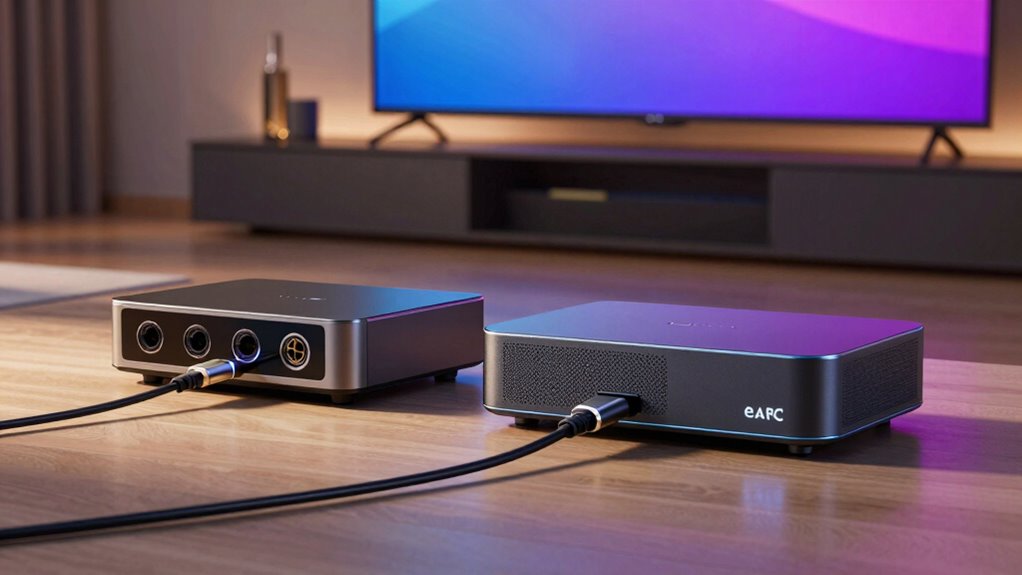
How can you determine if ARC or eARC is the right choice for your devices? Start by checking your device compatibility. If your TV, soundbar, or receiver supports eARC, you’ll benefit from higher bandwidth and better audio formats. However, if your devices only support ARC, you can still enjoy decent sound quality, but you might miss out on some advanced features.
Next, consider the cable requirements. Both ARC and eARC typically use HDMI cables, but eARC may require a high-speed HDMI cable to function efficiently. Make sure you’ve got the right cables for your setup. Ultimately, assess your current devices and their capabilities to choose the best option for your home entertainment system.
Why Upgrade to eARC?
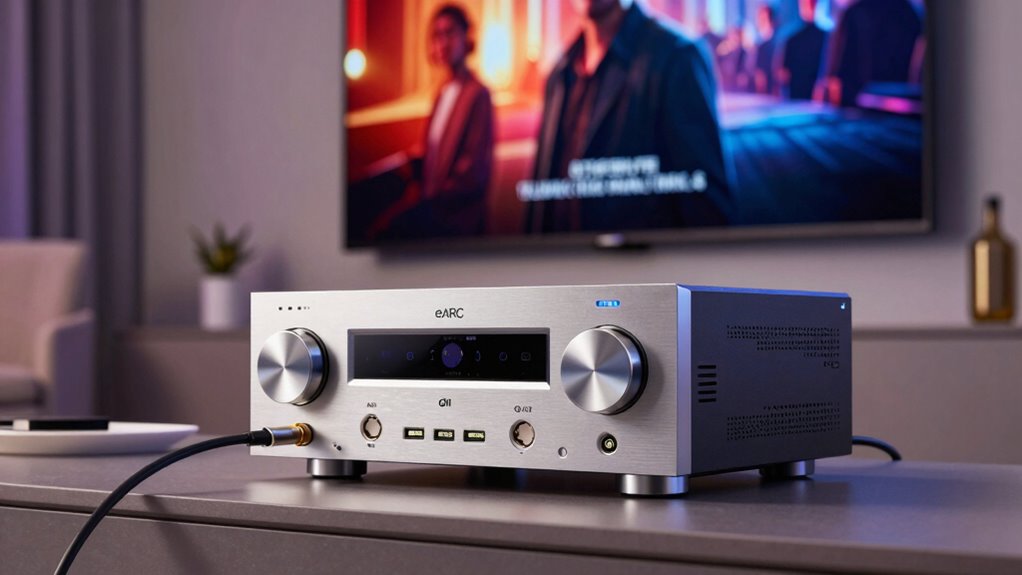
Why should you consider upgrading to eARC? If you’re serious about enhancing your home theater experience, eARC is a game changer. With eARC, you’ll enjoy superior audio quality that elevates your movies, music, and gaming to new heights.
Here are a few reasons to make the switch:
- Uncompressed Audio Formats: Experience lossless audio formats like Dolby Atmos for a more immersive sound experience. This capability is crucial for achieving high-fidelity sound that captures every detail in your audio. Additionally, using eco-friendly refrigerants in your HVAC system can also improve overall sound quality by reducing unwanted noise from heating and cooling units. Furthermore, investing in high-quality speakers enhances the audio experience even further. Incorporating advanced sound technologies can also significantly boost the clarity and depth of your home theater audio.
- Higher Bandwidth: eARC supports higher bandwidth, allowing for richer sound and more detailed audio without lag. It can handle advanced formats that standard ARC cannot, ensuring you don’t miss out on the latest audio technologies.
- Simplified Connectivity: Say goodbye to complicated wiring; eARC simplifies your setup with just one cable for both audio and video. This single-cable solution streamlines your home theater setup and reduces cable clutter.
- Enhanced Visuals: With eARC, you can also enjoy higher bandwidth capabilities that complement advanced video formats, ensuring a seamless audio-visual experience. This enhancement is particularly beneficial for viewing content in 4K and beyond.
Upgrade to eARC and transform your home theater into an audio powerhouse!
Setting Up ARC and eARC: Step-by-Step Guide
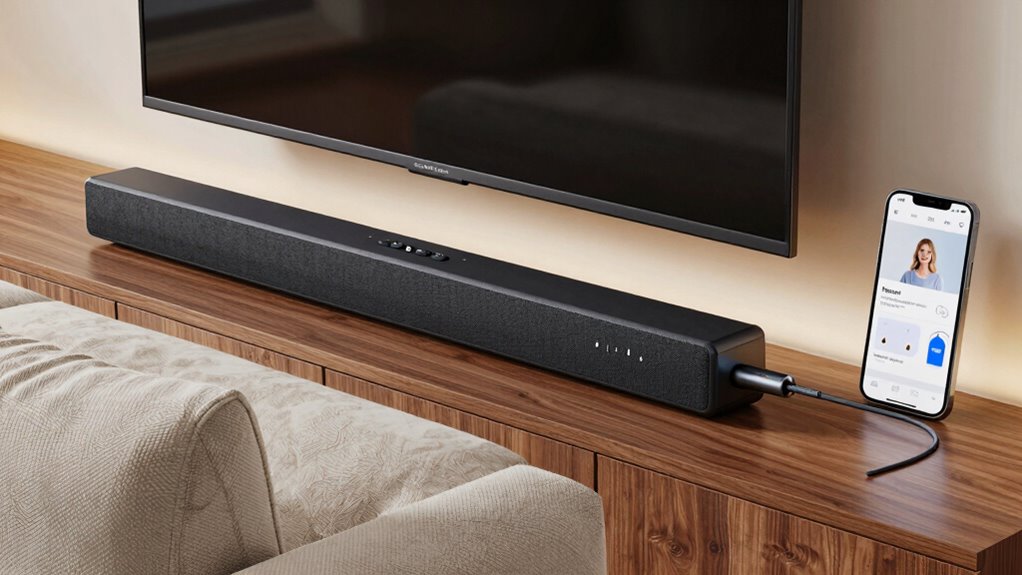
Setting up ARC and eARC in your home theater system is straightforward, especially if you’re keen to enjoy the benefits of enhanced audio quality. First, check your TV and audio device for HDMI ARC or eARC ports. You’ll need a high-speed HDMI cable that meets the required specifications; verify it’s labeled for ARC or eARC support. Connect the cable from the HDMI ARC/eARC port on your TV to the corresponding port on your audio device. Next, enable HDMI-CEC settings on both devices to guarantee they communicate properly. Finally, adjust audio settings to select ARC or eARC as the output. Following these installation tips will help you achieve seamless audio and video performance in no time.
Troubleshooting Common Issues With ARC and eARC
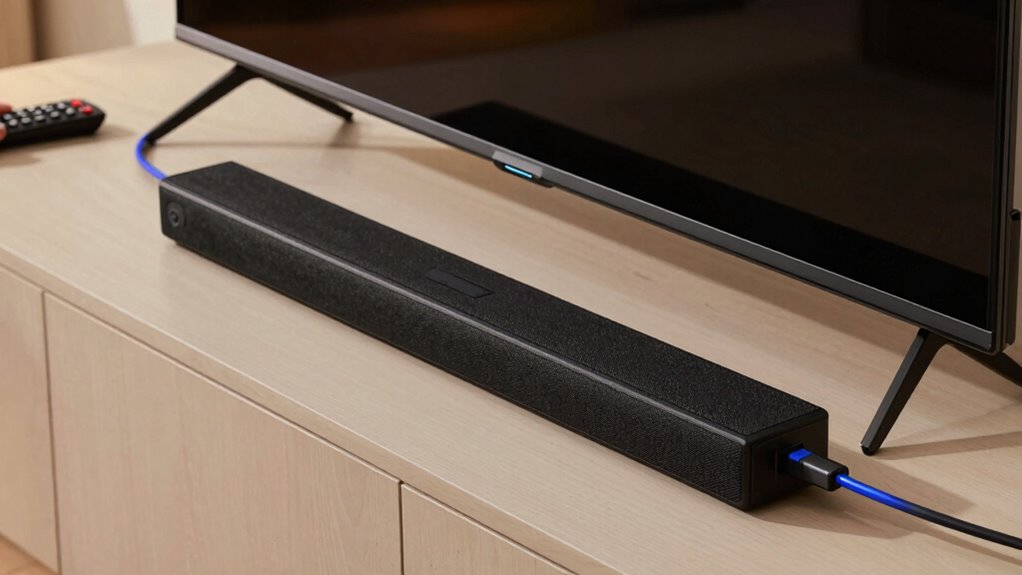
While enjoying your home theater experience, you might encounter some common issues with ARC and eARC connections. Don’t worry; you can easily resolve these problems with a few troubleshooting tips.
- No Audio: Verify both devices are configured for ARC/eARC, and check the HDMI cable connection.
- Audio Delays: If you notice an audio lag, adjust the audio sync settings in your TV or sound system.
- Intermittent Connection: Try using a high-speed HDMI cable designed for ARC/eARC, and verify all firmware is up to date.
Real-World Benefits: Experience Differences in Audio Quality
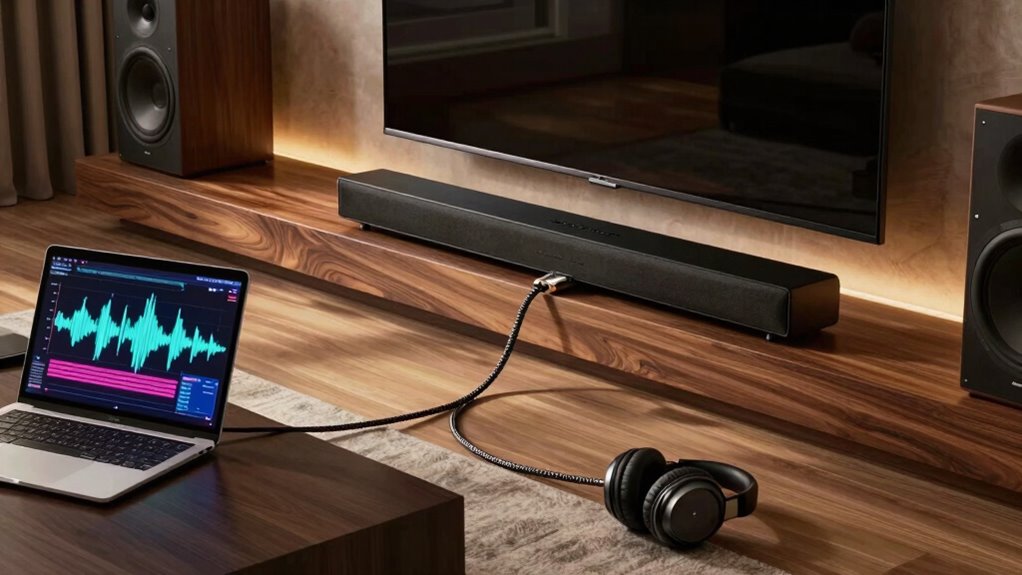
How can you truly appreciate the difference in audio quality between ARC and eARC? When you switch to eARC, you’ll notice an immediate boost in audio clarity. You’ll experience richer sound details and a broader frequency range that makes every note and dialogue pop. This improvement transforms your viewing into an immersive experience, pulling you deeper into movies, shows, and games. You’ll catch subtle sound effects that ARC might miss, enhancing the overall impact of what you’re watching. Whether it’s the rustle of leaves in the background or an explosive action scene, eARC delivers a sound that feels more authentic and engaging. Investing in eARC means you’re not just hearing; you’re feeling every moment as it was meant to be experienced.
Future-Proofing Your Home Entertainment System With eARC
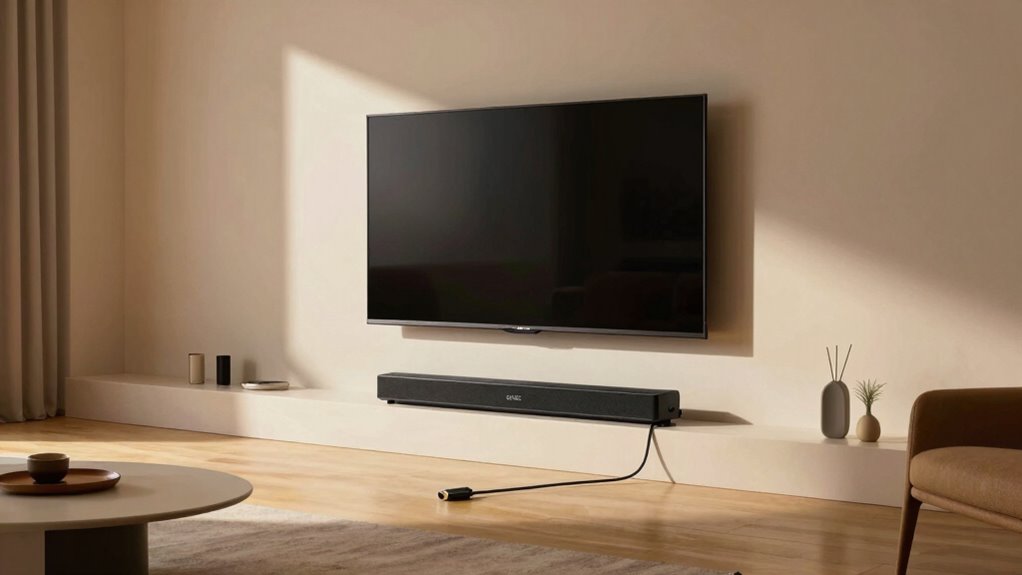
As technology continues to evolve, investing in eARC for your home entertainment system guarantees you’re equipped for the future. With eARC, you can enjoy superior sound quality and seamless connectivity, enhancing your home theater experience. Here’s why eARC is a smart choice:
- High-Definition Audio: Supports advanced audio formats like Dolby Atmos, ensuring immersive sound. Additionally, kitchen appliances with advanced connectivity can provide a comprehensive smart home experience. Using eARC can help you achieve optimal audio performance, making your entertainment sessions even more enjoyable.
- Simplified Setup: One cable connection reduces clutter and makes installation a breeze.
- Future Compatibility: Designed to support upcoming audio technologies, keeping your system relevant. Additionally, incorporating smart home gear can further enhance your audio experience by allowing you to control your sound system with ease.
- Integration with Smart Home Technology: eARC can easily connect with voice assistants, allowing for more streamlined control of your entertainment system within a smart home setup. This integration can also enhance your overall wellness by providing a more relaxing and enjoyable environment for your movie nights or gaming sessions.
Frequently Asked Questions
Can I Use ARC and eARC Simultaneously on One Device?
No, you can’t use ARC and eARC simultaneously on one device. When you connect a device that supports both, it’ll default to eARC if it’s available, meaning you’ll lose the ability to use ARC. This can create compatibility concerns with older devices. To guarantee you get the best audio experience, it’s best to check your device’s specifications and make sure everything is compatible with eARC for peak performance.
What Types of Cables Are Needed for ARC and eARC?
To use ARC and eARC, you’ll need high-speed HDMI cables that support the necessary bandwidth for enhanced audio formats. Standard HDMI cables might not suffice for eARC, so opt for those specifically rated for eARC. While optical cables can provide audio for non-HDMI setups, they won’t support the advanced features eARC offers. Confirm your cables are compatible with the devices you’re connecting to guarantee the best sound experience.
Do ARC and eARC Affect Video Quality?
Yes, ARC and eARC can affect video quality, though indirectly. They support high-quality audio formats, which can enhance your overall viewing experience. While they don’t directly influence video resolution, the improved audio can make a significant difference in how you perceive a movie or show. With eARC, you get better bandwidth for higher audio fidelity, ensuring that sound complements the high-definition visuals you’re enjoying on your screen.
Are There Any Soundbars Specifically Designed for eARC?
Absolutely, you’ll find several soundbars specifically designed for eARC! These soundbars showcase superb soundbar features that boost your audio performance dramatically. Brands like Sonos, Samsung, and LG offer models that harness eARC’s capabilities, delivering dazzling dialogue and booming bass. When you choose an eARC-compatible soundbar, you’ll enjoy immersive experiences with rich, high-fidelity sound. So, if you’re after top-tier audio, investing in an eARC soundbar is definitely a smart choice!
How Can I Tell if My Device Supports eARC?
To tell if your device supports eARC, check its HDMI specifications. Look for the HDMI port labeled as eARC or read the user manual for device compatibility details. Many newer TVs, soundbars, and receivers include eARC support, but older models might not. You can also visit the manufacturer’s website for specific product information. If you see eARC mentioned, you’re good to go for high-quality audio streaming!
Conclusion
In the world of home entertainment, you really get what you pay for. Embracing eARC not only enhances your audio experience but also future-proofs your setup. You’ll enjoy richer sound and compatibility with the latest formats, ensuring your system stays ahead of the curve. So, whether you’re a casual viewer or an audiophile, investing in eARC is a smart move. Remember, the right cable can change everything, making your movie nights unforgettable!
Halloween Picks
halloween
As an affiliate, we earn on qualifying purchases.