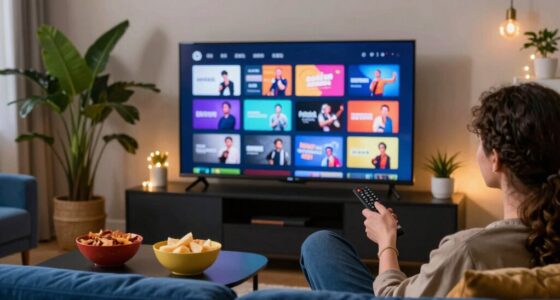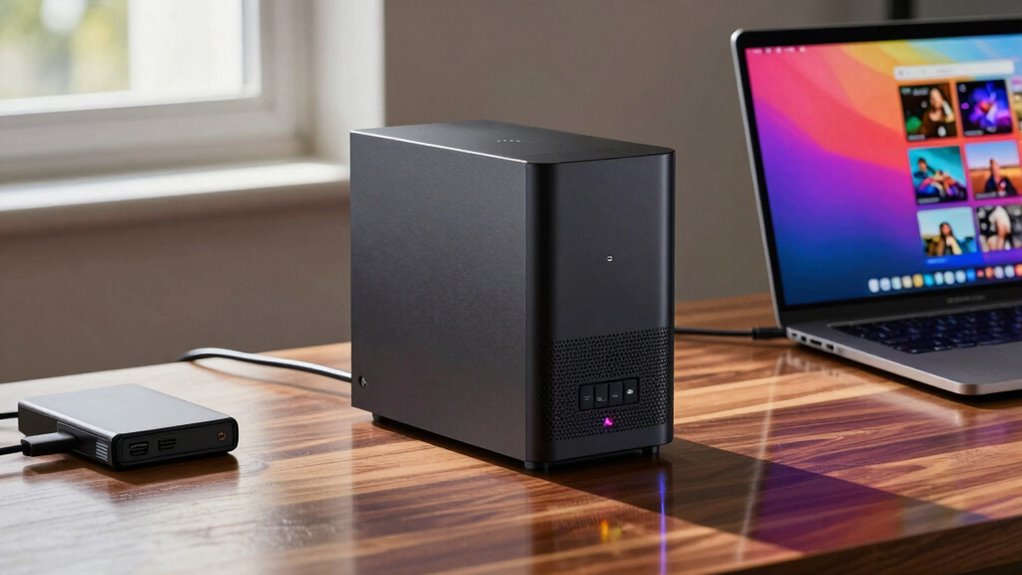

A NAS (Network Attached Storage) device transforms how you manage your media library by offering centralized storage for easy access, sharing, and streaming across your devices. With benefits like data redundancy and cloud integration, it keeps your content safe and accessible from anywhere. Key features to look for include intuitive interfaces and scalability options. By understanding the basics, you’ll be inspired to enhance your media organization skills and discover more tips along the way.

Get movie nights delivered free with Prime
- Fast, free delivery on millions of items
- Prime Video, Amazon Music and more included
- Member-only deals all year
Key Takeaways
- NAS serves as a centralized hub for media storage, allowing access and sharing across multiple devices on a network.
- Look for NAS with data redundancy features like RAID configurations to protect your media files from hardware failures.
- Ensure the NAS supports cloud integration for remote access to your media library from anywhere.
- Organize your media files using clear folder structures and consistent naming conventions for easy retrieval.
- Familiarize yourself with troubleshooting steps, such as checking connections and updating firmware to resolve common issues.
Products Worth Considering

Bose SoundLink Flex Bluetooth Speaker (2nd Gen), Black

Sonos Era 100 SL Compact Microphone-Free Speaker, White

Arlo Pro Wireless Security Camera, 2K HDR, 6th Gen, 4-Camera Kit
As an affiliate, we earn on qualifying purchases.
What Is NAS and How Does It Work?

Network Attached Storage (NAS) serves as a centralized hub for your media libraries, allowing you to store and access files over a network. With a well-designed network architecture, you can easily connect multiple devices, stream content, and share files among family members or colleagues. NAS provides data redundancy, ensuring your files remain safe even if a drive fails. By implementing backup solutions, you can schedule regular backups to protect against data loss, giving you peace of mind. User access control lets you manage who can view or edit files, enhancing security. Whether you’re organizing photos, videos, or music, NAS simplifies file management and enhances your media experience. It’s an essential tool for anyone serious about their digital library. Additionally, integrating your NAS with smart home technology can further enhance your media streaming capabilities and overall home automation.
Why NAS Is a Game-Changer for Your Media Library
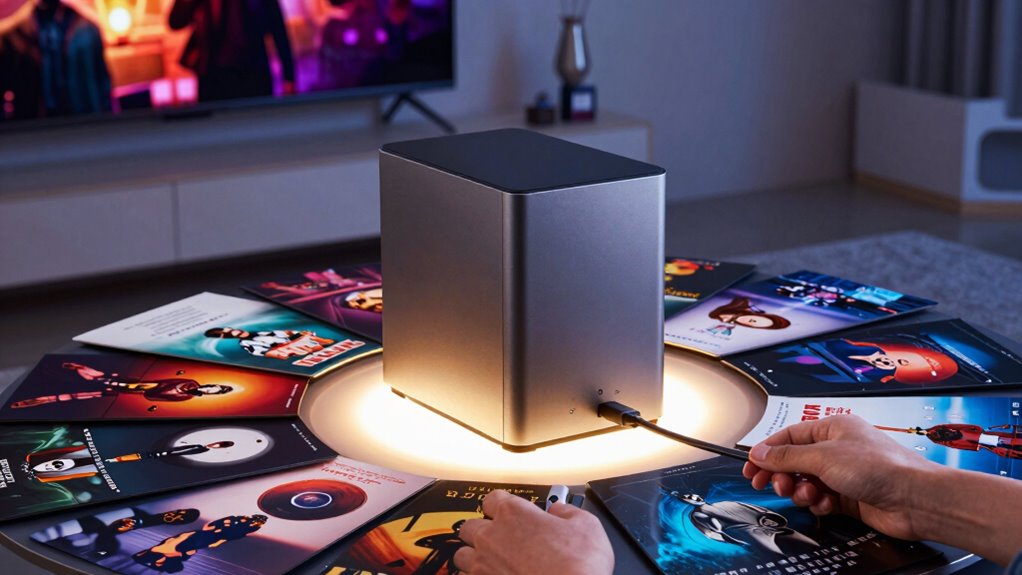
When you want to elevate your media library experience, adopting a NAS system can make a world of difference. With cloud integration, you can access your media from anywhere, ensuring your favorite films and music are always at your fingertips. Plus, NAS provides data redundancy, protecting your valuable content from potential loss due to hardware failures. Additionally, using a NAS can enhance your strength training fundamentals by allowing easy access to workout videos and fitness resources. Furthermore, a NAS system can simplify your smartphone management by providing a centralized hub for all your files. Moreover, utilizing cleaning & organization techniques can help you maintain a clutter-free environment, making it easier to enjoy your media experience. A NAS can also improve your home streaming basics by allowing seamless streaming of high-definition content across various devices. To keep your NAS running smoothly, regular maintenance routines are essential for optimal performance.
Here’s a quick comparison of NAS benefits:
| Feature | Benefit |
|---|---|
| Cloud Integration | Access media from anywhere |
| Data Redundancy | Protects against data loss |
| Central Storage | Organizes all media in one place |
Key Features to Look For in NAS for Media Storage
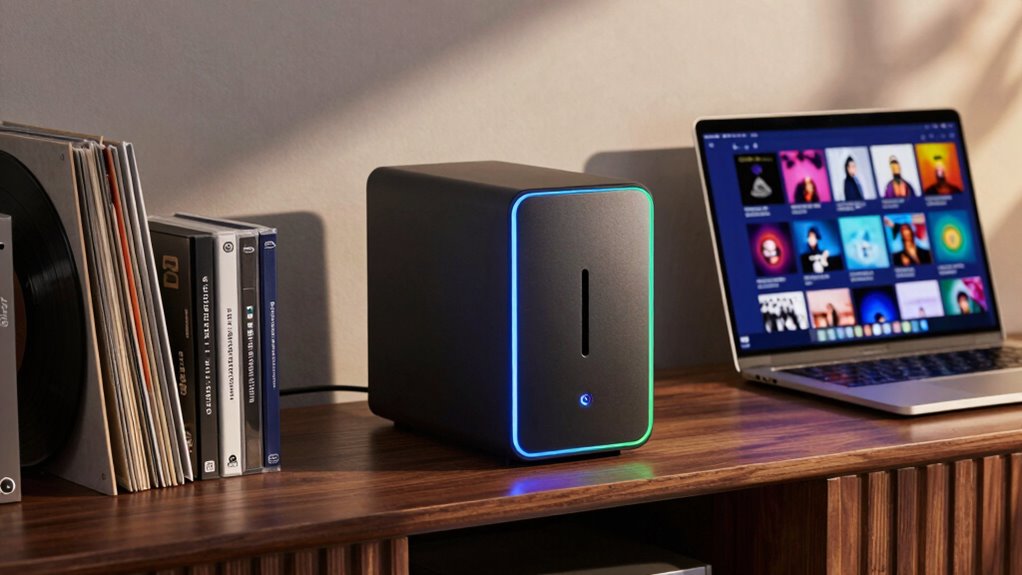
Selecting the right NAS for your media storage can greatly enhance your media library experience. One of the key features to look for is data redundancy, which guarantees your files remain safe even if a drive fails. Look for NAS systems that support RAID configurations, as they provide excellent data protection. Additionally, consider the user interface; it should be intuitive and easy to navigate. A well-designed interface allows you to manage your media library effortlessly, simplifying tasks like file organization and access. Don’t forget about scalability—choose a NAS that can grow with your needs, allowing you to add more storage as your library expands. With these features, you’ll set up a reliable and efficient media storage solution.
How to Choose the Right NAS for Your Media Library?
When choosing the right NAS for your media library, consider your storage capacity needs, as well as the performance and speed requirements for smooth playback. You’ll also want to evaluate the connectivity options available to guarantee it fits seamlessly into your existing setup. By focusing on these key aspects, you can make an informed decision that enhances your media experience. Additionally, selecting a NAS with efficient data transfer can significantly improve your overall streaming performance.
Storage Capacity Considerations
Choosing the right NAS for your media library hinges on understanding your storage capacity needs. Start by evaluating how much data you currently have and anticipate future growth. If you’re building a sizable collection of videos, photos, and music, you’ll want a NAS that supports storage expansion. Look for systems that allow you to add more drives or upgrade to larger ones easily. Consider your backup solutions, too; a good NAS should have options for automatic backups to safeguard your media. Factor in RAID configurations for data redundancy, guaranteeing your library remains intact even if a drive fails. By planning for both current and future needs, you’ll make sure your NAS serves you well for years to come.
Performance and Speed
While your storage capacity is essential, performance and speed are equally important when it comes to enjoying your media library. Look for a NAS that offers high read and write speeds to guarantee smooth data transfer. Check the specifications for network latency, as lower latency means quicker access to your files. Implementing effective caching strategies can further enhance performance, allowing for faster retrieval of frequently accessed content. Additionally, considering eco-friendly HVAC guidance can help maintain optimal operating conditions for your NAS, ensuring it runs efficiently and reliably. An efficient HVAC system can also prevent overheating, which could otherwise impact your NAS’s performance. Don’t forget about performance optimization and bandwidth management—these features help allocate system resources efficiently, assuring consistent playback without buffering. By prioritizing these aspects, you’ll create a seamless experience as you access and enjoy your media library, making the most of your NAS investment.
Connectivity Options Available
High performance and speed set the stage, but how you connect your NAS can greatly influence your media library experience. You’ll need to assess your connectivity options carefully. If you prefer flexibility, wireless connectivity might be the way to go. It allows you to access your media from various devices without the hassle of cables. However, if you’re aiming for stability and speed, ethernet options are your best bet. A wired connection typically offers faster transfer rates and lower latency, making it ideal for streaming high-definition content. Ultimately, evaluate your home layout and usage patterns to choose the right option that fits your needs. With the right connectivity, your media library can truly shine.
How to Set Up Your NAS for Media Storage?
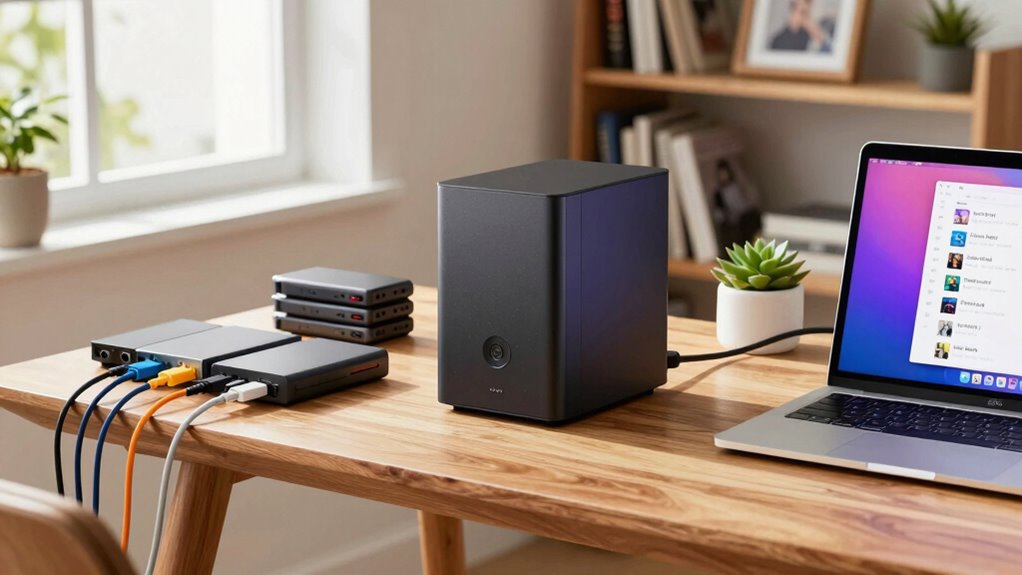
Setting up your NAS for media storage is essential for seamless access to your library. You’ll need to choose the right NAS, configure your storage settings, and organize your media files effectively. Let’s explore these steps to guarantee your setup meets your needs. Additionally, understanding the evolution of arcade games can inspire creative ways to organize your media collection.
Choosing the Right NAS
How do you choose the right NAS for your media storage needs? First, consider your budget constraints; there’s a NAS for every price range, but it’s crucial to balance features with cost. Look for a model that offers enough storage capacity and supports the media formats you use most. Next, read user reviews to gauge the performance and reliability of potential NAS options. Users often share their experiences, helping you identify any common issues or standout features. Also, think about scalability; you’ll want a system that can grow with your collection. Finally, verify the NAS has good media streaming capabilities, as this will enhance your overall experience when accessing your media library. Additionally, ensure the NAS supports high refresh rates, as this can improve the performance of your media playback, especially for high-definition content.
Configuring Storage Settings
Once you’ve chosen your NAS, configuring the storage settings is crucial for optimizing your media library. Start by setting up your storage management preferences. Choose between RAID configurations for data redundancy to protect your files from loss. Popular options include RAID 1 for mirroring or RAID 5 for a balance of space and security.
Here’s a quick comparison of RAID options:
| RAID Type | Key Features |
|---|---|
| RAID 0 | Fast, no redundancy |
| RAID 1 | Mirroring, high redundancy |
| RAID 5 | Striping with parity |
| RAID 10 | Combination of 1 & 0 |
Selecting the right configuration guarantees you have both performance and protection, keeping your media files safe and accessible.
Organizing Media Files
Organizing your media files effectively is vital for maximizing your NAS’s potential as a media library. Start by creating a clear folder structure that reflects your preferences, whether that’s by genre, artist, or year. Consistent file naming is imperative; use descriptive names that include relevant details like titles and dates. This makes searching easier later on. Don’t forget about metadata tagging—adding information like artist names, album titles, and cover art enhances your library’s organization and searchability. Many media players can read this metadata, making it easier to browse your collection. Regularly review and update your organization system to guarantee it meets your evolving needs. With these steps, you’ll enjoy a well-organized and accessible media library on your NAS.
Top Tips for Organizing Your Media Library on NAS
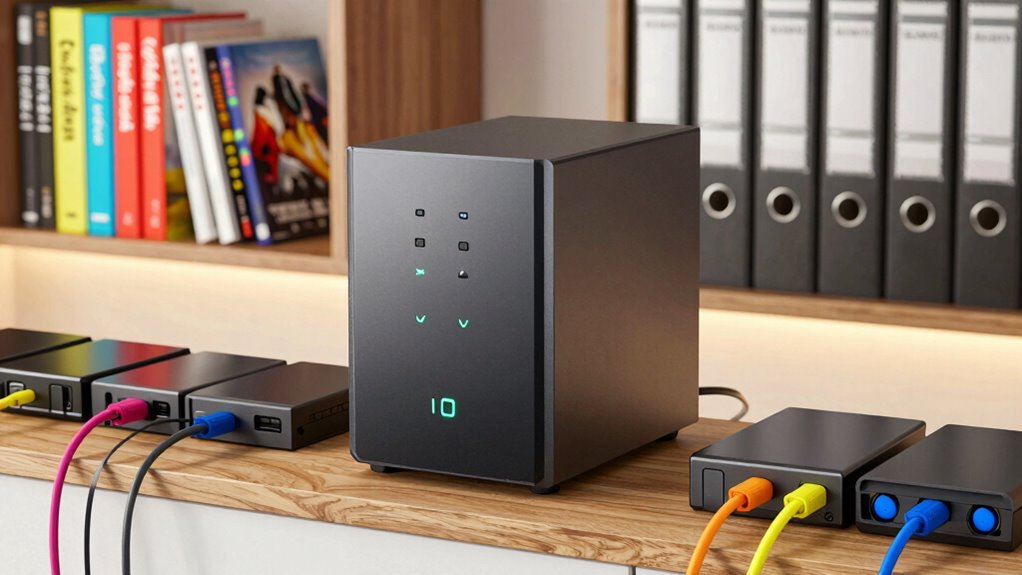
To create a seamless experience when accessing your media library on a NAS (Network Attached Storage), it’s essential to implement a solid organizational strategy. Here are some top tips to help you get started:
- File Naming: Use clear, consistent naming conventions for your files to easily identify content.
- Folder Structure: Create a logical folder structure based on categories, genres, or formats, making navigation simple.
- Media Tagging: Utilize media tagging to enhance searchability and metadata management, allowing quick access to specific items.
- Backup Strategies: Regularly back up your library to avoid data loss, ensuring your files are safe and accessible.
How to Troubleshoot Common NAS Issues?
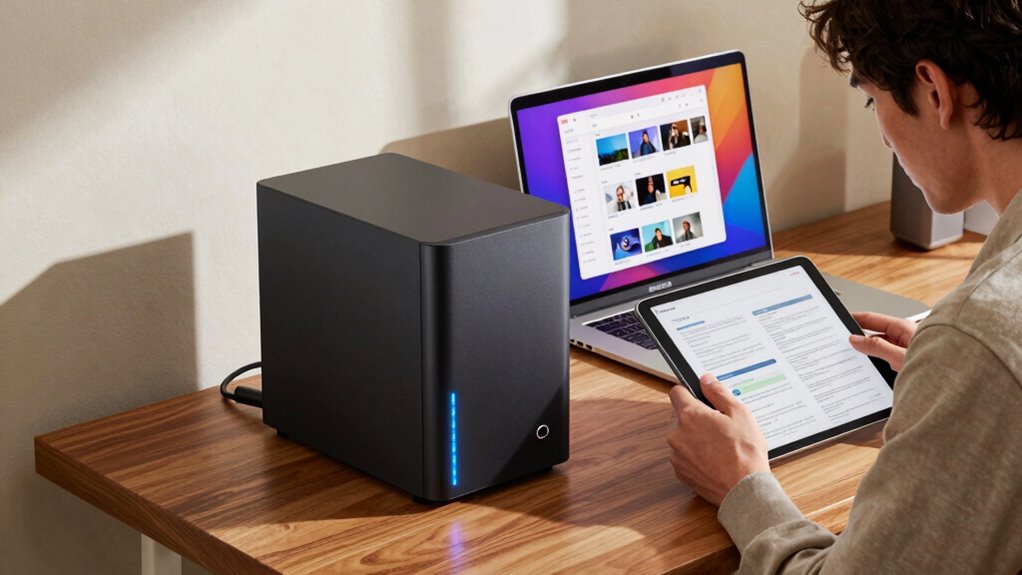
Have you ever found yourself frustrated when your NAS suddenly stops responding or your media files won’t play? Don’t worry; you can tackle these common NAS issues with some simple NAS troubleshooting tips. First, check your connections—make sure everything’s plugged in and your network is stable. If your NAS is unresponsive, try rebooting it for a quick fix. Next, confirm your firmware is up to date, as outdated software can lead to problems. If media files won’t play, verify their formats and check permissions. Sometimes, accessing the NAS via a different device can help isolate the issue. Remember, regular backups can save you from data loss during troubleshooting, so don’t skip that step!
Frequently Asked Questions
Can NAS Work With Multiple Users Simultaneously?
Yes, NAS can work with multiple users simultaneously. You can set up user access and manage user permissions to guarantee everyone gets the right level of access. This means you can share files and media without conflicts. Just make certain to configure your NAS properly, allowing each user to access what they need while keeping sensitive data secure. With the right settings, collaboration becomes seamless and efficient for everyone involved.
What File Formats Are Supported by NAS Devices?
Most NAS devices support a wide range of file formats, including common ones like MP3, JPEG, and MP4. However, you should check the specifics of your device, as there can be format limitations based on the manufacturer or model. Some advanced NAS systems even support less common formats, but it’s always wise to verify compatibility to guarantee seamless media access. Keep your files organized to make the most of your NAS experience!
Is a NAS System Energy-Efficient?
Yes, a NAS system can be energy-efficient, depending on the model you choose. Many modern NAS devices are designed with power efficiency in mind, which helps reduce energy consumption. Look for features like energy-saving modes and low-power components. By selecting a NAS that prioritizes power efficiency, you can enjoy the convenience of centralized storage without greatly increasing your electricity bill. It’s a smart choice for both your media needs and the environment.
How Often Should I Back up My NAS?
Think of your data like a treasure chest; you wouldn’t leave it unguarded for too long. You should back up your NAS at least once a week to guarantee your data retention is solid. If you’re working with critical files, consider daily backups. The frequency acts as your shield against loss, keeping your digital valuables safe and sound. Regular backups help you avoid potential heartaches and keep your collection thriving.
Can I Access My NAS Remotely?
Yes, you can access your NAS remotely. To do this, you’ll need to set up remote access features in your NAS settings. Make sure to implement strong security measures, like using a VPN or enabling two-factor authentication, to protect your data. Once configured, you can easily connect to your NAS from anywhere, allowing you to manage files and stream media on the go. Enjoy your flexibility and convenience!
Conclusion
To sum up, investing in a NAS for your media library can truly transform how you store and access your favorite content. With the right features and setup, you’ll enjoy seamless streaming and organization like never before. So, why settle for cluttered hard drives when you can have everything neatly organized in one place? Embrace the convenience of NAS and take your media experience to the next level—your future self will thank you!