
Surround sound channels are designed to create an immersive listening experience by placing different sounds in specific speaker positions around you. The front channels handle main sounds like dialogue, while rear channels add ambient effects and depth. The center channel focuses on clarity for voices. Systems like 5.1 or 7.1 use multiple speakers for richer soundscapes. Understanding their roles helps you set up the perfect system—keep going to explore how these channels work together.
Key Takeaways
- Surround sound channels include front, rear, and center speakers, each with specific roles in audio delivery.
- The most common configurations are 5.1 and 7.1, indicating the number of speakers and subwoofers used.
- Front channels handle dialogue and main audio; the center emphasizes speech clarity.
- Rear channels create ambient effects and spatial depth, enhancing immersion.
- Proper placement and calibration ensure balanced sound distribution across all channels.
What Are Surround Sound Channels and Why Do They Matter?

Surround sound channels are the individual speakers that work together to create an immersive audio experience. They deliver precise sound placement, making you feel like you’re inside the action. To achieve this, proper speaker placement is crucial; positioning speakers correctly around your room guarantees ideal sound distribution. Before setting up, you’ll want to perform audio calibration, which fine-tunes each channel’s volume and timing. This process helps balance the sound, eliminating echoes or dead spots. Understanding the purpose of each channel—whether front, rear, or side—helps you maximize your setup. Additionally, high-quality audio equipment can significantly enhance your surround sound experience. Paying attention to speaker placement and calibration ensures that each channel contributes effectively to the overall soundscape. When you pay attention to audio calibration and speaker placement, you’ll enjoy a richer, more realistic soundscape. Proper sound channel configuration and setup are essential for an optimal experience, and taking the time to learn about channel function can make a notable difference. This foundation makes all your surround sound experiences more vivid and engaging.
How Do 5.1, 7.1, and Other Surround Sound Configurations Work?
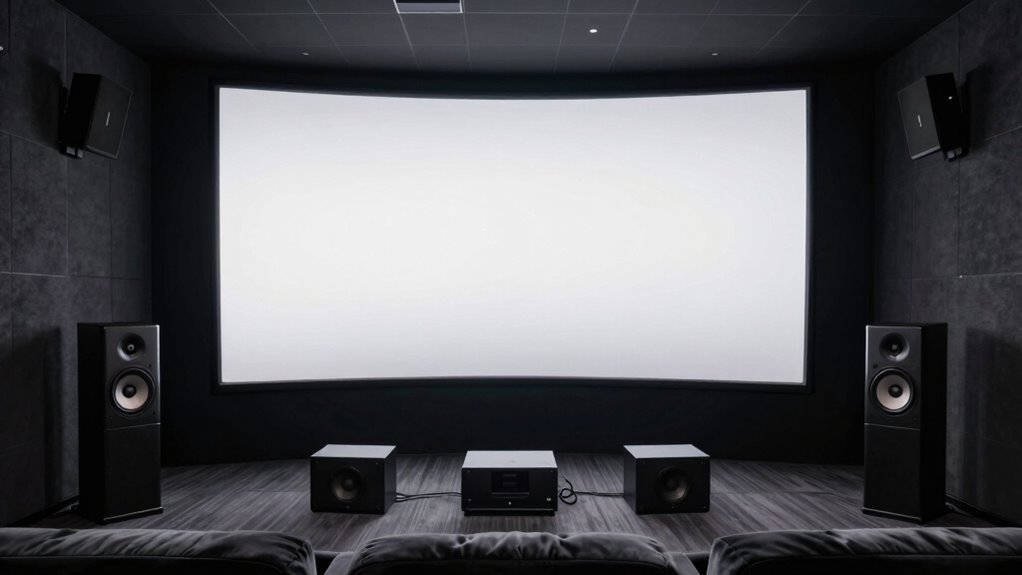
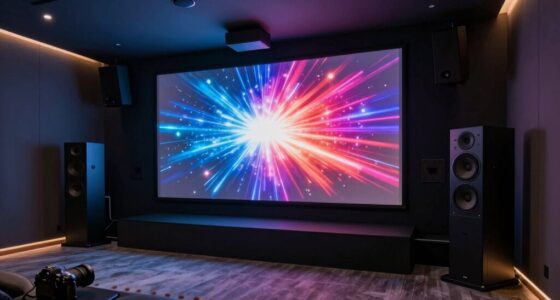
You’ll notice that different surround sound setups use varying numbers of speakers placed around you. These configurations rely on specific channel arrangements and sound distribution to create immersive audio experiences. Understanding how speaker placement and channel design work together helps you appreciate the complexity behind these systems. Home theater projectors and AV setup components are often chosen to complement these sound configurations for a cohesive entertainment experience. Additionally, the speaker placement strategy significantly impacts the overall sound quality and realism of the system. Proper calibration and channel configuration are essential to optimize the listening environment and ensure accurate sound staging. Recognizing the importance of sound channel distribution can help you better understand how each component contributes to the overall audio experience, especially when considering the audio calibration process that fine-tunes sound levels for optimal immersion.
Number and Placement of Speakers
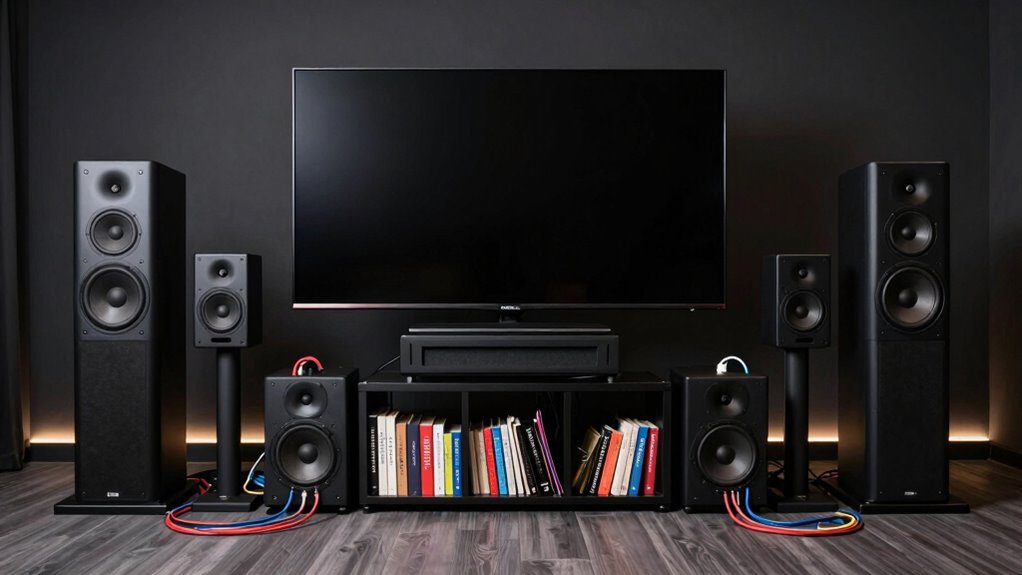
Different surround sound configurations use varying numbers and placements of speakers to create immersive audio experiences. Your speaker placement and channel distribution determine how sound moves around you. In a 5.1 system, you’ll find speakers in front, to the sides, and behind, with a dedicated subwoofer for bass. A 7.1 setup adds two more speakers for even richer immersion. Consider these points:
- Precise speaker placement ensures sound reaches you accurately.
- More channels create a deeper, more enveloping experience.
- Proper channel distribution balances audio across the room.
- Strategic positioning minimizes gaps and enhances clarity.
- Channel configuration plays a crucial role in how effectively sound surrounds you.
Channel Configuration and Sound Distribution
The way sound channels are configured determines how audio moves through your space, shaping the immersive experience. In a 5.1 or 7.1 system, speaker placement is key to effective sound distribution. Each channel delivers specific audio, creating distinct sound layers that mimic real-world environments. For example, front speakers handle dialogue and main effects, while surround speakers add depth and atmosphere. Proper channel configuration guarantees sound moves smoothly between speakers, enveloping you in the experience. The arrangement of speakers influences how sound layering works, allowing you to pinpoint directionality and distance. Whether you’re watching a movie or gaming, understanding sound distribution helps optimize your setup for maximum immersion and clarity, making each channel contribute seamlessly to the overall surround sound experience.
What Do Front, Rear, and Center Channels Do?
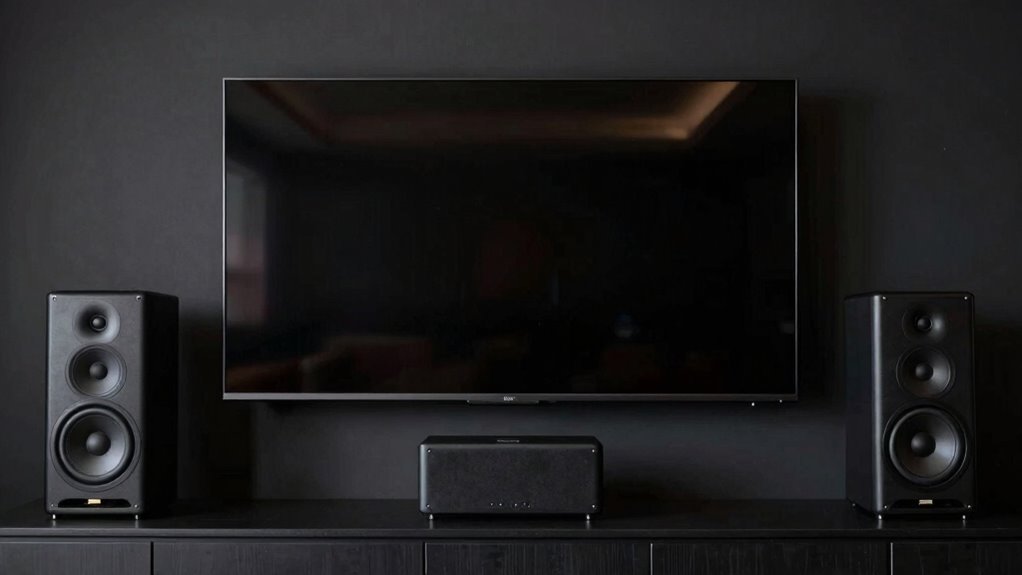
Your front channels deliver most of the main sounds, like dialogue and key audio cues. The rear channels create a sense of space by handling ambient sounds and effects. Meanwhile, the center channel keeps dialogue clear and focused, anchoring the conversation in the scene. To enhance your listening experience, understanding channel functions can help you optimize your home theater setup. Additionally, recognizing how speaker placement affects sound distribution can improve overall immersion. Proper audio calibration ensures that all channels work harmoniously, providing a more balanced and realistic sound environment. Regular system updates are also important to maintain optimal performance and sound quality, ensuring your setup adapts to new technology and standards. This process is vital for achieving optimal sound quality and truly immersive audio experiences.
Front Channel Roles
Front channels are the primary speakers responsible for delivering most of the sound that you see on screen, such as dialogue and main action. They shape the core sound experience and are essential for clarity and sound quality. Your front speakers help you feel immersed and connected to the scene. Consider these key roles:
- Dialogue Enhancement – Ensuring spoken words are clear and centered.
- Main Action – Amplifying sounds like explosions or footsteps.
- Soundstage Precision – Creating a realistic sense of space.
- Emotional Impact – Bringing intensity to crucial moments.
Additionally, high-quality front channels contribute to a more immersive audio experience by accurately reproducing the sound environment.
Rear and Center Functions
Rear and center channels work together to create a more immersive and balanced sound environment. The center channel primarily handles dialogue, making voices clear and focused. It sits directly above or below your screen to anchor speech to the onscreen action. Rear speakers provide ambient sounds, effects, and background noise, filling in the space behind you. They create a sense of depth and surround you from all sides, making you feel like you’re part of the scene. Proper placement of rear speakers enhances this effect, while the center channel ensures conversations stay intelligible. Their coordinated functions deliver a well-rounded, immersive soundscape that draws you into the entertainment. Additionally, understanding channel configuration helps optimize your setup for the best audio experience. Clear understanding of speaker placement further improves the overall sound quality and immersion. Knowing how to calibrate your system ensures all channels work together seamlessly for optimal performance, especially when considering system calibration techniques. Proper audio calibration techniques can significantly enhance the clarity and balance of your sound system.
What Is Dolby Atmos and How Does It Create Immersive Sound?
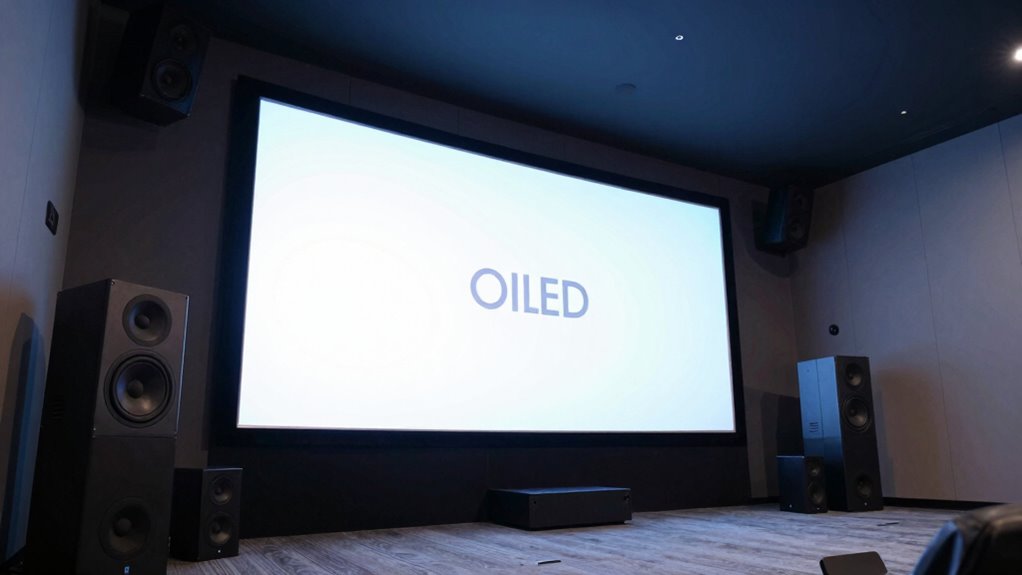
Dolby Atmos revolutionizes sound by adding a third dimension to the traditional surround sound experience, placing you right in the middle of the action. It creates immersive audio by layering sounds above and around you, making scenes feel alive. With soundbar options supporting Atmos, you can enjoy this experience without bulky setups, often utilizing wireless connectivity to simplify installation. Here’s why Atmos impacts you deeply:
- Feel like you’re inside the scene, not just watching it.
- Experience sounds from above, heightening realism.
- Enjoy seamless, clutter-free setups with wireless options.
- Elevate your entertainment with richer, more dynamic audio.
How to Choose the Best Surround Sound System for Your Room
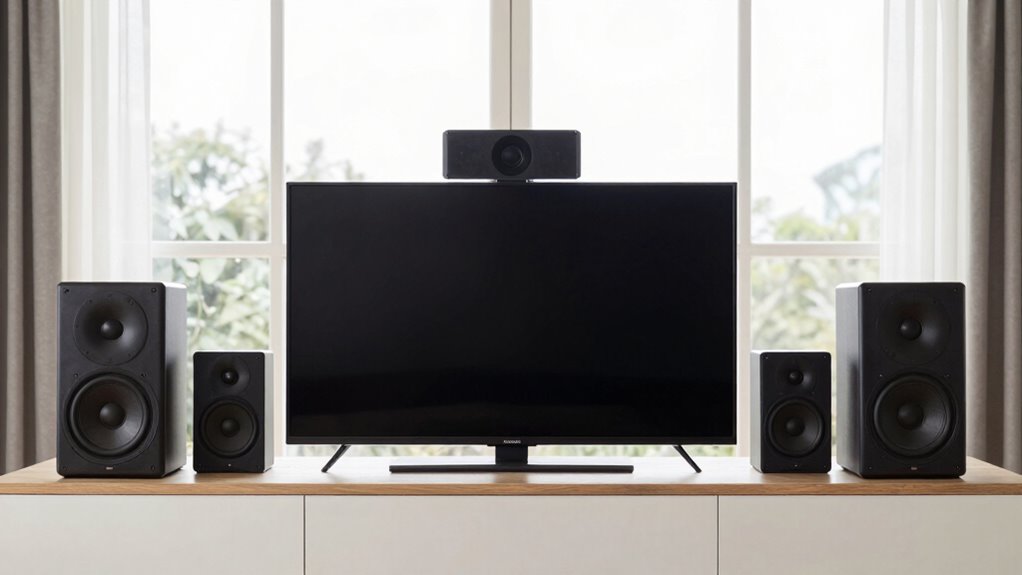
Choosing the right surround sound system for your room begins with understanding your space and listening needs. Start by considering the size and shape of your room, as this influences speaker placement options. For smaller spaces, compact systems with fewer speakers may suffice, while larger rooms benefit from more powerful setups. When selecting speakers, think about how they’ll be positioned to create an immersive experience; proper speaker placement is key. Once installed, sound calibration ensures the system delivers balanced audio that fills your room evenly. Use calibration tools or built-in system settings to adjust speaker levels and distances. This process helps optimize the sound quality, making your surround sound system truly tailored to your space and preferences.
How to Set Up and Calibrate Your Surround Sound for Optimal Audio
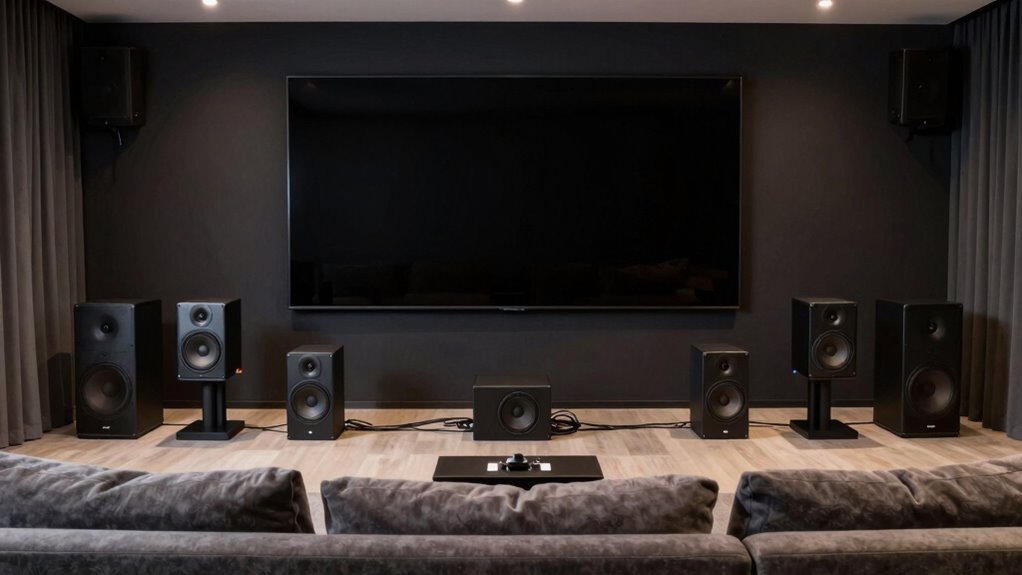
Setting up your surround sound system begins with physically placing the speakers correctly to guarantee a balanced and immersive audio experience. Proper speaker placement ensures every sound reaches you clearly and at the right moment. Use calibration techniques to fine-tune your system, optimizing audio quality. Here are key steps to follow:
- Position speakers at ear level for clear, direct sound.
- Place front speakers slightly angled toward your listening position.
- Keep surround speakers slightly behind and to the sides.
- Use a calibration tool or microphone to adjust volume levels and delays.
These steps help create an immersive environment where every channel contributes effectively. Accurate speaker placement combined with proper calibration techniques elevates your listening experience, making movie nights and music sessions truly exceptional.
Common Mistakes to Avoid When Installing and Calibrating Your System
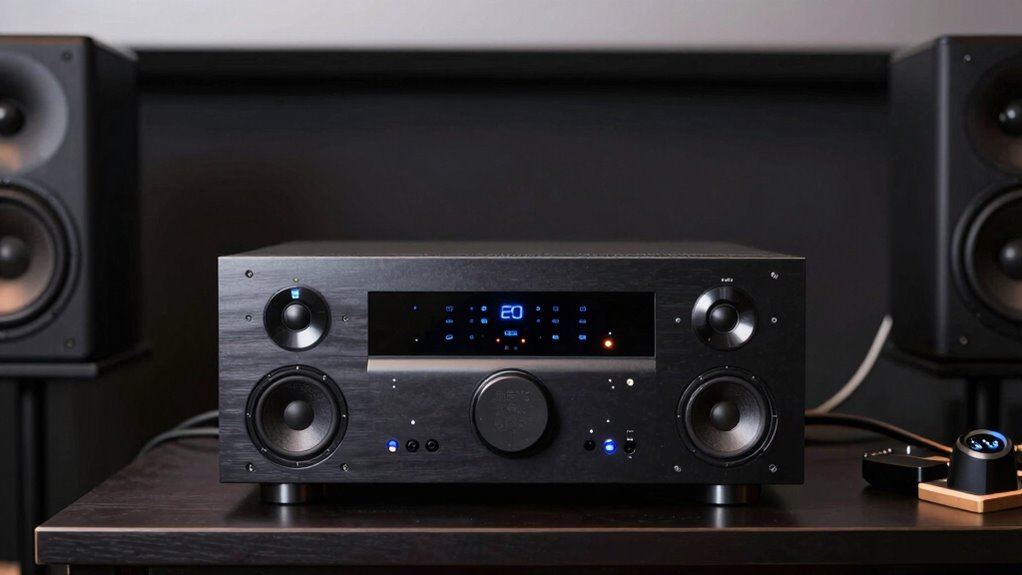
Even with careful setup, it’s easy to make common mistakes that can compromise your surround sound experience. One mistake is poor speaker placement, which can lead to uneven sound distribution and reduce immersion. Make sure each speaker is correctly positioned according to your room layout and the manufacturer’s guidelines. Additionally, wiring considerations are often overlooked; incorrect or tangled wires can cause sound issues or damage your system. Double-check all connections before powering up your setup. Avoid running wires across high-traffic areas to prevent tripping hazards. Another mistake is neglecting calibration; failing to calibrate properly can result in unbalanced sound levels. Take the time to calibrate your system after installation to ensure all channels are synchronized and optimized for the best surround sound experience.
How to Expand or Upgrade Your Surround Sound Setup Later
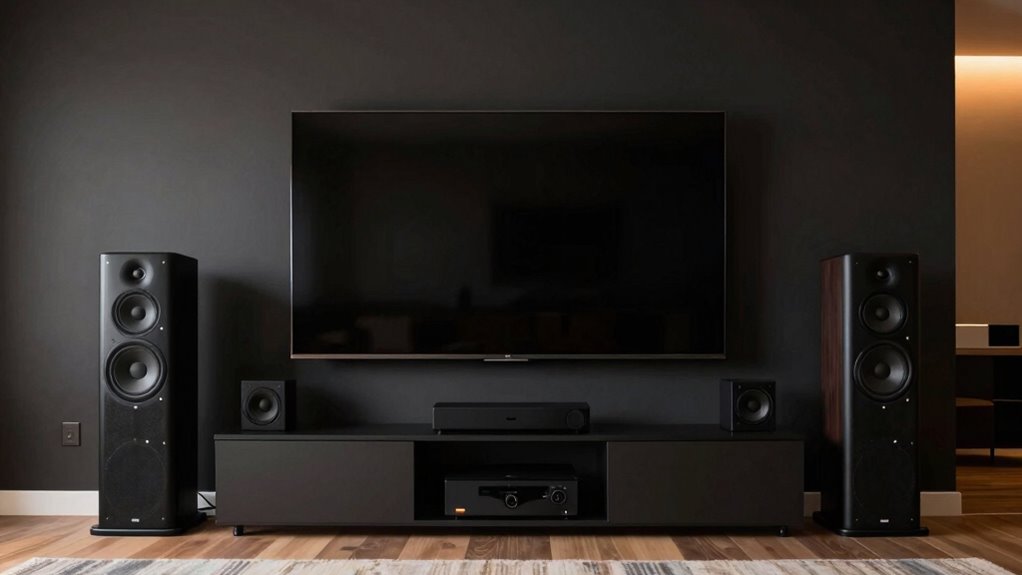
Once you’ve installed and calibrated your surround sound system, you might find yourself wanting to enhance your audio experience further. Upgrading is easier than you think, especially with wireless options. Consider these steps to expand your setup:
- Add more speakers for immersive sound, ensuring proper speaker placement for ideal effect.
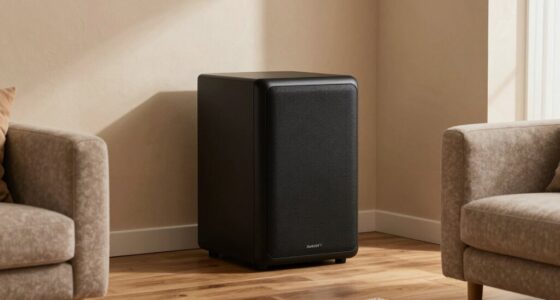
- Upgrade your subwoofer to deliver deeper bass that fills the room.
- Switch to wireless upgrades to reduce clutter and improve flexibility in speaker placement.
- Rearrange existing speakers to improve sound balance and create a more engaging experience.
Frequently Asked Questions
What Is the Difference Between Dolby Atmos and DTS:X Surround Sound?
Dolby Atmos and DTS:X both offer immersive audio experiences, but they differ in speaker placement and audio formats. Atmos uses overhead speakers or upward-firing modules to create a 3D sound environment, while DTS:X adapts to your speaker setup without requiring specific placement. You get flexible speaker configurations, but Dolby Atmos emphasizes height channels for vertical sound, making it feel more surround. Both deliver stunning sound, so choose based on your setup and preferences.
How Do I Know Which Surround Sound Configuration Suits My Room Best?
You’re really asking the right question—finding the best surround sound setup is like fitting a square peg in a round hole. Start by considering your room size; smaller rooms need fewer speakers, while larger spaces benefit from more. Pay close attention to speaker placement, ensuring they’re positioned at ear level and form an immersive circle around you. Test different configurations, and don’t be afraid to tweak until it feels just right.
Can I Use a Soundbar as a Surround Sound System?
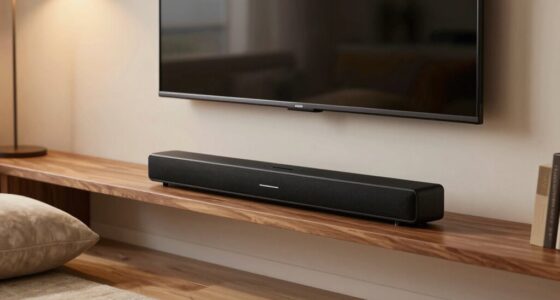
Yes, you can use a soundbar as a surround sound system. Many modern soundbars come with a dedicated soundbar setup that includes multiple speakers or wireless connectivity options to simulate surround sound. With wireless connectivity, you can easily connect additional speakers or subwoofers to enhance your audio experience. Just verify the soundbar you choose supports surround sound features and has compatible wireless options for seamless setup.
What Are the Signs That My Surround Sound System Is Not Properly Calibrated?
You notice muffled dialogue, uneven sound levels, or echoes—these signs your surround sound system isn’t properly calibrated. Check your speaker placement; if speakers are misplaced, it causes audio imbalance. If sounds seem to shift unexpectedly or some channels dominate, it’s a clear warning. Don’t ignore these clues; they hint at underlying issues that, if left unaddressed, could ruin your listening experience. Calibration is key.
How Can I Connect My Gaming Console or PC to a Surround Sound System?
To connect your gaming console or PC to a surround sound system, start by using the right audio cables like HDMI or optical cables for high-quality sound. Plug them into your device’s audio output and your receiver’s input. Then, go into your device’s connection settings, select the correct audio output, and adjust your receiver to the proper input channel. This guarantees immersive sound for your gaming experience.
Conclusion
Think of your surround sound system as the orchestra of your entertainment space, where each channel plays a crucial role in creating a symphony of immersion. When you understand and properly set up these channels, you’re not just listening—you’re stepping into the story. With careful calibration, your setup becomes a gateway to countless worlds, transforming your room into a vessel of immersive experience, where sound guides your journey and elevates every moment.