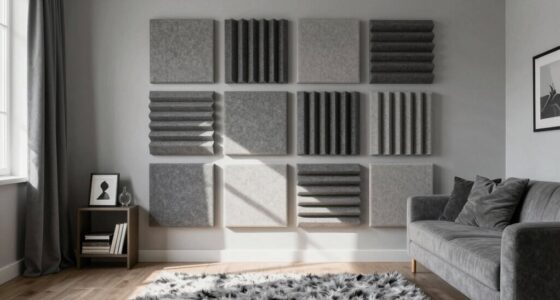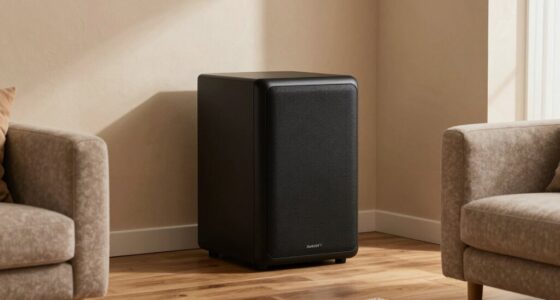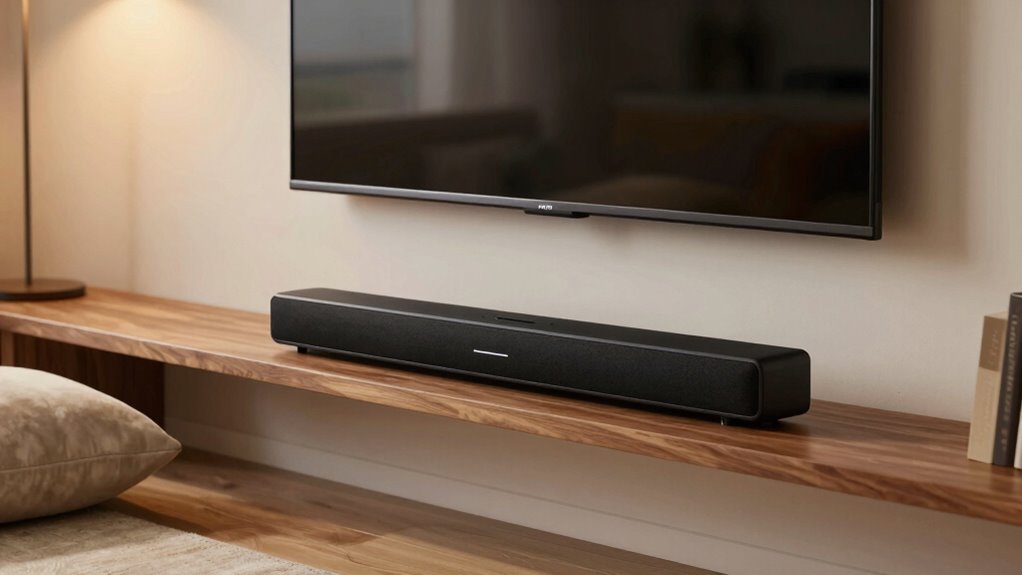

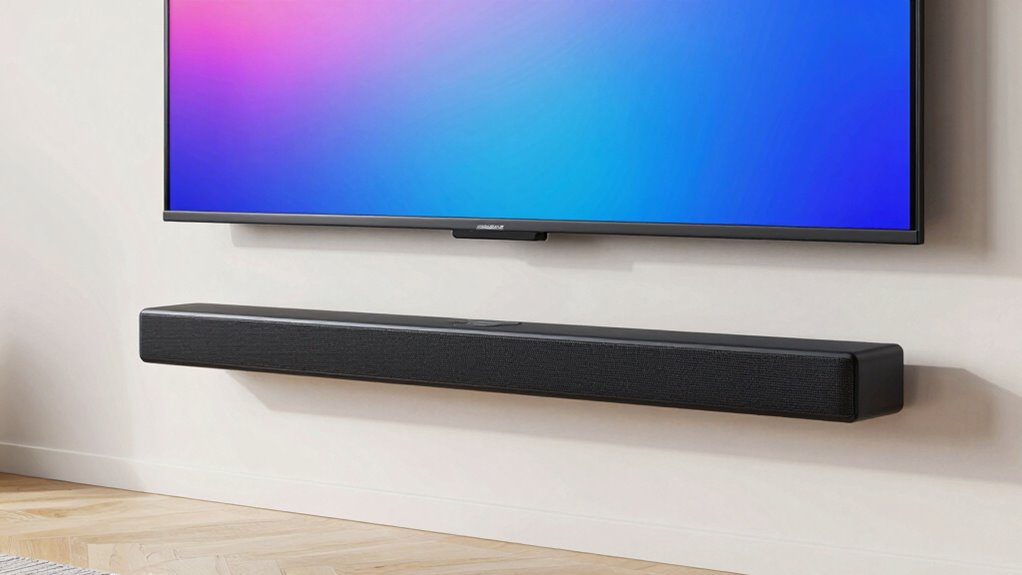
The easiest way to improve your TV sound without adjusting settings is to add external speakers or a soundbar. Wireless options like Bluetooth or Wi-Fi devices are simple to connect and don’t require complicated setup. Position speakers at ear level and close to the TV for better audio. If you want quick, effective tips and easy connection tricks, keep exploring—you’ll find clear solutions that don’t involve digging into your TV’s menus.

Get movie nights delivered free — and shop member deals
- Fast, free delivery on millions of items
- Access to Prime Big Deal Days deals on October 6–7
- Prime Video, Amazon Music and more included
Key Takeaways
- Connect external speakers or soundbars via Bluetooth for quick, wireless audio enhancement without changing TV settings.
- Use NFC pairing if supported for instant, hassle-free connection with compatible speakers.
- Properly position speakers at ear level and away from walls to naturally improve sound clarity.
- Ensure all cables are firmly connected and undamaged to prevent sound issues without altering settings.
- Opt for user-friendly, wireless audio devices with simple setup and compatibility for immediate sound improvement.
Why External Speakers and Soundbars Boost Your TV Sound
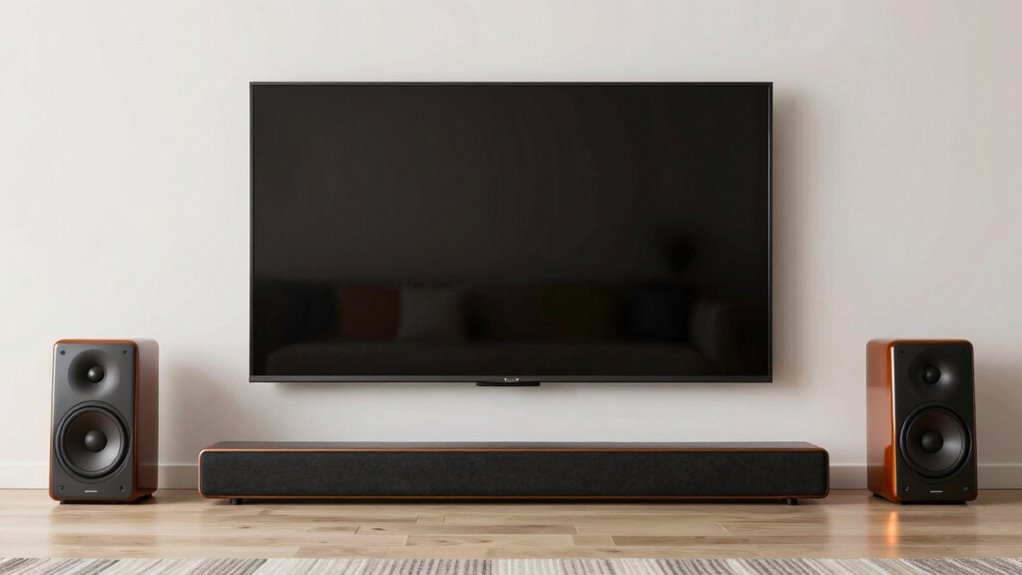
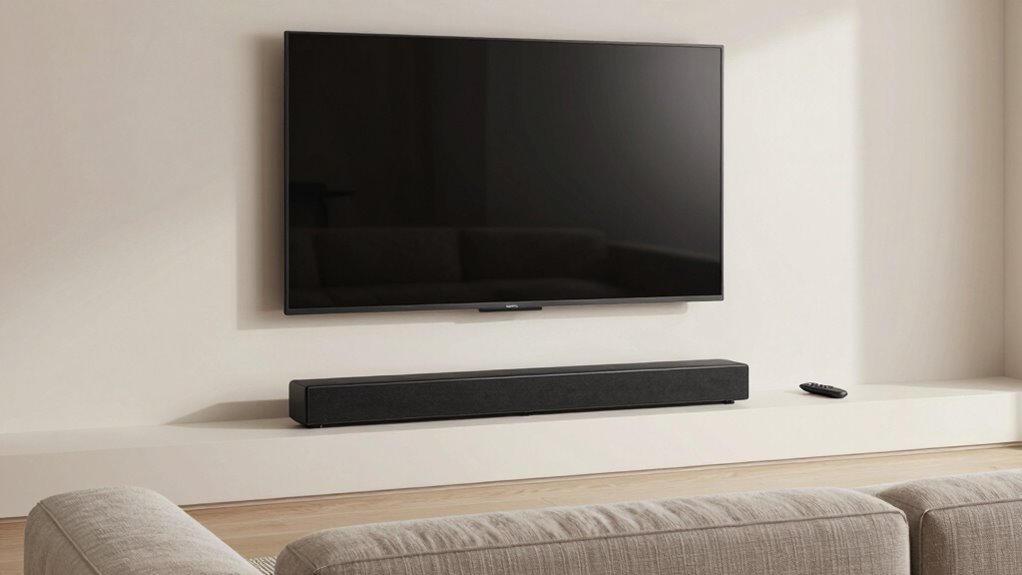
External speakers and soundbars can considerably enhance your TV’s audio quality because built-in speakers often lack the power and clarity needed for an immersive experience. By adding external audio devices, you create a more dynamic sound environment, bringing your favorite shows and movies closer to a home theater setup. These devices improve sound clarity, surround effects, and bass, making dialogue easier to understand and action scenes more engaging. Additionally, proper acoustic treatment in your space complements these upgrades by reducing echo and background noise, further refining the listening experience. Using simple DIY tools like speaker mounts and cable organizers can make installation easier and safer. Proper room acoustics can significantly enhance the effectiveness of your external audio setup by optimizing sound distribution and minimizing unwanted reflections. Selecting the right audio equipment tailored to your space and preferences can maximize sound quality and overall enjoyment. For example, choosing a soundbar with built-in Dolby Atmos can create a more immersive experience by simulating surround sound. Incorporating acoustic treatment can also help reduce unwanted echoes and improve overall sound clarity, making your listening environment even better. Together, external speakers, soundbars, and acoustic treatment turn your TV into a true entertainment hub, delivering richer sound that fills the room and immerses you fully in every scene.
How to Choose Easy-to-Use Audio Accessories for Your TV
Choosing the right audio accessories for your TV doesn’t have to be complicated. Look for options that offer voice command features, so you can control volume and sound modes hands-free. This essential safety tip allows you to adjust audio settings quickly and effortlessly, especially if you’re already using a smart speaker or voice assistant. A remote control designed for simplicity is also key; choose one with clearly labeled buttons and easy-to-navigate menus. Wireless accessories can reduce clutter and make setup easier, while Bluetooth or Wi-Fi-enabled devices allow seamless pairing without fuss. Prioritize accessories that match your TV’s compatibility and don’t require complicated configurations. The goal is to find user-friendly options that let you enhance your sound without frustration or extensive setup. Easy-to-use audio accessories can significantly improve your TV listening experience with minimal effort. Additionally, selecting compatible devices can help ensure a smooth and hassle-free setup process, especially when considering natural integration with your existing smart home ecosystem. A simple setup process can make all the difference in enjoying your upgraded audio system effortlessly.
How to Connect External Speakers Without Fiddling With Settings
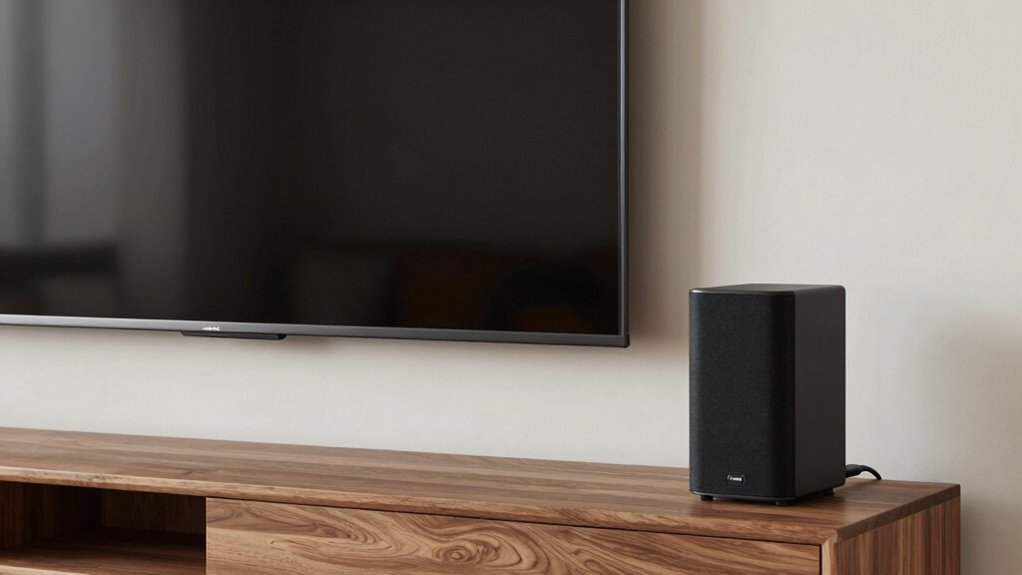
If you want to connect external speakers without hassle, the key is to use devices that are designed for easy setup. Wireless sound setups are perfect for this, as they eliminate the need for cables and complex connections. To simplify the process, consider these options:
For easy external speakers, choose wireless options like Bluetooth or Wi-Fi-enabled soundbars.
- Use Bluetooth speakers for quick pairing with your TV.
- Opt for Wi-Fi-enabled soundbars that connect seamlessly.
- Check if your TV supports NFC for instant wireless pairing.
- Select speakers with built-in pairing buttons for effortless connection.
- Be mindful of support networks for new fathers to ensure you have assistance if you encounter technical issues or need advice on optimizing your setup.
When positioning your speakers, follow speaker placement tips to improve sound quality without adjusting your TV settings. Place them at ear level and avoid obstructions. These methods keep your setup simple, ensuring you enjoy better sound instantly.
How to Position Your Speakers for the Best Sound Quality
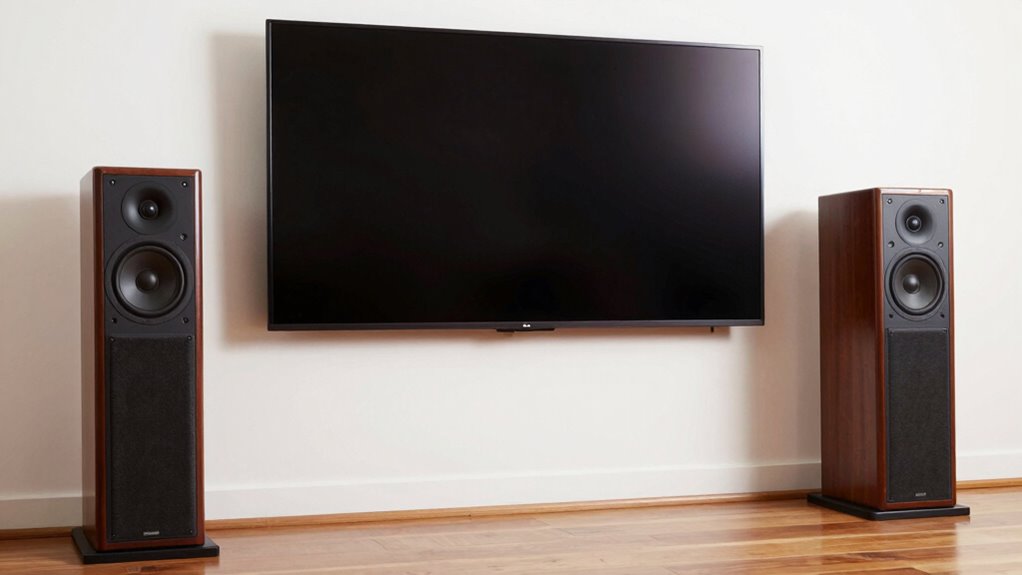
To get the best sound quality from your speakers, proper placement is essential. Start by positioning your speakers at ear level when seated, aiming them toward your listening area. For ideal speaker placement, place them about 1 to 2 feet away from walls to prevent sound reflections that can muddy audio. Consider the room acoustics—hard surfaces like glass or tile can cause echo, so adding rugs or curtains can help absorb excess sound. If using two speakers, form an equilateral triangle with your seating to create a balanced stereo image. Avoid placing speakers directly in corners, which can boost bass but cause boomy sound. Adjusting placement based on your room’s acoustics ensures clearer, more immersive audio without changing any settings. Being aware of potential cybersecurity vulnerabilities in your devices can also help protect your home audio system from hacking attempts. Incorporating room acoustics considerations can further optimize sound quality and create a more enjoyable listening experience. Understanding basic speaker positioning principles can significantly enhance your audio environment without any technical adjustments. Additionally, experimenting with speaker placement can help you find the perfect sound balance tailored to your space and soundproofing techniques can minimize external noise interference for a richer listening experience.
How to Use Bluetooth and Wireless Speakers Easily
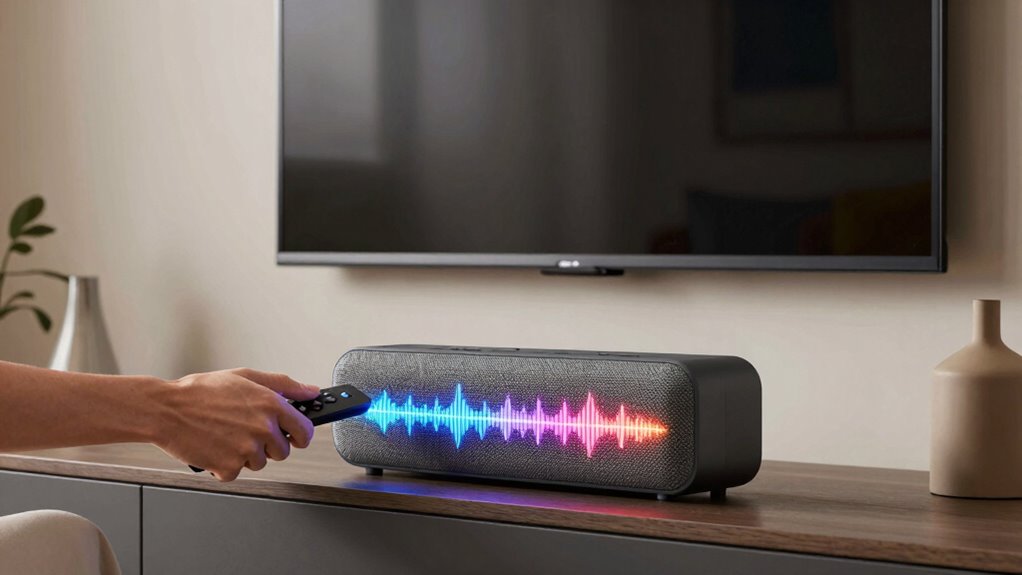
Using Bluetooth and wireless speakers is a simple way to enhance your TV sound without cluttering your space with wires. To start, verify your speakers are powered on and in Bluetooth pairing mode. Access your TV’s Bluetooth settings, then select your speakers from the list of available devices. The wireless setup usually takes just a few seconds. Once paired, you’ll enjoy richer sound directly from your TV. Keep in mind:
- Make sure your speakers are close enough for a strong Bluetooth connection
- Enable Bluetooth pairing mode on your speakers before connecting
- Use your TV’s menu to find and select your wireless speakers
- Keep your devices within a reasonable range for ideal sound quality
- Whole-home audio systems can further improve your listening experience by distributing sound throughout your space. Wireless audio technology has become increasingly reliable, making this method even more accessible. Additionally, ensuring your Bluetooth devices are compatible can help prevent connection issues. Upgrading to quality wireless speakers can also enhance your overall audio experience. For optimal performance, consider checking the interoperability standards to ensure seamless connectivity. This straightforward process makes upgrading your TV audio hassle-free.
Troubleshooting Common TV Sound Connection Issues
Even after pairing your Bluetooth or wireless speakers, you might encounter issues like no sound, static, or disconnections. First, check your audio cable types—ensure you’re using the right one, such as HDMI, optical, or RCA, compatible with your TV and speakers. Sometimes, a loose or damaged cable causes sound problems. Also, verify that your speaker wattage matches your TV’s output; mismatched wattage can lead to poor audio performance or no sound at all. If you’re using an external audio cable, make sure it’s firmly connected and free of damage. Resetting your devices or switching cables can often resolve connection issues. If problems persist, consult your speaker’s manual for specific troubleshooting tips related to cable compatibility and wattage requirements. Additionally, ensuring your audio safety standards are met can help prevent damage to your equipment and improve overall sound quality.
Budget-Friendly Tips to Enhance Your TV Audio

You don’t need expensive equipment to boost your TV sound. Adding affordable external speakers can make a noticeable difference, and placing your TV in the right spot helps improve audio clarity. These simple tweaks can deliver richer sound without breaking the bank.
Enhance With External Speakers
Upgrading your TV’s sound with external speakers is an affordable way to substantially boost audio quality without breaking the bank. You can easily connect speakers that suit your space and budget, often using wireless connectivity for convenience. Just verify your speakers are compatible with your TV’s outputs, whether Bluetooth, HDMI, or audio jack. Consider these options:
- Bluetooth speakers for quick, wireless setup
- Soundbars that sync seamlessly with your TV
- Portable speakers for flexibility
- Budget-friendly wired speakers for simplicity
Choosing the right external speakers can dramatically improve sound clarity and depth, making your viewing experience more immersive. Make sure to check speaker compatibility beforehand, so your setup is smooth and hassle-free. With the right external speakers, you won’t need to touch your TV’s internal settings to enjoy richer audio.
Optimize TV Placement
Proper TV placement can considerably boost your audio experience without spending a dime. Position your TV at ear level and avoid placing it directly against walls or in corners, as this can negatively impact room acoustics. Instead, find a spot where sound can naturally reflect and diffuse, improving clarity and volume. Keep the TV away from large furniture or objects that absorb sound, which can muffle audio. Consider angling the TV slightly or mounting it on a wall to optimize sound projection. Understanding your room’s acoustics helps you choose the best placement, reducing echo and enhancing overall audio quality. Simple adjustments like these can make a noticeable difference without any extra equipment or expense.
Frequently Asked Questions
Can I Improve Sound Quality Without Buying New Equipment?
Yes, you can improve sound quality without buying new equipment. One of the best soundbar advantages is that it’s simple to set up and enhances your TV’s audio instantly. Also, pay attention to speaker placement; positioning your speakers or soundbar correctly can substantially boost sound clarity and depth. By optimizing these factors, you’ll enjoy richer sound without needing to invest in additional gear.
Do I Need Technical Skills to Set up External Speakers?
Did you know that over 60% of people find installing external speakers straightforward? You don’t need technical skills to set them up, as most models feature user-friendly installation. While there might be some compatibility concerns depending on your TV or existing equipment, many external speakers come with simple guides and plug-and-play options. With patience, you’ll find installation challenges minimal, making better sound accessible even without advanced tech knowledge.
Will Adding Speakers Affect My Tv’s Picture Quality?
Adding speakers won’t affect your TV’s picture quality if you focus on proper speaker placement and perform audio calibration. Keep the speakers at an appropriate distance from the screen to avoid blocking vents or reflections. Use your TV’s audio calibration tools to balance sound and ensure your new speakers complement the picture without any interference. With correct setup, your audio improves without compromising your visual experience.
How Do I Know if My TV Supports Bluetooth Speakers?
Your TV’s Bluetooth compatibility is like a secret gateway to wireless freedom. To find out if it supports Bluetooth speakers, check your TV’s user manual or settings menu for Bluetooth options. If available, you can easily pair your Bluetooth speaker by enabling Bluetooth, selecting your speaker from the list, and connecting. This simple step transforms your TV experience, making sound more immersive without messy wires.
Are Wireless Speakers as Reliable as Wired Options?
Wireless speakers can be reliable, but their wireless stability might vary depending on your environment and the Bluetooth or Wi-Fi connection. While they offer convenience and fewer cables, wired options generally provide better durability and consistent sound quality. If you prioritize reliability, wired speakers tend to outperform wireless ones. However, with good signal strength and quality wireless equipment, you can enjoy a dependable experience without sacrificing convenience.
Conclusion
Enhancing your TV sound is simpler than it seems, like gently tuning a delicate instrument. With a few easy upgrades, you can transform your viewing experience into a rich, immersive symphony. Just imagine your favorite scenes coming to life with crystal-clear dialogue and immersive depth, all without a complicated overhaul. By choosing simple accessories and placing them thoughtfully, you’ll let your entertainment shine brighter, turning every movie night into a mesmerizing journey.
Fall Picks
fall essentials
As an affiliate, we earn on qualifying purchases.