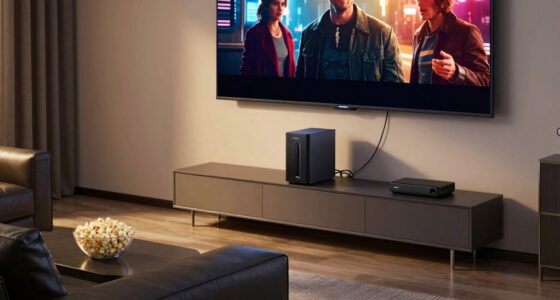

To reduce lag and audio issues during your watch party, start by choosing a dependable streaming platform that offers synchronized playback. Optimize your internet connection by checking your bandwidth and using a wired connection if possible. Invest in quality headphones or speakers to enhance sound. Make sure to test your setup beforehand to catch any potential problems. If you want tips on creating an engaging atmosphere for your virtual event, there’s more to explore ahead!
Key Takeaways
- Check your internet speed and aim for at least 25 Mbps for HD streaming to reduce lag during the watch party.
- Close unnecessary applications and devices to free up bandwidth for a smoother streaming experience.
- Use wired connections for all devices to minimize lag and ensure steady internet connectivity.
- Opt for quality headphones or speakers, and adjust audio settings to address any audio sync issues.
- Test your setup before the event to identify and resolve potential sync problems.

OneBlis 70" TV Stand for Living Room, Modern Entertainment Center & Media Console, Fits TVs up to 80", Storage Cabinet with Shelves, 36" Electric Fireplace with LED Flame (All Black)
TV Stand with 36" Fireplace: 70"L stand integrates 12-color electric fireplace with 5 dimmer levels & 36 LED...
As an affiliate, we earn on qualifying purchases.
Choose the Right Streaming Platform for Your Virtual Watch Party
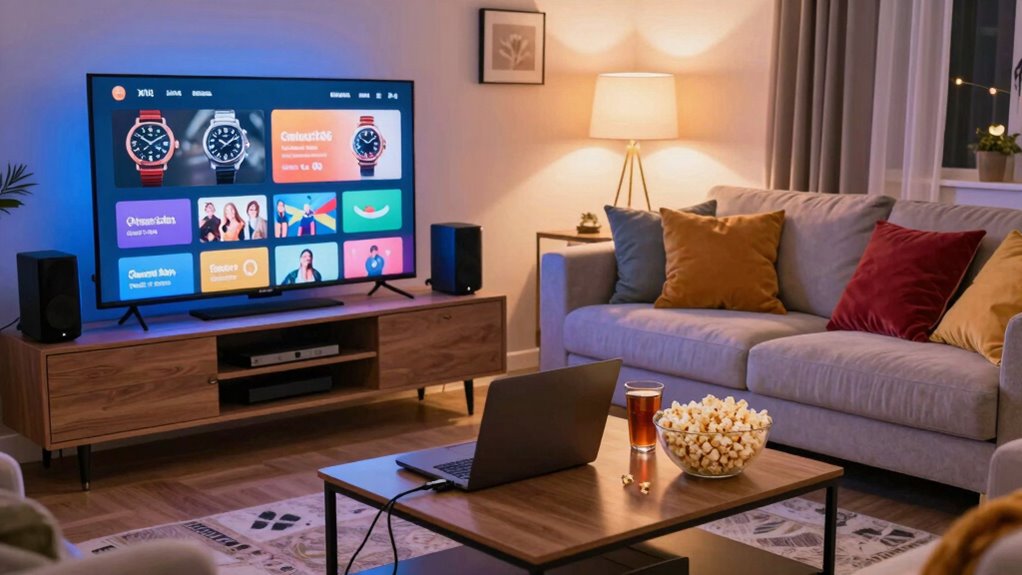
How do you choose the right streaming platform for your virtual watch party? First, consider the platform features that matter most to you and your guests. Look for options that allow synchronized playback, chat functions, and easy access to content. A user-friendly interface is essential; you want everyone to navigate effortlessly without tech headaches. Check if the platform supports the movie or show you plan to watch and if it’s compatible with various devices. Also, think about how many people will join and whether the platform can accommodate them. By weighing these factors, you can guarantee a smooth and enjoyable watch party experience, allowing you and your friends to focus on the fun instead of technical issues.
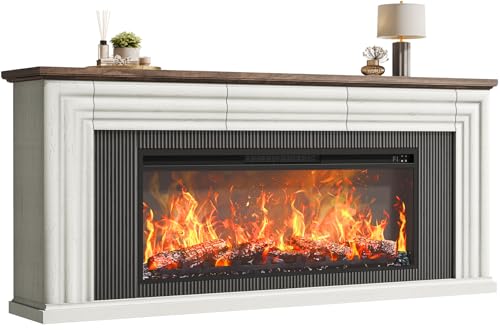
PRAISUN 70'' Fireplace TV Stand with 42'' Electric Fireplace, Farmhouse TV Stand for 65 75 Inch TV, Entertainment Center TV Console with 3 Drawers, Fluted Design, for Living Room, Distressed White
【Entertainment Center with 42'' Fireplace 】Nothing beats curling up in front of a warm fire after a long...
As an affiliate, we earn on qualifying purchases.
Optimize Your Internet Connection for Smooth Streaming
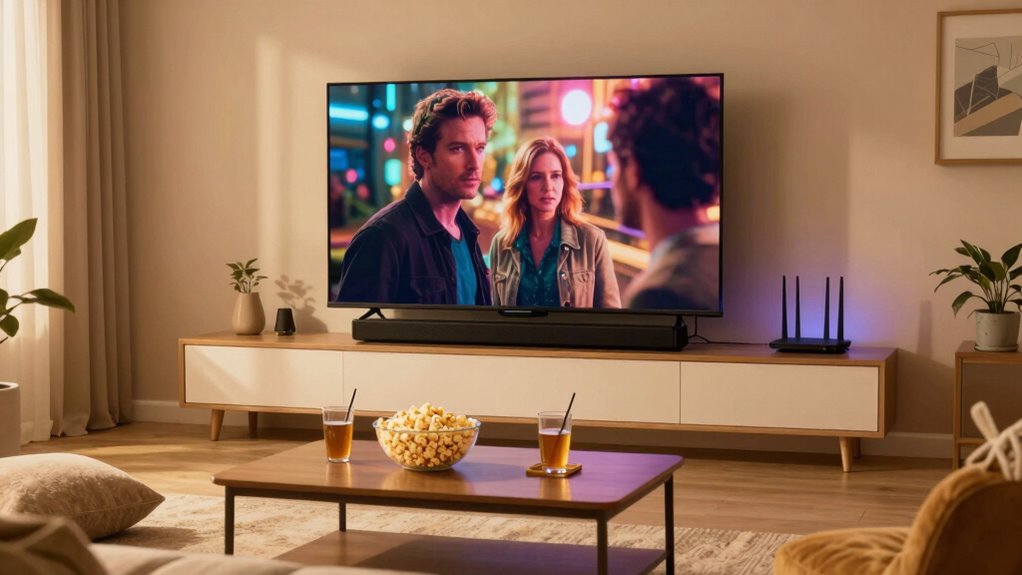
To enjoy a seamless streaming experience during your watch party, it’s essential to check your bandwidth first. A wired connection can greatly enhance your internet stability and speed, keeping interruptions at bay. Additionally, consider deferring income to manage your finances effectively while enjoying your event. To further improve your streaming quality, invest in AI cameras that can help monitor your connection and optimize performance during the event. Make sure you’re set up for success before the big event!
Check Your Bandwidth
Checking your bandwidth is essential for a seamless watch party experience. Start with bandwidth testing to determine your internet speed. You can use online tools like Ookla or Fast.com for quick results. Aim for at least 5 Mbps for standard definition and 25 Mbps for HD streaming. If your speed falls short, consider speed optimization techniques. Close unnecessary applications and devices that might be hogging your bandwidth, and avoid heavy downloads during your watch party. If your connection is consistently low, consider contacting your provider for upgrades. A reliable internet connection is vital to prevent lag and audio issues, ensuring you and your friends can enjoy the show without interruptions. Additionally, consider upgrading your network equipment to enhance overall connectivity and performance. Investing in a standby generator can also provide backup power during outages, ensuring your internet remains stable when you need it most. Regularly changing air filters in your home can also contribute to better air quality, which may help keep your streaming devices functioning optimally. Moreover, maintaining a stable indoor temperature through smart HVAC controls can enhance comfort and minimize disruptions during your watch party. Incorporating mobility and recovery practices, such as taking short breaks during your watch party, can also help you stay comfortable and engaged.
Use Wired Connection
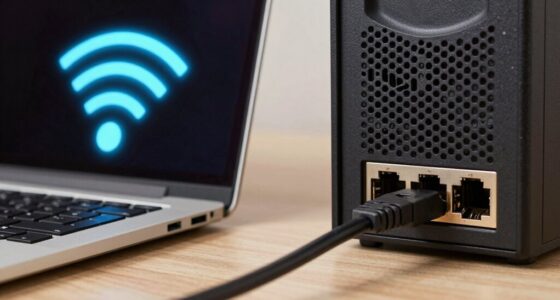
Why rely on Wi-Fi when a wired connection can greatly enhance your streaming experience? Using an Ethernet cable offers several wired benefits that lead to better connection stability. You’ll notice a significant reduction in lag and buffering, ensuring your watch party runs smoothly. Here are four key advantages of a wired connection:
- Faster Speeds: Ethernet connections typically provide higher speeds than Wi-Fi, improving streaming quality.
- Reduced Interference: Wired connections aren’t affected by common Wi-Fi interferences from other devices.
- Consistent Performance: With a stable connection, you won’t experience fluctuations in speed during your party.
- Better Reliability: You’re less likely to drop the connection, keeping your watch party uninterrupted.
Make the switch for a seamless experience!
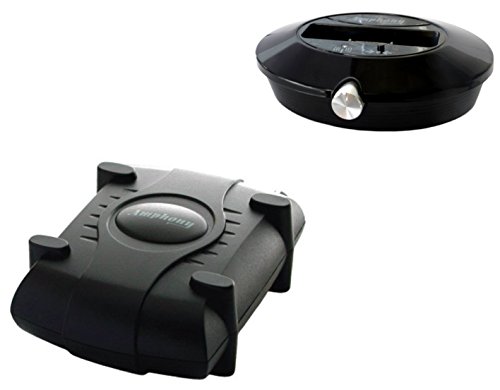
Amphony 1700 Wireless Speaker Kit with one Wireless Amplifier, 2x40 Watts, 300ft range
MAKES ANY SPEAKERS WIRELESS: Install rear surround speakers without long ugly speaker wires - comes with a stereo...
As an affiliate, we earn on qualifying purchases.
What Device Should You Use for Optimal Streaming?

When it comes to streaming your favorite shows, the right device can make all the difference. You’ll want to take into account options that not only support high-quality video but also fit well with your internet connection. Let’s explore some top recommendations to guarantee your watch party goes off without a hitch. Additionally, consider devices with low input lag to ensure a smooth viewing experience, especially if you plan to include gaming during your watch party. Investing in ergonomic accessories can also enhance comfort during long viewing sessions. Furthermore, selecting devices that support 4K HDR content can significantly improve your overall picture quality. Choosing devices with smart home integrations can also streamline your setup and create a more cohesive entertainment experience. Moreover, pairing your device with ultrawide monitors can provide an expansive visual experience, making it perfect for group viewing.
Streaming Device Recommendations
To guarantee your watch party goes off without a hitch, choosing the right streaming device is essential. You’ll want a device that offers excellent streaming device features and reliability. Here are four recommended brands to take into account:
- Roku Ultra – Known for its user-friendly interface and wide app selection.
- Amazon Fire TV Stick 4K – Offers 4K streaming and voice control with Alexa.
- Apple TV 4K – Integrates seamlessly with other Apple products and provides high-quality streaming.
- Google Chromecast with Google TV – Allows you to cast from your devices and enjoy personalized recommendations.
Selecting one of these devices will help guarantee a smooth streaming experience for your watch party, minimizing lag and audio issues. Additionally, having a reliable streaming device features can significantly enhance your overall viewing enjoyment.
Internet Connection Requirements
Having the right streaming device is just one part of setting up a successful watch party; your internet connection plays a significant role too. To guarantee smooth streaming, you’ll want a reliable internet speed of at least 25 Mbps for HD content. If you’re streaming in 4K, aim for at least 50 Mbps. Connection stability is equally important—wireless connections can be prone to interruptions. If possible, connect your device directly to your router via an Ethernet cable for the most stable experience. Also, try to limit other devices using your network during the watch party to prevent lag. By prioritizing both internet speed and connection stability, you’ll enhance your watch party experience and keep everyone engaged. Additionally, consider daily habits that can help optimize your network usage during peak times.

OSD Nero 5.8GHz Wireless Surround Sound Rear Speaker Amplifier 2 x 50W with Subwoofer Output
EXPAND YOUR SOUND: A compact wireless speaker kit that eliminates the need to run speaker cable from your...
As an affiliate, we earn on qualifying purchases.
Avoiding Video and Audio Delays?
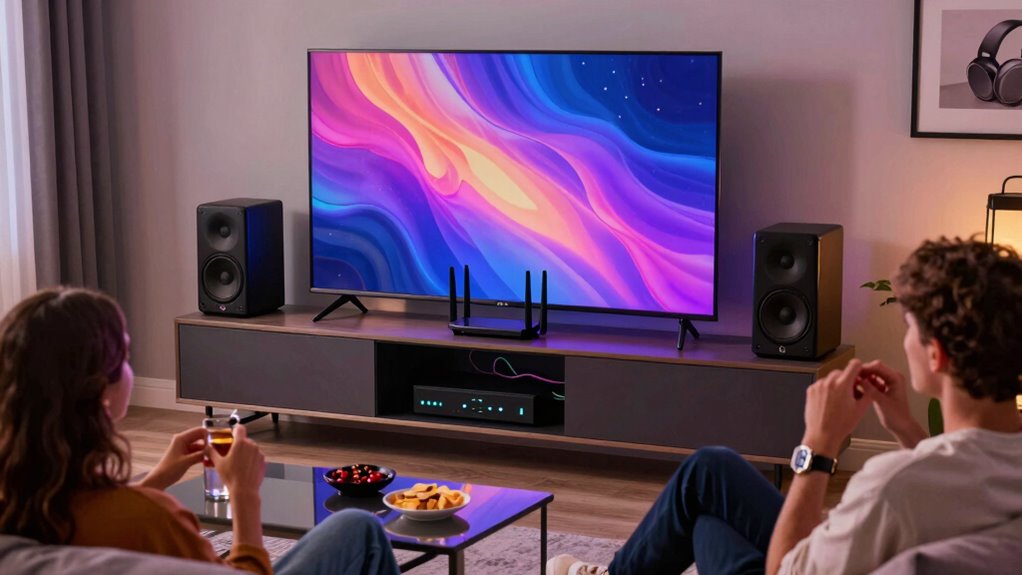
To avoid sync issues and sound delays during your watch party, keep these tips in mind:
- Use Wired Connections: Opt for Ethernet over Wi-Fi to minimize lag and secure a steady connection.
- Close Background Apps: Shut down any unnecessary applications that might consume bandwidth and cause delays.
- Adjust Streaming Quality: Lower the video resolution if you notice buffering; it can help maintain smoother playback.
- Test Your Setup: Before the event, run a test stream to identify any potential sync issues, allowing you to fix them ahead of time. Additionally, ensure that you have practical insights on troubleshooting common playback problems to enhance your viewing experience.
Enhance Sound Quality With Headphones or Speakers
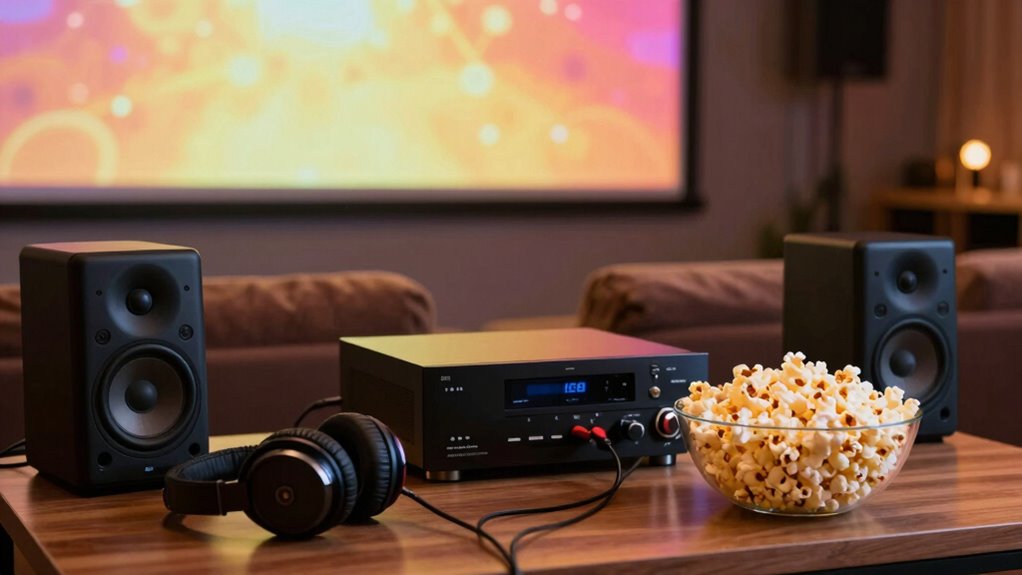
While you might be tempted to rely on your TV’s built-in speakers for sound, enhancing your audio experience with quality headphones or external speakers can make a significant difference during your watch party. When it comes to headphone selection, choose options with good sound isolation to immerse yourself in the action. Wireless headphones can also keep you untangled and comfortable. If you opt for external speakers, pay attention to speaker placement; positioning them at ear level and angling them toward your seating area can create a richer soundstage. Don’t forget to take into account the acoustics of your room, as soft furnishings can help absorb excess sound and improve clarity. Enjoy a more engaging experience by prioritizing your audio setup!
Quick Fixes for Lag and Audio Problems During Your Watch Party
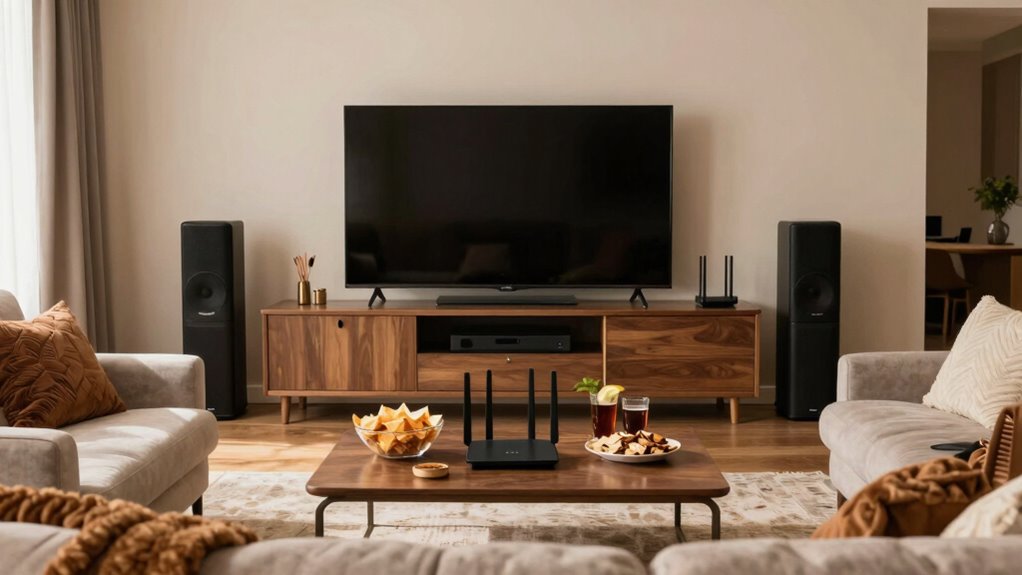
As your watch party kicks off, you might notice some lag or audio issues that could distract from the fun. Don’t worry; there are quick fixes you can try to enhance your experience. Here are four tips to tackle those pesky problems:
- Check Your Internet Connection: Make sure everyone has a stable connection. Consider using a wired connection if possible to reduce video buffering.
- Adjust Audio Sync: Sometimes, audio and video can fall out of sync. Look for settings in your streaming app to realign them.
- Close Unnecessary Apps: Close any background applications that might be using bandwidth.
- Lower Video Quality: If buffering persists, temporarily lower the video quality to improve streaming performance.
Additionally, consider using smart lighting to create an optimal viewing environment, as it can enhance your overall experience.
With these tips, you’ll keep the party going smoothly!
Creating an Engaging Atmosphere for Your Virtual Watch Party
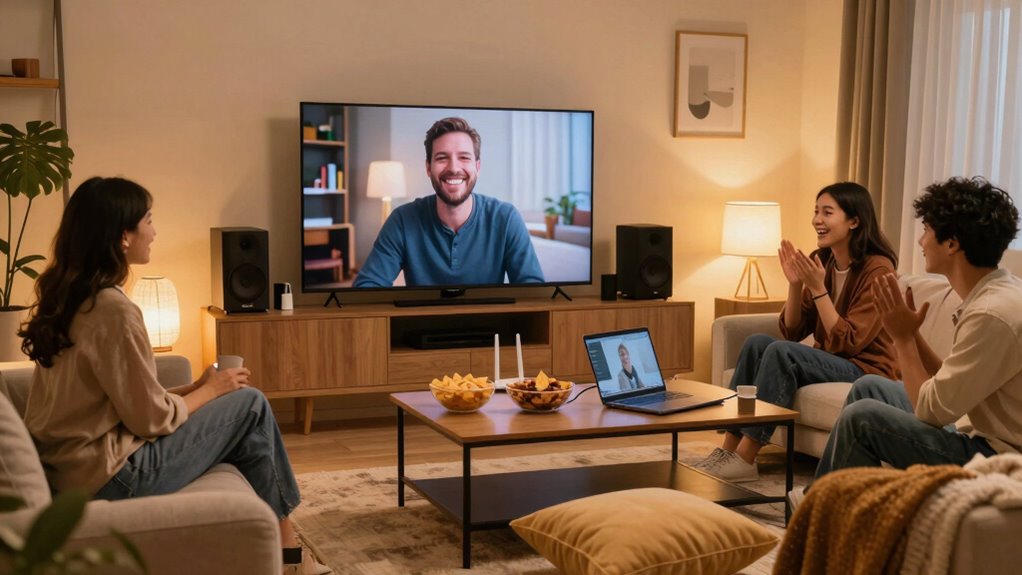
To create an engaging atmosphere for your virtual watch party, focus on setting the right mood before the show starts. Use themed decorations to match the film or series you’re watching. Consider adding interactive games to keep everyone involved and excited throughout the event. Additionally, incorporating interactive activities can enhance guest participation and make the experience more memorable. Using cleaning and care tips before the party can ensure a tidy space that adds to the overall enjoyment. To elevate your gathering even further, consider serving fresh herbs from your indoor garden to complement your themed snacks and drinks. Creating a cozy atmosphere with home theater fundamentals can truly enhance the viewing experience for all your guests. Moreover, maintaining a clean environment can help minimize distractions, allowing everyone to focus on the filtration/suction basics of your audio setup, ensuring crisp sound quality throughout the film.
Here’s a quick table to inspire you:
| Mood Element | Purpose | Example |
|---|---|---|
| Themed Decorations | Enhance visual appeal | Movie posters, fairy lights |
| Interactive Games | Boost engagement | Trivia or bingo |
| Snack Stations | Create a festive vibe | Themed snacks and drinks |
Frequently Asked Questions
Can I Watch With Friends Who Use Different Streaming Services?
Yes, you can watch with friends who use different streaming services, but it depends on cross platform compatibility. Some platforms allow you to sync your viewing experience, while others might not. You’ll need to explore various streaming service options that support this feature. Consider using third-party apps designed for watching together, which can help bridge the gap between different services. Just make sure everyone’s on the same page for a smooth experience!
How Do I Choose the Best Time for a Watch Party?
Choosing the ideal time for a watch party is like orchestrating a symphony; every note must harmonize. First, gauge your friends’ audience availability—ask when they’re free. Evenings and weekends often strike the right chord, but don’t forget to take into account time zones if you’re connecting with distant pals. Once you find that sweet spot, you’ll create an unforgettable experience, ensuring everyone tunes in without a hitch. So, plan wisely and enjoy the show!
What Do I Do if Someone Can’T Join the Watch Party?
If someone can’t join the watch party, start by troubleshooting connectivity issues on their end. Ask if they’ve checked their internet connection and tried restarting their device. If they’re still having trouble, send invites again to make sure they have the right link. You might also suggest they join a few minutes early to sort out any tech issues. Keeping communication open can help them feel included, even if they’re not there right away.
Can I Share My Screen on Mobile Devices for the Party?
Yes, you can share your screen on mobile devices for the party using various mobile apps. For example, if you’re using Zoom, you can easily share your screen by selecting the “Share Content” option during the call. Just make sure your app is updated, and your device settings allow screen sharing. This way, everyone can enjoy the content together, whether you’re showcasing a movie or presenting a fun game!
What Should I Do if the Video Quality Is Poor?
If the video quality’s poor, first check your internet speed; a weak connection can lower video resolution. Try moving closer to your Wi-Fi router or switching to a wired connection if possible. Lowering the video resolution in the streaming settings can help too. You might also want to close any background apps that could be using bandwidth. Ensuring everyone’s connection is stable can drastically improve the overall experience.
Conclusion
In the world of virtual watch parties, a stitch in time saves nine. By choosing the right platform, optimizing your internet, and investing in quality devices, you can eliminate lag and audio issues, ensuring everyone enjoys the experience. Don’t forget to create an engaging atmosphere to keep the energy high! With these tips in your back pocket, you’re all set to host a memorable watch party that’ll have everyone asking for more. Happy watching!