
To tell if you’re really watching in 4K, check that you’re using authentic 4K content from trusted sources like Netflix or Amazon Prime. Make sure your device settings are adjusted to output at 4K resolution and that you’re using an HDMI 2.0 cable. You can also use 4K test videos to confirm quality by observing sharp details and vibrant colors. Understanding bandwidth requirements is essential too, so stick around to discover more tips!

Get movie nights delivered free — and shop member deals
- Fast, free delivery on millions of items
- Access to Prime Big Deal Days deals on October 6–7
- Prime Video, Amazon Music and more included
Key Takeaways
- Check for indicators like “Ultra HD” or “4K” in the content description or thumbnail on your streaming platform.
- Ensure your device settings are configured for 4K output, with resolution set to 2160p.
- Use a high-speed HDMI cable and confirm your device supports HDMI 2.0 or higher for optimal signal handling.
- Stream 4K test videos to assess visual quality; look for sharp details, vibrant colors, and dynamic range.
- Verify your internet speed is at least 25 Mbps to prevent buffering and ensure smooth playback of 4K content.
Identify Authentic 4K Content Sources
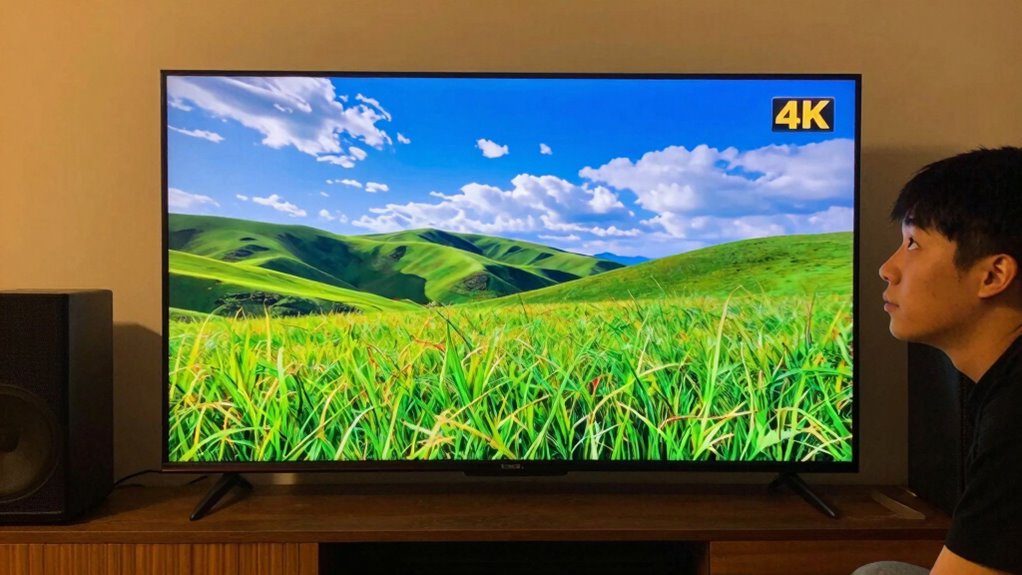
While streaming services offer a range of content, not all of it is in genuine 4K. To guarantee you’re enjoying true 4K streaming, you need to identify authentic content sources. Major content platforms like Netflix, Amazon Prime Video, and Disney+ provide a selection of 4K titles, but you must look for specific indicators. Check for labels like “Ultra HD” or “4K” on the thumbnails or descriptions. Additionally, some platforms require a premium subscription to access their 4K content. To maximize your viewing experience, look for films and shows that are specifically produced or remastered in 4K. By choosing the right sources, you can confidently enjoy the stunning visuals that true 4K streaming has to offer.
Check Your Device Settings for 4K Output
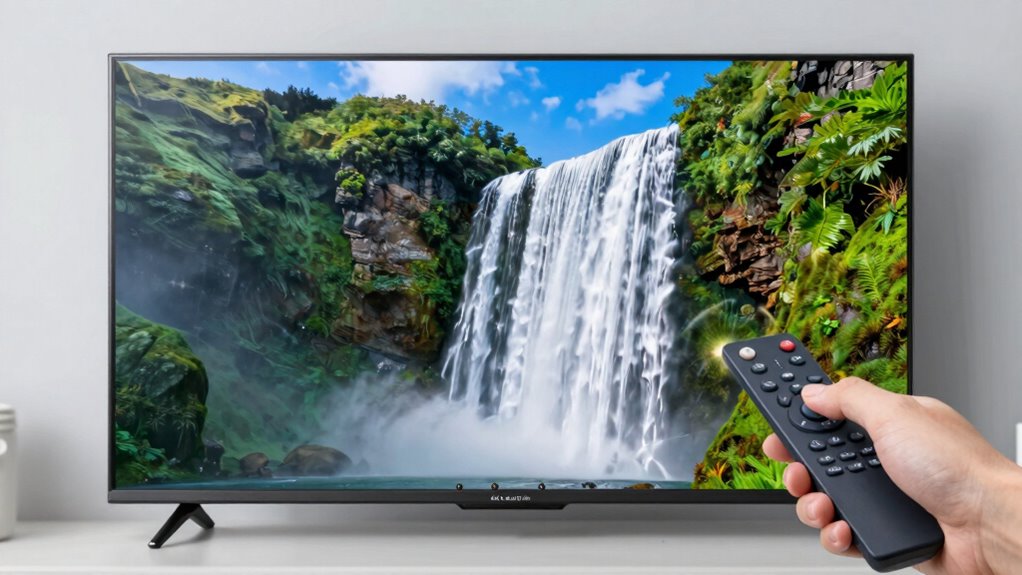
After you’ve chosen a reliable 4K content source, the next step is to confirm your device is set up to deliver that quality. First, check your device compatibility; not all TVs or streaming devices support 4K output. Look for settings related to display or video output in the menu. You’ll want to confirm the output resolution is set to 4K, often labeled as 2160p. If you’re using an HDMI cable, verify it’s high-speed, as older cables may not handle 4K signals effectively. It’s also a good idea to keep your device’s firmware updated to avoid any potential issues. Additionally, ensure your device supports HDMI 2.0 or higher, which is necessary for transmitting 4K content at higher frame rates. By confirming these settings are correct, you’ll maximize your viewing experience and truly enjoy that stunning 4K content.
Use a 4K Test Video to Confirm Quality

To guarantee you’re truly experiencing 4K quality, using a test video specifically designed for this purpose is essential. Look for 4K video examples that showcase vibrant colors, sharp details, and dynamic range. You can easily find several test video recommendations on platforms like YouTube. Search for terms like “4K test footage” or “4K demo reel.” These videos often feature breathtaking landscapes, close-up shots, or fast-paced action scenes that highlight the depth and clarity of 4K resolution. As you watch, pay attention to the fine details, such as textures and movements. If your screen displays these details crisply and vividly, you can confidently say you’re enjoying true 4K content.
What You Need to Know About Bandwidth for 4K Streaming
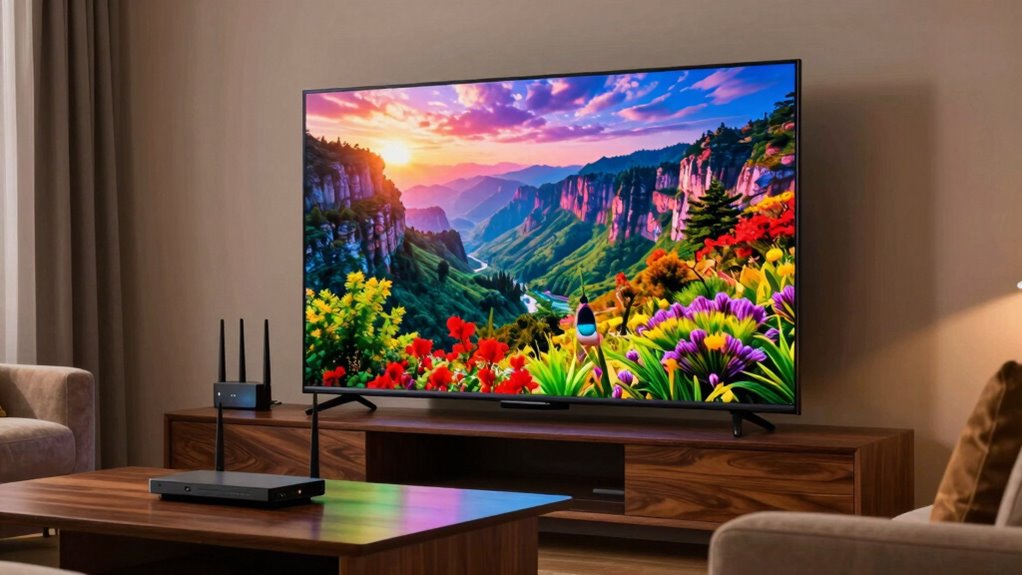
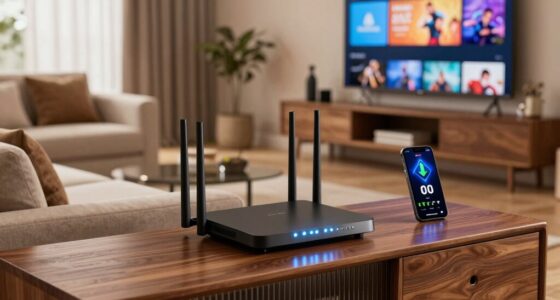
Now that you’ve confirmed you’re watching in 4K, it’s important to understand how bandwidth impacts your streaming experience. 4K content demands higher streaming requirements than standard HD, often needing at least 25 Mbps for smooth playback. If your internet connection doesn’t meet this threshold, you might face buffering, reduced quality, or interruptions.
Bandwidth limitations can vary depending on several factors, like the number of devices connected to your network. If multiple devices are streaming or using heavy data simultaneously, your 4K experience could suffer. To optimize your streaming, consider upgrading your internet plan or connecting your device directly to your router via an Ethernet cable. This way, you can fully enjoy the crisp detail and vibrant colors that 4K streaming has to offer.
Recognize Key Visual Cues of 4K Quality

When you’re watching 4K content, several key visual cues can help you recognize the enhanced quality. Pay attention to pixel clarity; you’ll notice sharper images and finer details compared to lower resolutions. Additionally, color depth plays an essential role; vibrant, rich colors will stand out, showcasing a wider range of hues.
Here’s a quick comparison of visual qualities:
| Quality Aspect | 1080p | 4K | Difference |
|---|---|---|---|
| Pixel Clarity | Moderate | High | Clearer images with more detail |
| Color Depth | Limited | Expanded | More vivid and realistic colors |
| Motion Smoothness | Basic | Enhanced | Smoother shifts in fast scenes |
Frequently Asked Questions
What Is the Difference Between 4K and UHD?
The difference between 4K and UHD resolution is subtle but important. While “4K” typically refers to a resolution of 4096 x 2160 pixels, UHD usually means 3840 x 2160 pixels, which is the standard for most televisions. Both terms often get used interchangeably, but if you’re looking for the true cinema experience, you’ll want to know the distinction. So, when you’re shopping for a screen, keep these definitions in mind to make an informed choice.
Can I Watch 4K Content on a Non-4k TV?
You can’t watch 4K content on a non-4K TV, as it simply won’t support the resolution. Curiously, only about 30% of households have a 4K TV as of 2023. While you might stream 4K content, non-4K limitations mean you’ll only see a lower resolution. To truly enjoy the stunning clarity of 4K streaming, upgrading your TV is essential for the full experience. Don’t settle for less when you can go big!
Does HDMI Version Affect 4K Viewing Quality?
Yes, HDMI version definitely affects your 4K viewing quality. To enjoy 4K content, you need HDMI cables that support the necessary bandwidth. HDMI 2.0 or higher is usually required for true 4K at 60Hz. If you’re using an older version, you might not get the full quality. Always check your HDMI compatibility to verify your devices can transmit and display the best possible picture without any limitations.
How Do I Know if My Internet Speed Is Sufficient for 4K?
To enjoy a crystal-clear 4K picture, visualize streaming vibrant landscapes and lifelike details. You need an internet speed of at least 25 Mbps. Check your connection by running a speed test; if it meets this requirement, you’re good to go. Streaming services often list their internet requirements, so look there too. If your speed falls short, consider upgrading your plan to avoid buffering and fully immerse yourself in the stunning visuals.
Are There Any Health Concerns Related to Watching 4K Content?
Yes, there can be health concerns related to watching 4K content. Prolonged screen time may lead to eye strain, making your eyes feel tired or uncomfortable. To minimize these effects, take regular breaks, practice the 20-20-20 rule—look at something 20 feet away for 20 seconds every 20 minutes—and adjust your screen brightness. Staying mindful of your viewing habits can help keep your eyes healthy while enjoying that stunning 4K resolution.
Conclusion
So, now that you’ve checked your sources, settings, and even ran a test video, are you truly seeing 4K? The crisp detail and vibrant colors should be unmistakable, yet there’s always that nagging doubt. What if you’re still missing out on the full experience? As you lean back, savoring the clarity, remember: the journey to perfect 4K isn’t just about resolution; it’s about immersing yourself in a world where every pixel counts. Are you ready to dive deeper?
Fall Picks
fall essentials
As an affiliate, we earn on qualifying purchases.