
If you’re looking to upgrade your home audio setup, understanding the difference between ARC and eARC is key. Simply put, ARC makes it easier to connect audio devices, while eARC offers better sound quality and supports advanced audio formats. You might not need to buy new gear if your devices are compatible. Don’t let common misconceptions confuse you—there’s more to learn about optimizing your system for the best performance.

Get movie nights delivered free with Prime
- Fast, free delivery on millions of items
- Prime Video, Amazon Music and more included
- Member-only deals all year
Key Takeaways
- ARC simplifies audio transmission between TVs and sound devices, while eARC enhances this with higher bandwidth for advanced audio formats.
- eARC supports high-quality audio formats like Dolby Atmos, providing a more immersive sound experience compared to ARC.
- eARC includes features such as lip-sync correction to ensure audio matches the on-screen action, improving overall viewing experience.
- Not all HDMI cables can support eARC’s increased data transfer requirements, so it’s essential to use compatible cables.
- While upgrading to eARC can improve sound quality, the overall equipment setup also plays a crucial role in audio performance.
Products Worth Considering

TCL 65-Inch QM6K QLED Mini-LED 4K HDR Smart Google TV, 144Hz

Roborock Q7 M5+ Robot Vacuum and Mop

Ring Floodlight Cam 4K Pro (2nd Gen), Wired Outdoor Security Camera, Black
As an affiliate, we earn on qualifying purchases.
Understanding ARC and eARC: What You Need to Know
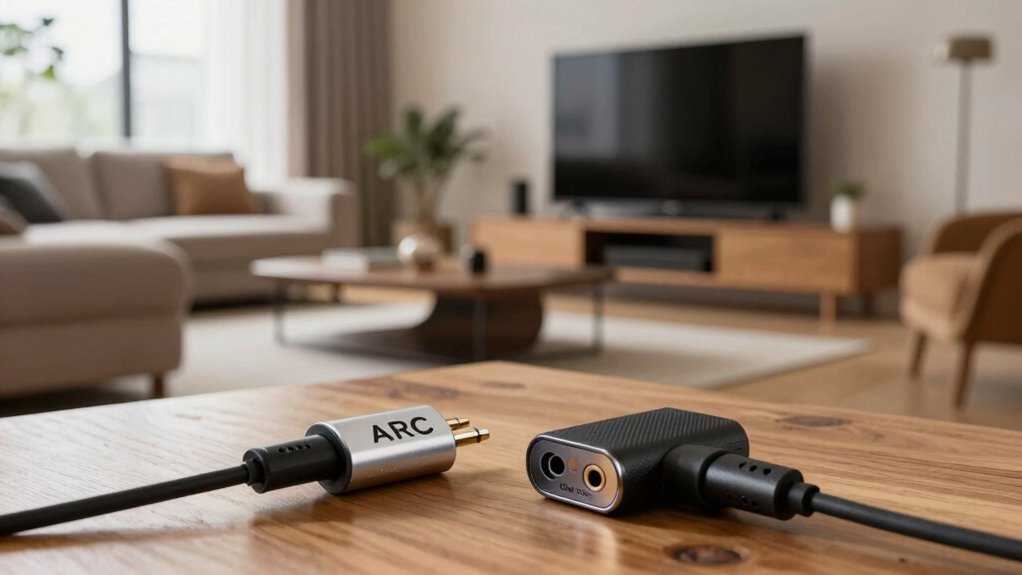
When you immerse yourself in the world of home theater audio, understanding ARC (Audio Return Channel) and eARC (Enhanced Audio Return Channel) is essential for optimizing your setup. Both technologies simplify signal transmission between your TV and audio devices, allowing you to enjoy high-quality sound without messy cabling. ARC supports various audio formats, but it may struggle with advanced sound technologies like Dolby Atmos. On the other hand, eARC enhances this by providing higher bandwidth, ensuring lossless audio formats can be transmitted seamlessly. This means you get richer sound quality and a better overall experience. Knowing the distinctions between ARC and eARC will help you make informed decisions when setting up your home theater, ensuring you get the most from your audio system.
The Advantages of eARC Over ARC
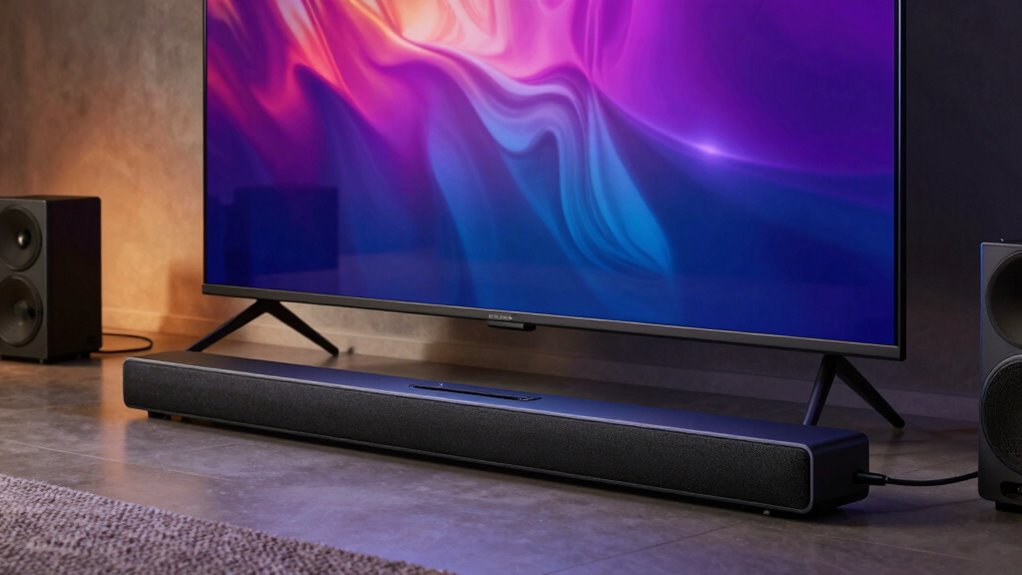
eARC offers several advantages that make it a superior choice over ARC for your home theater setup. First and foremost, eARC greatly improves audio quality, supporting high-bitrate audio formats such as Dolby Atmos and DTS:X. This means you’ll enjoy richer, more immersive sound while watching movies or playing games. Additionally, eARC features enhanced features like lip-sync correction, which guarantees that audio matches the on-screen action perfectly. This eliminates frustrating delays that can occur with traditional ARC setups. You’ll also find that eARC simplifies connections with automatic device recognition and configuration, making your system easier to manage. Furthermore, eARC supports audio-over-HDMI standards that ensure higher fidelity and bandwidth, elevating your overall audio experience. Thanks to its improved bandwidth capacity, eARC can transmit more data simultaneously, allowing for multi-channel audio with minimal compression. Overall, opting for eARC can elevate your home theater experience by delivering superior sound and user-friendly functionality.
Will You Need to Buy New Gear for eARC?
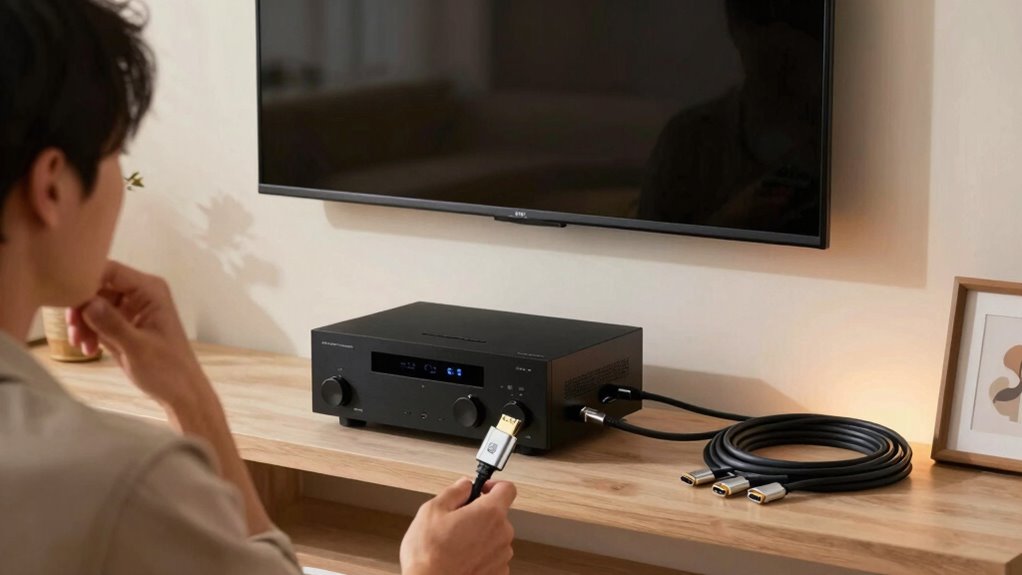
Are you wondering if you’ll need to invest in new equipment to enjoy eARC? The good news is that many devices already support eARC, but you’ll want to check gear compatibility. If your TV and audio system are eARC-enabled, you won’t need to upgrade. However, if they’re older models, you might need to contemplate an upgrade. Below is a quick reference table to help you decide:
| Device Type | eARC Supported | Upgrade Needed |
|---|---|---|
| TVs | Yes | No |
| Soundbars | Yes | No |
| AV Receivers | Yes | No |
| Older TVs | No | Yes |
| Older Soundbars | No | Yes |
Evaluating these upgrade considerations will help you make an informed decision. Additionally, understanding the importance of technology compatibility can simplify your upgrade process.
Debunking Myths: Common Misconceptions About ARC and eARC
Curious about the misunderstandings surrounding ARC and eARC? Let’s clear up some common myths. One misconception is that eARC automatically improves sound quality. While eARC supports higher bandwidth for advanced audio formats, your overall sound quality still depends on your audio equipment. Another myth is that all HDMI cables work the same for ARC and eARC. In reality, not all cables can handle the increased data transfer of eARC. People often believe you need a complete system upgrade for eARC, but if your current setup supports it, you might just need an update. Understanding these myths can help you make informed decisions about your home theater setup without falling for misinformation.
Setting Up ARC or eARC for Optimal Sound
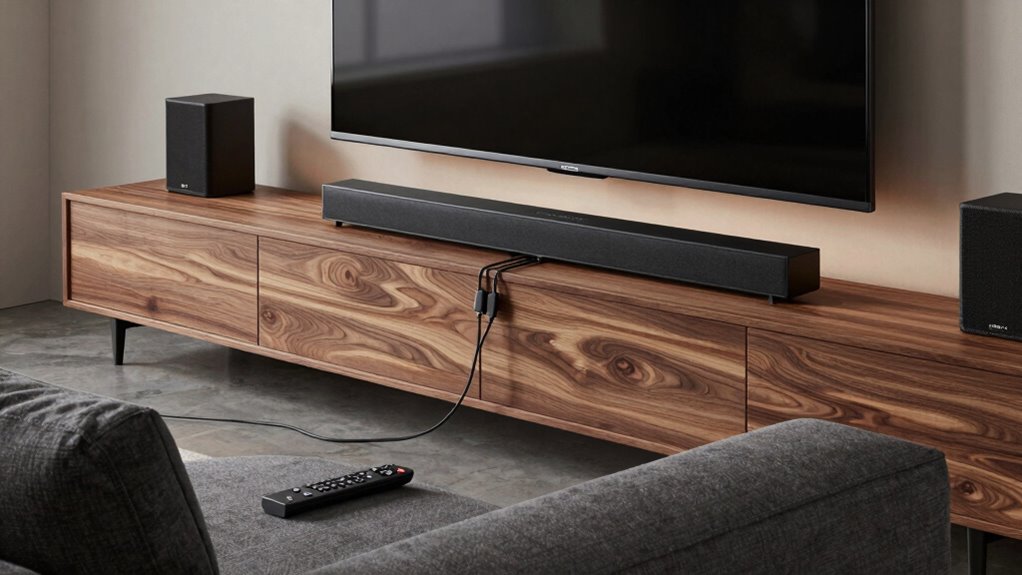
When setting up ARC or eARC for ideal sound, how can you guarantee everything works seamlessly? Start by ensuring you use a suitable cable, like a premium HDMI 2.1, to support high bandwidth and uncompressed audio formats. Connect your TV’s HDMI ARC or eARC port to your soundbar or receiver’s corresponding port. Once connected, adjust the sound settings on both devices; enable ARC/eARC in your TV’s audio settings and set your soundbar to the appropriate input. Don’t forget to disable any internal TV speakers to avoid audio delays. Finally, test different content to check for any audio issues, and fine-tune the settings as necessary for the best performance. Enjoy your immersive sound experience!
Frequently Asked Questions
Can I Use ARC With Older HDMI Cables?
You can use ARC with older HDMI cables, but it depends on their compatibility with HDMI standards. If your cables support HDMI 1.4 or newer, they’ll likely work with ARC. However, using outdated cables may result in subpar performance or connectivity issues. To guarantee peak audio quality and functionality, it’s best to upgrade to high-speed HDMI cables that support the latest standards, as they’ll provide a more reliable connection for ARC.
What Devices Commonly Support eARC?
If you imagine a high-tech orchestra, eARC devices are the conductors, ensuring flawless sound. You’ll find eARC support in modern TVs, soundbars, and AV receivers, delivering stunning audio quality. The benefits of eARC include enhanced audio formats like Dolby Atmos, immersing you in cinematic experiences. However, limitations exist; not all devices support eARC, and older equipment might not fully utilize its capabilities. Embrace the technology, and enjoy the harmony it brings!
Is There a Difference in Sound Quality Between ARC and eARC?
Yes, there’s a difference in sound quality between ARC and eARC. With eARC, you get enhanced sound performance, supporting advanced audio formats like Dolby Atmos and DTS:X, which deliver a more immersive experience. If you’re using a compatible device, eARC can transmit higher bandwidth audio without compression, resulting in clearer and richer sound. So, if you’re serious about your audio setup, upgrading to eARC could considerably elevate your listening experience.
How Can I Check if My TV Supports eARC?
To check if your TV supports eARC, start by examining the TV specifications in the user manual or on the manufacturer’s website. Look for HDMI standards—specifically, if it lists HDMI 2.1, which includes eARC support. For instance, if you own a Samsung Q80T, you’ll find it supports eARC, enhancing your audio experience. Don’t forget to check the HDMI ports; they should be labeled as eARC or ARC for compatibility.
Are There Any Latency Issues With ARC or eARC?
Yes, there can be latency issues with both ARC and eARC, but eARC typically offers better audio synchronization. In a latency comparison, eARC reduces the delay in transmitting high-quality audio, making it a preferred choice for gamers and movie enthusiasts. If you’re experiencing audio lag with your current setup, consider upgrading to eARC-compatible devices to improve your overall experience. It’s all about achieving that seamless audio-visual harmony you crave!
Conclusion
Now that you’ve unraveled the mysteries of ARC and eARC, picture yourself enveloped in rich, immersive sound, like a warm blanket on a chilly evening. With eARC’s superior capabilities, your movie nights can transform into cinematic experiences right at home. Whether you’re upgrading your gear or debunking myths, you’re now equipped to make informed decisions. So, immerse yourself in the world of enhanced audio and let every beat resonate through your living room like a live concert.