
To keep your hearing safe during long movies with headphones, follow the 60/60 rule—keep volume below 60% for no more than 60 minutes at a time. Use noise-canceling headphones to block external sounds and lower your volume. Regularly check and adjust your volume, and take breaks to rest your ears. Using features like volume limiters also helps prevent damage. If you want to learn more about protecting your hearing during extended listening, keep going.
Key Takeaways
- Follow the 60/60 rule: keep volume at 60% for no more than 60 minutes to prevent hearing damage during long movies.
- Use noise-canceling headphones to lower required volume by blocking external sounds.
- Regularly monitor and adjust volume levels to maintain safe listening and avoid volume creep.
- Take frequent listening breaks to allow ears to rest and reduce the risk of fatigue or damage.
- Choose headphones with built-in volume limiters or sound level monitoring features for extra hearing protection.

Alkkign Cinema Neon Sign Arrow Neon Light for Wall Decor Movie Theater Led Neon Signs Movie Led Neon Lights for Home Theater Film Room Commercial Theater Store Decoration
Safe&Durable: Cinema arrow neon sign is made of high-quality acrylic and LED light strips. The cinema neon light...
As an affiliate, we earn on qualifying purchases.
Why Safe Listening Matters During Long Movie Sessions
Long movie sessions can be immersive and entertaining, but they also pose risks if you listen at high volumes for extended periods. When you crank up the volume, you might think you’re enhancing the sound quality, but you’re actually risking your hearing. Safe listening is vital because exposure to loud sounds over time can cause irreversible damage. Using headphones for music therapy or to enjoy movies should prioritize comfort and sound clarity without sacrificing safety. Lowering the volume ensures you can still enjoy rich sound details without overwhelming your ears. Protecting your hearing during long sessions helps maintain sound sensitivity and prevents long-term issues. Being aware of urban traffic confidence and how it relates to your overall safety can also remind you to be cautious with your hearing health. Additionally, choosing headphones with built-in volume limiters can help prevent accidental exposure to dangerously loud sounds. Ensuring your headphones are noise-canceling can allow you to listen at lower volumes by blocking out external noise, further safeguarding your ears. Considering sound level monitoring features can also assist in maintaining safe listening habits. Regularly taking listening breaks can give your ears necessary rest and reduce the risk of hearing damage. Remember, enjoying movies at a safe volume keeps your ears healthy while still delivering great sound quality.

Epson Expression Photo HD XP-15000 Wireless Color Wide-Format Printer, Amazon Dash Replenishment Ready, Black, Large
Epson printing system is designed to be used exclusively with Epson Genuine Cartridges. Use of non-genuine ink could...
As an affiliate, we earn on qualifying purchases.
How to Set and Keep Your Headphone Volume Safe

To keep your listening safe, follow the 60/60 rule: listen at no more than 60% of your device’s maximum volume for no more than 60 minutes at a time. Make it a habit to regularly adjust your volume levels to avoid setting them too high. Staying mindful of these steps helps protect your hearing over time. Additionally, being aware of spiritual awakening and maintaining positive intentions can help you stay balanced and mindful of your well-being while enjoying your movies. Recognizing passive voice in your writing can also improve clarity and engagement, making your messages more effective. Incorporating Free Floating concepts into your relaxation routines can further enhance your overall wellness and enjoyment. Remember, practicing air quality awareness can contribute to a healthier environment, even during extended movie sessions. Being conscious of sound levels and choosing quieter environments when possible can also reduce auditory strain during long viewing periods.
Use the 60/60 Rule
If you want to protect your hearing while enjoying your favorite music or podcasts, following the 60/60 rule is a simple and effective strategy. Start by setting your volume at 60% of the maximum, which helps with proper volume calibration and reduces the risk of damage. Keep your headphone ergonomics in mind by choosing comfortable, well-fitting headphones that don’t need to be turned up too high to hear clearly. This limit prevents accidental exposure to loud sounds during long listening sessions. Remember, the 60/60 rule isn’t just about volume; it’s about creating a safe listening habit. By consistently sticking to this guideline, you can enjoy your media without compromising your long-term hearing health. Additionally, being aware of sound exposure and managing listening time can further protect your hearing over the years. Implementing hearing protection strategies, such as taking regular breaks, can also significantly reduce the risk of damage during extended listening. Recognizing the importance of ear health can help you develop better listening habits for the future. Maintaining awareness of listening environment noise levels can also contribute to hearing preservation. Being mindful of sound levels in different settings allows you to adapt your listening habits accordingly.
Regularly Adjust Volume Levels
Regularly adjusting your volume levels is essential for maintaining safe listening habits. Start by performing a quick volume calibration each time you wear your headphones, ensuring the sound isn’t too loud or too soft. Proper headphone positioning also plays a role; make sure your headphones fit well and are centered on your ears to avoid unnecessary volume increases. As you listen, periodically check the volume and make small adjustments to prevent prolonged exposure to high levels. Avoid setting your volume at maximum, and consider using device limitations or apps that help monitor your listening levels. This practice helps protect your hearing, especially during long movies where volume creep can occur without notice. Being aware of sound level safety and how to control it is key to preventing hearing damage. Regularly monitoring and adjusting your settings can also help prevent overexposure to loud sounds. Additionally, understanding the importance of hearing conservation can motivate you to maintain safer listening habits. Incorporating volume limiting devices can further enhance your hearing protection and promote consistent safe listening practices. Consistent adjustments keep your listening safe and enjoyable, and being mindful of piercing aftercare can help prevent discomfort or complications if you have body piercings.

Canon imagePROGRAF TC-21 24" - Large Format Printer, Poster & Plotter Printer, Automatic Roll & Cut Sheet Paper Feeder, Includes 280 ml of Ink, White
Quality Prints: The 4-color ink printer delivers crisp text and vibrant images for attention grabbing posters on a...
As an affiliate, we earn on qualifying purchases.
How to Tell If Your Hearing Is Tired or Damaged
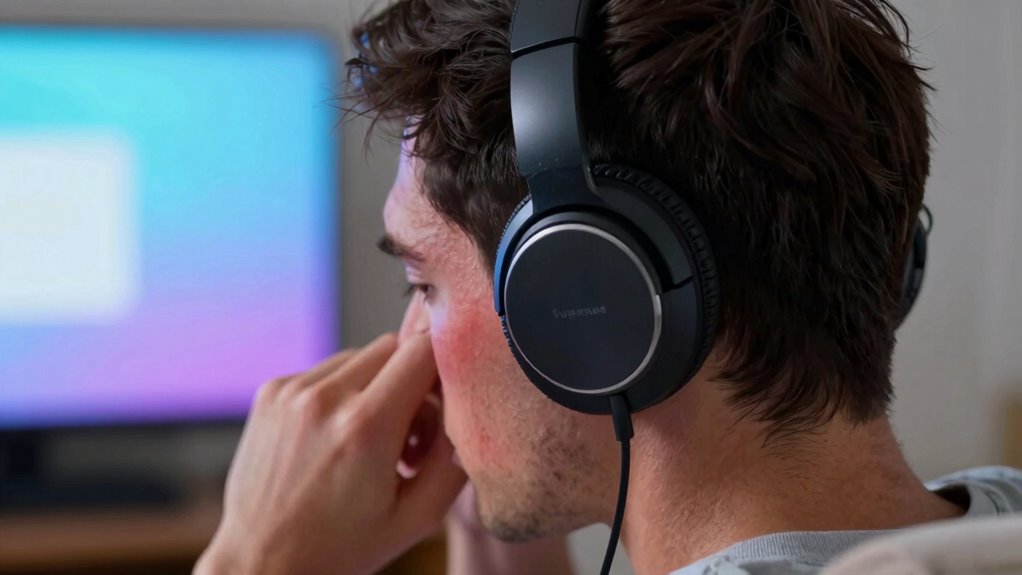
Your ears can tell you a lot about their condition, especially when they start feeling different after listening to music or other sounds. If you notice hearing fatigue, where sounds seem muffled or strained, it’s a sign your ears are overworked. Tinnitus symptoms, like ringing or buzzing in your ears, are also warning signs of potential damage. These sensations can occur after long periods of headphone use at high volumes. Pay attention to how your ears feel during and after listening sessions. If you experience persistent muffling, increased sensitivity, or ringing, it’s time to give your ears a break. Recognizing these signs early helps prevent further damage and keeps your hearing healthy in the long run. Additionally, understanding noise-induced hearing loss can help you take proactive steps to protect your hearing over time. Being aware of ear health signs enables you to address issues promptly before they become more serious.

HP DesignJet T210 Large Format 24-inch Color Plotter Printer for Easy Wide CAD & Poster Prints (8AG32D)
Ideal for: Technical line drawings, renders requiring precise, accurate line-quality and crisp text, posters, maps, and professional sewing...
As an affiliate, we earn on qualifying purchases.
Tips to Reduce Background Noise and Keep Volume Low
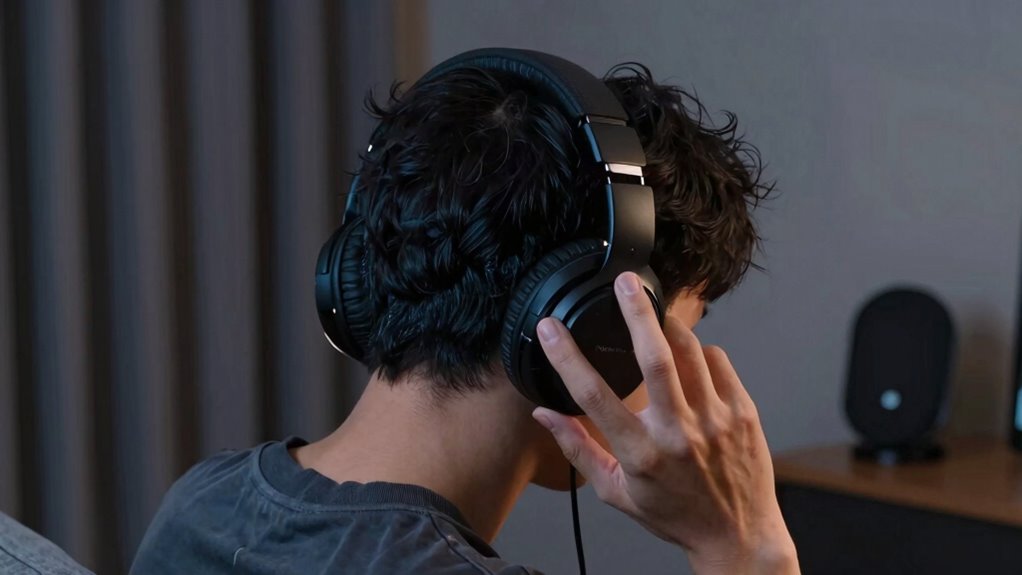
Reducing background noise is essential to keep your headphone volume at safe levels. When environmental sounds are minimized, you won’t feel the need to increase volume for clarity, making volume adjustment easier and safer. To achieve this, consider using noise-canceling headphones or choosing a quiet space. Additionally, using the table below helps illustrate how noise levels influence volume choices:
| Background Noise Level | Typical Volume Adjustment Needed |
|---|---|
| Quiet room | Low volume |
| Noisy public place | Moderate volume |
| Loud environment | High volume |
Headphone Features That Help Protect Your Hearing
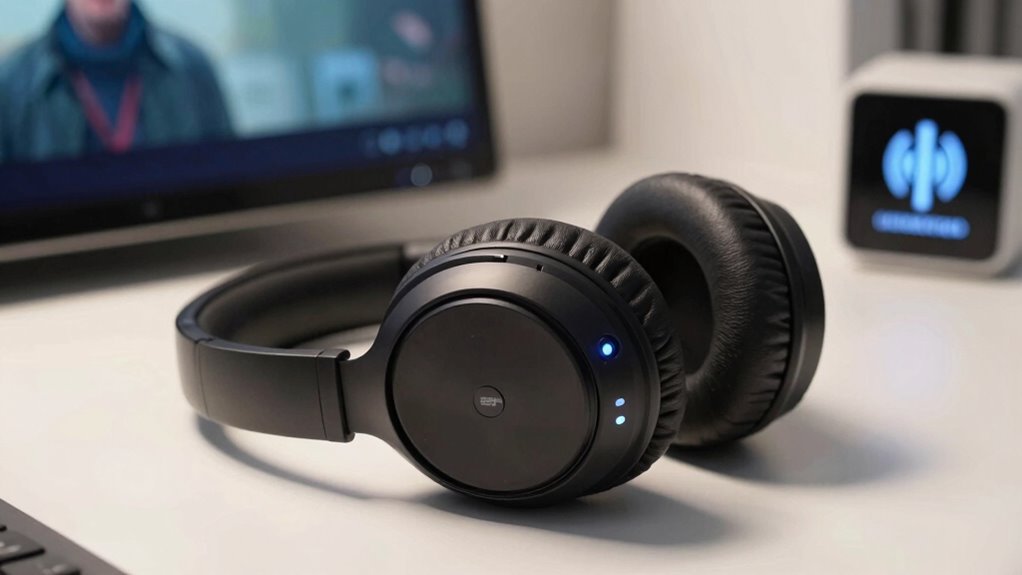
Many headphones come with features that can help protect your hearing. Built-in volume limiters, noise-canceling capabilities, and customizable sound settings allow you to enjoy your music safely. These tools make it easier to keep your listening habits within healthy limits.
Built-in Volume Limiters
Built-in volume limiters are a valuable feature that can help protect your hearing by preventing the headphone volume from exceeding a safe level. These safety features set a maximum volume, ensuring you don’t accidentally listen at harmful levels, especially during long movies. When your headphones include volume limiters, you gain peace of mind knowing you’re reducing the risk of hearing damage over time. Many models allow you to choose a specific volume cap, giving you control while still enjoying your audio. This feature is particularly helpful if others frequently use your headphones or if you’re sensitive to loud sounds. By incorporating volume limiters, manufacturers provide an extra layer of protection, making them an essential safety feature for extended listening sessions.
Noise-Canceling Capabilities
Noise-canceling capabilities actively block out ambient sounds, allowing you to listen at lower volumes without missing important audio cues. This feature reduces the need to crank up the volume in noisy environments, protecting your hearing during long movies. With effective noise canceling, you can enjoy immersive sound without sacrificing your awareness of surroundings, which enhances safety.
- Minimize background noise for clearer audio
- Lower listening volume for prolonged comfort
- Maintain ambient awareness without turning up volume
- Reduce the risk of hearing damage
- Enhance overall listening experience in loud settings
Customizable Sound Settings
Customizable sound settings empower you to tailor your listening experience, helping protect your hearing even in noisy environments. With personalized sound options, you can adjust the audio profile to suit your preferences, reducing the need to increase volume. Volume customization features allow you to set maximum limits, preventing accidental loud sounds that could damage your ears. Use these settings to create a safe listening environment, especially during long movies. Here’s a quick overview:
| Feature | Benefit | Best For |
|---|---|---|
| Personalized sound | Matches audio to your hearing profile | Sensitive ears |
| Volume limit | Prevents dangerous volume levels | Long viewing sessions |
| Equalizer settings | Fine-tunes sound quality | Custom preferences |
| Presets | Quick adjustments for different content | Versatile listening |
| Balance control | Adjusts left/right audio | Asymmetric hearing issues |
These tools help you enjoy movies safely without sacrificing sound quality.
Easy Strategies for Enjoying Long Movies Without Hearing Damage

Long movies can be enjoyable, but listening at high volumes for extended periods increases the risk of hearing damage. To protect your ears, try these easy strategies:
- Keep the volume at a moderate level, especially during long sessions.
- Use noise-canceling headphones to reduce the need for high volume in noisy environments.
- Take regular breaks every 30-45 minutes to give your ears a rest.
- Opt for music streaming apps with volume-limiting features to prevent accidental loud sounds.
- Maintain your headphones properly, ensuring they’re clean and in good condition for ideal sound quality and safety. Being mindful of headphone maintenance helps avoid unexpected volume spikes. Applying these tips allows you to enjoy long movies without risking your hearing health.
Frequently Asked Questions
Can Specific Movies or Genres Cause More Hearing Strain?
Yes, certain genres can cause more hearing strain due to genre impact and your volume preferences. Action movies with loud sound effects or intense music often lead you to crank up the volume, increasing strain. Horror or thriller genres with sudden loud sounds can also surprise you, prompting higher volume levels. To protect your hearing, keep volume at a safe level, regardless of genre, and take regular breaks during long movies.
Are Wireless Headphones Safer Than Wired for Long Movie Viewing?
Wireless headphones are generally safer for long movie viewing because of their wireless convenience, allowing you to move freely without risking cable damage. However, wired headphones often offer greater durability, which means they can withstand prolonged use better. Your choice depends on your priorities: if convenience and avoiding tangles matter most, go wireless; if durability is your concern, wired headphones might be the better option.
How Often Should I Take Breaks to Protect My Hearing?
You should take a break every 60 minutes to protect your hearing. Studies show that prolonged noise exposure can cause irreversible damage, and listening duration directly impacts this risk. During your movie, give your ears a 5-10 minute rest after each hour. This helps prevent hearing fatigue and reduces the chance of long-term hearing loss, ensuring you enjoy your movies safely without risking your auditory health.
Do Earbud Types Influence Hearing Safety During Movies?
Yes, earbud design and volume controls do influence your hearing safety during movies. In-ear earbuds that fit snugly can block out surrounding noise, tempting you to turn up the volume higher, which risks hearing damage. Choose earbuds with adjustable volume controls so you can keep the sound at safe levels. Opt for designs that don’t seal your ears completely, helping you stay aware of your environment and protect your hearing health.
What Signs Indicate Immediate Hearing Damage From Headphone Use?
Your ears might be warning you with a ringing sensation, like tiny bells ringing inside your head, signaling temporary threshold shifts. If you experience muffled hearing, dizziness, or persistent ringing after listening, it’s a red flag—your hearing is taking a hit. Don’t ignore these signs; they indicate immediate damage. Lower your volume and give your ears a break to prevent long-term harm.
Conclusion
By keeping your headphone volume in check during long movies, you protect your hearing and enjoy the experience fully. Remember, even in a world where smartphones and streaming are everywhere, it’s easy to forget the importance of safe listening. Think of it like the old radios in your grandmother’s parlor—if you crank the volume too high, you risk damage. Stay mindful, use helpful features, and savor every scene without risking your hearing’s future.