
To make your tiny TV feel bigger, start by optimizing your viewing angle—sit at eye level and maintain a comfortable distance. Wall mounting can save space and enhance the overall look. Create ambiance with adjustable lighting, and consider adding surround sound for a more immersive experience. Don’t forget to enhance picture quality with smart technology and color calibration. Stick around to explore even more tips for maximizing your small space entertainment!

Get movie nights delivered free with Prime
- Fast, free delivery on millions of items
- Prime Video, Amazon Music and more included
- Member-only deals all year
Key Takeaways
- Adjust screen brightness and color calibration to enhance clarity and create the illusion of a larger display.
- Optimize TV placement at eye level and maintain an ideal viewing distance for better immersion.
- Use wall mounting to save space and incorporate decorative elements to distract from the TV’s size.
- Control ambient lighting with smart bulbs and dimmers to create a more inviting viewing atmosphere.
- Invest in quality surround sound speakers to enhance audio experience, making the overall viewing feel more immersive.
Overcoming Small Screen Limitations
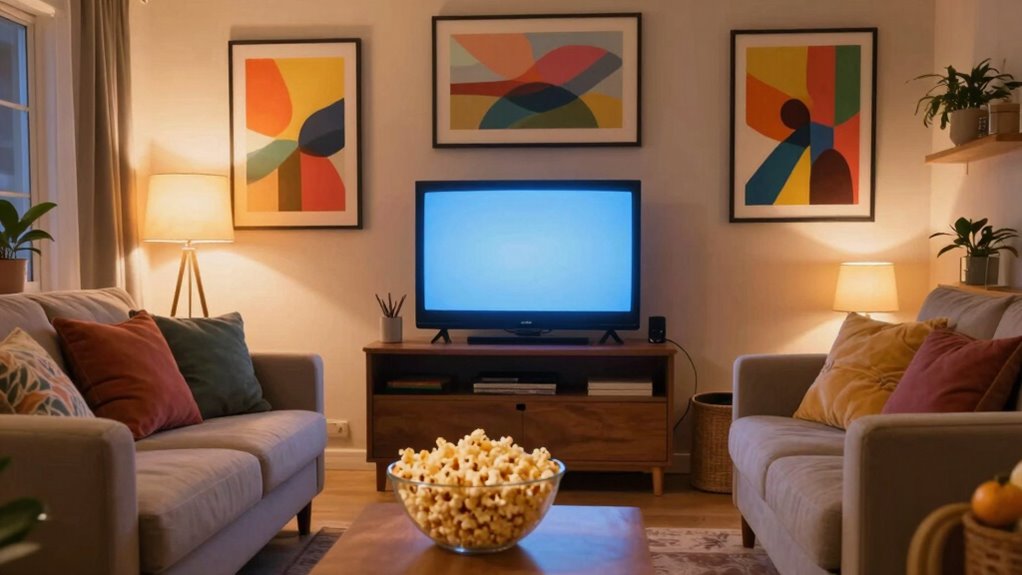
Even if your TV is small, there are plenty of ways to enhance your viewing experience. First, adjust the screen brightness to make images pop. A brighter screen can create the illusion of a larger display, drawing you into the action. Next, focus on color calibration. A well-calibrated TV showcases vibrant colors, improving overall clarity and making details stand out. You can find online guides or use calibration tools to achieve the best settings. Don’t overlook the importance of ambient lighting either; reducing glare can greatly improve how you perceive your screen. Additionally, optimizing your power distribution for AV racks can ensure your equipment performs at its best, reducing interference and preserving picture quality. Proper home wiring can also prevent electrical issues that might affect your TV’s performance. Improving your electrical setup can further enhance overall image stability and reduce flickering. Incorporating proper grounding techniques can also help minimize electrical noise that impacts picture quality. To maximize your viewing comfort, consider using anti-glare screen protectors or adjusting your seating position for optimal viewing angles. By creating the ideal environment and settings, you’ll transform your small TV into a more immersive viewing experience, allowing you to enjoy your favorite shows and movies like never before.
Optimize Your Viewing Angle for an Improved Experience
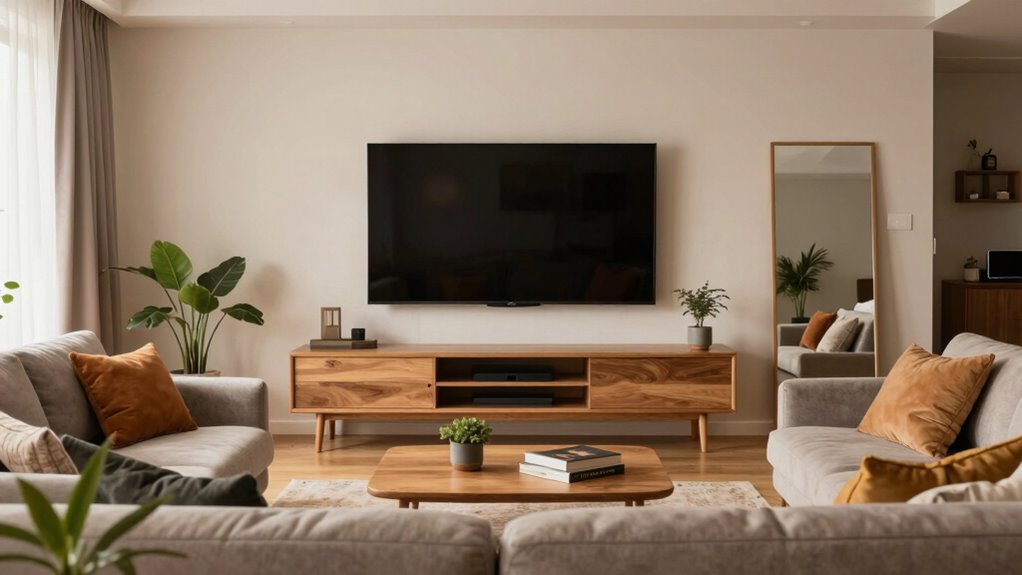
To get the most out of your tiny TV, you need to pay attention to your viewing angle. Sit at an ideal distance and guarantee your eyes are level with the screen for the best experience. This simple adjustment can make a huge difference in how you enjoy your favorite shows and movies.
Optimal Seat Distance
While you might love your tiny TV, sitting too close can diminish your viewing experience. To truly enjoy your shows, aim for the ideal seat distance. This ensures you’re in a comfortable seating position that enhances the picture quality and overall immersion. Proper space planning is essential to maximize your viewing pleasure and create a balanced living space. Remember, ergonomics isn’t just for workstations — it plays a crucial role in your entertainment setup too. Incorporating smart home automation can help tailor your environment for optimal viewing comfort and lighting conditions, further elevating your experience. Additionally, using smart lighting can improve contrast and reduce eye strain during long viewing sessions. Maintaining the right viewing angle can also prevent neck strain and make your tiny TV feel more expansive.
Eye Level Positioning
Positioning your tiny TV at eye level can greatly enhance your viewing experience, ensuring you enjoy every moment without straining your neck or eyes. To achieve this, measure the height of your seating and adjust your TV accordingly. Ideally, the center of the screen should align with your gaze when sitting comfortably. This eye level placement not only improves viewing comfort but also helps reduce fatigue during long binge-watching sessions. If you can’t mount it on the wall, consider using a low TV stand or a sturdy stack of books. Adjusting your setup may take a bit of effort, but the payoff regarding enjoyment and relaxation is worth it. Additionally, ensuring safety by securing your TV properly can prevent accidents and give you peace of mind. When setting up your TV, consider the viewing distance to enhance clarity and reduce eye strain. Being mindful of indoor air quality can also contribute to a more comfortable environment for extended viewing. Incorporating home safety measures such as securing cords and stabilizing furniture further enhances your viewing space. Improving home environment can further boost your overall comfort while watching. Enjoy your shows without the discomfort!
Use Wall Mounting to Save Space

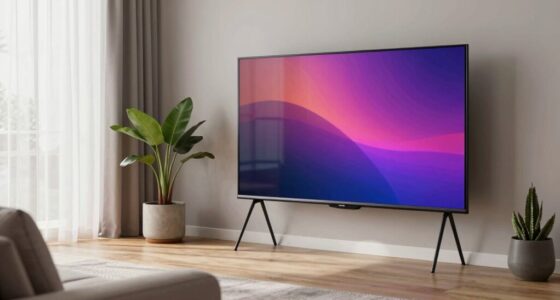
Have you ever considered how wall mounting your tiny TV can transform your space? By elevating your TV, you not only free up valuable floor space but also create a more polished look. This method also provides an opportunity to incorporate smart furniture such as decorative shelves or ladder racks around the TV, enhancing your room’s aesthetic. Choose shelves that can hold books, plants, or other decorative items to draw attention away from your TV size. The right arrangement can make your tiny TV feel like a focal point rather than an afterthought. Plus, with the mounting hardware hidden, the clean lines of your wall create an open and airy atmosphere. Wall mounting is a simple way to maximize your space and style simultaneously. Additionally, selecting appropriate hardware ensures safety and stability, giving you peace of mind. Moreover, understanding space optimization principles can help you design a more functional and cozy living area.
Create Ambiance With Adjustable Lighting for Movies

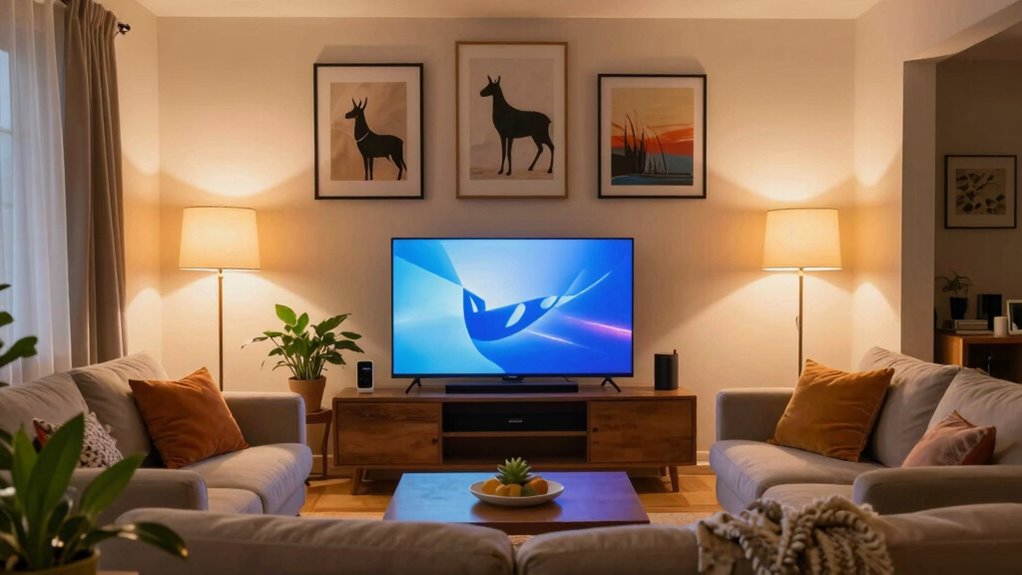
Creating the perfect movie-watching experience in your small space can be as simple as adjusting your lighting. Using mood lighting enhances the ambiance, making your tiny TV feel bigger. Here’s how to set it up:
- Install smart bulbs to control brightness and color.
- Dimm the lights to create a cozy atmosphere.
- Use warm tones for a soft, inviting glow.
- Position lamps strategically to minimize reflections on the screen.
- Consider LED strips behind your TV for added depth.
- Incorporate ergonomics principles to ensure your seating and lighting setup promote comfort during long viewing sessions.
- Remember that evidence-based insights can guide you in choosing the most effective lighting configurations for your space.
- Additionally, understanding how lighting quality impacts visual perception can help you optimize your setup for a more immersive experience.
- To further improve your viewing, consider using a dehumidifier to reduce excess moisture, which can influence both scent and visual clarity.
- Paying attention to ambient light levels can significantly influence how well you perceive contrast and detail on your screen.
With these adjustments, you’ll transform your space into a mini theater. The right lighting not only elevates your viewing experience but also draws your focus to the screen, making every movie night feel special. So, get those lights adjusted!
Add Surround Sound for Immersive Audio
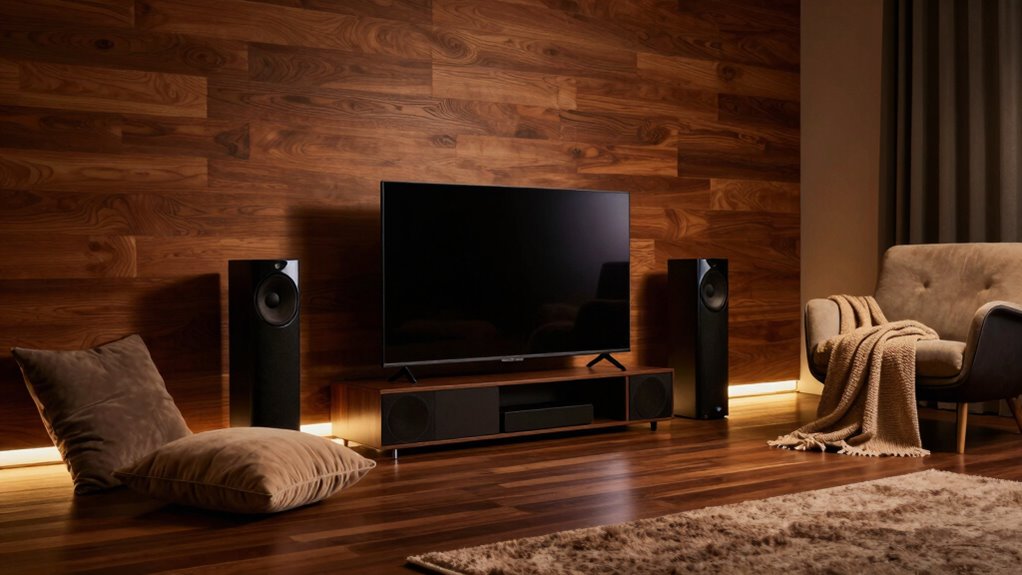
To make your tiny TV experience truly immersive, adding surround sound is essential. Start by choosing quality speakers and optimizing their placement for the best audio performance. You might also consider soundbar technology for a streamlined setup that still delivers powerful sound. Additionally, utilizing hearing-friendly audio fixes can help ensure dialogue remains clear and easily understandable.
Choose Quality Speakers
While your tiny TV might deliver stunning visuals, the audio can often fall flat without the right speakers. Investing in quality speakers is essential for enhancing your viewing experience. Look for reliable speaker brands that prioritize audio clarity. Here are a few features to contemplate:
- Surround sound for immersive audio
- Bluetooth connectivity for wireless options
- Compact design to fit your space
- High sensitivity for better sound output
- Subwoofer integration for deep bass
Choosing the right speakers can drastically elevate your experience, making your tiny TV feel bigger with rich, enveloping sound. Don’t underestimate the power of quality audio—it’s just as important as those stunning visuals!
Optimize Speaker Placement
Proper speaker placement can transform your tiny TV experience, making it feel much larger than it actually is. Position your speakers at ear level when you’re seated to guarantee peak sound clarity. Try to create an equilateral triangle between your seating area and the speakers for immersive audio. If possible, place them a few inches away from walls to reduce unwanted reflections—this is where acoustic treatment comes into play. You can use sound-absorbing materials like curtains and rugs to enhance the sound quality even further. Additionally, consider adding surround sound speakers to envelop yourself in audio, making every movie night feel like a cinematic experience. With these adjustments, your small screen will feel grander through rich, directional sound.
Use Soundbar Technology
Enhancing your audio setup with soundbar technology can greatly elevate your viewing experience. By adding immersive audio, you’ll feel like you’re in the middle of the action. Here are some key soundbar features to contemplate for ideal audio enhancement:
- Surround Sound: Creates a 3D audio experience that pulls you into the scene.
- Bluetooth Connectivity: Stream music or podcasts wirelessly, adding versatility.
- Built-in Subwoofers: Delivers deep bass for an impactful sound.
- Voice Enhancement: Improves dialogue clarity, so you catch every word.
- Multiple Sound Modes: Tailor the audio to fit movies, music, or gaming.
Investing in a soundbar not only boosts audio quality but also transforms your tiny TV into a cinematic experience.
Enhance Picture Quality With Smart Technology

As you immerse yourself in the world of smart technology, you’ll discover that it can greatly enhance the picture quality of your tiny TV. Features like smart upscaling make your favorite shows and movies look sharper and more vibrant. This technology analyzes the original resolution and boosts it to fit your screen, reducing pixelation and improving clarity. Additionally, image enhancement tools adjust brightness, contrast, and color saturation, providing a more dynamic viewing experience. You can also explore settings that optimize the display based on your room’s lighting. By leveraging these smart technologies, you’ll transform your tiny TV into a visual powerhouse, making every scene pop with detail and color. Enjoy a cinematic experience without upgrading to a bigger screen!
Make Your Viewing Area Cozy and Inviting
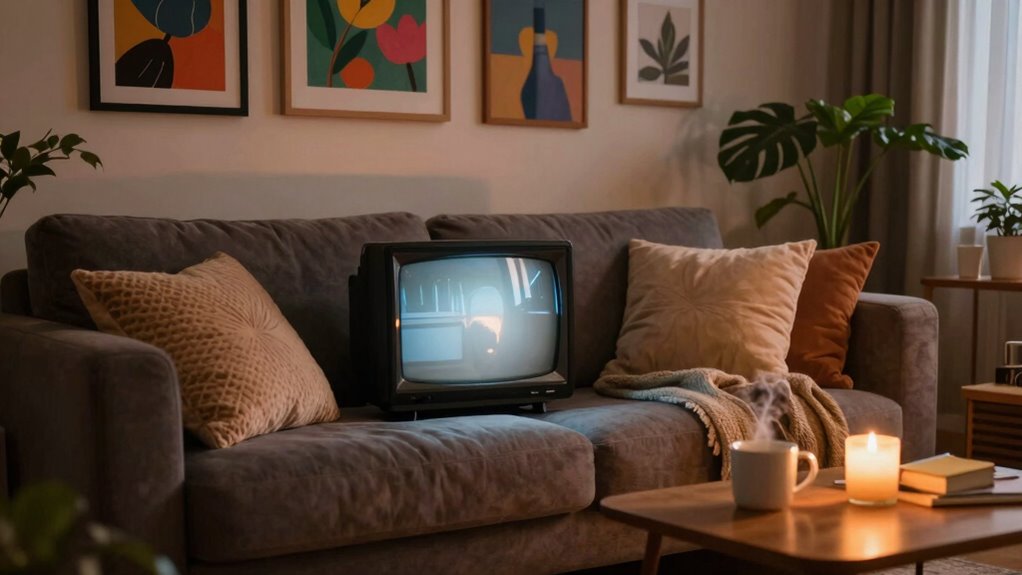
Creating a cozy and inviting viewing area can transform your tiny TV experience into something special. You want to feel comfortable and relaxed while you watch your favorite shows. Here are some tips to enhance your space:
- Drape cozy blankets over your couch or chairs for warmth and comfort.
- Use inviting decor, like soft lighting or colorful cushions, to create a welcoming atmosphere.
- Arrange seating to encourage conversation and closeness, making it feel more intimate.
- Add a small side table for snacks and drinks, keeping everything within arm’s reach.
- Incorporate plants or artwork to bring life to the space and make it feel personalized.
With these simple adjustments, you’ll elevate your viewing experience and enjoy your tiny TV even more!
Frequently Asked Questions
What Are the Best Accessories for a Small TV?
For a small TV, consider investing in a soundbar to enhance your audio experience. It’ll provide richer sound and elevate your viewing enjoyment. A wall mount is another great accessory; it saves space and allows you to position your TV at the perfect eye level. You might also want to add a stylish media console or shelf to organize your devices and create a cohesive look in your room.
How Can I Improve Cable Management for a Tiny TV?
You’ve just installed a small TV in your cozy living room and want to enhance its look. Start by using cable organization tools like cable sleeves or clips to keep everything tidy. Consider a wall mount that hides cables behind the TV, creating a sleek, minimalistic appearance. This not only keeps your space clutter-free but also draws attention to your TV, making it feel more integrated into your decor.
What Types of Furniture Work Best for Small TV Spaces?
For small TV spaces, you’ll want to evaluate wall mounts, floating shelves, corner units, and media consoles. Wall mounts keep your TV off the floor, creating a sleek look. Floating shelves can display your media devices without taking up valuable space. Corner units maximize corner areas, making them functional. Media consoles provide storage for cables and remotes while keeping everything organized. Choose the right furniture to enhance your viewing experience without cluttering your space.
How Do I Clean My Tiny TV Without Damaging It?
To clean your tiny TV without damaging it, start by turning it off and unplugging it. Use a microfiber cloth for screen care, as it’s gentle and won’t scratch the surface. For stubborn smudges, lightly dampen the cloth with a cleaning solution specifically designed for screens. Avoid using paper towels or regular cleaners, as they can harm the display. Wipe in a circular motion, and you’ll keep your TV looking sharp and clear!
Can I Use a Projector Instead of a Small TV?
Yes, you can definitely use a projector instead of a small TV! Projectors can offer benefits like a larger image and the ability to customize screen size, creating a more immersive experience. However, keep in mind the drawbacks, such as needing a dark room for ideal viewing and potential setup complications. Consider your space and preferences to determine if a projector fits your entertainment needs better than a tiny TV.
Conclusion
By transforming your tiny TV setup, you’re not just enhancing your viewing experience; you’re nurturing a cozy haven where cinematic dreams take flight. Think of your space as a canvas—each enhancement, from sound to ambiance, adds vibrant strokes that make the picture come alive. With a little creativity and intention, you can turn the small screen into a grand portal, inviting you into stories that stretch far beyond its borders. Embrace the magic and let your imagination expand!
Fall Picks
fall essentials
As an affiliate, we earn on qualifying purchases.