
To reduce judder without triggering the soap opera effect, start by turning off motion smoothing features and adjust frame rates to match your display’s refresh rate. Opt for cinema or film mode for a more natural viewing experience. Use high-quality video sources, aiming for 4K resolution, and check that your cables are in good condition for ideal signal quality. Fine-tuning your contrast and brightness settings can also help. There’s more you can do to enhance your viewing experience!
Prime for Young Adults — start your free trial
Fast free delivery, streaming and member deals for eligible 18–24 year olds.
As an affiliate, we earn on qualifying purchases.
Key Takeaways
- Turn off motion smoothing settings to prevent the soap opera effect while reducing judder during playback.
- Adjust the frame rate to match the display’s refresh rate, ideally between 24-30 fps for optimal viewing.
- Use cinema or film mode on your TV to achieve a more natural and authentic visual experience.
- Ensure high-quality video sources and cables, as better resolution and bitrate minimize judder and improve overall quality.
- Regularly calibrate settings like contrast and brightness to enhance depth and balance, avoiding overly crisp images that contribute to unnatural visuals.
Understanding Judder and the Soap Opera Effect
When you watch a movie or a show, you might notice something called judder, which can disrupt the smoothness of motion on screen. Judder often occurs due to differences in frame rates or when content is displayed at a rate that doesn’t match the original production speed. Understanding motion is vital here; it helps you grasp why some scenes feel jerky or uneven. Judder causes can include the source material, the display technology, or even the settings on your device. By recognizing these factors, you can take steps to minimize judder while enjoying your favorite films. Balancing smoothness with a natural viewing experience is essential to avoid the unwanted soap opera effect that some viewers find distracting.
How Frame Rates Contribute to the Soap Opera Effect

Frame rates play a vital role in shaping your viewing experience, especially when it comes to the soap opera effect. Higher frame rates can make motion look smoother, but they might also create an unwanted realism that feels unnatural. Understanding these basics, along with motion smoothing techniques, can help you find the right balance for your preferences.
Frame Rate Basics
As you explore the world of frame rates, you’ll quickly realize how they can greatly influence the viewing experience, often leading to what many call the “soap opera effect.” This phenomenon occurs when higher frame rates, typically above 24 frames per second, create a hyper-realistic image that can make films and TV shows appear more like live broadcasts. In a frame rate comparison, you’ll notice that traditional cinema benefits from the artistic feel of lower frame rates, while higher rates bring frame rate advantages such as smoother motion. However, this can detract from the intended storytelling, making it essential to find a balance. Understanding frame rates helps you appreciate the nuances of film and choose settings that enhance your viewing experience without unwanted artifacts. Additionally, some modern TVs and media players include frame rate controls to help you fine-tune this setting for optimal viewing. Recognizing the impact of frame rate on visual perception enables viewers to customize their experience further and avoid the distracting effects of excessive frame rates.
Motion Smoothing Techniques
While you might appreciate the clarity and smoothness that higher frame rates offer, motion smoothing techniques can often exacerbate the soap opera effect. Techniques like motion interpolation and frame blending aim for judder reduction, but they can create unnatural visuals, detracting from the intended cinematic experience. Display technology uses these methods for video enhancement, attempting to fill in frames and create fluidity. However, this can make films appear overly smooth, similar to live broadcasts. To maintain the authenticity of your viewing experience, consider adjusting these settings or opting for lower frame rates. Finding the right balance lets you enjoy clarity without losing the artistic essence of the content.
Impact on Viewing Experience
High frame rates can greatly alter your viewing experience, often intensifying the soap opera effect. You might find that your viewing preferences shift as you adjust to this hyper-realistic style. Here are some impacts on your cinematic experience:
- Increased clarity can make scenes feel more immediate.
- Fast-paced action may seem smoother, but it can feel disorienting.
- Familiar films might lose their intended emotional weight.
- Your brain may struggle to adjust, leading to viewer fatigue.
- Adjusting frame rate settings can help you find a more natural balance that preserves cinematic storytelling.
Why Judder Happens in Video Playback
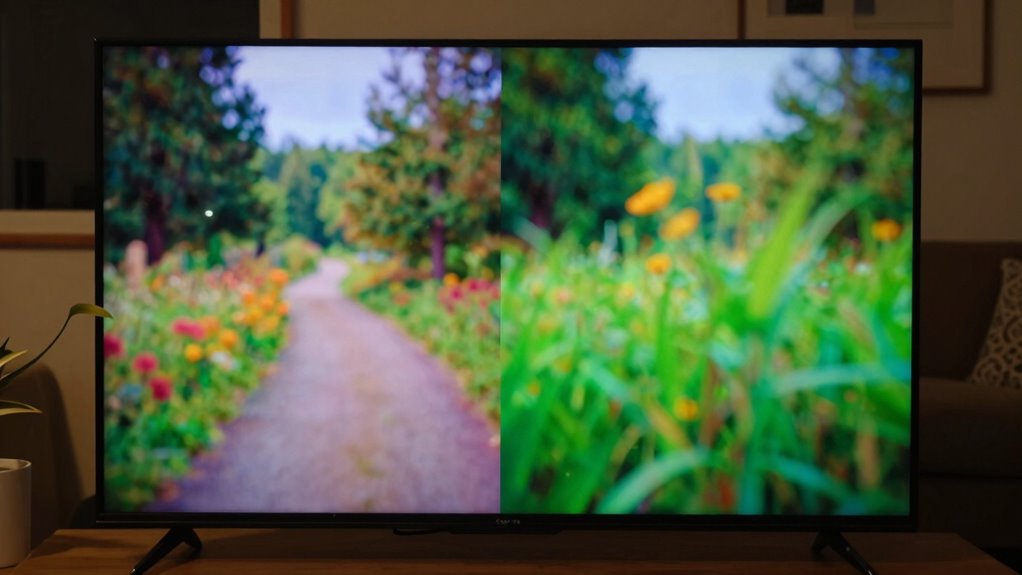
Judder occurs in video playback primarily due to the mismatch between the frame rate of the content and the refresh rate of your display. When these rates don’t align, you might notice motion artifacts, such as stuttering or choppy movement, which disrupt your viewing experience. For instance, if you’re watching a film shot at 24 frames per second on a display refreshing at 60 hertz, the difference can lead to visible judder. Frame interpolation can sometimes help smooth out this motion, but it may also introduce unwanted effects, like the soap opera effect, which many viewers find unappealing. Understanding these factors can help you make better choices for an ideal viewing experience without compromising the film’s intended look.
Quick Settings Adjustments to Reduce the Soap Opera Effect
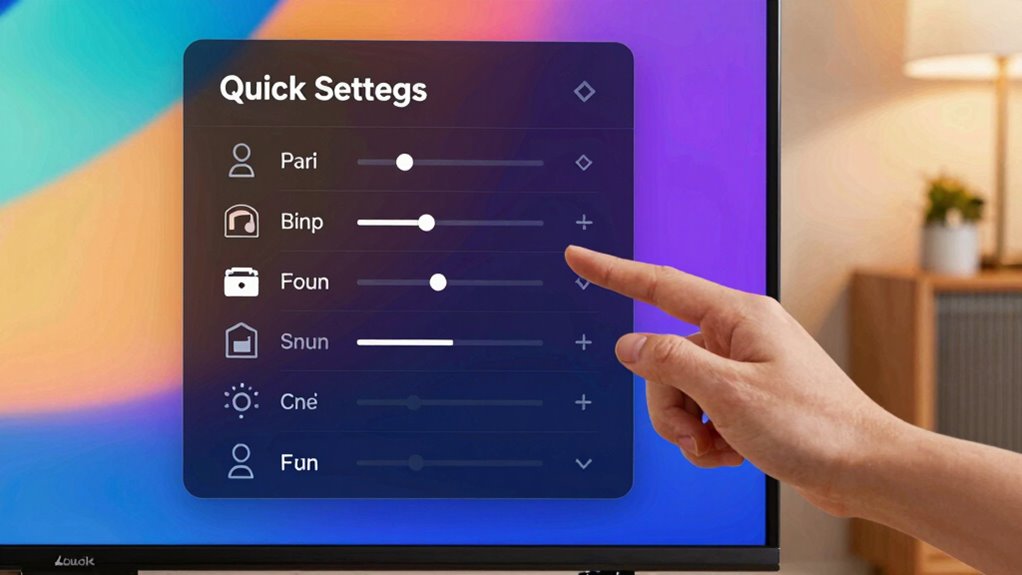
How can you quickly adjust your settings to minimize the soap opera effect? Making a few simple settings adjustments can greatly enhance your picture quality without making it look overly smooth. Here are some tips to help you out:
Quick settings adjustments can significantly improve picture quality and reduce the soap opera effect for a more cinematic experience.
- Reduce motion smoothing: Lower or turn off any motion interpolation settings.
- Adjust frame rate: Match your display’s refresh rate to the source material for a more natural look.
- Change picture mode: Switch to a cinema or film mode, often designed to avoid the soap opera effect.
- Fine-tune sharpness: Lower the sharpness setting to prevent overly crisp images that contribute to the effect.
Pick the Best Video Source for Quality
When choosing a video source, you need to contemplate both resolution and frame rate. Higher resolution can enhance clarity, while matching the frame rate to your display helps reduce judder. Making the right selections here can greatly improve your viewing experience.
Source Resolution Matters
While you might be tempted to overlook source resolution, it plays an essential role in achieving the best video quality. The resolution impact directly influences the clarity and detail of the image you see on screen. Higher source quality means a sharper, more immersive experience, reducing judder effectively.
Consider these factors when choosing your video source:
- Resolution: Opt for 4K or higher for crisp visuals.
- Bitrate: A higher bitrate guarantees better quality during fast-motion scenes.
- Compression: Less compression typically leads to improved source quality.
- Format: Choose formats like HDR or Blu-ray for enhanced detail.
Frame Rate Compatibility
To guarantee a smooth viewing experience and minimize judder, you need to pay close attention to frame rate compatibility between your video source and display. Different frame rate standards exist, like 24, 30, and 60 frames per second (fps), and matching these with your display technology is essential. For instance, if you’re watching a film shot at 24 fps on a display optimized for 60 fps, you might experience judder. Always check your source’s frame rate and adjust your display settings accordingly. Some modern displays can auto-adjust to various frame rates, but manual adjustments often yield better results. By ensuring compatibility, you can enjoy clear, fluid motion without the unwanted soap opera effect. Understanding frame rate standards can help you make more informed choices for optimal viewing.
Should You Use Motion Smoothing? Here Are the Pros and Cons?
Should you embrace motion smoothing on your TV? It’s a hot topic with both enthusiasts and critics weighing in. Here are some motion smoothing benefits and drawbacks to evaluate:
- Benefits: You’ll enjoy smoother action scenes and reduced motion blur, enhancing fast-paced content.
- Drawbacks: It can introduce the dreaded soap opera effect, making movies look unnatural.
- Customization: Many TVs let you adjust settings, so you can find a balance that suits your viewing preferences.
- Content-Specific: Some genres, like sports, benefit more from motion smoothing than others, like dramas or art films.
Ultimately, whether to use motion smoothing depends on your viewing habits and personal taste. Weigh the pros and cons before deciding what’s best for your screen experience.
Advanced Techniques for Calibrating Your Video Settings
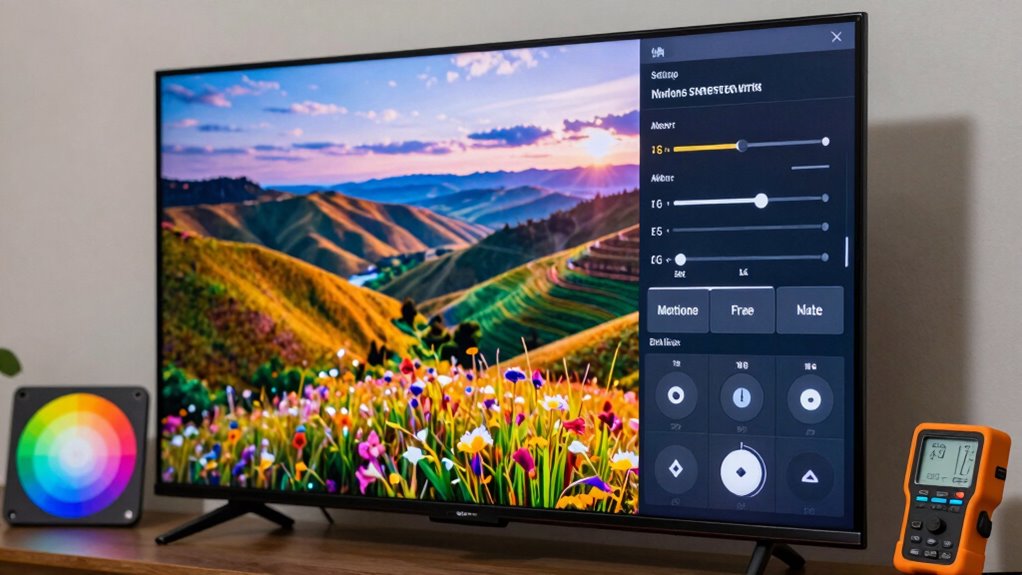
Calibrating your video settings can greatly enhance your viewing experience, especially when you want to reduce judder without falling prey to the soap opera effect. For advanced video calibration, adjust the following settings for peak performance:
| Setting | Recommended Value | Purpose |
|---|---|---|
| Frame Rate | 24-30 fps | Reduces motion artifacts |
| Motion Smoothing | Off | Prevents soap opera effect |
| Contrast | 50% | Enhances depth and detail |
| Brightness | 45% | Balances dark scenes |
| Color Temperature | Warm (6500K) | Natural skin tones |
Additionally, understanding how video processing impacts judder can help you fine-tune your display for the best viewing experience.
The Importance of Quality Cables and Connections
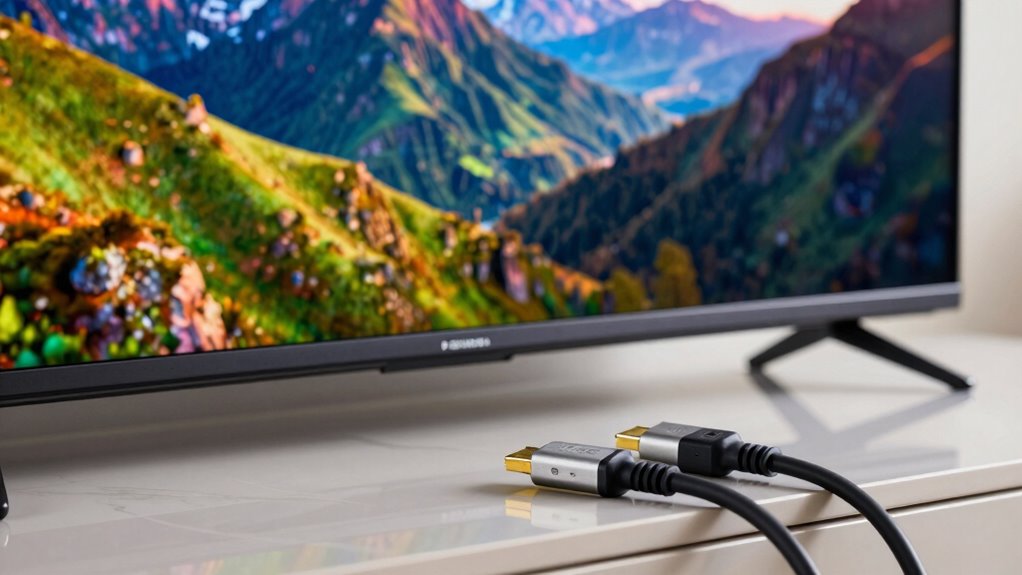
After fine-tuning your video settings, the next step is verifying that the quality of your cables and connections matches the enhancements you’ve made. Poor cable quality or weak connection integrity can undermine all your hard work. Here are some key points to reflect on:
- Choose high-quality HDMI or DisplayPort cables for better signal transmission.
- Confirm connections are secure and free of dust or debris.
- Avoid using long cables if possible, as they can degrade signal quality.
- Test different cables to find the best performance for your setup.
- Regularly inspect your cables and connections to maintain optimal home‑tech performance.
Tips for Testing and Comparing Playback Options
As you explore different playback options, testing various settings can reveal what works best for your setup. Start with a playback device comparison, focusing on how different devices handle motion. Use the same video format for each device to guarantee consistency during your evaluation. When you switch between settings, keep a notepad handy to jot down your observations. Pay attention to how each configuration affects judder and the overall viewing experience. It’s also helpful to watch familiar scenes, as they’ll allow you to notice subtle differences more easily. Finally, don’t hesitate to ask for feedback from others; a fresh pair of eyes can spot issues you might overlook. Tailor your settings to achieve the smoothest playback possible without that dreaded soap opera effect.
Frequently Asked Questions
What Is the Difference Between Judder and Motion Blur?
Judder and motion blur are different phenomena. Judder occurs when frame rate inconsistencies disrupt smooth playback, causing abrupt motion. You might notice it during fast scenes or camera pans. Motion blur, on the other hand, happens when the playback speed is too slow, resulting in smeared images due to movement. While judder makes the motion feel stuttery, motion blur can create a smoother effect, although it can also reduce clarity in fast-moving images.
Can Judder Affect Gaming Performance?
Imagine driving a car on a bumpy road; that’s what judder feels like in gaming. It can definitely affect your performance. When your frame rate drops, you experience stuttering, making it hard to aim or react. Plus, judder can increase input lag, causing delays between your actions and what happens on screen. So, to stay ahead in your game, smooth out those bumps and keep your frame rate steady for a seamless experience.
How Do Different Video Codecs Impact Judder?
Different video codecs can greatly impact judder. If you choose a codec with high efficiency, it can enhance video playback smoothness, reducing judder. However, codecs that rely heavily on frame interpolation might introduce artifacts, leading to that unwanted soap opera effect. You’ll want a codec that balances efficiency and quality, ensuring smooth motion without compromising the cinematic feel. Experimenting with various codecs can help you find the right fit for your needs.
Is Judder More Noticeable on Larger Screens?
Yes, judder’s definitely more noticeable on larger screens. Imagine sitting close to a giant canvas; every slight movement gets magnified. As screen size increases, your viewing distance often decreases, making imperfections like judder stand out. You can see the frame changes more clearly, which can disrupt the smoothness of the motion. So, if you’re watching a thrilling action scene, those jerky movements become hard to ignore on a big display.
What Role Do Ambient Lighting Conditions Play in Perceived Judder?
Ambient light greatly affects your perception of judder. When you watch in dim lighting, you might notice judder more because the contrast is sharper, making motion irregularities stand out. On the other hand, bright ambient light can soften these lighting effects, creating a smoother viewing experience. So, adjusting your room’s lighting can help you enjoy your content without distractions from judder, making it easier to focus on the action unfolding on screen.
Conclusion
To sum up, reducing judder while avoiding the soap opera effect is all about finding balance. Did you know that nearly 70% of viewers prefer a cinematic look over hyper-realistic motion? By adjusting frame rates, selecting high-quality sources, and fine-tuning your settings, you can achieve that perfect viewing experience. Remember, it’s not just about eliminating judder; it’s about preserving the artistry of the film. So go ahead, tweak those settings and enjoy your favorite movies like never before!
Fall Picks
fall essentials
As an affiliate, we earn on qualifying purchases.