You notice banding in dark scenes because of limited color depth and abrupt color shifts. When your display can’t handle smooth gradients, it leads to distinct lines instead of a seamless flow of colors. Ambient lighting and screen brightness also play a role in how you perceive these issues. By adjusting your settings and understanding your equipment, you can reduce banding. Discovering more effective solutions could greatly enhance your viewing experience.

Get movie nights delivered free with Prime
- Fast, free delivery on millions of items
- Prime Video, Amazon Music and more included
- Member-only deals all year
Key Takeaways
- Banding in dark scenes occurs due to limited color gradients from low color depth, resulting in abrupt color transitions.
- The human eye’s sensitivity to gradients diminishes in low-light conditions, making banding more noticeable.
- Ambient lighting can enhance contrast and mask banding, improving the overall viewing experience.
- Higher color depth displays provide smoother gradients, reducing the likelihood of visual artifacts like banding.
- Adjusting display settings and utilizing dithering techniques can effectively minimize banding in dark scenes.
Understanding Banding: Why It Disrupts Your Movie and Gaming Experience
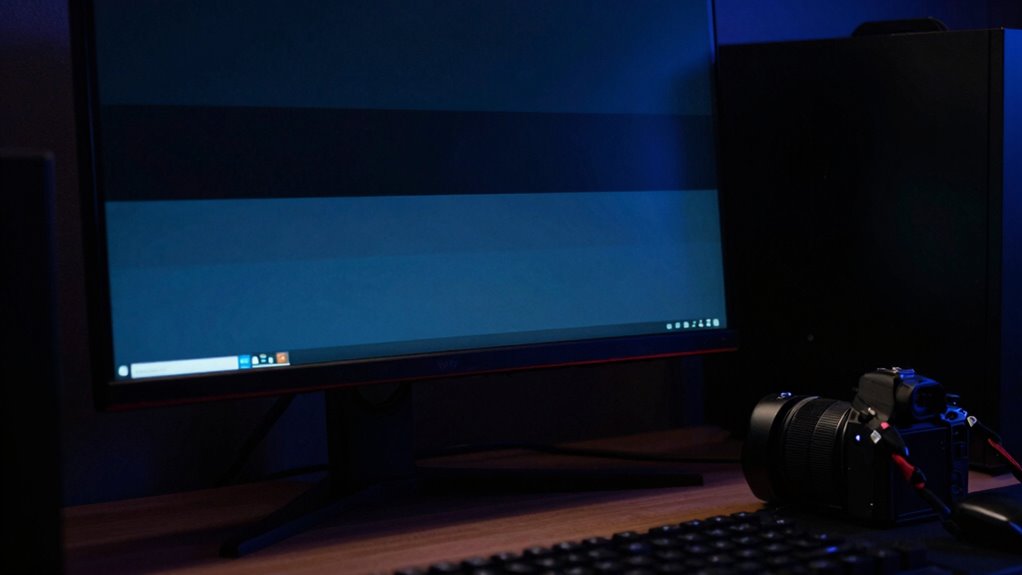
Banding can shatter the immersive experience of watching movies or playing games, especially in dark scenes. When you notice banding, it’s often due to the limited color gradients in your display. Banding causes arise from insufficient color depth, which fails to provide smooth changes between shades. This lack of detail can disrupt your visual perception, making it hard to enjoy the subtle nuances of dark imagery. Instead of experiencing a rich, fluid scene, you see abrupt changes in color that pull you out of the moment. Whether you’re exploring a shadowy landscape or watching a moody film, banding can make those moments feel jarring and less engaging. Understanding this issue can help you make better choices in your viewing or gaming setup.
How Color Depth and Lighting Conditions Contribute to Banding
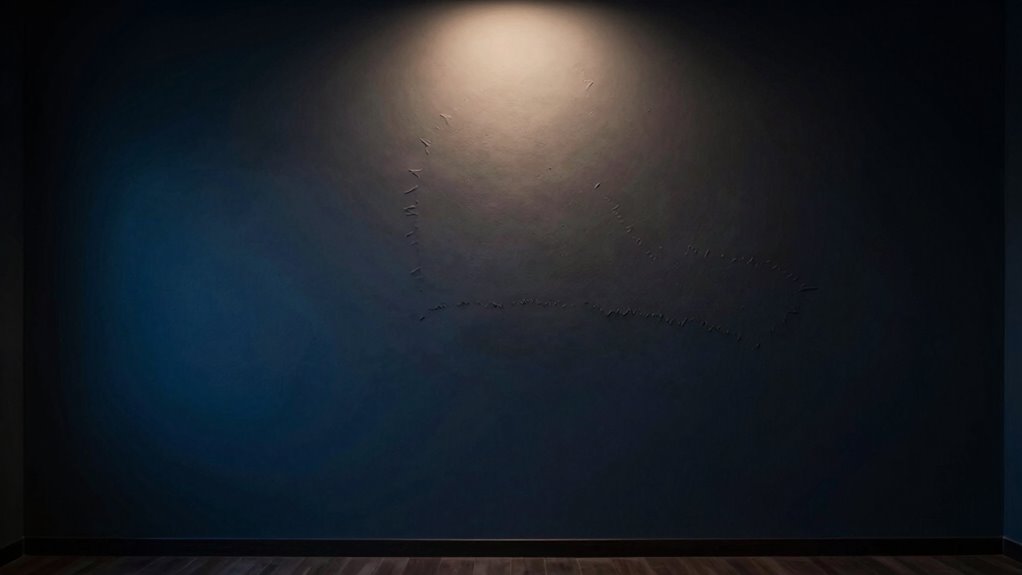
When it comes to banding in dark scenes, color depth and lighting conditions play essential roles. You might notice that a higher color depth can help smooth out shifts, while poor lighting can exacerbate the problem. Additionally, your viewing environment can greatly influence how banding appears to you.
Color Depth Explained
Understanding color depth is essential for grasping how lighting conditions can lead to banding in dark scenes. Color depth refers to the number of bits used to represent the color of a single pixel, influencing the smoothness of color gradients. When the color depth is low, you may notice visual artifacts, like banding, especially in darker areas of an image.
- A higher color depth provides a wider range of colors.
- Smooth color gradients reduce the appearance of banding.
- Proper color depth is vital for accurate image representation.
Lighting Impact Overview
Although lighting conditions play a significant role in how images are perceived, the interplay between color depth and illumination can exacerbate banding in dark scenes. When you use various lighting techniques, the way shadows and highlights interact can reveal differences in color precision. Low color depth can lead to noticeable shifts, making banding more prominent as ambient effects shift across the scene. For instance, if you’re working with limited color information, subtle gradients may appear harsh and uneven under specific lighting. By carefully managing your lighting techniques and understanding how they affect ambient effects, you can minimize banding, ensuring smoother shifts in your dark scenes. Balancing these factors is essential for achieving a seamless visual experience.
Viewing Environment Influence
As you adjust your viewing environment, the interplay between color depth and lighting conditions can considerably influence banding in dark scenes. Ambient lighting, screen brightness, and your display settings all play significant roles in how you perceive these artifacts. Here are a few factors to take into account:
- Ambient Lighting: Lower ambient light reduces distractions and enhances contrast, helping to mask banding. Proper lighting management is especially important in rooms with large windows or bright light sources.
- Screen Brightness: Adjusting your screen brightness can improve the visibility of gradients, making banding less noticeable.
- Color Depth: A display with higher color depth can render smoother shifts, minimizing banding effects.
- Display Calibration Proper calibration of your display settings can further reduce visible banding by optimizing contrast and color accuracy. Additionally, selecting a projector with a higher contrast ratio can significantly improve the depth and richness of dark scenes, further reducing the perception of banding.
How the Human Eye Interprets Color Gradients and Banding
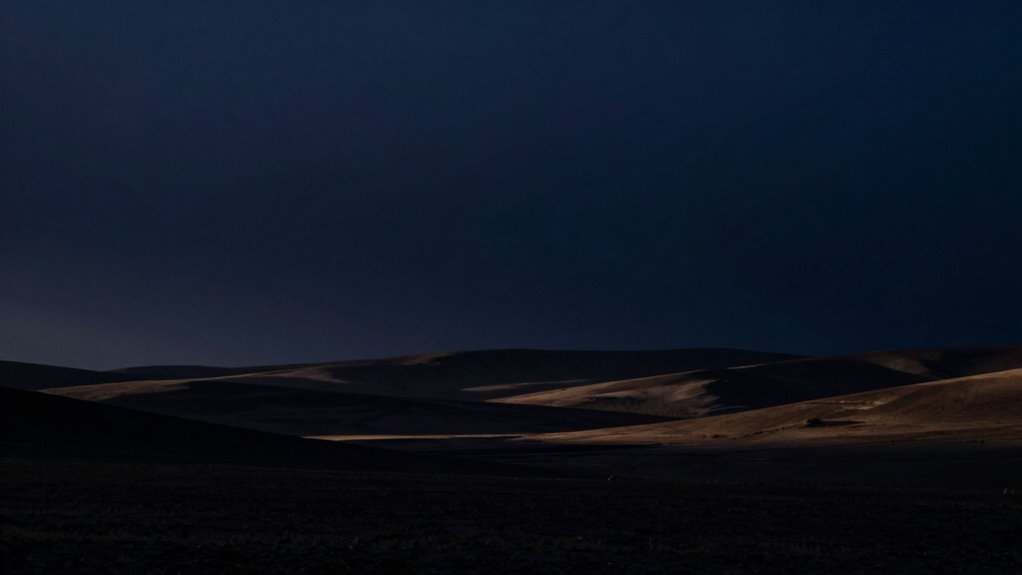
When you look at a dark scene with subtle color shifts, your eyes instantly begin to interpret the gradients, revealing a rich depth that might not be immediately obvious. Your brain processes these changes through a complex mechanism of color perception, where it seeks to blend colors smoothly. However, in low-light conditions, your gradient sensitivity diminishes. This reduced sensitivity makes it harder to perceive fine variations between hues, leading to noticeable banding instead of smooth changes. You might see distinct lines or patches where the colors should seamlessly flow together. This phenomenon occurs because your eyes struggle to distinguish subtle differences, causing your brain to fill in the gaps inconsistently. Ultimately, this can detract from the immersive experience of dark scenes.
Effective Solutions to Reduce Banding in Dark Scenes

To tackle banding in dark scenes, you can start by adjusting your display settings for ideal color depth. Utilizing dithering techniques can also help create smoother gradients. If you’re still facing issues, consider upgrading your video encoding for better results.
Adjust Display Settings
While adjusting your display settings might seem like a minor tweak, it can greatly reduce banding in dark scenes. Start by confirming your display calibration is accurate. This guarantees colors are represented correctly, improving overall image quality. Next, make some brightness adjustments. Lowering brightness can help reveal more detail in shadows, minimizing banding. Additionally, understanding color depth can help you choose settings that better support smooth gradients and reduce visible banding. Properly managing display contrast is also essential to prevent overly bright highlights that can accentuate banding. Adjusting gamma settings appropriately can further enhance shadow detail and gradient smoothness. Being aware of bit depth can also assist in selecting devices and settings that support higher color fidelity. Moreover, choosing a display with higher color accuracy can significantly impact banding reduction. Here are a few tips to enhance your display settings:
- Adjust contrast: Balance the contrast to avoid overly bright highlights that can highlight banding.
- Enable HDR (if available): High Dynamic Range can improve color depth and reduce banding.
- Use a calibration tool: Consider using a calibration tool for precise adjustments tailored to your viewing environment.
Implementing these changes can considerably enhance your viewing experience.
Utilize Dithering Techniques
Adjusting your display settings can greatly improve your viewing experience, but if banding persists in dark scenes, utilizing dithering techniques can provide effective solutions. Dithering techniques work by blending colors to create the illusion of smoother gradients, enhancing your visual perception. You can apply these techniques through software settings or video players that support them. By adding noise or randomizing pixel colors, dithering helps mask the harsh changes that cause banding. This process can considerably improve the overall quality of dark scenes, making them appear more detailed and less distracting. Experiment with different dithering options to find what works best for your setup. With these adjustments, you’ll enjoy a more immersive viewing experience without the annoyance of banding.
Upgrade Video Encoding
Upgrading video encoding can greatly reduce banding in dark scenes, especially when dealing with high-dynamic-range content. By choosing the right video codec options and adjusting your bitrate settings, you can enhance the visual quality of your videos markedly. Here are a few effective strategies:
- Select higher-quality video codecs: H.265 or VP9 often provide better compression and detail retention.
- Optimize bitrate settings: Confirm your bitrate is high enough to preserve subtle gradients without causing large file sizes.
- Use two-pass encoding: This technique allows for better quality by analyzing the video twice, optimizing the compression process.
Implementing these upgrades can make a noticeable difference, so don’t overlook them when trying to combat banding in your content.
Picking the Best Gear to Tackle Banding

When tackling banding in dark scenes, having the right gear can make all the difference. First, invest in the best monitors available. Look for displays that support a wide color gamut and high bit depth, as these features help to minimize banding. An excellent choice is an IPS or OLED monitor, which provides better color accuracy and smoother gradients. Next, don’t overlook your graphics card. A powerful graphics card with sufficient VRAM can handle complex color processing and rendering, ensuring that you get the most out of your monitor. Brands like NVIDIA and AMD offer top-tier options that can greatly improve your viewing experience. Additionally, display calibration can optimize your screen settings to further reduce banding artifacts. Proper monitor configuration is also essential to ensure consistent performance across your display setup. Using color management techniques can help maintain color fidelity and gradient smoothness throughout your workflow. Selecting monitors with high bit depth and employing proper calibration techniques will significantly enhance gradient smoothness. Ensuring your system supports HDR content can also contribute to smoother dark scene rendering. By choosing the right combination of monitors and graphics cards, you’ll effectively reduce banding in dark scenes.
How to Enhance Your Viewing Experience and Minimize Banding
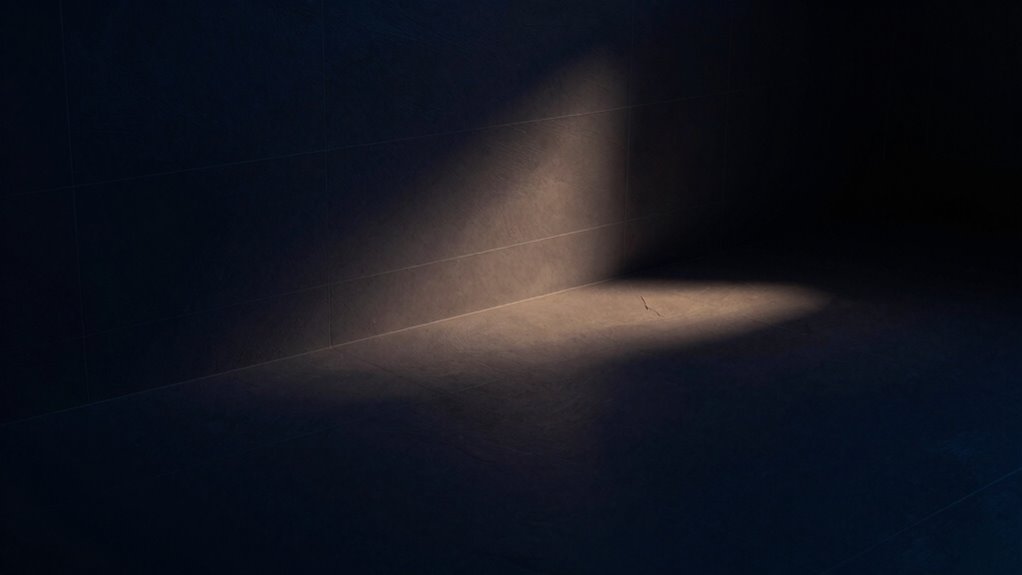
Choosing the right gear sets a solid foundation for an enhanced viewing experience. To minimize banding and improve your enjoyment, consider the following strategies:
- Calibrate your display: Adjust brightness, contrast, and color settings to reduce banding causes in dark scenes.
- Use high-quality content: Stream or play content with higher bit rates to prevent compression artifacts that contribute to banding.
- Adopt better viewing habits: Sit at an ideal distance from your screen and watch in a dimly lit room to enhance contrast.
- Ensure proper kitchen ventilation: Adequate airflow and proper ventilation can prevent dust and heat buildup in your equipment, which may indirectly affect display performance over time.
- Additionally, maintaining optimal HVAC performance can help regulate ambient temperature and humidity, preserving your electronic devices’ longevity and display quality. Proper air quality management supports stable environmental conditions that benefit both your equipment and viewing experience. For example, good air filtration can reduce dust particles that might settle on your devices and interfere with their function.
Frequently Asked Questions
What Is the Difference Between Banding and Posterization?
Banding and posterization are similar but distinct visual issues. Banding causes visible lines or stripes in gradients, often in dark scenes, due to limited color depth. In contrast, posterization effects make smooth shifts appear abrupt, leading to distinct color blocks. While both result from insufficient color information, banding focuses on those lines, while posterization emphasizes the overall loss of gradient smoothness. Both can impact your viewing experience in different ways.
Can Banding Occur in Bright Scenes as Well?
Yes, banding can occur in bright scenes too. While you may notice it more in dark areas due to contrast, banding visibility can happen in any part of an image where color gradients exist. In bright scenes, it often manifests as abrupt shifts in color or tone, especially in smooth surfaces or skies. You should pay attention to these details to fully appreciate the image quality, regardless of the lighting conditions.
Does Screen Resolution Affect Banding Visibility?
Yes, screen resolution does affect banding visibility. Higher pixel density improves display quality, which helps reduce banding by allowing smoother color shifts. Have you ever noticed how crisp images appear on a 4K screen compared to a lower resolution? The more pixels packed into a display, the finer the gradients can be, minimizing harsh lines. So, if you’re experiencing banding, upgrading your screen resolution might just be the solution you need.
Are Some Devices More Prone to Banding Than Others?
Yes, some devices are definitely more prone to banding than others. Display technology plays a key role; higher-quality screens often use advanced techniques to minimize this issue. Additionally, color depth matters—devices with lower color depth can struggle to show smooth gradients, leading to noticeable banding. If you want a better viewing experience, look for devices with higher color depth and superior display technology to reduce the chances of seeing banding in dark scenes.
How Does Compression Impact Banding in Video Files?
Compression notably impacts banding in video files. In fact, studies show that around 30% of viewers notice compression artifacts in low-bitrate videos. When you compress a video, it reduces data but can also strip away subtle color gradients, leading to noticeable banding, especially in dark scenes. Poor video quality can amplify these issues, making it essential to choose the right compression settings to maintain a smooth viewing experience without unwanted artifacts.
Conclusion
In the world of dark scenes, banding is like a cloud overshadowing a beautiful sunset. It disrupts your immersion, pulling you away from the story. By understanding its causes and equipping yourself with the right tools, you can clear those clouds and let the vibrant colors shine through. With each step you take to reduce banding, you’re not just enhancing your viewing experience; you’re letting the true artistry of film and gaming illuminate your world.
Columbus Day / Indigenous Peoples' Day Picks
long weekend sales
As an affiliate, we earn on qualifying purchases.