
To quickly boost your streaming reliability at home, start by evaluating your internet speed requirements based on your streaming habits. Optimize your router placement to avoid barriers and consider switching to wired connections for a more stable signal. Upgrade your equipment, like routers and streaming devices, for better performance. Finally, pause unnecessary background applications to free up bandwidth. With these steps, you can enjoy seamless streaming and discover even more effective solutions.

Get movie nights delivered free with Prime
- Fast, free delivery on millions of items
- Prime Video, Amazon Music and more included
- Member-only deals all year
Key Takeaways
- Assess your internet speed needs based on streaming habits, aiming for at least 5 Mbps per high-definition stream.
- Optimize your router placement by elevating it and minimizing barriers to enhance signal strength and coverage.
- Switch to wired connections using Ethernet cables for consistent performance and reduced buffering during streaming.
- Implement a mesh network to eliminate dead zones and improve Wi-Fi coverage throughout your home.
- Regularly update your network hardware and firmware to maintain security and ensure optimal streaming performance.
Understand Your Streaming Needs and Internet Speed Requirements
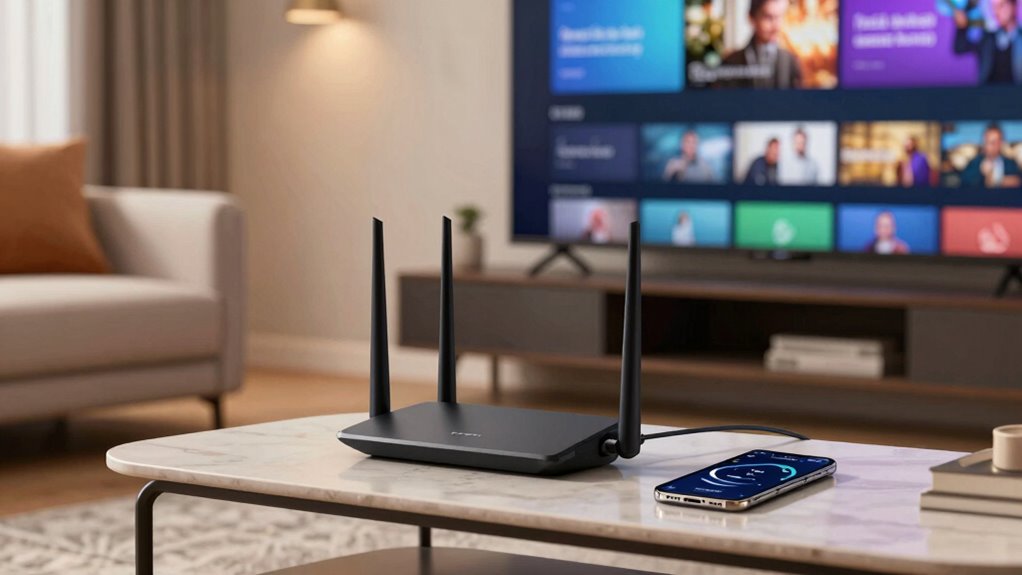
How well do you understand your streaming needs? To enjoy your favorite shows and movies without interruptions, it’s essential to assess your streaming preferences and bandwidth requirements. Think about what you watch most—do you prefer high-definition content, or is standard definition enough? High-definition streaming typically demands higher bandwidth, often around 5 Mbps per stream. If you have multiple devices streaming simultaneously, you’ll need even more speed. Knowing your household’s streaming habits helps you choose the right internet plan. Don’t forget about uploading speed too, especially if you’re gaming or video conferencing while streaming. By understanding your unique needs, you can optimize your internet experience and guarantee smooth streaming across all devices.
Optimize Router Placement for Better Signal Strength
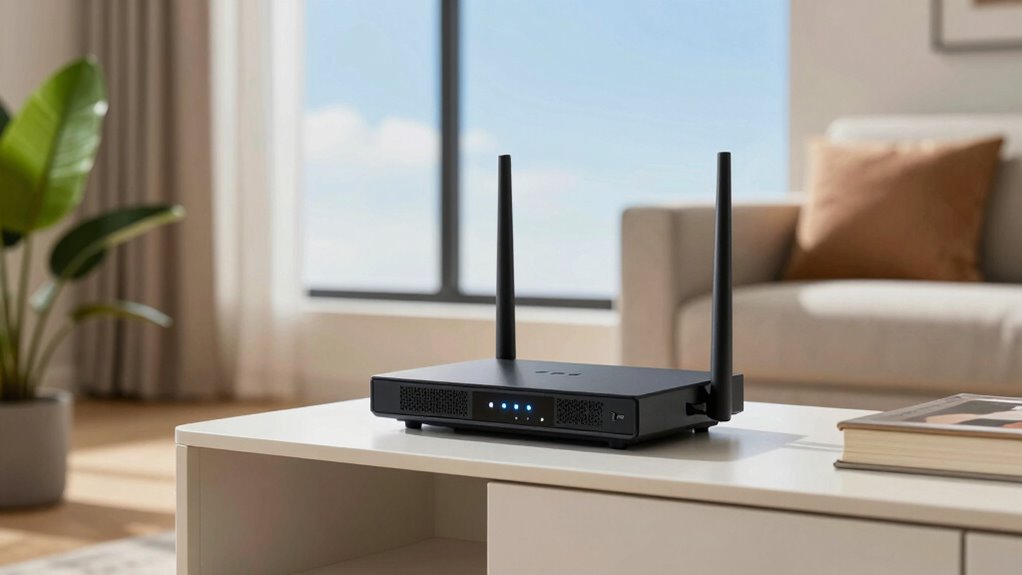
Where you place your router can greatly impact your streaming experience. To guarantee ideal signal strength, consider the height of your router and avoid signal barriers like walls or furniture. Elevating your router can enhance coverage, making it easier for your devices to connect without interruptions.
| Router Height | Signal Barriers | Streaming Quality |
|---|---|---|
| Low | Thick walls | Poor |
| Medium | Furniture obstruction | Fair |
| High | Minimal barriers | Good |
| Elevated | Open space | Excellent |
| Ceiling Mount | No barriers | Ideal |
Try adjusting the router’s position based on this table, and you’ll likely notice an improvement in your streaming reliability at home.
Switch to Wired Connections for Enhanced Stability
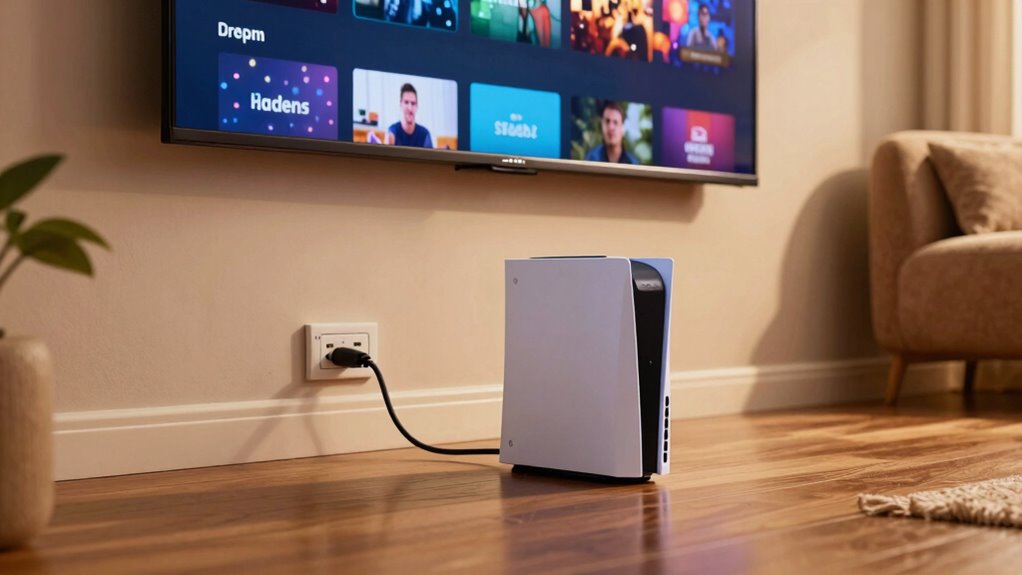
Switching to a wired connection can greatly enhance your streaming stability. When you use an Ethernet cable, you tap into the wired advantages that Wi-Fi simply can’t match. With a wired connection, you eliminate interference from other devices and obstacles, ensuring a consistent signal. This means fewer buffering issues and smoother playback for your favorite shows and movies. Plus, you’ll enjoy lower latency, which is essential for online gaming or live streaming events. By opting for a wired setup, you’re investing in connection stability that keeps you connected without the frustration of dropped signals. Smart Home Technology can also provide integrated solutions for seamless network management and improved reliability. Implementing network management devices can further optimize your home network performance. Ensuring proper smart thermostat setup and optimizing your network protocols can also contribute to better streaming performance. Additionally, understanding wireless standards can help you choose the best equipment for your needs. If you’re serious about improving your streaming experience, make the switch to a wired connection today. You won’t regret it!
Upgrade Your Gear for Better Streaming Quality
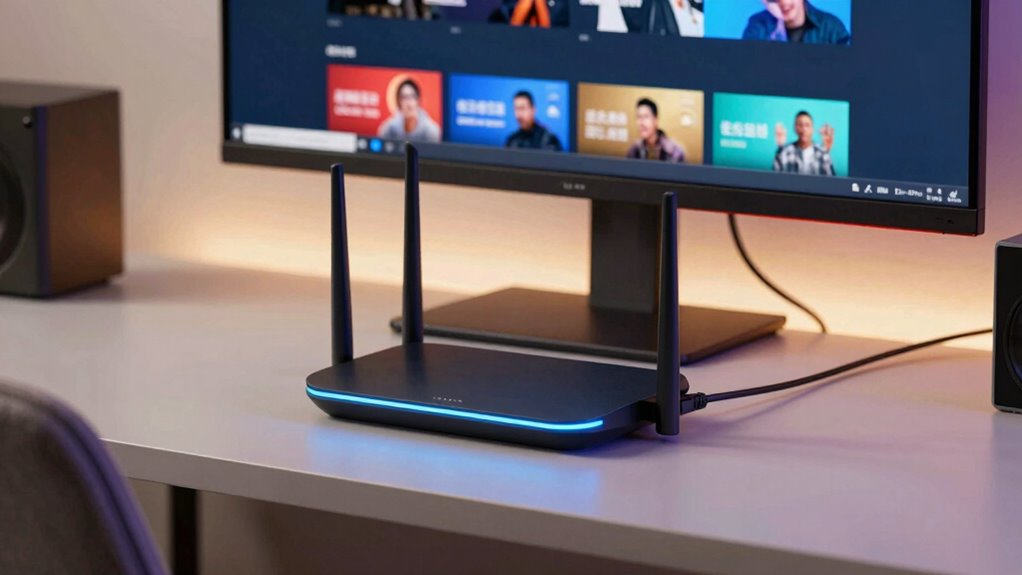
Upgrading your gear can make a significant difference in streaming quality. Consider investing in a high-speed router designed for streaming upgrades. These routers prioritize bandwidth for your devices, ensuring smoother playback and fewer interruptions. Make sure your devices are compatible with the latest standards, such as Wi-Fi 6, which enhances speed and connectivity. If you’re using an older streaming device, upgrading it can also improve your experience. Look for devices that support 4K streaming and have robust processing power. Additionally, don’t forget about cables; using high-quality HDMI cables can enhance picture and sound quality. Improving your projector technology can further elevate your viewing experience. Regularly updating your network hardware can prevent connectivity issues and optimize overall performance. Staying informed about latest streaming standards can help you make smarter upgrades and future-proof your setup. For optimal results, consider streaming device compatibility to ensure all components work seamlessly together. Being aware of home network setup can also help you identify potential bottlenecks and improve overall reliability. By focusing on gear compatibility and performance, you’ll create a more reliable and enjoyable streaming experience at home.
Pause Background Applications to Improve Streaming
Although you might not realize it, background applications can greatly drain your internet bandwidth, leading to buffering and low-quality streaming. These bandwidth hogs often run unnoticed, consuming valuable resources while you’re trying to enjoy your favorite shows. To enhance your streaming experience, pause or close any unnecessary background apps before you begin. Monitoring your network usage can help identify unexpected bandwidth drains from background processes. Check your device’s task manager to identify which applications are active and using up your bandwidth. Simple tasks like turning off cloud backups, disabling automatic updates, or closing streaming apps running in the background can make a difference. Being aware of background process management tools can further help you control bandwidth consumption. Understanding microplastics in dust and how they may affect indoor air quality can also help you create a cleaner environment that supports better overall device performance. Regularly reviewing your device performance settings can further prevent background processes from impacting your internet speed. Additionally, using network prioritization features can help allocate more bandwidth specifically for streaming. By minimizing these distractions, you’ll free up more bandwidth for your streaming, resulting in smoother playback and a better overall experience. Take control of your internet usage and enjoy uninterrupted streaming!
Improve Coverage With a Mesh Network in Larger Homes
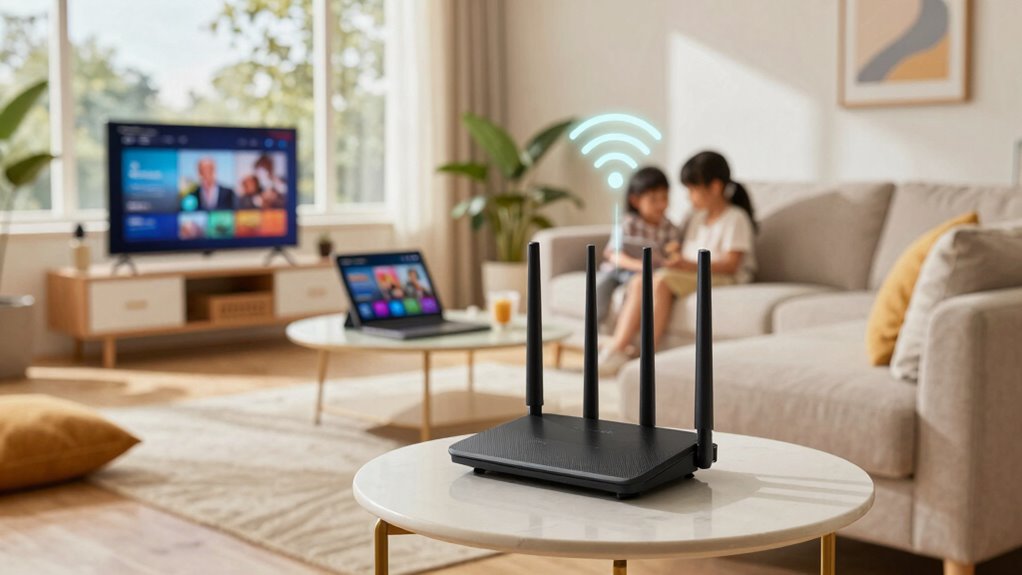
If you live in a larger home, a mesh network can greatly enhance your Wi-Fi coverage. It spreads the signal more evenly, ensuring that all your devices stay connected seamlessly. With this setup, you can enjoy uninterrupted streaming no matter where you are in your house. Additionally, integrating smart controls can optimize your network’s performance and energy efficiency, further improving your overall home connectivity. Modern mesh systems often come with easy setup features that make installation straightforward and hassle-free. Implementing privacy and security practices can also protect your network from vulnerabilities and unauthorized access. Choosing a system that offers expandability options ensures your network can adapt as your needs evolve. To maximize your network’s durability, selecting equipment with anti-fatigue mats can help prevent damage from physical wear and tear.
Enhanced Signal Distribution
To guarantee seamless streaming throughout your home, consider implementing a mesh network, especially in larger spaces where traditional routers struggle to maintain a strong signal. Mesh networks use multiple nodes to enhance signal distribution, ensuring every corner of your house receives reliable coverage. This setup can greatly reduce dead zones and buffering issues.
Additionally, you might want to explore signal boosters as part of your overall strategy. These devices can amplify your Wi-Fi signal, further improving distribution methods. By strategically placing both mesh nodes and signal boosters, you enhance your network’s performance, allowing you to enjoy uninterrupted streaming. Embracing these technologies can transform your home into a streaming haven, providing a superior experience for you and your family.
Seamless Device Connectivity
With a mesh network in place, seamless device connectivity becomes a reality, especially in larger homes where multiple devices vie for bandwidth. This setup enhances device compatibility, allowing various gadgets to connect without interruption. It utilizes advanced connection protocols to guarantee every corner of your home receives a strong signal. Additionally, implementing a robust home network setup can improve the overall reliability and performance of your internet connection. Incorporating smart home technology can further optimize your network for better device management and security. Regularly updating your firmware and software ensures your network remains secure and operates at peak efficiency. Ensuring your network is secure and reliable is essential for maintaining consistent streaming performance, especially when employing enterprise-grade backup solutions that protect your data during outages or disruptions.
Frequently Asked Questions
How Can I Test My Internet Speed Effectively?
To test your internet speed effectively, start by using a reliable speed testing website or app. This’ll give you a clear bandwidth measurement of your connection. Make sure to run the test when your network’s less congested—like when no one else is streaming or gaming. It’s also wise to test multiple times throughout the day to get an accurate average of your speed. This’ll help you understand your internet performance better.
What Are Common Streaming Issues and Their Solutions?
Did you know that nearly 80% of viewers experience buffering problems at some point? To tackle common streaming issues, check your internet speed and verify it meets the requirements for your content. If you’re facing connection drops, consider upgrading your router or repositioning it for better coverage. Additionally, close unnecessary applications on your device to free up bandwidth. These simple steps can enhance your streaming experience and make those frustrating interruptions a thing of the past.
Does Streaming Quality Depend on Device Type?
Yes, streaming quality does depend on device type. Different streaming devices have varying capabilities, impacting your experience. If you’re using an outdated device, you might face buffering or lower resolutions. Device compatibility also plays a role; some apps or services perform better on specific devices. By upgrading to a modern streaming device, you’ll likely notice improved quality, faster loading times, and seamless viewing, enhancing your overall streaming experience considerably.
Can Weather Affect My Home Internet Connection?
Absolutely, weather can wreak havoc on your home internet connection! Picture a lightning storm, sending your Wi-Fi signal into a tailspin, or heavy rain causing internet outages that feel like an eternity. Strong winds can lead to signal interference, making your streaming experience a nightmare. So, if you’re in a stormy area, hold on tight—your connection might just take a wild ride, leaving you buffering when you least expect it!
How Often Should I Restart My Router?
You should restart your router at least once a month for ideal timing. This simple router maintenance helps clear any temporary issues and can enhance your internet performance. If you notice slow speeds or connection drops, try restarting it more frequently, like every week. Regularly rebooting guarantees your router runs smoothly, keeping your streaming and browsing experiences enjoyable. So, don’t forget to give your router a little reset now and then!
Conclusion
By following these tips, you can transform your streaming experience from frustrating to flawless. Imagine settling in for your favorite show, only to find a pixelated mess instead of the crisp images you crave. Don’t let weak connections ruin your enjoyment. As you optimize your setup and gear, you’ll reveal a world of seamless entertainment. So, are you ready to take control of your streaming future and guarantee that every moment counts? The choice is yours.
Columbus Day / Indigenous Peoples' Day Picks
long weekend sales
As an affiliate, we earn on qualifying purchases.