
Cinema Mode on most TVs changes the picture and audio settings to create a more immersive viewing experience, similar to a movie theater. You’ll notice deeper blacks, richer colors, and enhanced contrast, while brightness usually decreases to set a cinematic ambiance. Audio settings also adjust to emphasize dialogue and surround sound. This mode elevates the movie-watching experience considerably. Want to know how it varies across brands or how to adjust it for better viewing?
Key Takeaways
- Cinema Mode adjusts picture settings for deeper blacks and richer colors, enhancing overall visual quality for a more immersive experience.
- Brightness typically decreases in Cinema Mode, creating a cinematic ambiance suitable for movie watching.
- Audio settings shift to emphasize dialogue clarity and surround sound effects, enhancing the auditory experience during films.
- Picture quality enhancements vary by brand, affecting color accuracy, contrast ratios, and overall viewing satisfaction in Cinema Mode.
- Common myths suggest Cinema Mode guarantees the best picture; however, it may not suit all viewing environments or content types.

Denon AVR-X1800H 7.2 Channel AV Stereo Receiver (80W x 7), WiFi, Bluetooth
- HIGH-PERFORMANCE AV RECEIVER - Enjoy 8K video & 3D audio with Denon AVR-X1800H AV Receiver for home theater audio. Fills small-medium rooms with sound using Dolby Atmos/DTS: X 7.2/5.2.2 setup & delivers...
- ADVANCED 8K HDMI VIDEO SECTION - With 3...
- MULTI-DIMENSIONAL AUDIO - In addition to Dolby Atmos, DTS: X, & DTS Virtual:X, this...
As an affiliate, we earn on qualifying purchases.
What Is Cinema Mode on Your TV?
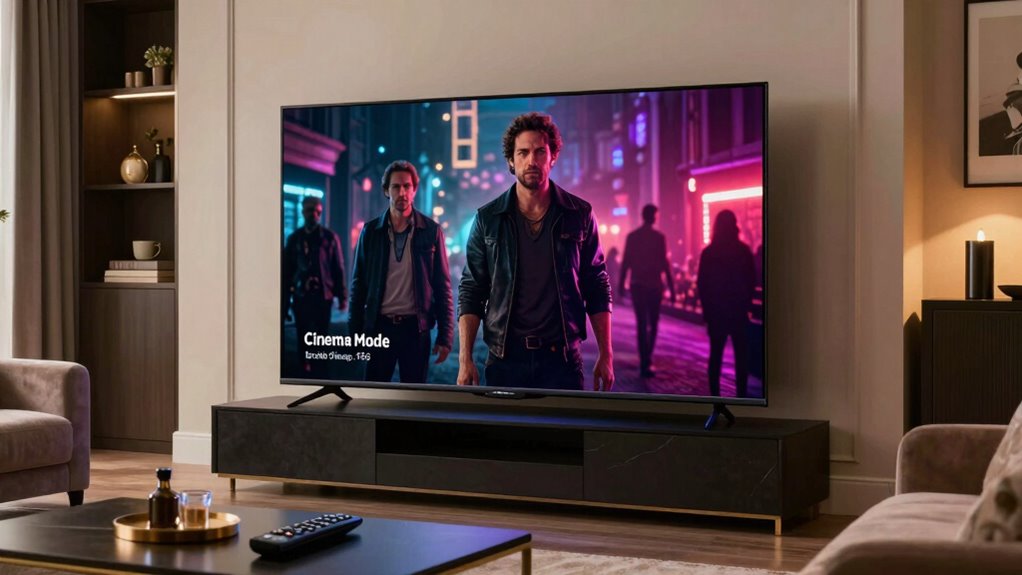
Cinema Mode on your TV is a special setting designed to enhance your viewing experience, making it feel like you’re in a movie theater. When you activate this mode, it typically adjusts the picture settings to deliver deeper blacks, richer colors, and improved contrast. You’ll notice that the brightness may decrease, creating a more cinematic atmosphere, which is perfect for watching films. The audio settings often shift too, emphasizing dialogue or adding surround sound effects to pull you into the action. By optimizing these elements, cinema mode transforms your regular TV setup into a more immersive experience. So, next time you settle in for a movie night, don’t forget to switch on cinema mode for that theatrical feel.

Marantz Cinema 70s Slimline 7.2 Channel AV Receiver Powered by HEOS™ with Dolby Atmos, 50 W, 8K, and 6 HDMI Inputs
- Sound Master tuned: Hand-tuned in Shirakawa, Japan by...
- Slimline design, timeless style: At just over four inches...
- Immersive audio: Dolby Atmos and DTS:X place...
As an affiliate, we earn on qualifying purchases.
Differences in Cinema Mode Across TV Brands
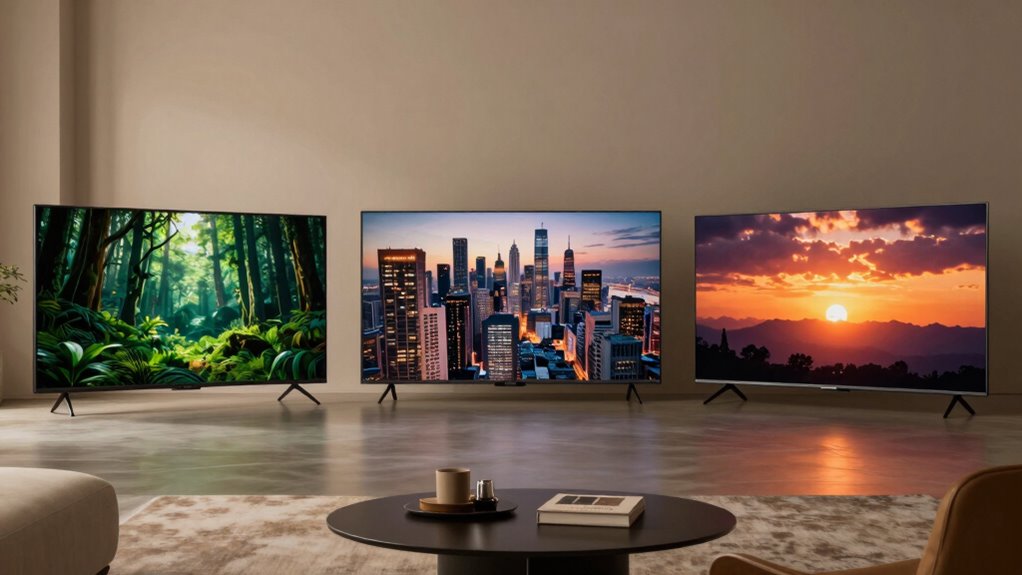
When you switch to cinema mode, you might notice that picture quality enhancements vary considerably between brands. Color calibration differences can also impact how vibrant your favorite films look on screen. Plus, audio settings can change the overall experience, making it essential to explore how each TV brand approaches these features.
Picture Quality Enhancements
While you might expect all TVs to deliver the same picture quality in Cinema Mode, differences across brands can considerably impact your viewing experience. Some manufacturers prioritize contrast and brightness, resulting in deeper blacks and vivid highlights, while others might focus on softer tones and less saturation. This means that when you switch to Cinema Mode, one TV could enhance shadow detail better than another. Additionally, some brands apply advanced picture processing techniques, reducing noise and improving clarity, while others may not. These variations can lead to distinct experiences, making it essential to understand how each brand approaches Cinema Mode. For example, picture processing techniques can significantly influence the overall image quality. Ultimately, the right choice can elevate your movie nights, providing a richer and more immersive viewing experience.
Color Calibration Differences
Although you might think all TVs would offer similar color calibration in Cinema Mode, the reality is quite different across brands. Each manufacturer uses unique calibration tools, leading to variations in how the color spectrum is represented. This can affect your viewing experience considerably.
Here are key differences you might notice:
- Color Accuracy: Some brands excel in realistic skin tones.
- Brightness Levels: Variations can impact how vibrant colors appear.
- Contrast Ratios: Different settings can affect the depth of blacks and whites.
- Color Gamut: Some TVs cover a wider color spectrum than others.
- User Controls: The flexibility of calibration options varies greatly.
Understanding these differences can help you choose the best TV for your cinematic needs.
Audio Settings Variations
Color calibration is just one aspect of the viewing experience; audio settings in Cinema Mode also vary considerably across TV brands. Each brand offers unique sound customization options that can enhance your movie-watching experience. For example, some brands prioritize dialogue clarity, while others may focus on immersive surround sound.
| Brand | Audio Settings |
|---|---|
| Samsung | Adaptive Sound, Bass Boost |
| LG | AI Sound Pro, Dolby Atmos |
| Sony | ClearAudio+, Surround Mode |
Understanding these differences can help you choose the best settings for your preferences. It’s worth exploring the audio settings in Cinema Mode to maximize your enjoyment and create a cinematic atmosphere right in your living room.

YAMAHA RX-V6A 7.2-Channel AV Receiver with MusicCast
- HDMI with HDCP 2.3 and eARC (7 in...
- 4K60, 4K120AB and 8K60B HDMI 2.1 with HDCP...
- Wi-Fi, Bluetooth, AirPlay 2, Spotify Connect, Voice Control...
As an affiliate, we earn on qualifying purchases.
How Does Cinema Mode Affect Color Accuracy?
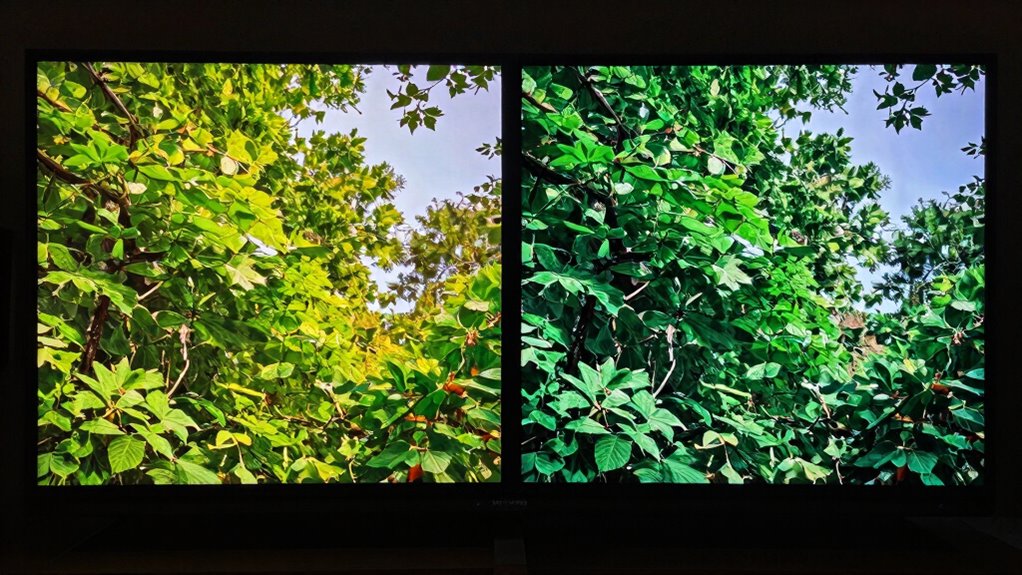
Cinema mode on TVs greatly impacts color accuracy, enhancing your viewing experience by delivering more lifelike and vivid images. When you switch to this mode, you’ll notice adjustments in several important settings:
- Color temperature shifts towards warmer tones, making skin tones look more natural.
- Gamma settings are optimized for deeper blacks and brighter highlights, improving contrast.
- Saturation levels are fine-tuned, ensuring colors pop without looking oversaturated.
- The overall balance of colors is improved, providing a more authentic representation of the content.
- It minimizes artificial enhancements, preserving the director’s intended visual style.

YAMAHA RX-V385 5.1-Channel 4K Ultra HD AV Receiver with Bluetooth
- 5.1-Channel powerful surround sound.Audio Delay: Yes (0-500 ms). Extensive Connection...
- Bluetooth for wireless connectivity
- HDMI 2.1 with HDCP 2.2 (4-in/1-out)
As an affiliate, we earn on qualifying purchases.
How Brightness and Contrast Enhance Viewing
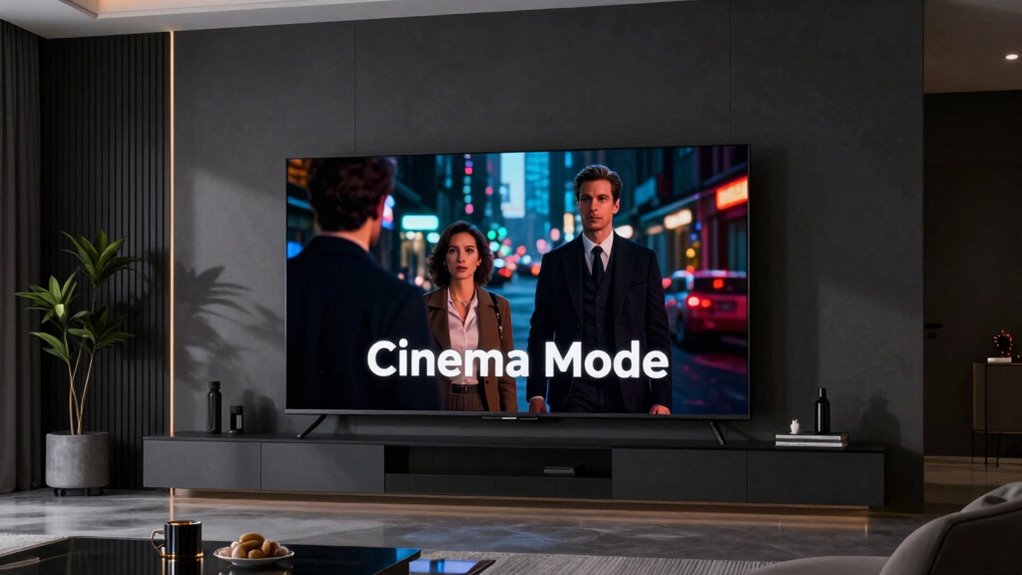
Brightness and contrast play an essential role in how you experience movies and shows on your TV. By adjusting brightness levels, you can guarantee that dark scenes reveal fine details without losing depth. High contrast ratios enhance the differences between light and dark, making colors pop and enriching the overall image quality.
| Aspect | Effect |
|---|---|
| Brightness Levels | Bright scenes become vivid, enhancing clarity. |
| Contrast Ratios | Better differentiation between shades improves visual impact. |
| Overall Viewing Experience | A well-calibrated balance elevates immersion and enjoyment. |
Optimizing these settings can transform your viewing experience, making each scene more engaging and lifelike. So, don’t underestimate the power of brightness and contrast on your TV!
What’s up With Motion Smoothing in Cinema Mode?
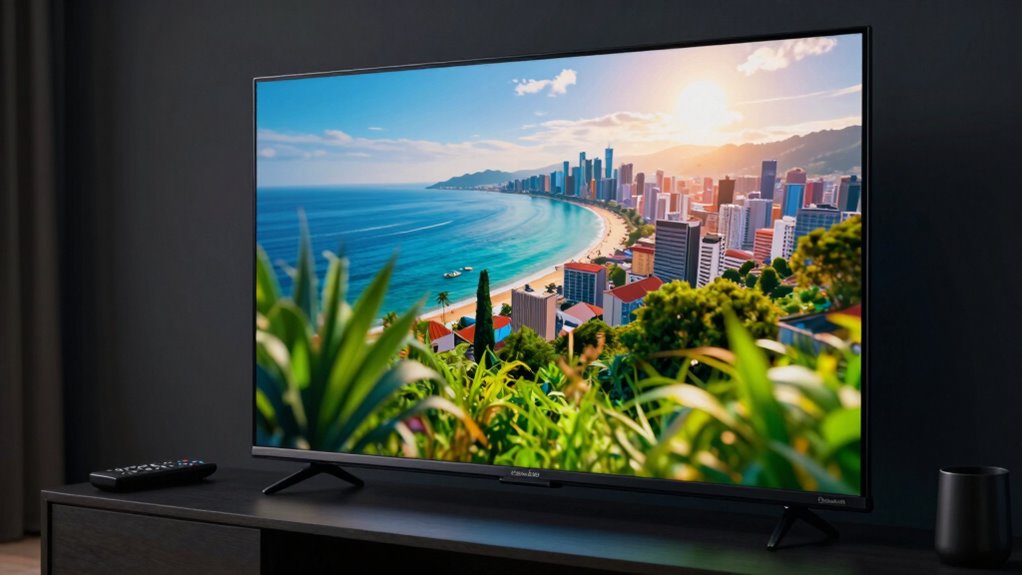
While watching your favorite films, you might notice a feature called motion smoothing, which can greatly impact how you perceive fast-moving scenes. This technique uses frame interpolation to create smoother motion by generating additional frames. However, it can introduce motion artifacts that detract from the cinematic experience.
Consider these points about motion smoothing in Cinema Mode:
- It can make action scenes appear overly smooth.
- Some viewers prefer the traditional film look without enhancement.
- It may cause the “soap opera effect,” which can be distracting.
- Certain films are better suited for motion smoothing than others.
- You might need to adjust settings based on the content.
Ultimately, it’s about finding the right balance for your viewing preferences.
Adjusting Cinema Mode for Better Viewing Experience
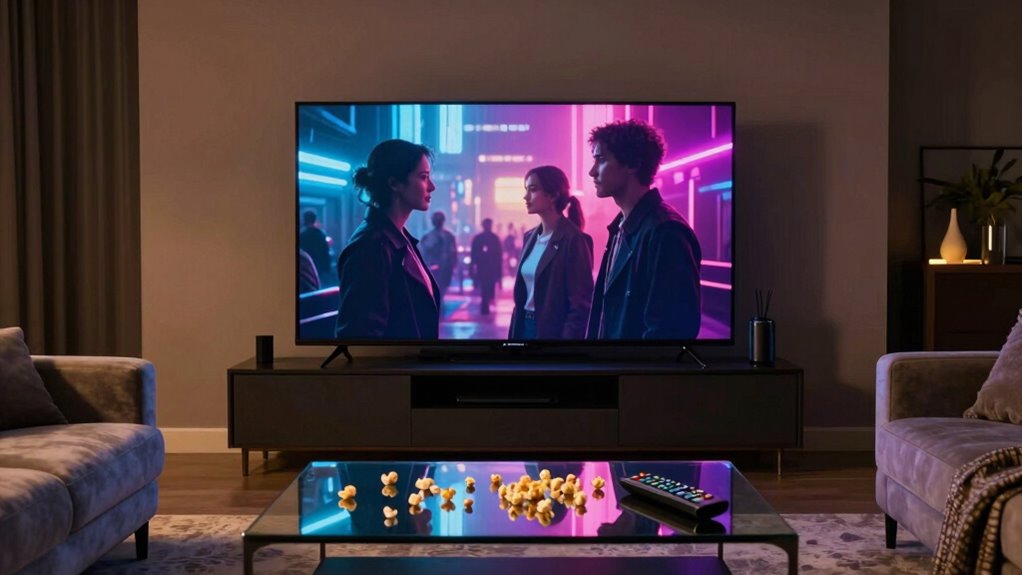
To enhance your viewing experience in Cinema Mode, you’ll want to adjust the brightness and color settings on your TV. Fine-tuning these elements can make a significant difference in how movies look and feel. Let’s explore some effective techniques for brightness adjustment and color calibration.
Brightness Adjustment Techniques
Adjusting the brightness in Cinema Mode can greatly enhance your viewing experience, especially in dim environments. To optimize brightness levels and improve contrast ratios, consider these techniques:
- Start with the default settings and make incremental adjustments.
- Test various scenes to find the right brightness for different content types.
- Use a calibration disc to guarantee accurate settings.
- Avoid excessive brightness, as it can wash out colors and reduce contrast.
- Regularly re-evaluate your settings, especially as lighting conditions in your room change.
Color Calibration Settings
After fine-tuning brightness levels, it’s time to turn your attention to color calibration settings in Cinema Mode. This step is essential to guarantee a truly immersive viewing experience. You’ll want to explore the various color profiles your TV offers, as these can dramatically impact how you perceive colors. Using calibration tools, like a colorimeter or built-in software, will help you adjust settings more accurately. Look for options to tweak hue, saturation, and gamma levels. Don’t hesitate to experiment; even slight adjustments can enhance detail and realism. Remember, the goal is to achieve a balanced picture that closely resembles how filmmakers intended their visuals to be seen. Enjoy your perfectly calibrated cinematic experience!
Debunking Common Myths About Cinema Mode
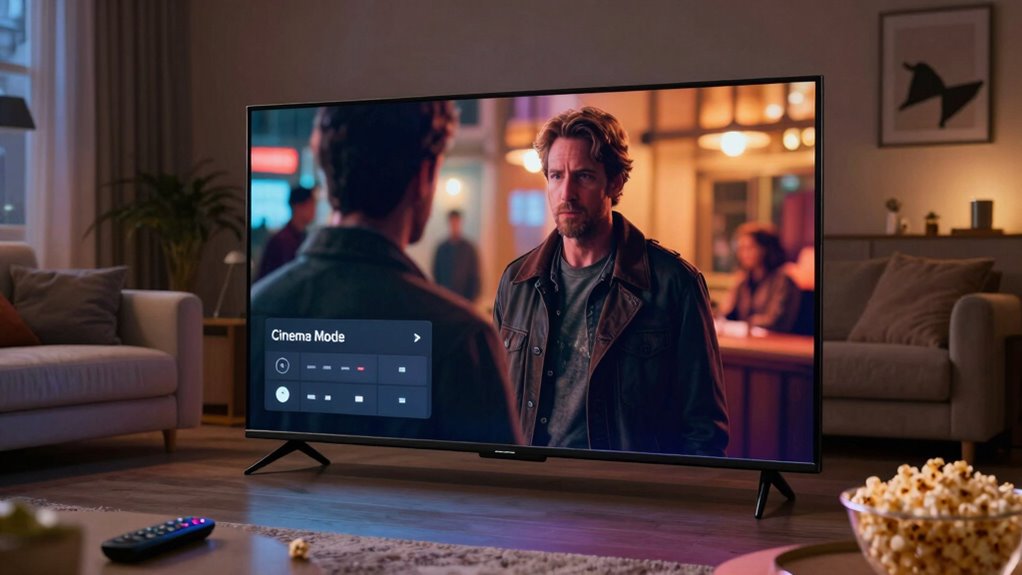
Why do so many people believe the myths surrounding Cinema Mode on TVs? It’s time for some myth busting! Many think Cinema Mode automatically enhances picture quality, but it often just adjusts settings to suit certain viewing preferences. Here are some common misconceptions:
- Cinema Mode always provides the best picture quality.
- It’s only for watching movies, not TV shows.
- It makes colors appear oversaturated or unrealistic.
- You should always use it in a dark room.
- Switching modes is complicated and unnecessary.
Understanding these myths can help you choose the right settings for your viewing experience. Remember, what works best depends on your personal taste, so don’t hesitate to experiment with different modes to find what you enjoy most!
When to Use Cinema Mode vs. Other Picture Settings?
Understanding the myths surrounding Cinema Mode helps you make informed decisions about your viewing experience. While Cinema Mode benefits include enhanced color accuracy and reduced brightness for a cinematic feel, it’s best suited for dark environments. For brighter rooms, consider settings like Standard or Vivid, which can provide a more vibrant picture.
| Setting | Best Use Case |
|---|---|
| Cinema Mode | Dark, movie-watching rooms |
| Standard Mode | General TV viewing |
| Vivid Mode | Bright rooms and sports |
When selecting picture settings, think about your viewing environment and content type. Choose Cinema Mode for movies, but switch to Standard or Vivid for daytime shows or sports to optimize your experience.
Frequently Asked Questions
Can Cinema Mode Reduce Eye Strain During Long Viewing Sessions?
Yes, cinema mode can reduce eye strain during long viewing sessions. It typically adjusts brightness, color temperature, and contrast to enhance eye comfort, making your viewing experience more pleasant. By optimizing these settings, you can enjoy your favorite movies without discomfort. Just remember to maintain an appropriate viewing distance; sitting too close can still cause strain, regardless of your TV’s settings. So, kick back, relax, and enjoy your cinematic experience!
Is Cinema Mode Suitable for Gaming or Sports Content?
Cinema mode isn’t ideal for gaming or sports viewing. While it enhances the cinematic experience, it often reduces brightness and increases input lag, which can hurt your gaming performance. Fast-paced sports might look less vibrant and responsive, making it tougher to keep up with the action. For those activities, you’re better off using modes designed for motion clarity and brightness, ensuring you get the most engaging experience possible.
Does Cinema Mode Impact Audio Settings on the TV?
Yes, cinema mode can impact audio settings on your TV. When you activate it, you may notice changes in audio enhancements that tailor the sound for a more immersive experience. These adjustments often include sound calibration that optimizes dialogue clarity and overall sound quality. If you’re watching movies, this mode can greatly enhance your auditory experience, making you feel like you’re in a theater. Just remember, it might not be the best for gaming or sports.
Can I Customize Cinema Mode Settings on My TV?
Yes, you can customize cinema mode settings on your TV to match your user preferences. Most modern TVs offer various customization options that let you adjust aspects like brightness, contrast, and color saturation. Immerse yourself in the settings menu and explore these features to enhance your viewing experience. By tailoring the cinema mode, you’ll create a home theater feel that suits your taste, making movie nights even more enjoyable.
How Does Ambient Lighting Affect Cinema Mode Effectiveness?
They say, “The early bird catches the worm,” and in this case, effective cinema mode depends on ambient brightness. If you’re watching in a brightly lit room, the colors and contrast may wash out, making the cinematic experience less immersive. Conversely, in darker lighting conditions, cinema mode shines, enhancing depth and detail. Adjusting your environment can greatly improve your viewing experience, so consider your room’s lighting before diving into your favorite film.
Conclusion
In summary, Cinema Mode can transform your TV viewing experience from ordinary to extraordinary. By fine-tuning color accuracy, brightness, and contrast, it brings movies to life like never before. Don’t fall for common myths; knowing when to use this setting can make all the difference. So, when you’re ready to kick back and enjoy a film, remember that with Cinema Mode, you’re really seeing the whole picture.