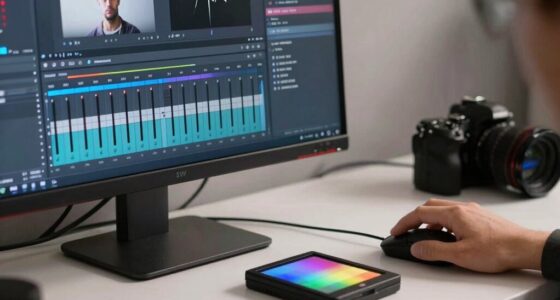

To guarantee comfortable viewing, position your screen about 20 to 28 inches away, roughly 1.5 to 2.5 times your screen’s diagonal size, depending on your comfort. Keep it slightly below eye level and adjust brightness to match ambient light. Using ergonomic furniture and taking regular breaks helps prevent strain. If you want practical tips and ways to optimize your setup, keep exploring for more helpful advice.
Key Takeaways
- Maintain a distance of 1.5 to 2.5 times your screen’s diagonal size for optimal comfort.
- Position the screen at arm’s length (20-28 inches) to reduce eye strain and support healthy viewing habits.
- Keep the monitor slightly below eye level to minimize glare and neck discomfort during extended use.
- Adjust brightness and ambient lighting to match your environment, decreasing glare and visual fatigue.
- Take regular breaks using the 20-20-20 rule to prevent eye fatigue and promote long-term eye health.
What’s the Best Viewing Distance for Comfortable Screen Time?
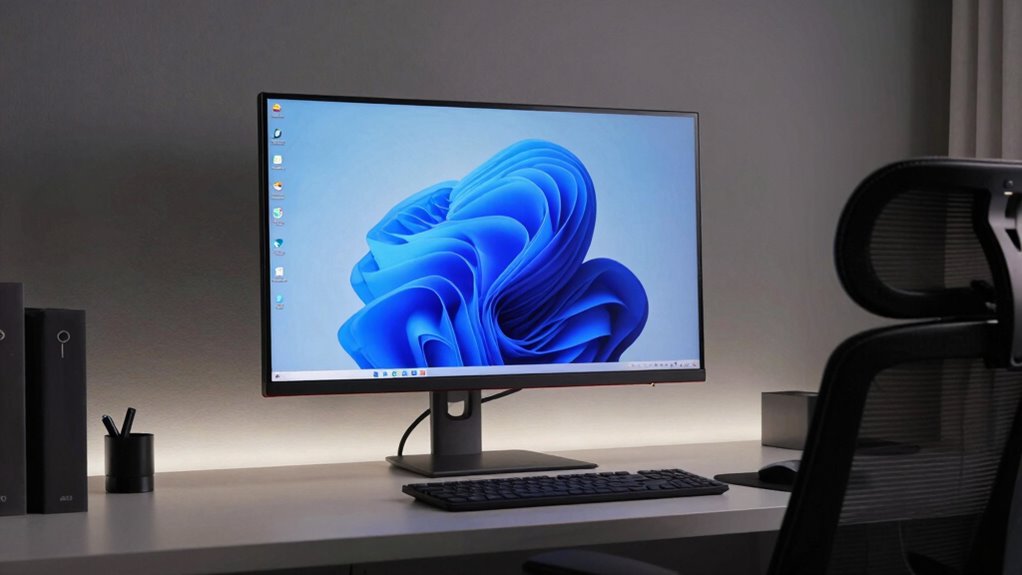
Finding the right viewing distance is essential for comfortable screen time, as sitting too close can cause eye strain and fatigue. To achieve this, verify your screen is positioned at an appropriate distance, typically about arm’s length away. Using ergonomic furniture helps maintain proper posture, reducing neck and eye discomfort. Adjust your screen brightness so it matches the ambient lighting; a screen too bright or too dim can strain your eyes regardless of distance. Keep the screen slightly below eye level to minimize glare and prevent neck strain. Proper setup encourages healthier viewing habits and minimizes visual discomfort. Remember, the goal is to find a comfortable, natural distance that reduces eye effort, supporting longer, strain-free screen sessions. Incorporating home soundproofing techniques can also create a quieter environment, reducing distractions and helping you focus better during screen time. Additionally, paying attention to visual ergonomics can further enhance your viewing comfort over extended periods. Ensuring your workspace is adjustable and well-organized can help maintain consistent proper posture and prevent discomfort during long sessions. Incorporating ergonomic accessories, such as adjustable monitor stands or supportive chairs, can further optimize your setup for prolonged comfort.
How Does Viewing Distance Affect Eye Comfort and Health?
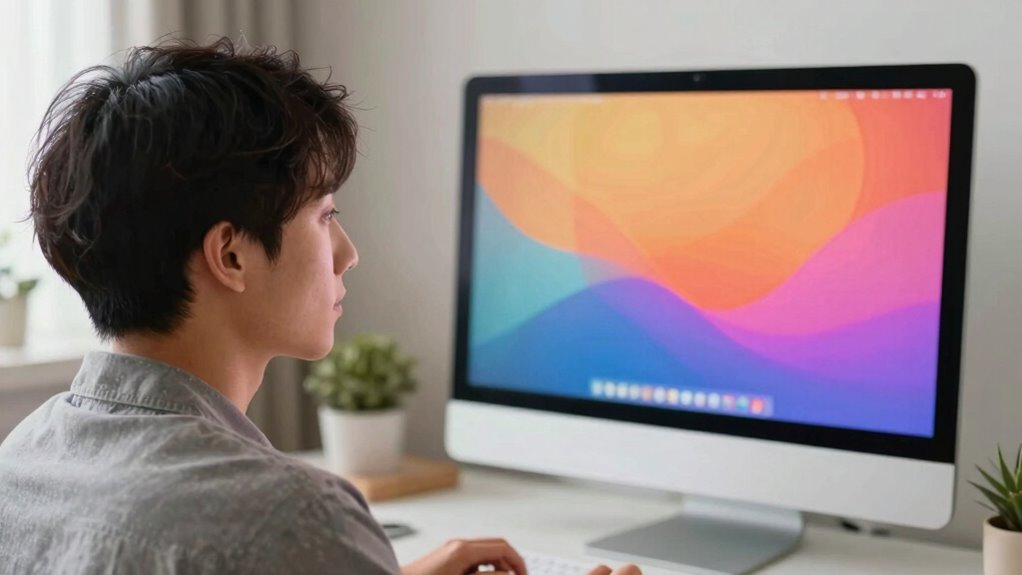
Your viewing distance directly impacts how much your eyes strain during screen time. Staying within an ideal focus range helps prevent discomfort and supports long-term eye health. Maintaining the right distance is key to keeping your eyes comfortable and healthy over time. Proper lighting and screen settings also contribute to reducing eye strain, especially when combined with appropriate viewing distances to optimize visual comfort. Additionally, understanding ergonomic practices can further enhance your overall comfort during extended screen use. For example, adjusting your monitor to match recommended screen height and angle can significantly improve your viewing experience. Being mindful of appropriate distance can help you develop healthier habits and reduce fatigue during prolonged use. Recognizing the importance of consistent viewing habits can also prevent unnecessary eye strain and promote better visual health.
Eye Strain Prevention
Maintaining the right viewing distance is essential for preventing eye strain, especially during prolonged screen time. It helps minimize discomfort caused by excessive blue light exposure and screen glare. To protect your eyes, consider these tips:
- Keep your screen at least arm’s length away to reduce blue light intensity and eye fatigue.
- Adjust your screen brightness to match ambient lighting, decreasing glare.
- Use anti-glare screens or filters to diminish reflections that strain your eyes.
- Take regular breaks following the 20-20-20 rule: every 20 minutes, look at something 20 feet away for 20 seconds.
- Being aware of natural lighting conditions in your environment can further reduce eye strain and improve overall viewing comfort.
- Proper screen positioning also plays a vital role in maintaining eye health by preventing awkward postures that can lead to discomfort.
Optimal Focus Distance
Proper focus distance directly influences how comfortable your eyes feel during extended screen use. According to ergonomics research, maintaining an ideal focus distance helps reduce eye strain and preserves visual acuity. When your screen is too close or too far, your eyes work harder to focus, which can lead to discomfort over time. To find the best distance, consider your screen size and resolution, and aim for a position where text and images are clear without effort. Supporting caregivers’ emotional well-being can also include ensuring their visual comfort when working with screens. Use the table below as a quick reference:
| Screen Size | Recommended Distance | Impact on Comfort |
|---|---|---|
| 24 inches | 20–24 inches | Balanced focus, less strain |
| 27 inches | 24–28 inches | Optimal for clarity |
| 32 inches | 28–34 inches | Reduces eye fatigue |
| 40 inches | 34–40 inches | Maintains visual acuity |
| 55 inches | 40–55 inches | Comfortable viewing |
Adjust your setup to match these guidelines for better eye comfort.
Long-Term Eye Health
Since viewing distance directly influences how your eyes adapt over time, choosing the right distance is essential for long-term eye health. Sitting too close can increase exposure to blue light, which may cause eye strain or disrupt sleep patterns. To protect your eyes, consider these points:
- Maintain a comfortable distance that minimizes glare and reduces blue light exposure.
- Higher screen resolution helps your eyes focus more easily, lowering fatigue.
- Keep the screen at eye level to prevent unnecessary strain on your eye muscles.
- Take regular breaks to reduce the risk of digital eye strain and preserve your vision over years.
- Being mindful of visual ergonomics and support vs. boundaries in your viewing habits can help promote healthier eye behaviors and prevent long-term damage. Adjusting your viewing distance based on your specific needs can further support healthier eyes and prevent long-term damage. Additionally, adopting proper lighting conditions can significantly reduce eye strain and improve overall comfort during extended screen use, especially when considering the importance of body posture in maintaining eye health.
How to Find Your Ideal Screen Distance by Size?
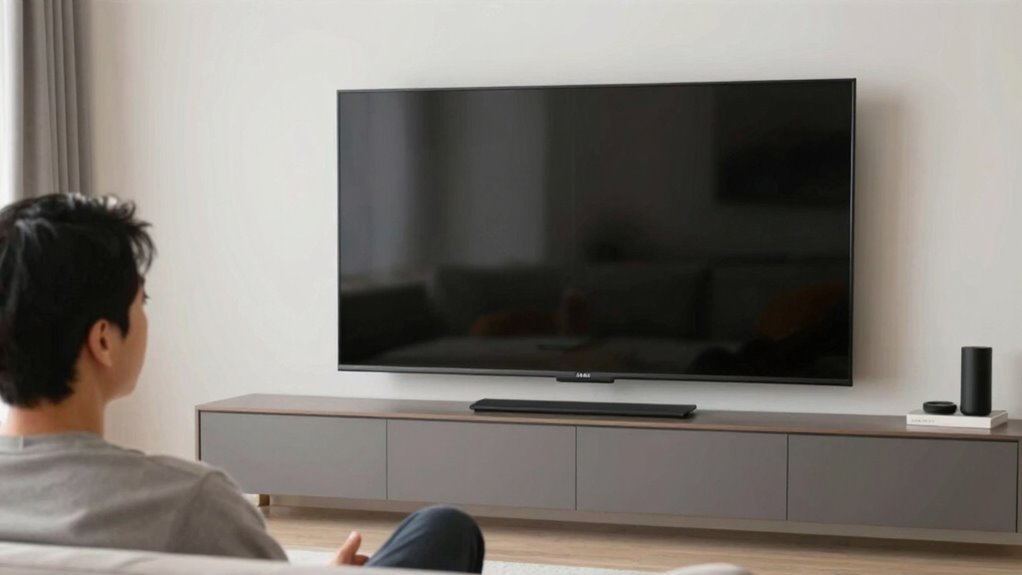
Finding the right screen distance starts with understanding the size of your display. Larger screens typically require a greater distance to maintain ergonomic principles, reducing eye strain and neck discomfort. To find this sweet spot, calibrate your display for ideal clarity, ensuring brightness and contrast are comfortable. Measure your screen diagonally, then follow general guidelines: sit at a distance roughly 1.5 to 2.5 times the screen’s diagonal size. For example, a 24-inch monitor should be about 3 to 5 feet away. Adjust gradually, paying attention to your comfort and visual clarity. Proper calibration helps your eyes focus comfortably, avoiding unnecessary strain. Additionally, considering ergonomic viewing distances can further optimize your setup for long-term comfort. Implementing these guidelines can help prevent digital eye strain and promote healthier viewing habits. Remember, the goal isn’t just immersion but maintaining a healthy, ergonomic viewing setup tailored to your display size. Considering regional flavors and display settings can also enhance your overall viewing experience. Being mindful of visual ergonomics can lead to even better comfort and reduce potential strain during extended viewing sessions.
Signs You’re Sitting Too Close or Too Far From Your Screen?
If you notice eye strain, headaches, or blurred vision, you might be sitting too close or too far from your screen. A mismatch between your screen size and your distance can also cause discomfort or poor posture. Paying attention to these signs helps you adjust your setup for better comfort and health. Additionally, maintaining proper indoor air quality can reduce eye irritation and improve overall focus during screen time.
Eye Strain Symptoms
Feeling persistent eye discomfort after long screen time often signals that you’re sitting too close or too far away. Common symptoms include:
- Eye fatigue or dryness, often worsened by exposure to blue light from screens.
- Blurred vision, making it hard to focus on objects at different distances.
- Headaches, especially after extended use.
- Sensitivity to bright lights or glare, causing discomfort.
If you notice these signs, consider adjusting your distance and taking regular breaks. Eye exercises can help reduce strain and improve focus. Reducing blue light exposure with screen filters or glasses can also ease symptoms. Remember, maintaining proper viewing distance supports eye health and minimizes discomfort during long screen sessions.
Screen Size Mismatch
Your screen size plays a significant role in how near or distant you should sit to guarantee comfortable viewing. If your screen is too large for your space, you might find yourself sitting too far back, which can diminish image detail, especially if the screen resolution isn’t high enough. Conversely, a small screen placed too close can cause eye strain and make it hard to take in the full picture. Pay attention to ambient lighting; glare or reflections can compound these issues, prompting you to adjust your distance unnecessarily. If you notice text or images are blurry or you’re squinting, it’s a sign of a screen size mismatch. Ensuring the size aligns with your viewing distance and environment promotes comfort and better visual clarity.
Posture and Comfort
Sitting too close or too far from your screen can quickly lead to discomfort and eye strain. To maintain ergonomic posture and comfort, watch for these signs:
- Your eyes feel tired or dry after short periods.
- You frequently lean forward or backward to see better.
- Your neck or shoulders ache from poor alignment.
- You find yourself adjusting your position constantly.
If any of these happen, consider ergonomic accessories like adjustable monitor stands or ergonomic chairs to improve your posture. Confirm your screen is at eye level and about an arm’s length away. Proper distance and ergonomic setup reduce strain and help you sit comfortably for longer periods. Staying aware of these signs can prevent discomfort and support better ergonomic habits.
Practical Tips to Adjust Your Monitor, Seating, and Lighting?
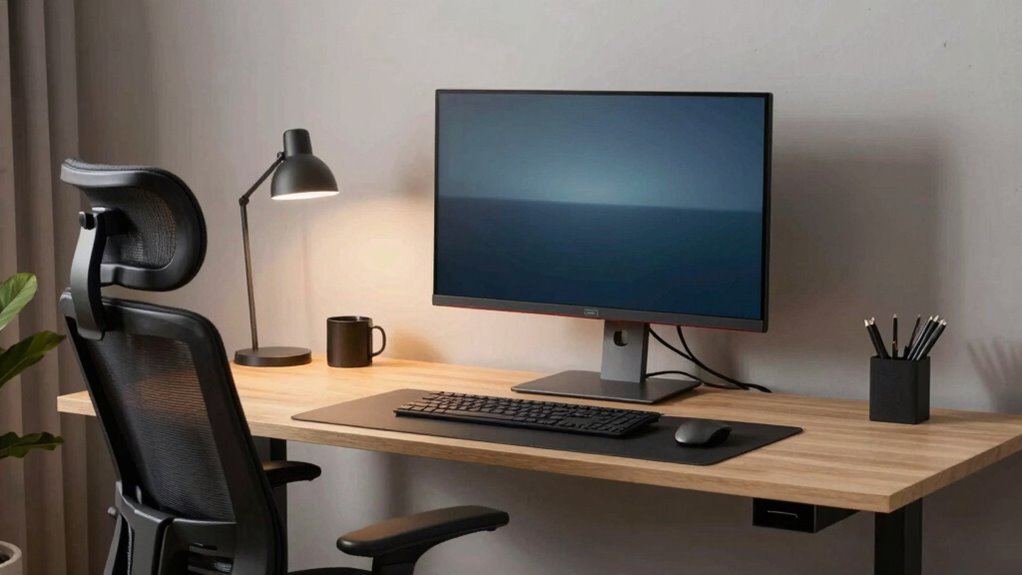
Adjusting your monitor, seating, and lighting is essential for maintaining comfort and preventing strain during extended screen time. Start with monitor placement by ensuring the top of your screen is at eye level and about an arm’s length away, reducing neck and eye strain. Make lighting adjustments to minimize glare and reflections—use curtains, blinds, or reposition your monitor to avoid direct light. Adjust the brightness and contrast settings on your screen to match your environment, preventing eye fatigue. Guarantee your seating supports good posture, with your feet flat on the floor and your back well-supported. Proper lighting reduces eye strain, while correct monitor placement encourages natural posture. These simple adjustments can notably boost your comfort during long sessions.
How to Use Apps and Settings to Maintain the Right Viewing Distance?
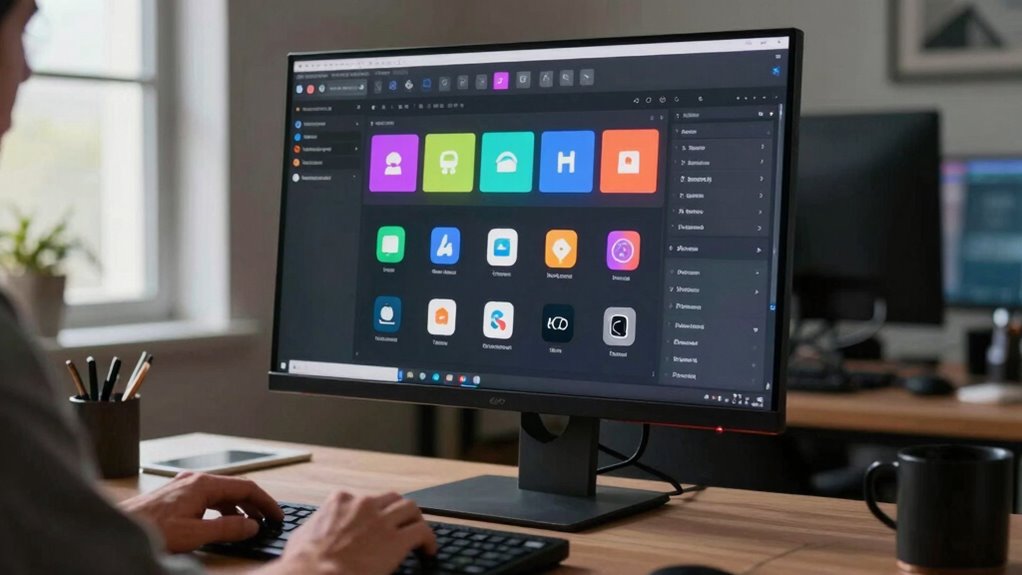
Using apps and device settings can help you maintain the ideal viewing distance without constantly monitoring your position. Start by exploring calibration tools that measure your distance from the screen and suggest adjustments. Next, enable app reminders to alert you when you’re too close or too far. Then, set regular notifications to check your posture and distance, ensuring consistency. Finally, customize your device’s display settings to include visual cues or prompts that remind you to adjust your position. These tools work together to keep your viewing distance optimal for comfort and eye health. By automating reminders and calibrations, you reduce strain and maintain good habits effortlessly. Incorporate these features into your routine for a healthier, more comfortable viewing experience.
Frequently Asked Questions
How Does Screen Resolution Influence Optimal Viewing Distance?
Screen resolution directly impacts your ideal viewing distance by affecting pixel density, especially on larger screens. When resolution is high, you can sit closer without noticing pixel gaps, enhancing clarity. Conversely, lower resolution requires you to sit farther away to avoid pixelation. Your screen size also matters; larger screens with high resolution allow for closer viewing, while smaller screens might need you to sit farther back to maintain a comfortable and clear image.
Can Adjustable Monitor Stands Improve Viewing Comfort?
Adjustable monitor stands definitely improve your viewing comfort by allowing you to set the monitor at the perfect height and angle. When you customize the monitor positioning, it promotes an ergonomic posture, reducing strain on your neck and eyes. This flexibility helps you maintain proper alignment throughout your work or leisure time, making long sessions more comfortable and less tiring. So, investing in an adjustable stand is a smart move for better ergonomic health.
What Role Does Ambient Lighting Play in Choosing Viewing Distance?
Ambient lighting substantially impacts your viewing distance by affecting ambient glare and room brightness. If your room is brightly lit, you might need to sit slightly farther from the screen to reduce glare and eye strain. Conversely, in dimmer environments, sitting closer can improve clarity without causing discomfort. Adjusting your room’s brightness to match your monitor helps you find the ideal distance for comfort and reduces eye fatigue.
Does Eye Prescription Affect Ideal Screen Placement?
Your eye prescription definitely influences your ideal screen placement, so don’t overlook it—otherwise, you risk eye strain worse than a hundred suns. If you have glasses or contact lenses, make sure your prescription is up to date and adjusted for screen use. Proper placement helps reduce eye fatigue and ensures clear focus. Adjust your distance accordingly, and consider special lenses if needed, to keep your vision comfortable during long viewing sessions.
How Often Should I Re-Evaluate My Viewing Distance?
You should re-evaluate your viewing distance every six months or if you notice discomfort, eye strain, or changes in your vision. Regularly evaluating ergonomics considerations helps prevent strain, while considering aesthetic preferences ensures your setup remains pleasing. Adjust your monitor’s position to maintain ideal comfort, especially if your routine or workspace changes. Staying attentive to these factors keeps your viewing experience comfortable and tailored to your needs.
Conclusion
Finding your ideal viewing distance isn’t just about immersion; it’s about comfort, health, and focus. Adjust your monitor, sit at the right distance, and use apps to stay mindful. Prioritize your eye health, maintain good posture, and stay aware of signs you’re too close or too far. Make these small changes today, and enjoy longer, more comfortable screen time tomorrow—because when your screen feels just right, everything else falls into place.