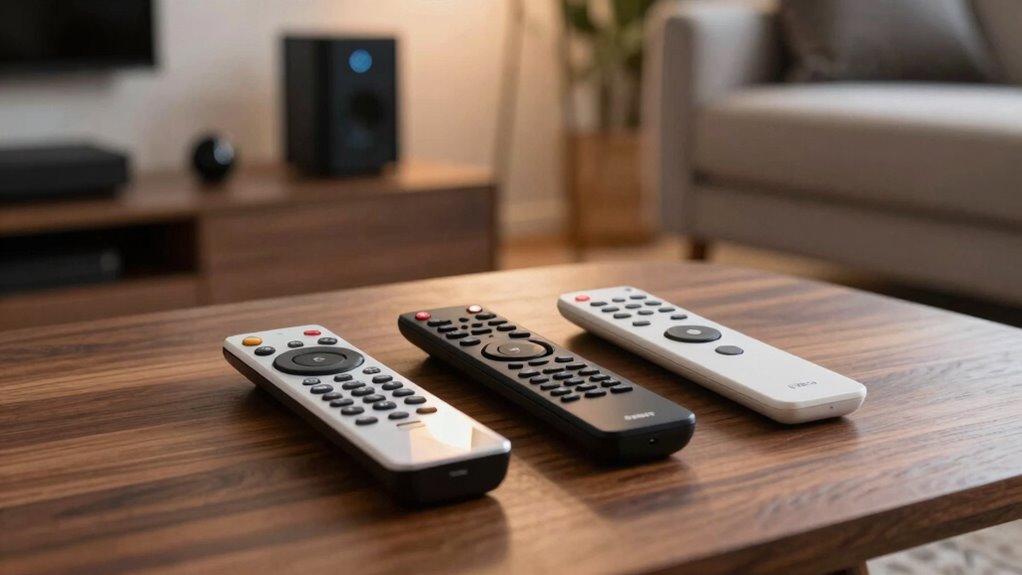

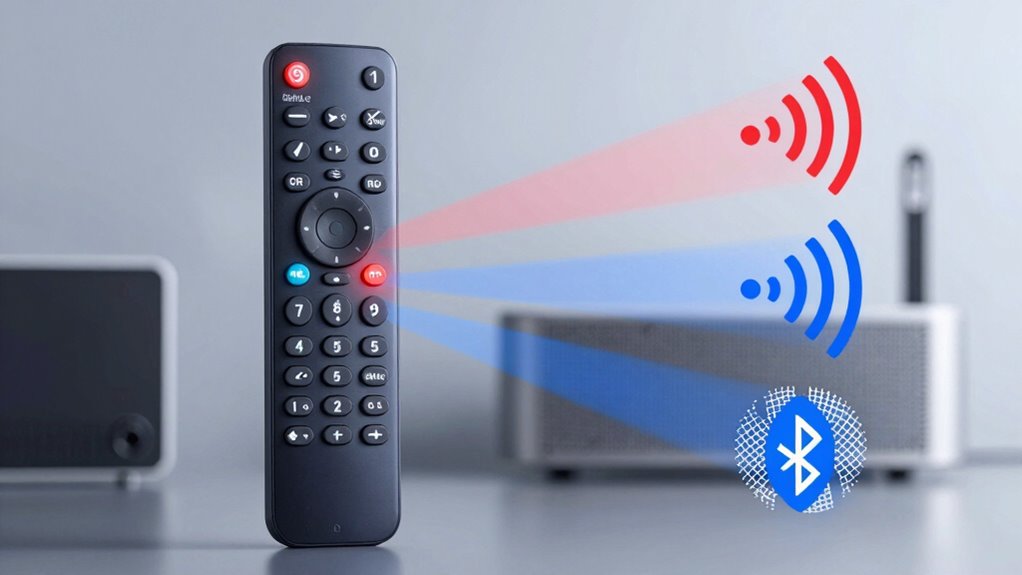
Universal remotes simplify controlling your home entertainment systems using technologies like infrared (IR), radio frequency (RF), and Bluetooth. IR remotes require a direct line of sight and are easy to use. RF remotes offer flexibility without sight restrictions, while Bluetooth remotes provide reliable pairing and excellent range. Each type has its benefits, so understanding their differences can help you choose the right one. Explore further to uncover more insights into selecting the ideal universal remote for your needs.

Get movie nights delivered free — and shop member deals
- Fast, free delivery on millions of items
- Access to Prime Big Deal Days deals on October 6–7
- Prime Video, Amazon Music and more included
Key Takeaways
- IR Remotes require a direct line of sight and are simple to use, making them cost-effective for basic control of devices.
- RF Remotes operate without line-of-sight, allowing control from up to 100 feet, ideal for complex smart home setups.
- Bluetooth Remotes pair easily with devices, providing a range up to 100 meters and ensuring strong connectivity without line-of-sight limitations.
- Each technology has unique advantages: IR is user-friendly, RF offers flexibility, and Bluetooth excels in stability and range.
- When selecting a universal remote, consider compatibility, ease of programming, number of devices, and ergonomic design for a satisfying experience.
Understanding Universal Remotes: What Are They?
Universal remotes are versatile devices that simplify your entertainment experience by allowing you to control multiple devices with a single controller. You can find various types of remotes, each designed to cater to different needs. Some remotes focus on basic functions like power and volume, while others come packed with advanced remote features, such as programmable buttons and touchscreen interfaces. When choosing a universal remote, consider your devices and how much control you want. For instance, a remote with macro capabilities lets you perform multiple actions with a single button press. Whether you’re managing your TV, sound system, or streaming device, understanding these options will help you select the right universal remote for your setup.
How Infrared Technology Works in Universal Remotes
When you press a button on your remote, it sends an infrared (IR) signal to your devices, allowing you to control them seamlessly. This infrared signaling works by emitting light waves that are invisible to the naked eye. Your remote has an LED that sends these signals, which are picked up by an IR receiver on your device. This setup facilitates remote communication, enabling you to change channels, adjust volume, or power on/off. However, keep in mind that IR requires a direct line of sight between the remote and the device since walls or obstacles can block the signal. Overall, infrared technology offers a simple yet effective way to manage your home entertainment systems without the hassle of wires.
Advantages of Infrared Remotes for Your Devices
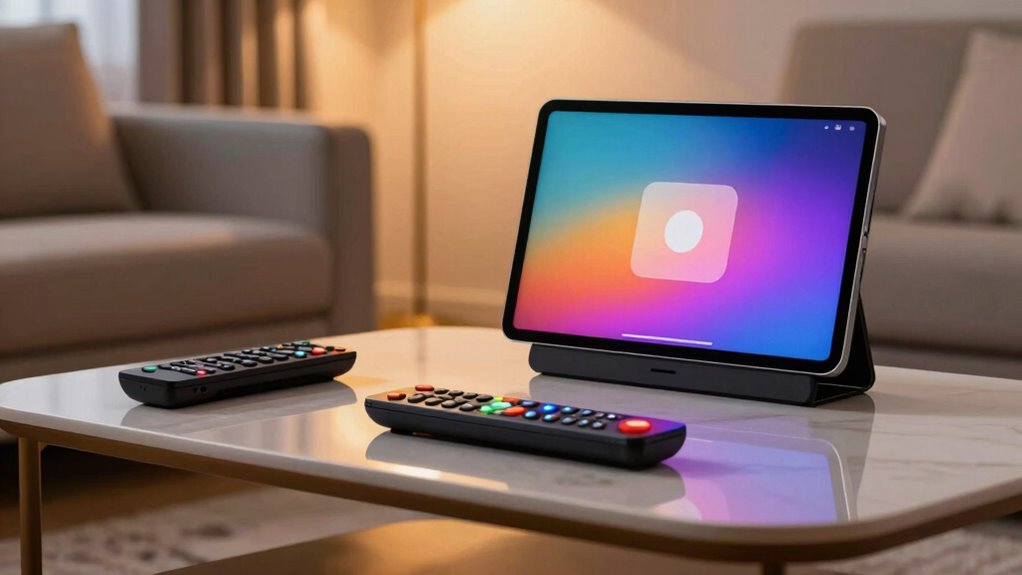
While many remote control technologies exist, infrared remotes stand out for their simplicity and effectiveness in managing your devices. They’re energy-efficient, consuming minimal power while providing reliable performance. With a reliable infrared range, you can control your devices from a comfortable distance without worrying about interference.
Here’s a quick comparison of the advantages:
| Advantage | Description |
|---|---|
| Simplicity | Easy to use with straightforward controls |
| Cost-Effective | Generally cheaper than RF or Bluetooth |
| Energy Efficiency | Low power consumption |
| Reliable Range | Effective within a clear line of sight |
| Minimal Interference | Less chance of signal disruption |
Understanding Radio Frequency in Universal Remotes
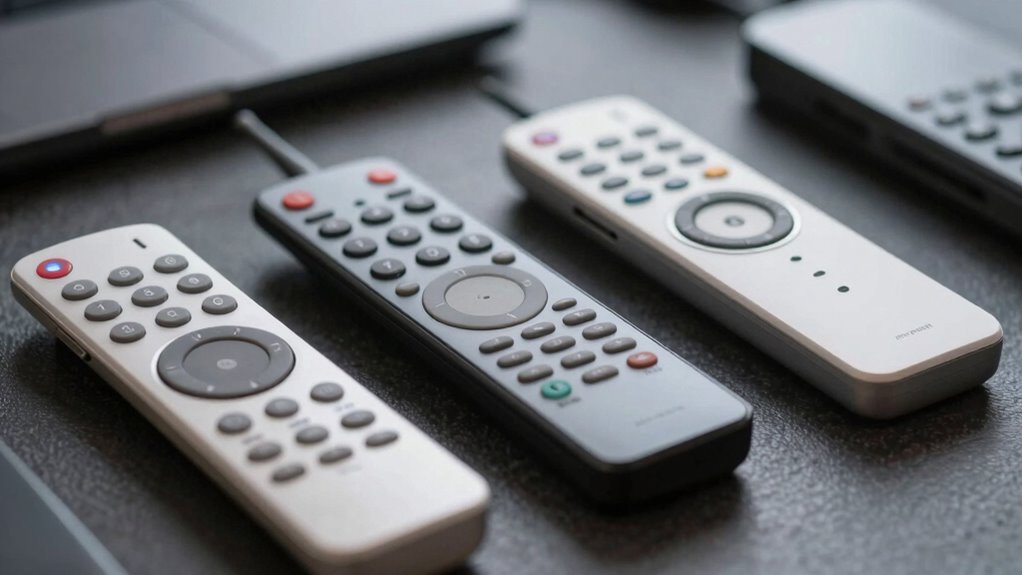
Radio frequency (RF) technology plays an essential role in how universal remotes operate, offering you greater flexibility compared to traditional infrared remotes. With RF remotes, you can control devices from a distance and even through walls, but there are some limitations to take into account, like potential interference. Let’s explore the benefits and drawbacks of using RF signals in your universal remote setup.
RF Technology Overview
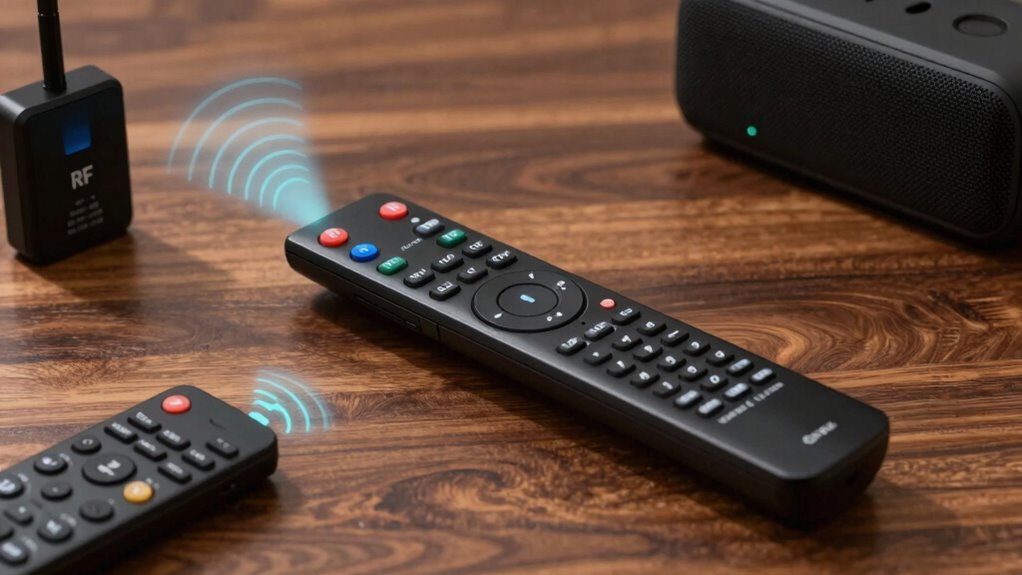
Understanding how RF technology works can greatly enhance your experience with universal remotes. RF, or radio frequency, utilizes electromagnetic waves to communicate between devices. Unlike infrared (IR), RF signals don’t require a direct line of sight, allowing you to control your devices from another room or even outside. This flexibility makes RF technology applications ideal for smart home setups, where you might want to operate multiple devices seamlessly. The RF signal range can vary, typically reaching up to 100 feet, depending on the environment and any obstacles. By grasping these fundamentals, you’ll better appreciate how RF technology can simplify your remote control experience and improve your overall convenience when managing your entertainment systems.
Benefits of RF Remotes
One of the standout advantages of RF remotes is their ability to control multiple devices without needing a direct line of sight. This means you can effortlessly operate your TV, sound system, and more from anywhere in the room. The impressive RF range allows you to control devices even from another room, enhancing your convenience. Additionally, RF remotes are less prone to RF interference than traditional infrared remotes, ensuring a more reliable connection. With RF control, you can enjoy seamless operation, whether you’re lounging on the couch or moving around the house. Plus, the RF flexibility lets you customize settings and control multiple devices simultaneously, making your entertainment experience smoother and more enjoyable. Furthermore, RF technology can also be integrated with smart home devices, allowing for a comprehensive control system throughout your living space. This integration can significantly improve home safety, as you can manage various systems like lighting and security with ease. Moreover, utilizing smart automation can further enhance your home’s safety, as it allows for real-time monitoring and alerts for potential hazards. Additionally, many eco-friendly practices can be incorporated into your smart home setup, promoting sustainability throughout your living environment.
Limitations of RF Signals
While RF remotes offer impressive flexibility, they’re not without their limitations. One major concern is signal interference. Various devices, like Wi-Fi routers and microwaves, can disrupt the RF signals, causing your remote to become unresponsive or delayed in execution. This interference can be particularly frustrating when you’re trying to control multiple devices simultaneously.
Additionally, range limitations can affect your experience. Although RF remotes typically have a longer range than infrared remotes, walls and other obstructions can still weaken the signal. If you’re in a large space or have several barriers, you might find that your remote doesn’t work as effectively as you’d hoped. Understanding these limitations helps you make an informed decision when choosing a universal remote for your needs.
Benefits of Radio Frequency Remotes for Home Entertainment
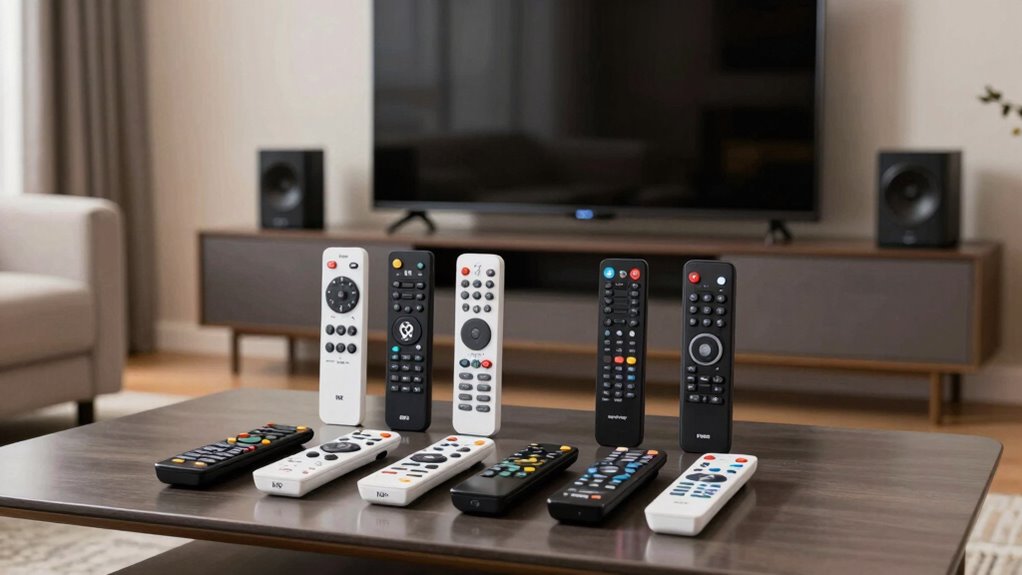
Radio frequency (RF) remotes revolutionize your home entertainment experience by offering seamless control without the need for a direct line of sight. You’ll appreciate the numerous benefits they bring:
- Extended RF range: Control your devices from anywhere in your home.
- Reduced signal interference: Enjoy consistent performance, even in crowded spaces.
- Enhanced remote ergonomics: Comfortably handle your remote during long viewing sessions.
- Improved battery life: Spend less time replacing batteries, as many RF remotes are energy-efficient.
- Versatile compatibility: Easily sync multiple devices, making it simple to manage your entertainment system.
With RF remotes, you’ll enjoy a more convenient, enjoyable, and uninterrupted home entertainment experience.
How Bluetooth Technology Works in Universal Remotes
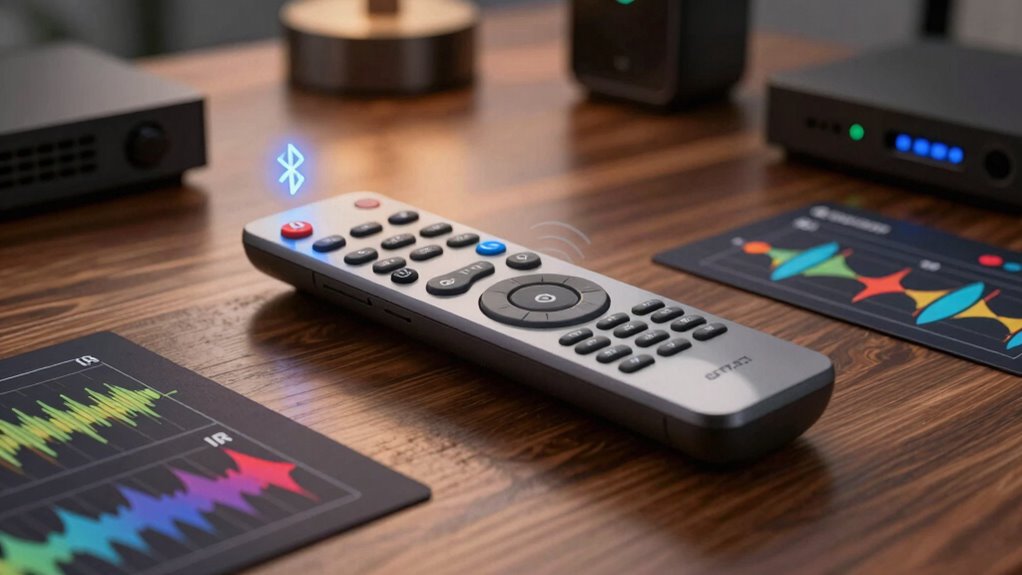
When you use a universal remote with Bluetooth technology, it establishes a direct wireless connection to your devices. This setup offers several advantages, like reduced interference and increased range. You’ll also want to take into account device compatibility to guarantee all your gadgets work seamlessly together.
Bluetooth Connection Process
Bluetooth technology simplifies the connection process for universal remotes, allowing you to control multiple devices seamlessly. Here’s how it works:
- Initiate Bluetooth pairing: Turn on the universal remote and your device.
- Activate pairing mode: Put your remote into pairing mode, usually indicated by a light.
- Search for devices: Your remote scans for compatible devices within its Bluetooth range.
- Select your device: Choose the device you want to connect from the list displayed.
- Confirm connection: Follow any prompts to finalize the Bluetooth pairing.
Once paired, you can enjoy a reliable connection without line-of-sight limitations, making it a convenient option for controlling all your devices from one remote.
Advantages of Bluetooth Use
While many remote technologies have their perks, Bluetooth stands out for its ease of use and flexibility in universal remotes. With impressive Bluetooth range and reliable Bluetooth connectivity, you can control multiple devices without being tethered to one spot. Security is another strong suit, as Bluetooth security protocols keep your connections safe from unauthorized access. Its compatibility with various Bluetooth devices enhances its appeal, allowing you to manage everything from TVs to sound systems. Plus, the performance of Bluetooth is generally stable and fast, ensuring smooth operation. Here’s a quick overview of Bluetooth advantages:
| Feature | Benefit |
|---|---|
| Bluetooth Range | Up to 100 meters |
| Bluetooth Security | AES encryption |
| Bluetooth Compatibility | Works with many devices |
| Bluetooth Performance | Low latency |
Device Compatibility Considerations
Understanding how Bluetooth technology integrates with universal remotes is essential for maximizing your home entertainment experience. When considering device compatibility, you’ll want to make certain your remote works seamlessly with all your devices. Here are key factors to keep in mind:
- Supported Devices: Check if your remote can connect with TVs, sound systems, and gaming consoles.
- Brand Compatibility: Make certain the remote supports the brands of your devices.
- Range Limitations: Bluetooth has a limited range; make sure your devices are within proximity.
- Setup Process: Know whether the pairing process is straightforward for your devices.
- Firmware Updates: Some remotes may require updates for compatibility with newer devices.
Advantages of Bluetooth Remotes for Modern Setups
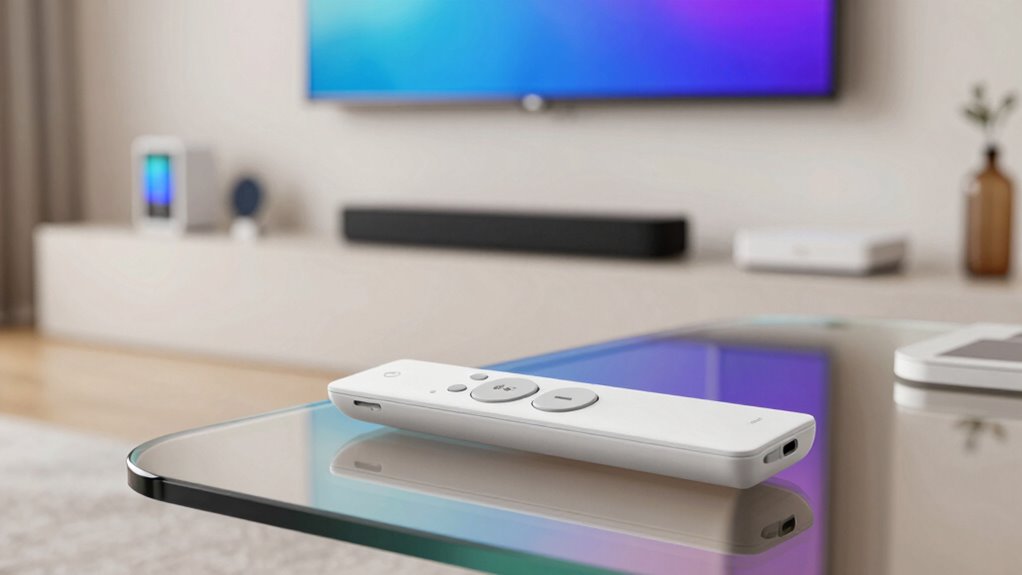
As you upgrade your home entertainment setup, opting for a Bluetooth remote can greatly enhance your experience. One of the standout benefits is the impressive Bluetooth range, allowing you to control devices from across the room without line-of-sight restrictions. This means you won’t have to point the remote directly at your devices, giving you more flexibility and comfort. Additionally, Bluetooth offers strong connectivity stability, reducing the chances of interruptions during use. Device pairing is typically quick and easy, letting you sync multiple devices in no time. A user interface designed for Bluetooth remotes often features intuitive layouts, making navigation simple and efficient. Overall, a Bluetooth remote can streamline your interactions with your tech, elevating your home entertainment experience. Furthermore, Bluetooth technology allows for multiple device connections, making it easy to manage various components of your setup seamlessly.
Choosing the Best Universal Remote for Your Setup
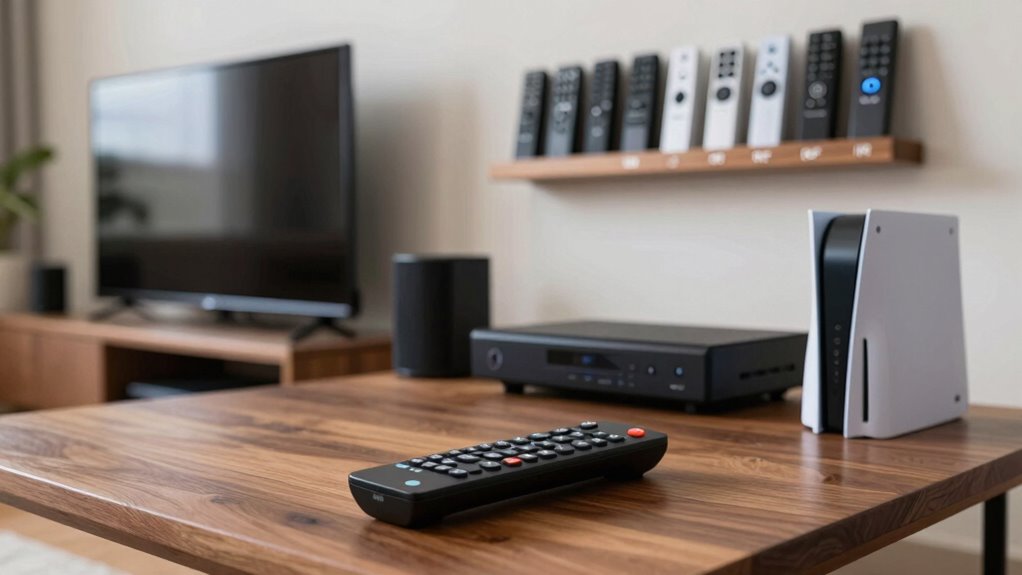
When you’re ready to choose the best universal remote for your setup, consider your specific needs and preferences to guarantee you make the right choice. Focus on essential remote features that match your lifestyle and devices. Here are some key aspects to think about:
- Compatibility with all your devices
- Ease of programming and setup
- Number of devices it can control
- Customization options for shortcuts
- Ergonomics and design for comfortable use
Key Considerations When Selecting a Universal Remote
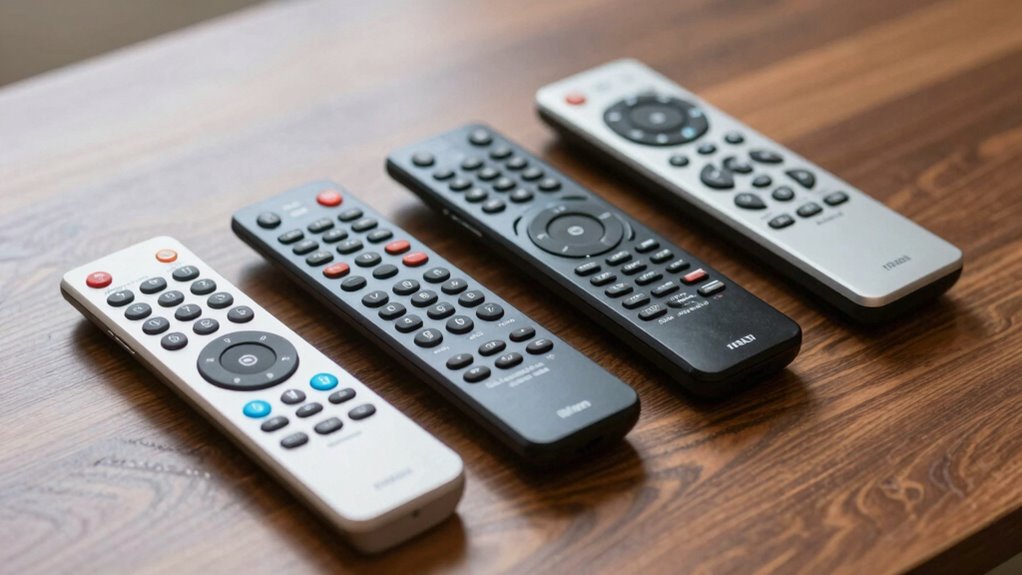
Selecting the right universal remote can feel overwhelming, especially with so many options available. First, consider the remote features you need. Do you want one that controls multiple devices, or do you prioritize smart home integration? Look for remotes that offer customizable buttons for convenience.
Next, pay attention to the user interface. A clear, intuitive layout can save you time and frustration when maneuvering through your devices. Touchscreens can be handy, but physical buttons might be easier for quick access.
Lastly, check compatibility with your existing devices. Before making a purchase, verify the remote supports all your electronics. By focusing on these aspects, you’ll find a universal remote that fits your needs perfectly.
Frequently Asked Questions
Can a Universal Remote Control Multiple Devices Simultaneously?
Yes, a universal remote can control multiple devices simultaneously, thanks to its multi-device control feature. By programming the remote correctly, you can operate your TV, sound system, and streaming device all at once. This simultaneous operation simplifies your entertainment experience, allowing you to switch between devices without the hassle of multiple remotes. Just make sure your universal remote supports the devices you want to control for the best results.
Do Universal Remotes Work With Smart Home Devices?
Yes, universal remotes can indeed dance harmoniously with your smart home devices. With their smart home compatibility, these remotes simplify your life by allowing seamless device integration. You’ll find it easy to control lights, thermostats, and more, all from one convenient hub. Instead of juggling multiple remotes, you’re embracing a more streamlined approach, making your living space effortlessly convenient and modern. It’s like having a digital conductor for your home’s symphony!
How Long Do Batteries Last in Universal Remotes?
Battery lifespan in universal remotes usually ranges from several months to a couple of years, depending on usage. If you’re frequently using the remote, you might need to replace the batteries sooner. To maximize battery life, consider practicing remote maintenance—keep it clean and avoid dropping it. Also, if your remote has backlighting or other power-draining features, using them sparingly can help prolong the battery lifespan considerably.
Are Universal Remotes Compatible With Gaming Consoles?
Absolutely, universal remotes can dance with gaming consoles! Their compatibility often depends on the specific model of the remote, but many are designed to embrace popular consoles. To get started, you’ll need to navigate the remote setup process, which usually involves entering the console’s code or using an automatic search feature. Once configured, you can control your gaming experience with ease, turning your living room into the ultimate gaming arena!
Can I Program a Universal Remote Without a TV Manual?
Yes, you can program a universal remote without a TV manual. Start by using common programming techniques, like the automatic code search method. Press and hold the setup button until the red light stays on, then release it. Next, enter the device type and press the power button repeatedly until the TV turns off. If you face issues, don’t hesitate to try remote troubleshooting steps, like checking the batteries or redoing the programming.
Conclusion
In the world of universal remotes, you’ve got options that can make or break your home entertainment experience. Whether you lean towards infrared, radio frequency, or Bluetooth, each technology has its perks. So, as you choose the best remote for your setup, remember to weigh the pros and cons carefully. After all, it’s better to be safe than sorry when you’re looking to streamline your devices. Immerse yourself and find the perfect fit for your needs!
Fall Picks
fall essentials
As an affiliate, we earn on qualifying purchases.