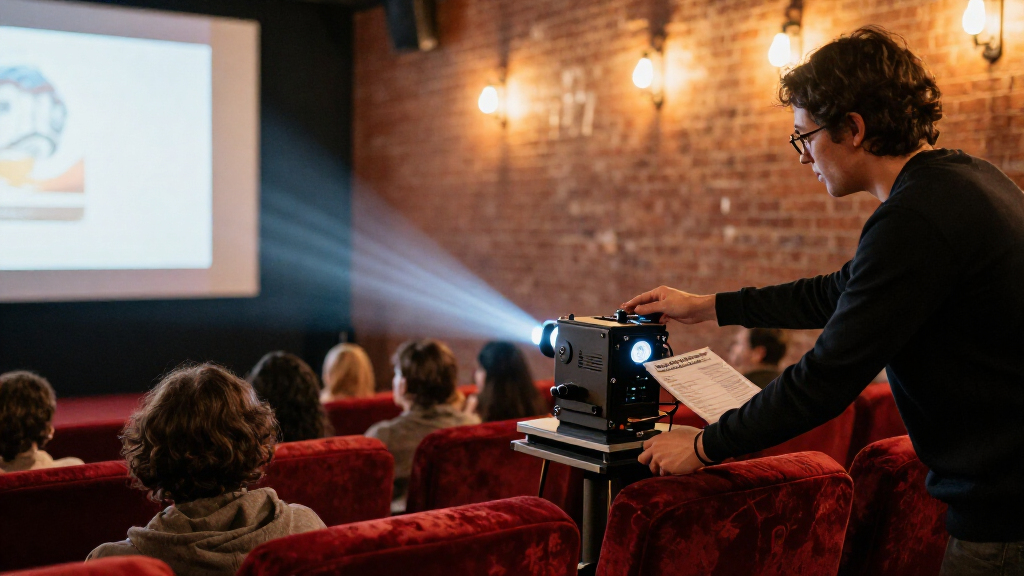
This checklist is for anyone putting together an indie film screening night, whether you’re hosting in a living room, a backyard, or a shared community space. It covers the main pieces that help guests see the film, hear it, and enjoy the gathering around it.

Get movie nights delivered free with Prime
- Fast, free delivery on millions of items
- Prime Video, Amazon Music and more included
- Member-only deals all year
The sections follow the setup: projection and sound first, then popcorn, reusable tickets, and a frame for film artwork. Each product pick is paired with practical fit and compatibility considerations; the ticket section offers advice without a product pick.
Use the checklist to match each item to your space and screening plan. Check dimensions, connection options, and placement before buying, then test the setup together ahead of guests’ arrival.
Portable Projector
A projector is the center of the screening setup, so start by matching it to the room, screen, and placement you have in mind. The soundcore Nebula P1i Portable Projector with Flippable Speaker is the pick for this slot. Before choosing it, confirm that its available connections work with your playback device and that you can place it at a suitable distance from the screen. A portable design can make placement more flexible, but the viewing area still depends on the room and setup.
A common mistake is choosing a projector before deciding where the screen will go. Check the projector’s stated throw and supported image sizes, then measure the space from the planned position to the screen. Consider whether guests, furniture, or foot traffic could block the image. Also verify how you’ll provide power and whether your film source needs an adapter or a particular input. The flippable speaker is part of this model’s name, but don’t assume it covers every room’s sound needs; consider the viewing area and your separate speaker plans.
For an outdoor screening, account for ambient light and weather exposure in your placement plan. Confirm the manufacturer’s operating guidance and arrange a stable, protected surface. A short test with the actual film source can reveal connection or placement issues before screening night.
What to look for:
- Check supported image sizes and throw distance against your room measurements.
- Confirm the projector has an input compatible with your playback device.
- Plan a stable placement with power access and an unobstructed path to the screen.
- Consider ambient light, seating distance, and whether the built-in speaker suits your setup.
- Review operating guidance before using the projector outdoors.
soundcore Nebula P1i Portable Projector with Flippable Speaker

This portable 1080p projector features a 380 ANSI-lumen display and 20W Dolby Audio speakers that rotate to suit different setups. Google TV, autofocus, automatic keystone correction, obstacle avoidance, and screen fit simplify streaming and setup.
Pros:
- Rotating 20W Dolby Audio speakers offer flexible sound placement
- Google TV provides access to streaming apps without an extra device
- Autofocus and automatic image adjustments simplify setup
- Sealed optical engine is designed to resist dust and wear
Cons:
- 380 ANSI lumens may limit viewing in bright rooms
- Google TV access requires an internet connection and Google account for initial setup
Best for: Hosts who want a portable projector with a flippable speaker.
Not ideal for: Setups that have not confirmed throw distance or source compatibility.
Bottom line: Match the projector’s placement and connections to your room and playback source before screening night.
Outdoor Projector Screen
A screen gives the image a dedicated surface and helps define the viewing area for an outdoor gathering. The JWSIT 120-inch Outdoor Projector Screen with 3-Layer PVC is the pick here. Its stated 120-inch size makes it especially important to check the available width and height against your yard, patio, or other screening space. Measure both the screen area and the distance from the projector before committing to a layout.
One frequent buying mistake is focusing on diagonal size without checking the full dimensions or aspect ratio. Confirm the screen’s listed measurements, how it is supported, and whether the included setup approach suits the surface where you’ll use it. Check that the projector can fill the intended image area from your planned position. Think through where guests will sit and whether the screen will be visible from those seats without obstacles.
For outdoor use, plan for secure support and suitable conditions. Check the manufacturer’s guidance for setup, care, and exposure, and make sure the screen can be positioned safely in the space. Don’t assume a screen’s material or size alone guarantees a particular picture result; the projector, placement, and surroundings all affect the viewing experience. Test the screen with your projector and seating arrangement before inviting guests.
What to look for:
- Measure the screen’s full listed dimensions, not only its diagonal size.
- Check that the projector can fill the intended image area from the planned distance.
- Confirm the support or mounting method suits your outdoor location.
- Review care and setup guidance for outdoor use.
- Map seating so guests have an unobstructed view of the screen.
JWSIT 120-inch Outdoor Projector Screen with 3-Layer PVC

The JWSIT 120" outdoor projector screen features a lightweight aluminum frame and premium matte PVC that stays wrinkle‑free. It offers a 16:9 aspect ratio, 160° viewing angle, and supports 3D and 4K Ultra HD content, making it ideal for backyard movies, presentations, and events.
Pros:
- Quick tool‑free setup with metal snaps and detachable legs
- Portable design with soft padded carrying bag
- Wrinkle‑free PVC surface provides clear, vibrant images
- Sturdy stand includes ground stakes for outdoor wind stability
Cons:
- Weight of nearly 11 kg can make transport challenging
- Metal snap fasteners may loosen over repeated use
Best for: Hosts whose outdoor space can accommodate the listed screen dimensions.
Not ideal for: Small patios or setups without a stable support plan.
Bottom line: Verify the screen’s full dimensions, support method, and projector fit before setting the viewing area.
Bluetooth Speaker
Clear, comfortable sound helps guests follow dialogue and enjoy the film without needing to crowd around a small speaker. The JBL PartyBox Stage 320 Portable Party Speaker with Lightshow, Telescop is the pick for this slot. Before selecting it, check its available audio inputs and wireless pairing options against the projector or playback device you plan to use. Confirm how you’ll connect the devices and whether your chosen arrangement allows the speaker to sit where sound carries across the seating area.
A common mistake is buying a speaker based on a product name alone and skipping the connection check. Verify supported Bluetooth profiles or wired inputs in the product details, and consider whether your source can send audio to the speaker while also displaying video through the projector. If using wireless audio, test the actual film and setup for synchronization; a mismatch between picture and dialogue can disrupt a screening. Also plan where the speaker will sit so it doesn’t obstruct the screen or guest movement.
The product name describes this as a portable party speaker with a lightshow and a telescoping feature, but check the specifications to understand what is included and how it fits your space. Consider whether lighting effects suit the atmosphere you want during the film, and review controls for managing them. A full setup rehearsal can catch pairing, placement, and sound-level issues before guests arrive.
What to look for:
- Check the speaker’s listed audio connections against your projector and playback device.
- Test wireless audio synchronization with the film source you will use.
- Plan speaker placement for coverage without blocking sightlines or walkways.
- Review how the lightshow is controlled and whether it suits the screening atmosphere.
- Confirm what the telescoping feature refers to in the product specifications.
JBL PartyBox Stage 320 Portable Party Speaker with Lightshow, Telescopic Handle,

The JBL PartyBox Stage 320 is a portable speaker with two 6.5-inch woofers, two dome tweeters, and a beat-synced lightshow. It offers up to 18 hours of playback, IPX4 splash resistance, and a telescopic handle with sturdy wheels.
Pros:
- Up to 18 hours of playback, with a replaceable battery for extended use
- Telescopic handle and sturdy wheels make it easier to move
- IPX4 splashproof design suits outdoor use
- Microphone and guitar inputs support karaoke and live performance
Cons:
- Replacement battery is sold separately
- At 36.4 pounds, it may be heavy to carry
Best for: Hosts who want a portable party speaker with a lightshow.
Not ideal for: Screenings that have not verified audio connection and synchronization.
Bottom line: Test audio routing, placement, and picture synchronization with your actual screening devices.
Popcorn Maker
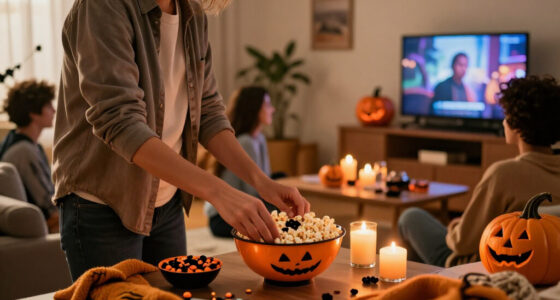
Popcorn gives guests an easy snack to enjoy while they settle in for the film. The Nostalgia Vintage Professional Popcorn Cart, 8 oz Kettle, Red is the pick for this checklist. Its cart format and stated 8-ounce kettle make footprint and serving flow key considerations. Measure the space where you plan to set it up, including room for guests to approach and move away without crossing the screen’s sightline.
A common mistake is checking the machine’s headline description but overlooking the practical setup. Review the maker’s dimensions, power requirements, operating instructions, and cleaning guidance. Confirm that the available outlet and surface work for the cart, and think about where kernels, serving containers, and cleanup supplies will go. The stated kettle capacity is not a promise of a particular serving count; check the product details and plan portions based on your group and the maker’s instructions.
Consider when you’ll prepare the snack and how you’ll serve it without interrupting the screening. Place the cart where guests can reach it before the film or during a planned break, and keep cords and movement paths out of the way. Check whether the product’s setup and care requirements suit your venue. A pre-screening trial run lets you learn the controls and organize serving supplies before guests arrive.
What to look for:
- Measure the cart footprint and leave space for guest access.
- Confirm power requirements and a suitable outlet and surface.
- Review operating, cleaning, and care instructions before use.
- Plan serving supplies and a location that preserves clear walkways and sightlines.
- Check the stated kettle capacity and follow the maker’s portion guidance.
Nostalgia Vintage Professional Popcorn Cart, 8 oz Kettle, Red

This vintage-style popcorn cart makes up to 32 cups of popcorn per batch in its 8-ounce stainless steel kettle with a built-in stirring system. It includes a utility shelf, kernel catcher tray, and storage compartment, and has rubber wheels and a pull handle for mobility.
Pros:
- Makes up to 32 cups per batch
- Removable upper compartment can be used on a countertop
- Includes storage compartment, utility shelf, and kernel catcher tray
- Wheels and pull handle make the cart mobile
Cons:
- Large footprint at 53 inches tall
- Popcorn kits and supplies are not listed as included
Best for: Hosts with room for a dedicated popcorn cart and serving area.
Not ideal for: Compact spaces without suitable power or storage access.
Bottom line: Check the cart’s footprint, power needs, and serving flow before building it into the screening layout.
Reusable Movie Tickets
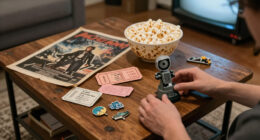
Reusable tickets give guests a simple way to mark the occasion and can help make the screening feel like an event. With no product pick for this slot, choose a format that suits how you’ll host: guests might receive a ticket at the door, use one to choose a seat, or keep it as a memento. Keep the design readable and make sure any information you include is useful for your gathering.
A common mistake is adding details that create confusion or imply a reservation system you are not using. Decide whether tickets are souvenirs or entry reminders, then make their purpose clear. If you are assigning seats, include the relevant seat information and have a plan for handling duplicates. If tickets will be reused, choose a durable format and a simple way to collect and store them between events. For a small gathering, a brief label and film title may be enough.
Consider the number of guests, how tickets will be distributed, and whether they need to accommodate a date or screening title that changes. Avoid putting personal details on a ticket unless there is a clear reason. If you plan to reuse tickets across screenings, leave changeable event details off the permanent design or provide a removable insert. Prepare the tickets and any entry instructions before guests arrive so check-in stays easy.
What to look for:
- Decide whether tickets are keepsakes, entry reminders, or seat assignments.
- Use clear wording that matches how tickets will be handled.
- If assigning seats, include the needed information and plan to prevent duplicates.
- Choose a format that is easy to collect, store, and reuse.
- Keep changing event details separate from the reusable design.
Film Poster Frames
A framed poster can set the mood before the screening and give the gathering a visual focal point. The Poster Palooza 30 x 36 Inch Walnut Burl Shadow Box Frame is the pick for this slot. Its stated dimensions make it essential to check the artwork size and the space where you plan to display it. Measure the poster itself, including any borders, and compare those measurements with the frame’s listed opening and display details.
A common mistake is matching a frame to a poster based only on the outer dimensions. Confirm whether the listed size refers to the frame, the opening, or the artwork it accommodates. Because this is described as a shadow box frame, check its depth and how it holds or displays the poster. Verify whether mounting hardware is included and whether the wall or stand you plan to use can support the assembled frame. If the poster is valuable or delicate, consider how it will be protected and secured.
Think about placement relative to the screen, projector path, and guest traffic. Reflections, glare, or a frame that narrows a walkway can detract from the setup, so view the planned spot from the seating area. Check the manufacturer’s instructions for hanging and care. A size and mounting check before purchase helps avoid a frame that does not fit the poster or display location.
What to look for:
- Measure the poster and compare it with the frame’s listed opening and capacity.
- Confirm what the 30 x 36 inch measurement describes.
- Check the shadow box depth and how the poster is held in place.
- Verify mounting hardware and the support needed for the assembled frame.
- Choose a display location that avoids glare, blocked sightlines, and crowded walkways.
Poster Palooza 30 x 36 Inch Walnut Burl Shadow Box Frame
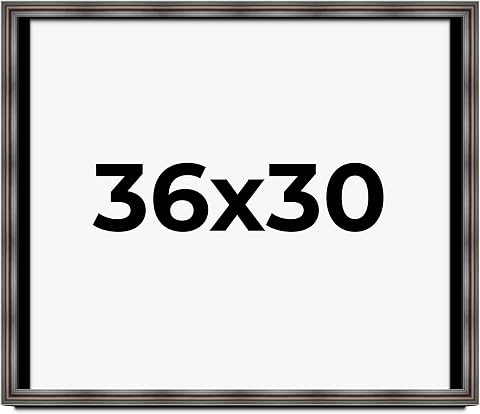
A solid wood shadow box with a walnut finish, white interior, and 2.5-inch usable depth for displaying keepsakes, artwork, photos, or other objects. It includes a UV- and shatter-resistant acrylic front, acid-free mat board backing, and hardware for vertical or horizontal wall mounting.
Pros:
- Solid wood frame with walnut finish
- 2.5-inch depth accommodates three-dimensional objects
- UV-resistant and shatter-resistant acrylic front
- Includes acid-free backing and hanging hardware
Cons:
- Hanging hardware is included but must be attached
- Large exterior dimensions require substantial wall space
Best for: Hosts with artwork and a display area that fit the listed frame dimensions.
Not ideal for: Posters or walls that have not been measured for fit and support.
Bottom line: Match the poster size, frame opening, and mounting location before choosing this display.
Build the setup in a space-first order: measure the viewing area, then confirm projector placement and screen fit. Next check the audio connection and speaker position, followed by power and serving space for the popcorn cart. Add reusable tickets and poster display details once the practical layout is settled.
You don’t need every item to make the night feel considered. Start with the parts that support your screening plan, test the setup ahead of time, and leave room for guests to settle in. A little preparation makes it easier to focus on the film and enjoy the shared screening experience.
Black Friday Picks

Philips Hue Play Gradient Light Tube, Large, Black
As an affiliate, we earn on qualifying purchases.