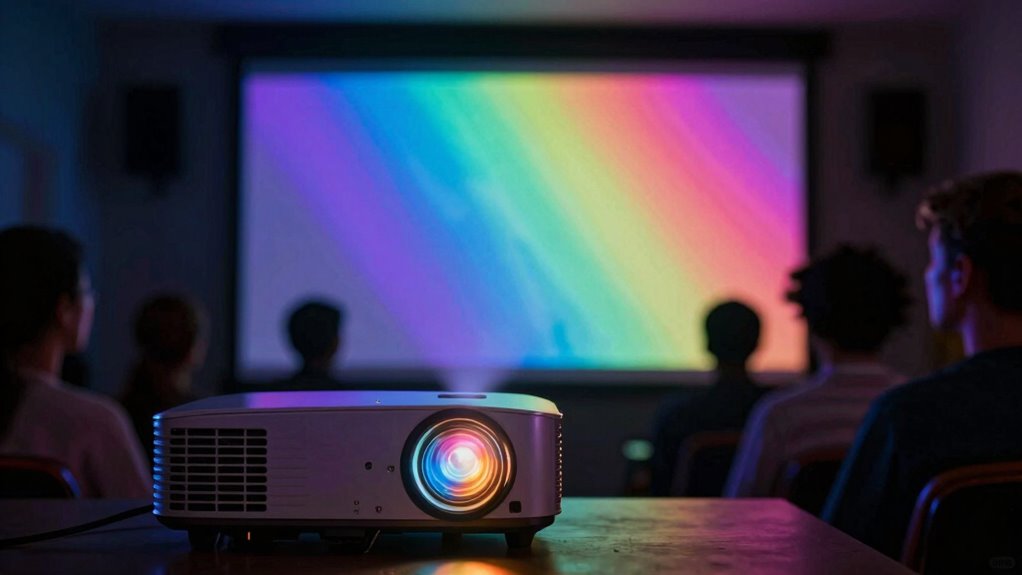

HDR on projectors can be tricky because not all projectors handle it well. Brightness, color accuracy, and contrast greatly impact HDR performance. Without proper calibration, you might miss out on the vibrant visuals HDR promises. Additionally, verify your projector supports formats like HDR10 or Dolby Vision. To get the best out of your setup, remember that environmental lighting and viewing distance play critical roles in your experience. There’s more to explore to maximize your projector’s HDR capabilities.

Get movie nights delivered free with Prime
- Fast, free delivery on millions of items
- Prime Video, Amazon Music and more included
- Member-only deals all year
Key Takeaways
- HDR performance varies among projectors; verify specifications for HDR10 or Dolby Vision support before making a purchase.
- Inadequate brightness and poor contrast ratios can diminish HDR’s visual impact, leading to washed-out images.
- Proper calibration, including adjusting brightness, contrast, and color settings, is essential for optimal HDR viewing.
- Evaluate HDR content under controlled lighting conditions to ensure accurate assessment of the projector’s capabilities.
- Common mistakes include neglecting firmware updates and using non-HDR content, which can hinder HDR performance.
What Is HDR and Why Does It Matter for Projectors?
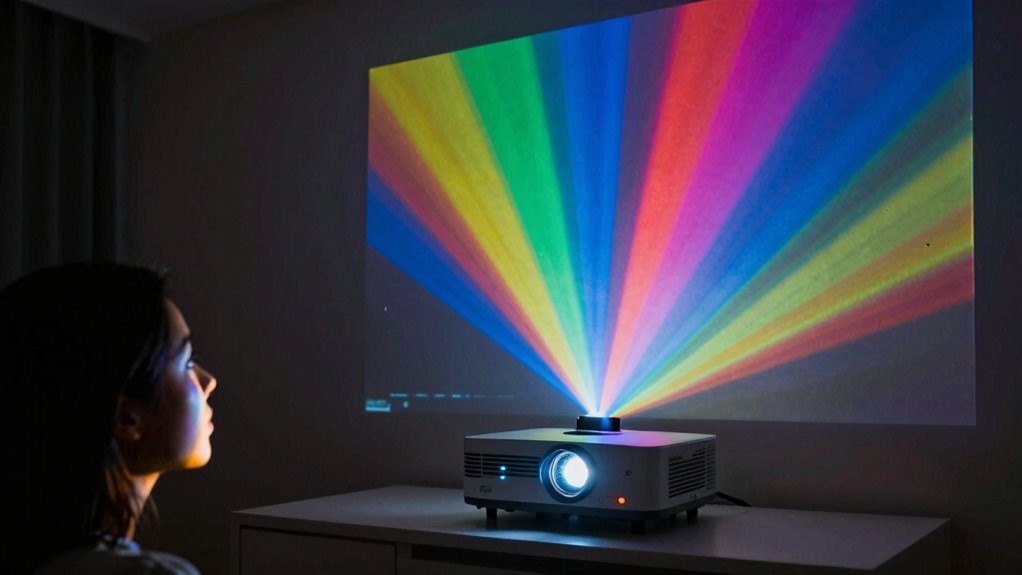
High Dynamic Range (HDR) enhances your viewing experience by providing a broader range of colors and contrast, making images look more lifelike. HDR technology captures more detail in both bright and dark areas, allowing you to see nuances that standard dynamic range can’t deliver. When choosing a projector, understanding HDR is essential, as not all models support this technology. Projector compatibility with HDR varies, so you’ll want to verify whether your chosen projector can handle HDR content effectively. Look for specifications that mention HDR10 or Dolby Vision, as these indicate better support. By ensuring your projector is HDR-compatible, you’ll enjoy stunning visuals that elevate your movie nights and gaming sessions to new heights. Additionally, consider how cabling solutions can impact the overall performance of HDR content on your projector. Understanding the importance of color gamut can also help you appreciate the full potential of HDR technology in your viewing setup.
How Brightness Impacts HDR Performance in Projectors
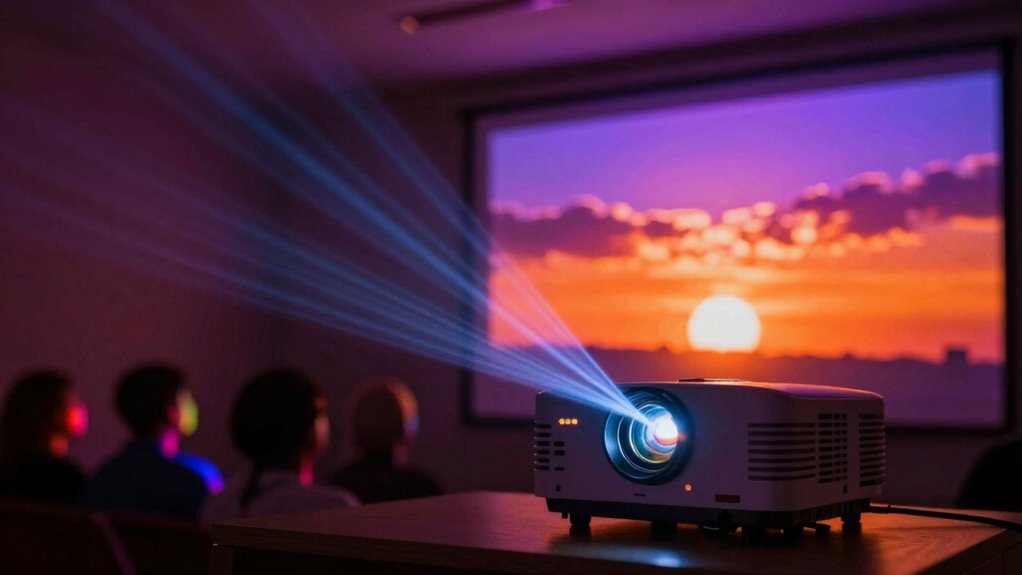
When evaluating HDR performance in projectors, brightness plays a significant role in the overall viewing experience. High brightness levels are vital for delivering the dynamic range that HDR promises, allowing you to see both bright highlights and deep shadows. If a projector lacks adequate brightness, those vibrant colors and details can become washed out, diminishing the impact of HDR content. Additionally, brightness uniformity is important; inconsistent brightness across the screen can distract you and detract from immersion. A projector with uniform brightness guarantees that every part of the image maintains the same vividness, enhancing your viewing experience. So, when choosing a projector for HDR, pay attention to both brightness levels and uniformity for best results.
Why Color Accuracy Matters for HDR
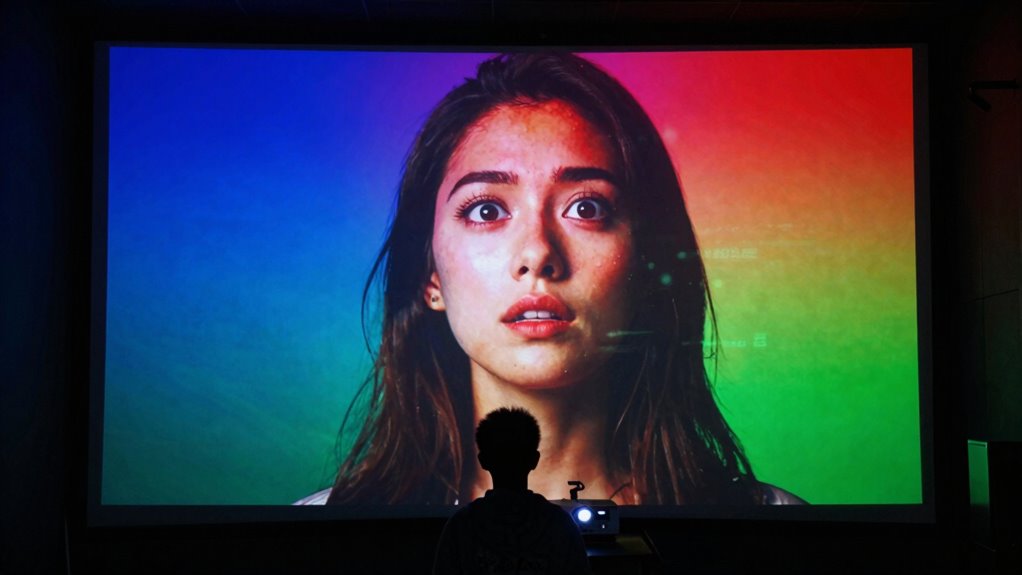
Although brightness is essential, color accuracy is equally important for experiencing HDR content as intended. When you watch HDR, vibrant colors and nuanced shades bring the image to life, enhancing your viewing experience. Color depth plays a vital role here; it determines how many distinct colors your projector can display. A higher color depth means more shades, leading to smoother gradients and realistic visuals. Dynamic range, on the other hand, defines the contrast between the darkest and brightest parts of the image. If your projector lacks color accuracy, you’ll miss out on these subtleties, resulting in a washed-out or overly saturated picture. To truly appreciate HDR, you need a projector that excels in both brightness and color fidelity.
Understanding UHD in Relation to HDR Projectors?
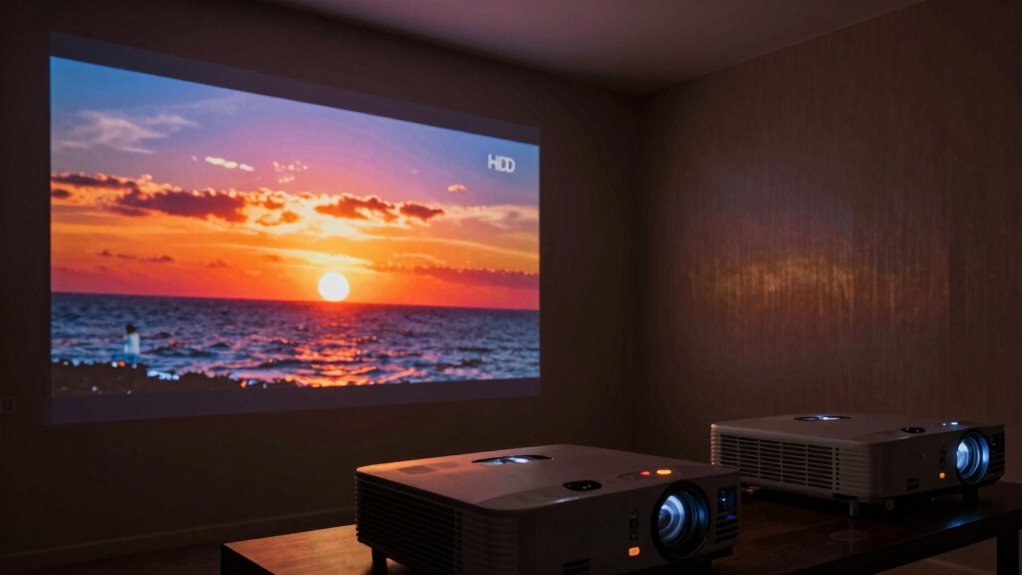
When you’re looking at HDR projectors, understanding UHD resolution is key to getting the best picture quality. You’ll also want to compare the different HDR standards to see how they can enhance your viewing experience. Let’s explore how these elements work together to deliver stunning visuals.
UHD Resolution Explained
UHD resolution, or Ultra High Definition, dramatically enhances your viewing experience by offering four times the pixel count of Full HD. This increase in pixel density impacts clarity and detail, letting you appreciate ultra definition benefits like never before. When choosing a projector, understanding UHD is essential for optimizing HDR content.
- Greater detail in images
- Enhanced color accuracy
- Improved contrast for HDR
- Better viewing angles
- More immersive experience
With UHD, you’ll notice finer textures and crisper visuals, making movies and games more enjoyable. Additionally, a projector’s contrast ratio plays a significant role in enhancing the viewing experience, especially in dark scenes. As projectors improve, ensuring you have a UHD-compatible model will enhance your overall viewing satisfaction, especially when combined with HDR technology. Furthermore, it’s important to note that power distribution systems can significantly affect the performance of UHD projectors, ensuring they receive the necessary energy for optimal operation. Moreover, having a high-quality air system in your viewing area can help maintain the right environment for an immersive experience, free from dust and allergens that might distract from your visuals.
HDR Standards Comparison
Understanding the relationship between HDR standards and UHD projectors is vital for maximizing your viewing experience. Various HDR formats, like HDR10, Dolby Vision, and HLG, offer different levels of brightness and color depth, affecting how your content appears. When shopping for a projector, you need to check its HDR compatibility to guarantee it can effectively display these formats. Not all UHD projectors handle HDR equally; some may struggle with brightness or color accuracy. It’s important to compare specs and real-world performance reviews to find a projector that meets your needs. By understanding these standards, you’ll make a more informed decision, enhancing your home theater setup and enjoying stunning visuals that HDR offers.
Essential Features of an HDR-Ready Projector
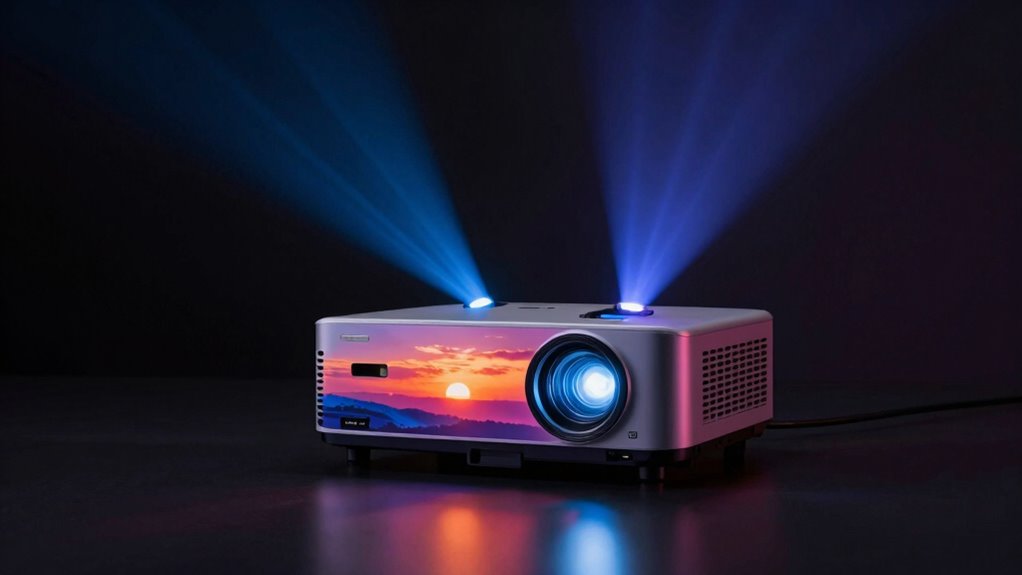
When choosing an HDR-ready projector, you need to contemplate several key features. You’ll want to look at brightness requirements for HDR, ensuring vibrant images, as well as color gamut coverage for accurate colors. Don’t forget about the importance of contrast ratio, which enhances the depth and detail of your viewing experience.
Brightness Requirements For HDR
To fully enjoy HDR content on a projector, brightness requirements are vital. You’ll want a projector that can achieve high brightness levels, typically around 1,000 lumens or more, to guarantee HDR images pop. Proper HDR calibration is important for enhancing the viewing experience, as it helps maintain contrast and detail in brighter scenes. Here are some tips to improve your HDR viewing:
- Choose a projector with at least 1,000 lumens.
- Confirm it supports HDR10 or other HDR formats.
- Check for dynamic contrast features.
- Look for projectors with good black level performance.
- Regularly calibrate your projector for peak brightness and color accuracy.
Color Gamut Coverage
Achieving high brightness levels is just one part of the HDR experience; another key factor is color gamut coverage. When you choose an HDR-ready projector, pay attention to how well it reproduces colors and achieves color saturation across a wide range. A projector with an expansive color gamut can deliver vibrant, lifelike images that enhance your viewing experience.
| Color Space | Coverage (%) | Description |
|---|---|---|
| sRGB | 100% | Standard for most content |
| DCI-P3 | 98% | Common in cinema |
| Rec. 2020 | 75% | Future-proof for HDR content |
With a solid color gamut coverage, you’ll enjoy stunning visuals that truly bring your favorite movies and shows to life.
Contrast Ratio Importance
While vibrant colors capture your attention, a high contrast ratio is crucial for creating depth and detail in HDR images. It enhances the dynamic range, allowing you to experience brighter highlights and deeper shadows. When choosing an HDR-ready projector, consider these key factors related to contrast ratio:
- Black Level Performance: Look for projectors that achieve true blacks for better detail in dark scenes.
- Brightness Levels: Higher brightness helps maintain contrast in well-lit environments.
- Color Accuracy: Verify colors remain vibrant without losing detail in bright or dark areas.
- HDR Compatibility: Check if the projector effectively handles HDR content.
- Calibration Options: Look for projectors that allow adjustments to optimize contrast ratio based on your viewing environment. Additionally, understanding cleaning techniques can improve your ability to maintain your projector’s performance over time.
A good contrast ratio transforms your viewing experience. Furthermore, understanding filtration/suction basics can enhance your comprehension of how projectors manage light and contrast.
Setting Up Your Projector for Optimal HDR Viewing

Setting up your projector for ideal HDR viewing can greatly enhance your cinematic experience, guaranteeing you get the most vibrant colors and deeper blacks. Start with proper projector calibration; adjust brightness, contrast, and color settings to match HDR standards. You’ll want to fine-tune white balance and gamma settings to get the most accurate picture. Don’t overlook your viewing environment, either. Darken the room to minimize ambient light, which can wash out HDR content. Consider using blackout curtains for best results. Position your projector at the right distance to achieve the desired screen size, and make sure it’s level for a clear image. With these steps, you’ll be well on your way to enjoying stunning HDR visuals.
Avoiding Common Mistakes With HDR Projectors
Even with a properly set up projector, it’s easy to make mistakes that can diminish your HDR experience. Many fall victim to HDR misconceptions, leading to poor image quality. Here are some common pitfalls to avoid:
- Skipping calibration: Always calibrate your projector for HDR content to guarantee accurate colors and brightness.
- Ignoring light conditions: HDR thrives in dark environments; avoid watching in bright rooms.
- Choosing the wrong content: Not all media is created equal—select HDR-specific films or shows.
- Neglecting firmware updates: Keep your projector’s firmware up-to-date for peak performance.
- Overlooking settings: Regularly check your HDR settings; they might differ from standard viewing modes.
Evaluating Your Projector’s HDR Performance
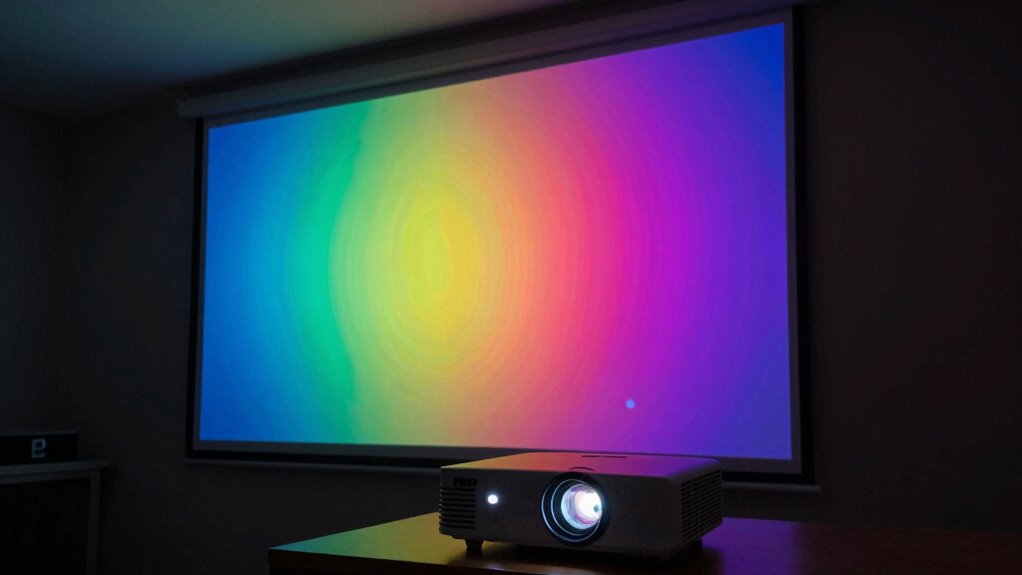
How can you truly assess your projector’s HDR performance? Start by examining HDR content under various conditions. Guarantee your projector calibration is spot-on, as this affects the dynamic range. Consider your viewing distance and adjust the projector settings accordingly. Ambient light plays a vital role too; a darker room enhances HDR effects. Check for source compatibility and confirm your projector supports the HDR formats you intend to use.
| Aspect | Recommendation | Notes |
|---|---|---|
| HDR Content | Use high-quality sources | Streaming services or Blu-ray |
| Projector Calibration | Optimize settings for HDR | Adjust brightness and contrast |
| Viewing Distance | Ideal distance is 1.5x the screen | Closer viewing enhances detail |
| Ambient Light | Minimize light in the room | Darker environments improve clarity |
| Source Compatibility | Ensure HDR format support | Check specs for HDR10 or Dolby Vision |
Frequently Asked Questions
Can HDR Be Effectively Used in Bright Rooms?
Yes, HDR can be effectively used in bright rooms, but you’ll face some challenges with HDR performance. The higher brightness levels of the room can wash out colors and details, making it tough to appreciate the full dynamic range HDR offers. To improve your experience, consider using a projector with high brightness capabilities and a screen designed to enhance contrast. This way, you can enjoy HDR content even in well-lit environments.
How Do Different HDR Formats Affect Projector Compatibility?
Different HDR formats can greatly impact your projector’s compatibility. Each format, like HDR10, Dolby Vision, or HLG, has unique requirements that your projector might not support due to its limitations. You might run into compatibility issues if your device can’t handle specific format differences. Always check your projector’s specifications to verify it can process the HDR format you want to use, so you can enjoy the best possible picture quality.
Is HDR Worth It for Smaller Screen Sizes?
Yes, HDR can be worth it for smaller screen sizes, but it comes with limitations. You might not notice the full impact of HDR’s color range and brightness on a screen that’s too small. The benefits are more pronounced on larger displays where HDR’s dynamic range shines. If you’re using a smaller screen, make sure your projector handles HDR well, so you can still enjoy a richer viewing experience despite the size constraints.
Do All Projectors Support HDR Content?
Not all projectors support HDR content. Many models have HDR limitations due to their brightness and color capabilities. If you want to enjoy HDR, check your projector’s specifications first. You might need to adjust projector settings to guarantee peak performance. Keep in mind that even if a projector claims to support HDR, its actual display quality can vary considerably. So, always research and assess the projector’s true HDR capabilities before making a purchase.
How Does HDR Impact Projector Lifespan?
HDR can shorten your projector’s lifespan due to increased brightness demands. For instance, if you’re watching a bright HDR scene frequently without proper projector maintenance, you might notice a decline in image quality over time. By adjusting brightness settings to suit your viewing environment, you can mitigate wear. Regular maintenance checks will help guarantee your projector runs efficiently and lasts longer, even when you enjoy those vibrant HDR visuals.
Conclusion
In summary, managing HDR on projectors can be tricky, but understanding its nuances makes a difference. Did you know that nearly 70% of consumers consider HDR quality vital in their projector choice? By focusing on brightness, color accuracy, and essential features, you can enhance your viewing experience. Remember to set up your projector properly and avoid common pitfalls to truly appreciate the stunning visuals HDR has to offer. Enjoy your cinematic adventures with confidence!
Halloween Picks
halloween
As an affiliate, we earn on qualifying purchases.